
Accept Mercado Pago in WooCommerce with three payment methods: Checkout Pro, card payments without leaving the store, and QR.
- Recurring payments with Mercado Pago for WooCommerce Subscriptions, Subscriptions for WooCommerce (WP Swings) and YITH WooCommerce Subscription.
- Interest-free installments, surcharges per payment method and currency conversion.
- Marketplace split payments for Dokan, WCFM, WC Vendors and Tutor LMS.
- Refunds and automatic payment status synchronization.
- Argentina, Brazil, Chile, Colombia, Mexico, Peru and Uruguay.
Requires a paid Cujiware license. See the plans.
External services
Nothing is sent until the administrator saves a Cujiware license.
Cujiware service
Processes the payments on behalf of the store. It receives the license, settings and the order data needed to charge. Terms · Privacy
Mercado Pago
Payment provider; its scripts are loaded at checkout. Terms · Privacy
Screenshots
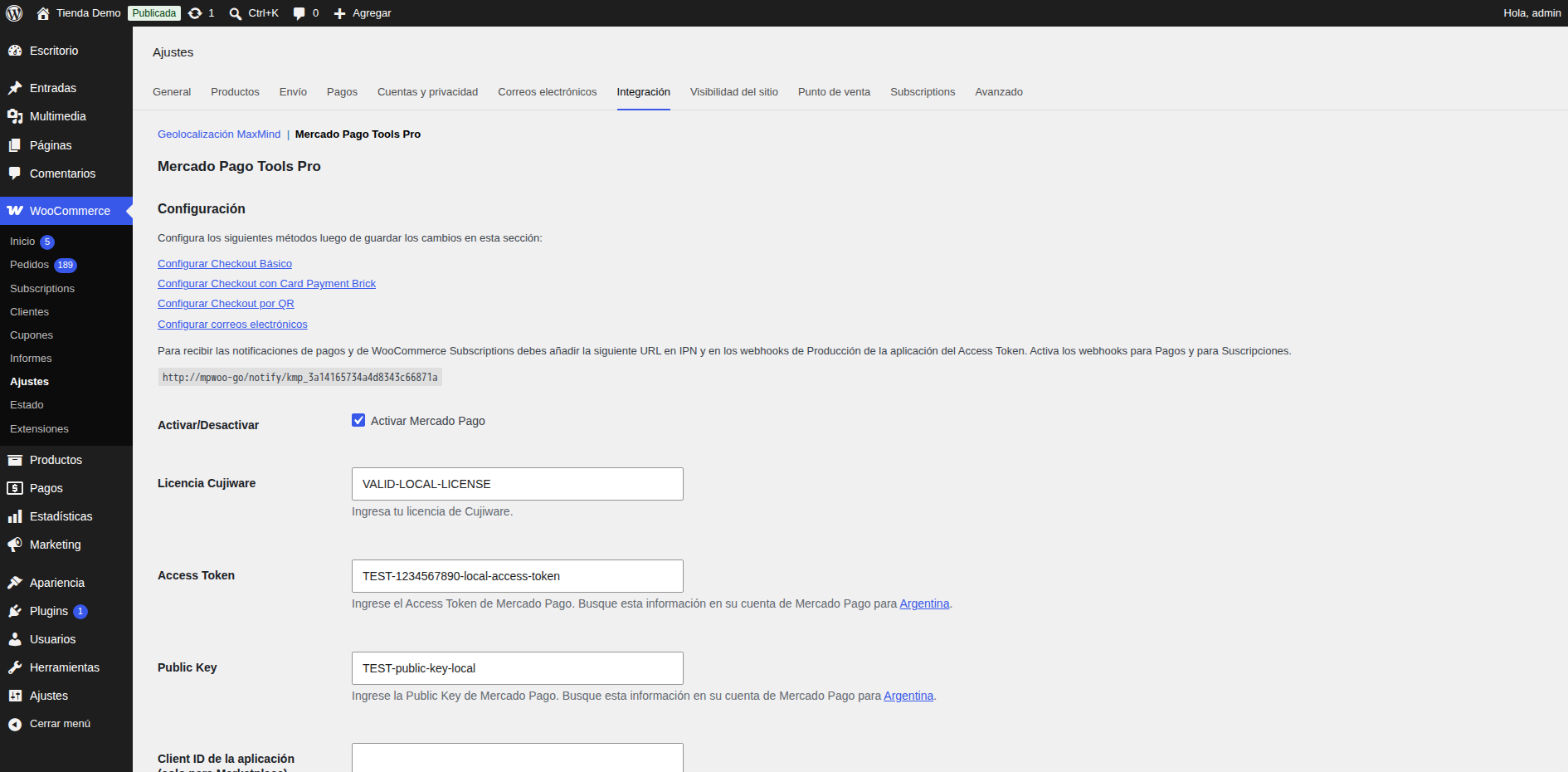
Mercado Pago Tools Pro settings: license and Mercado Pago credentials.
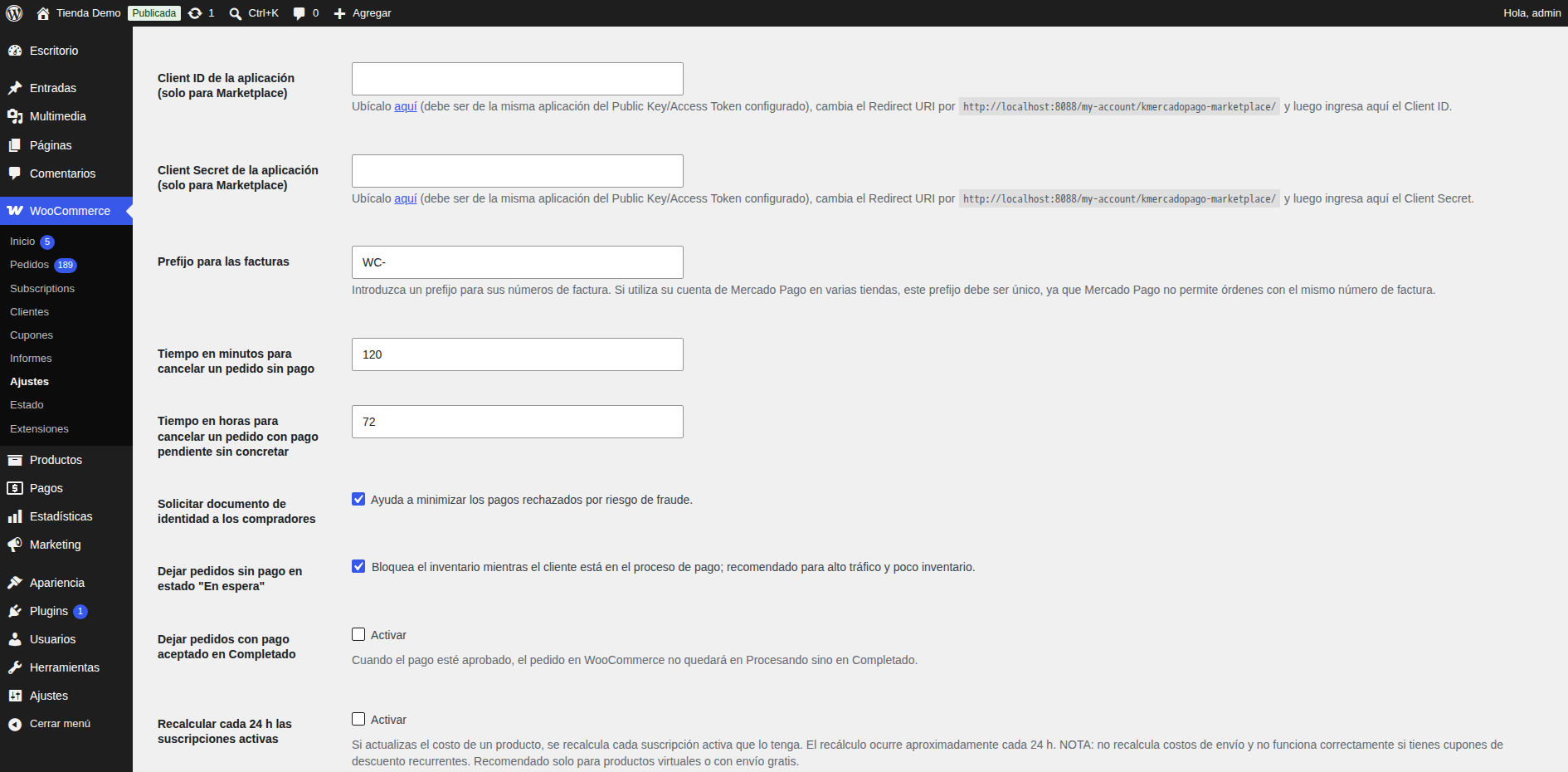
Mercado Pago Tools Pro settings: options.
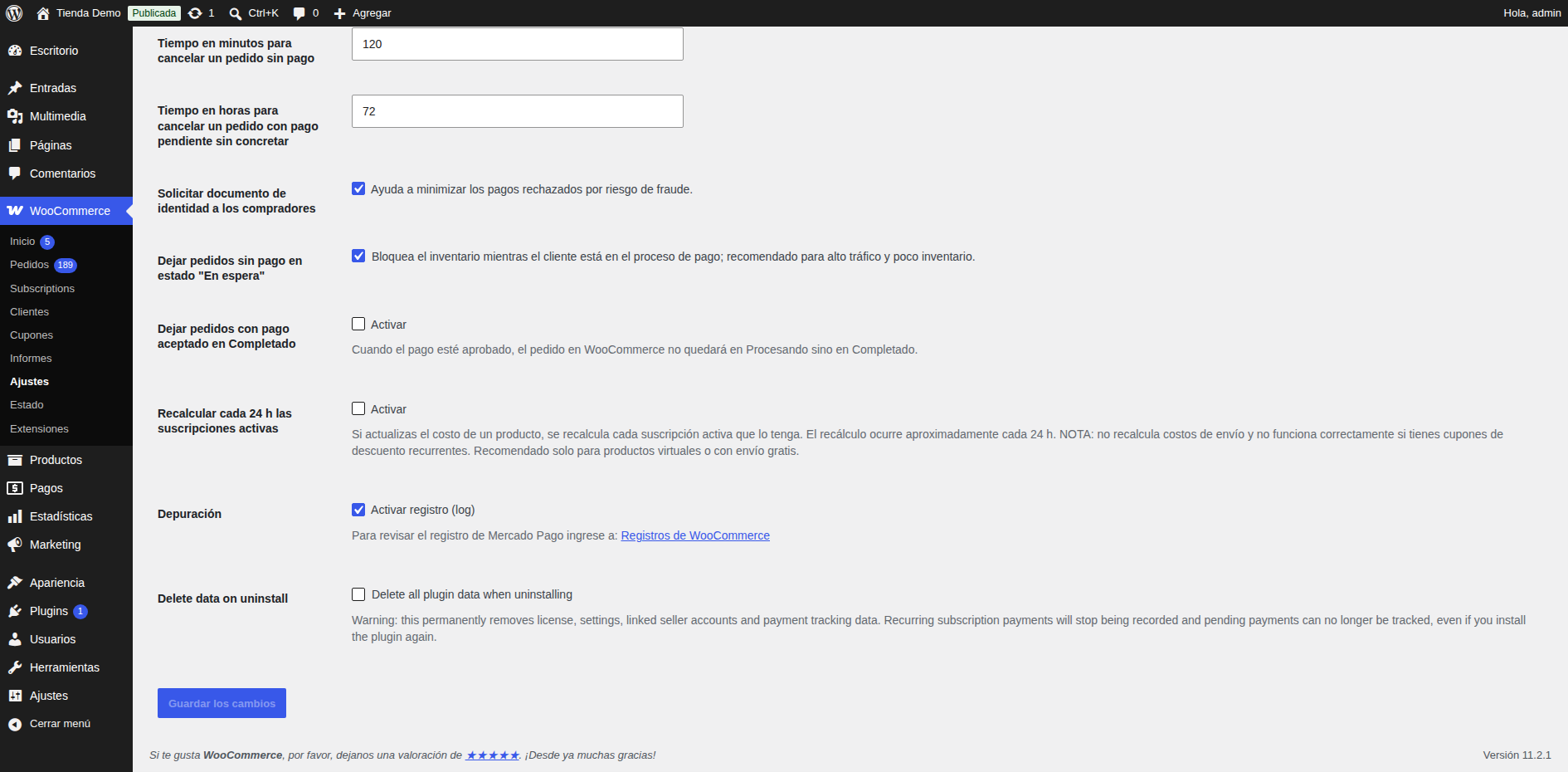
Mercado Pago Tools Pro settings: more options.
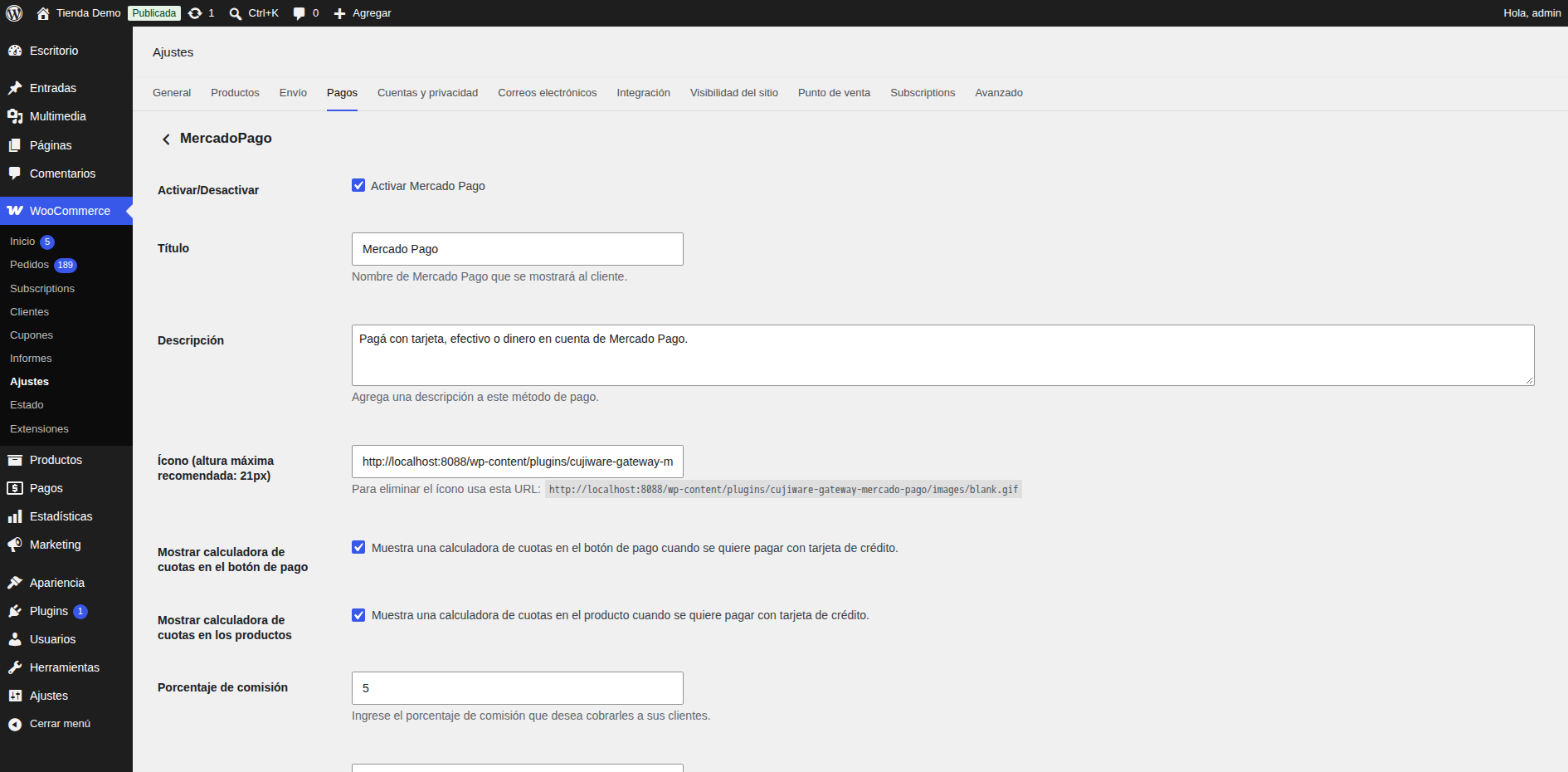
Checkout Pro settings.
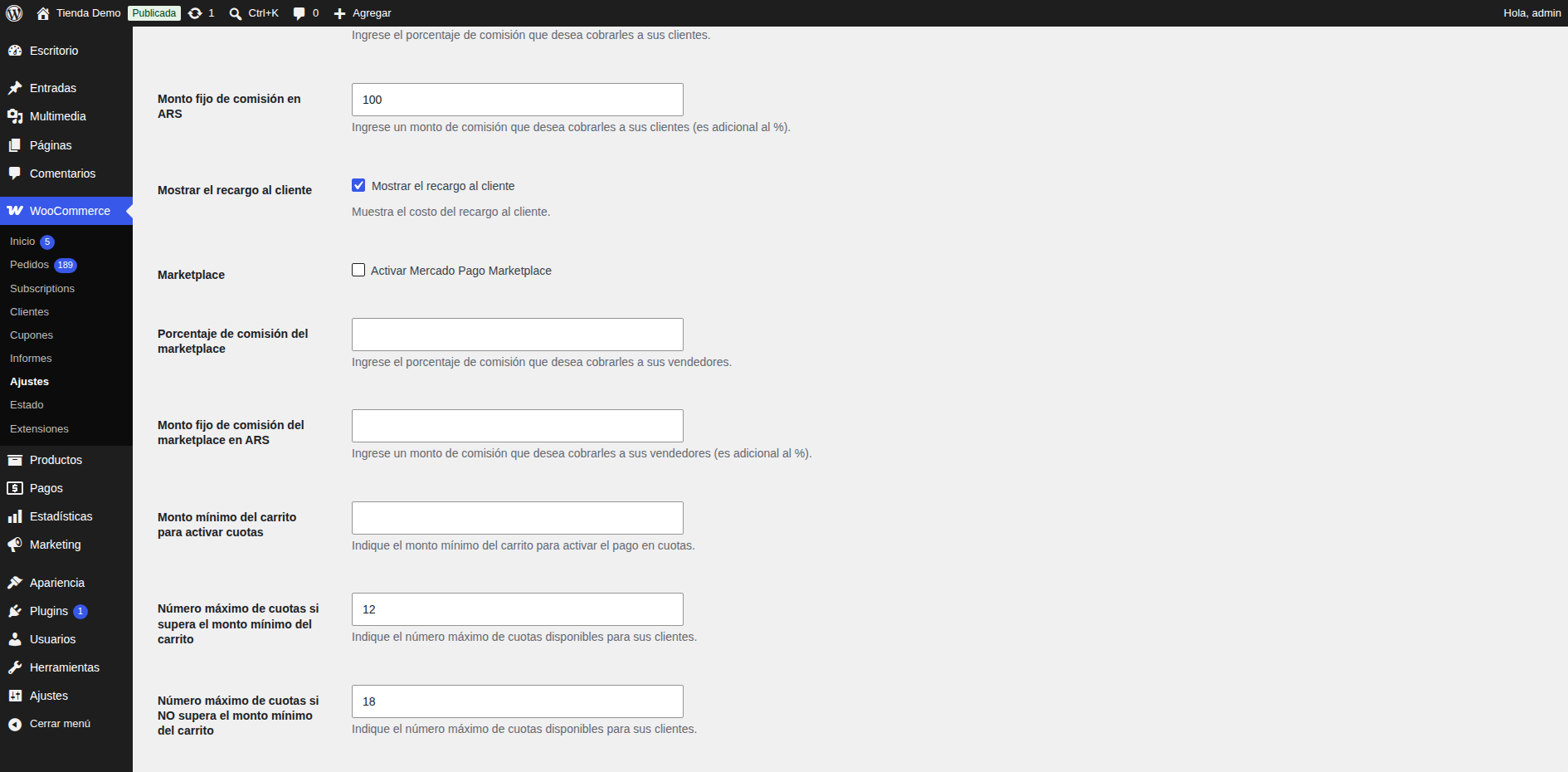
Checkout Pro settings: installments and surcharges.
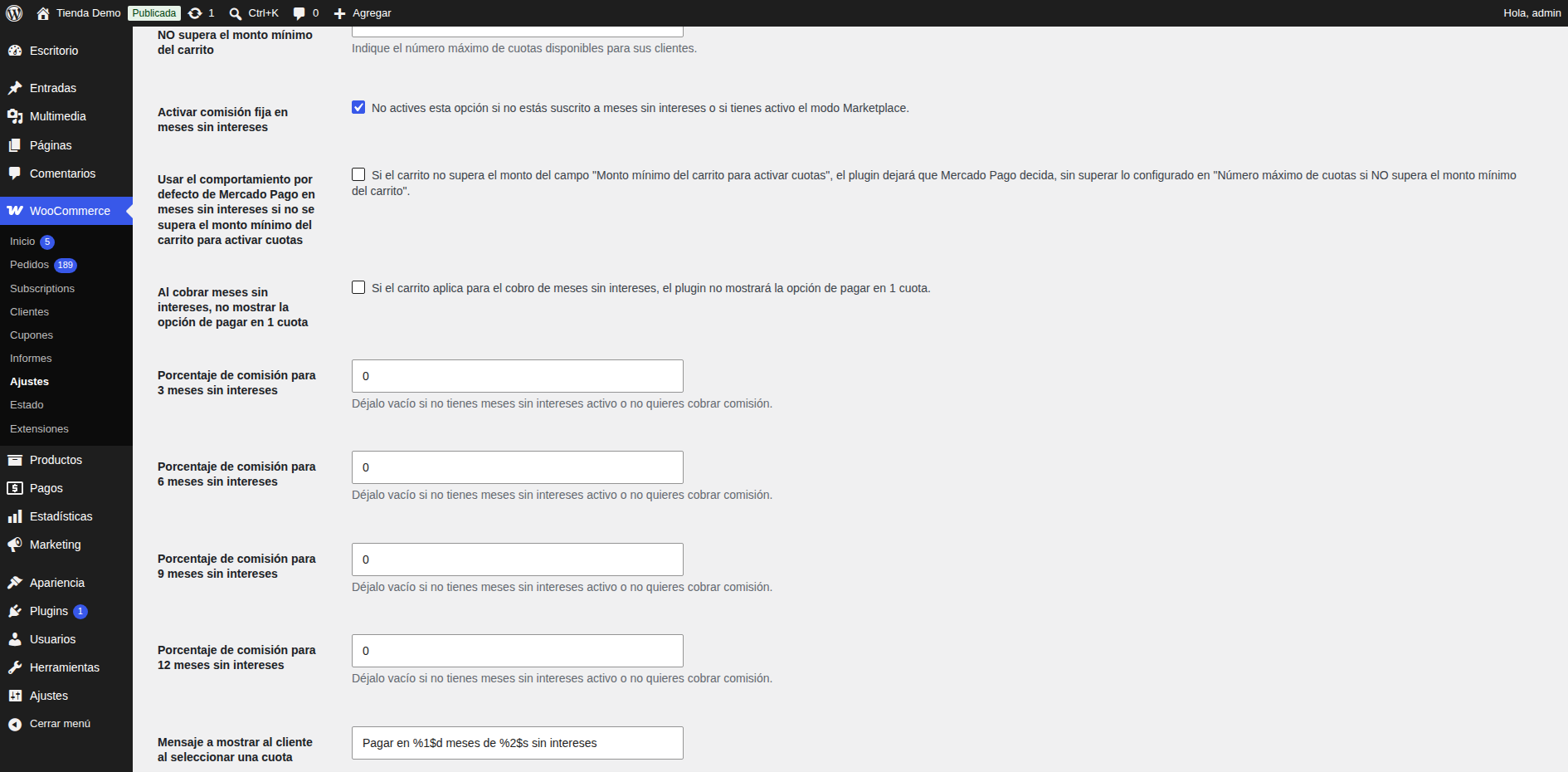
Checkout Pro settings: interest-free installments.
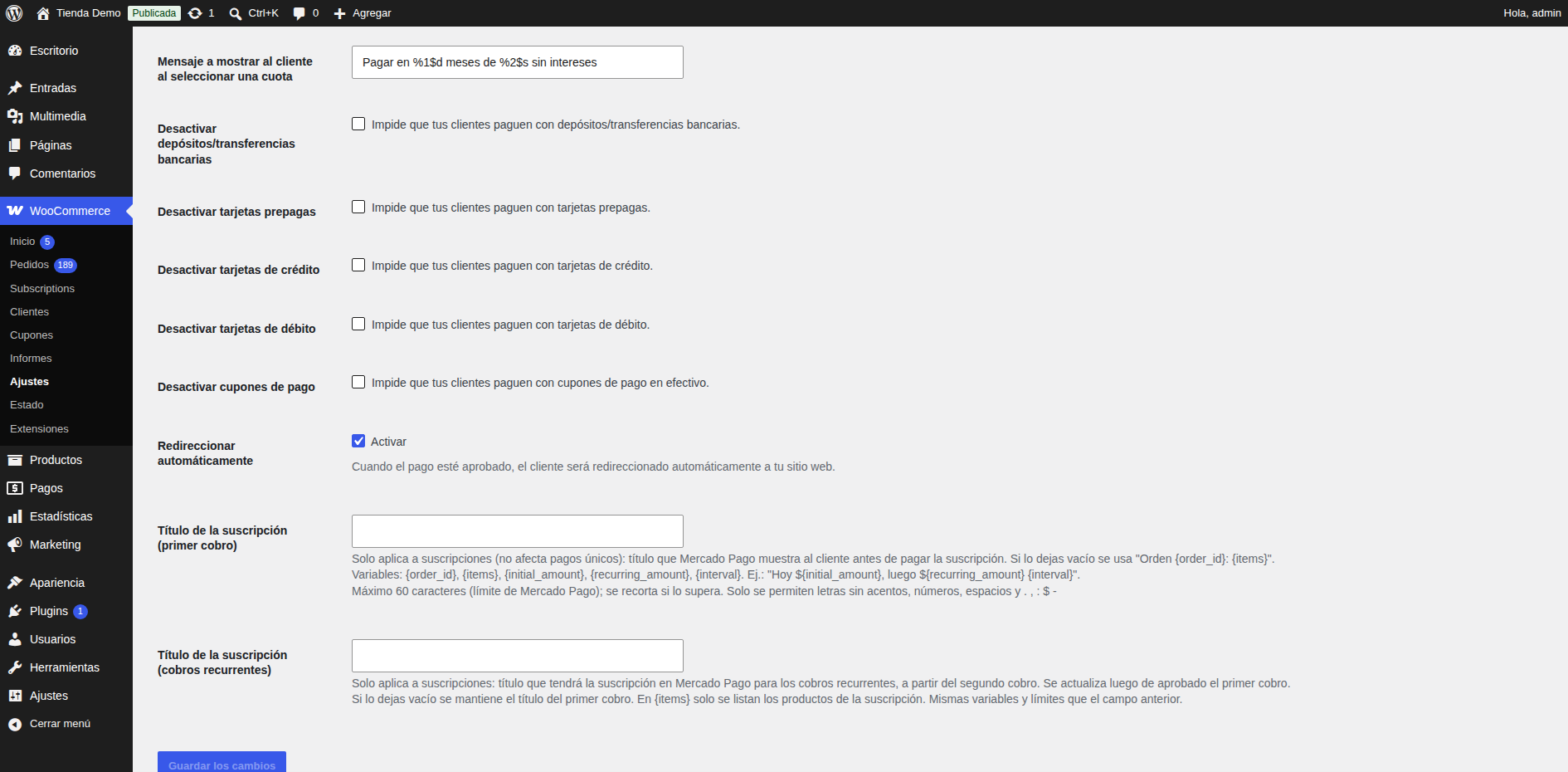
Checkout Pro settings: more options.
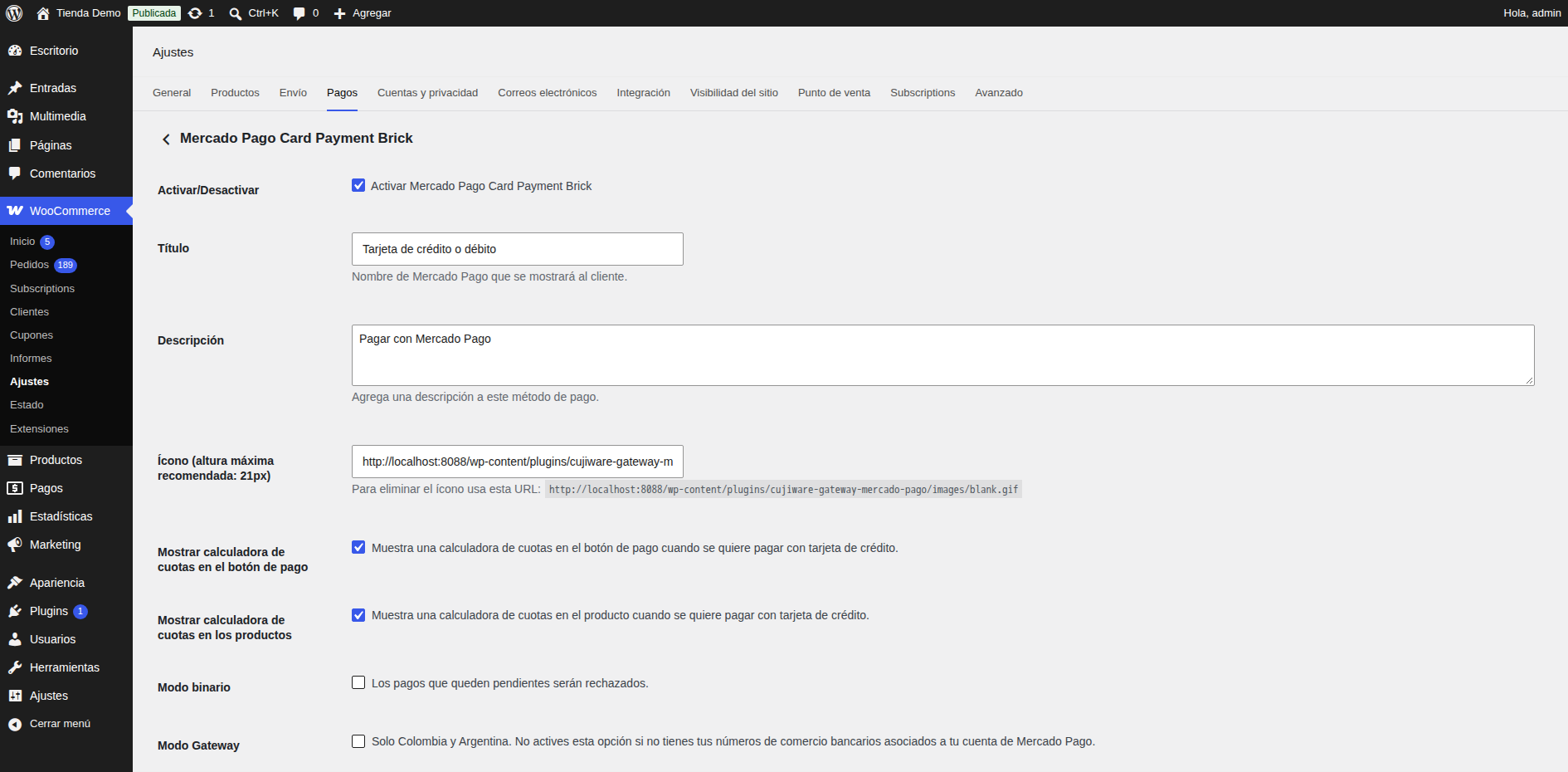
Card payments settings.
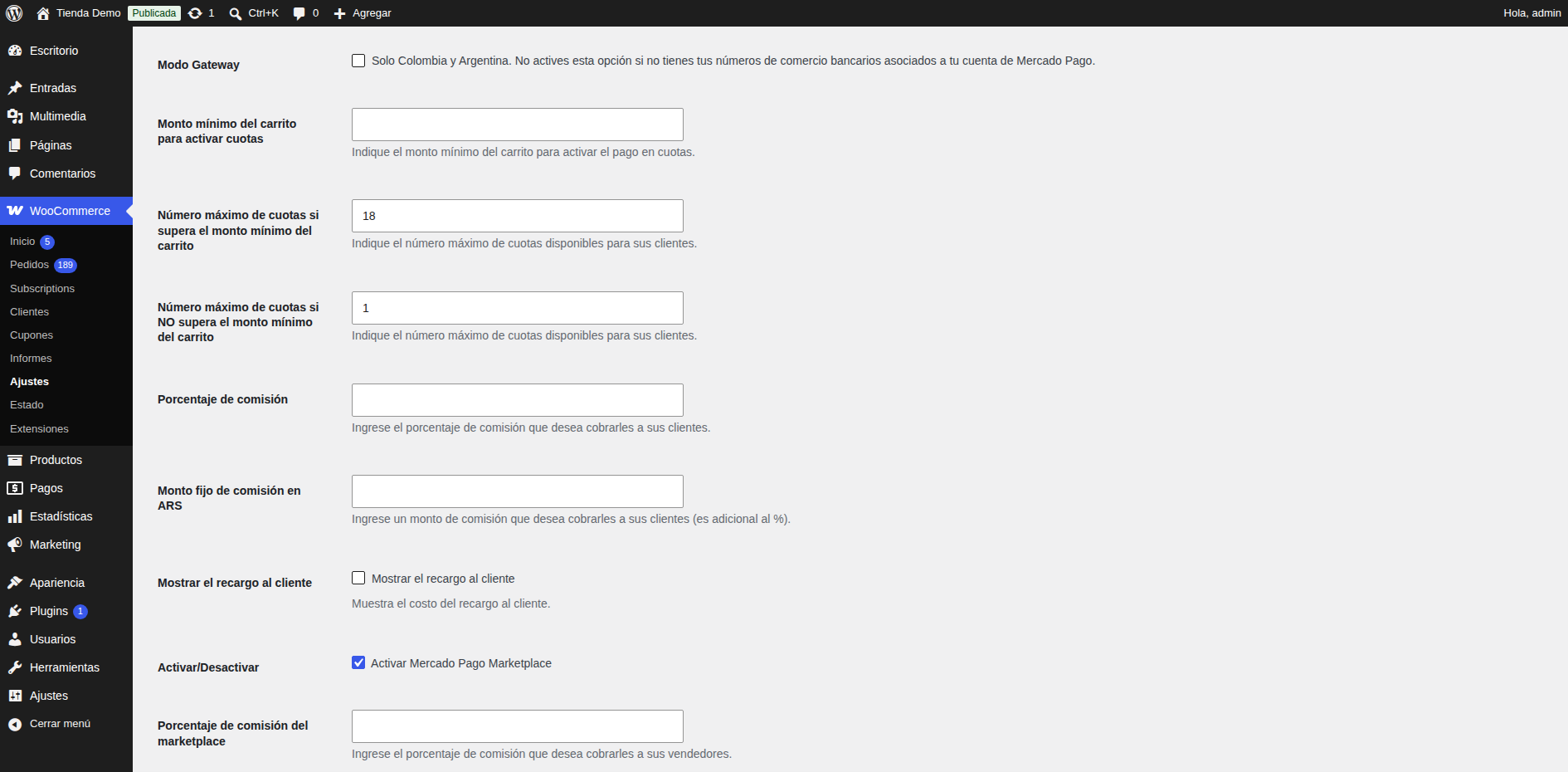
Card payments settings: more options.
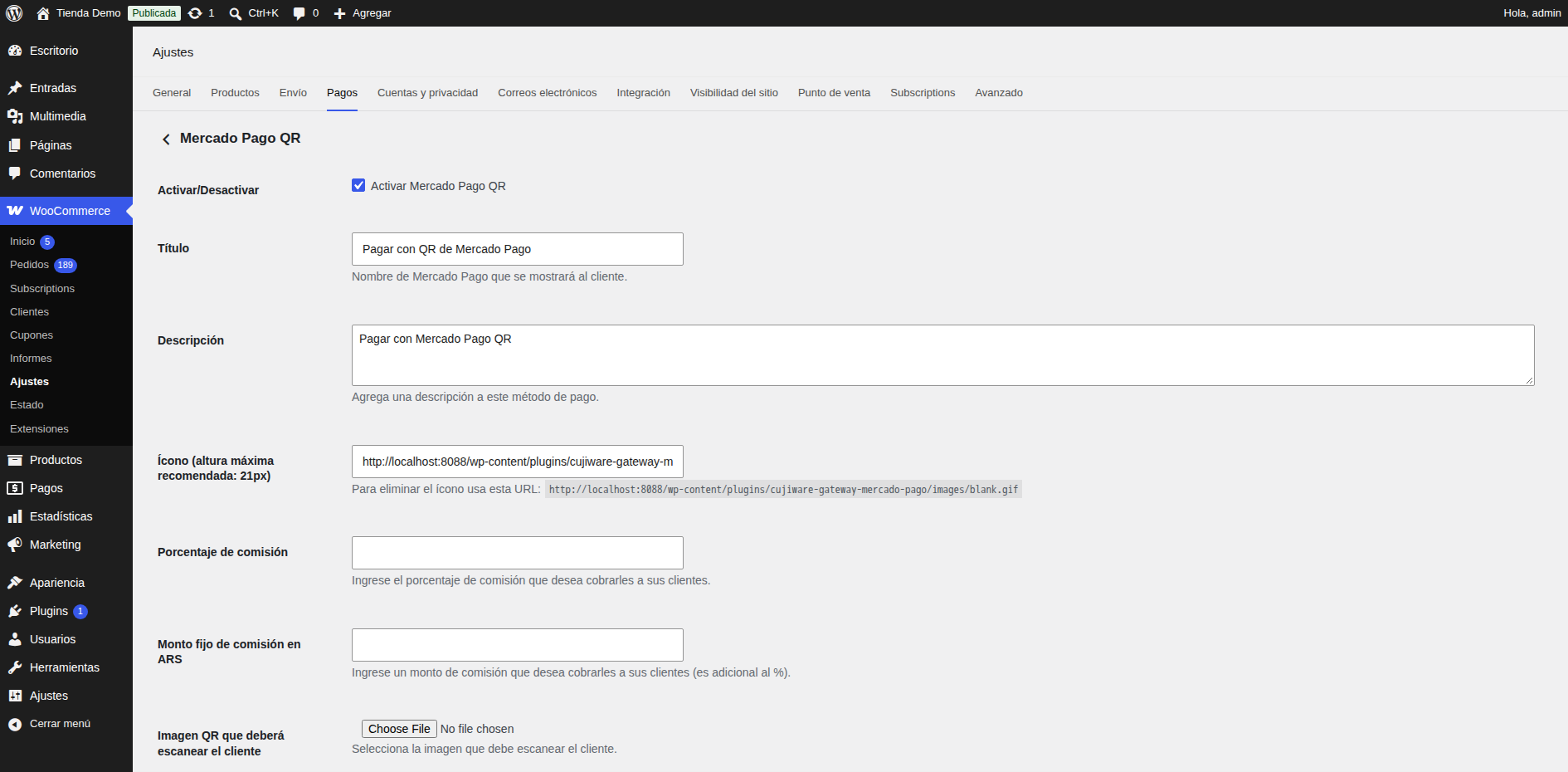
QR payments settings.

QR payments settings: QR image.

Checkout Pro at checkout with interest-free installments and surcharge.

Checkout Pro: the customer chooses how to pay on Mercado Pago.

Checkout Pro: cash payment options (Rapipago, Pago Fácil).
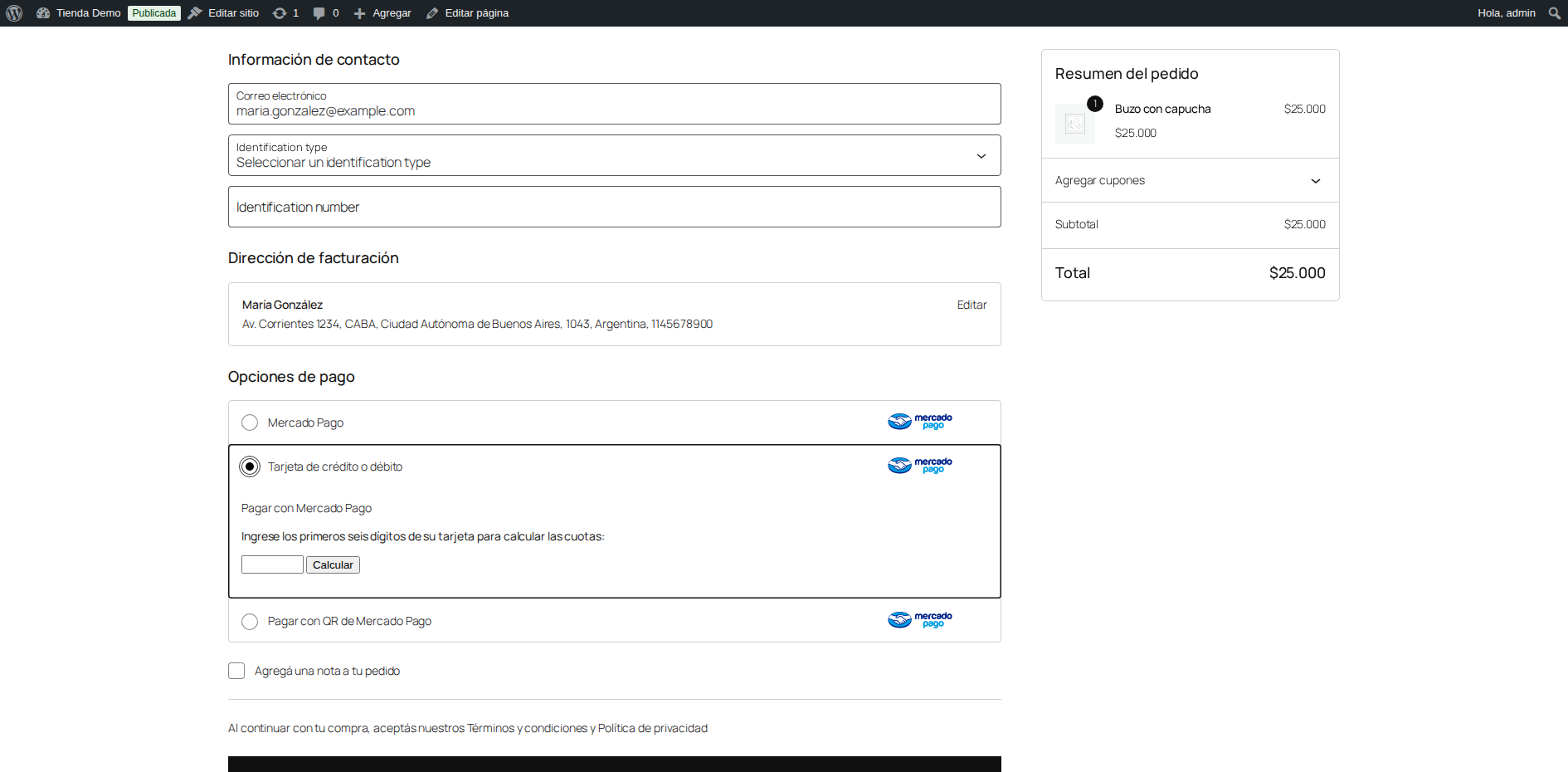
Card payments at checkout.
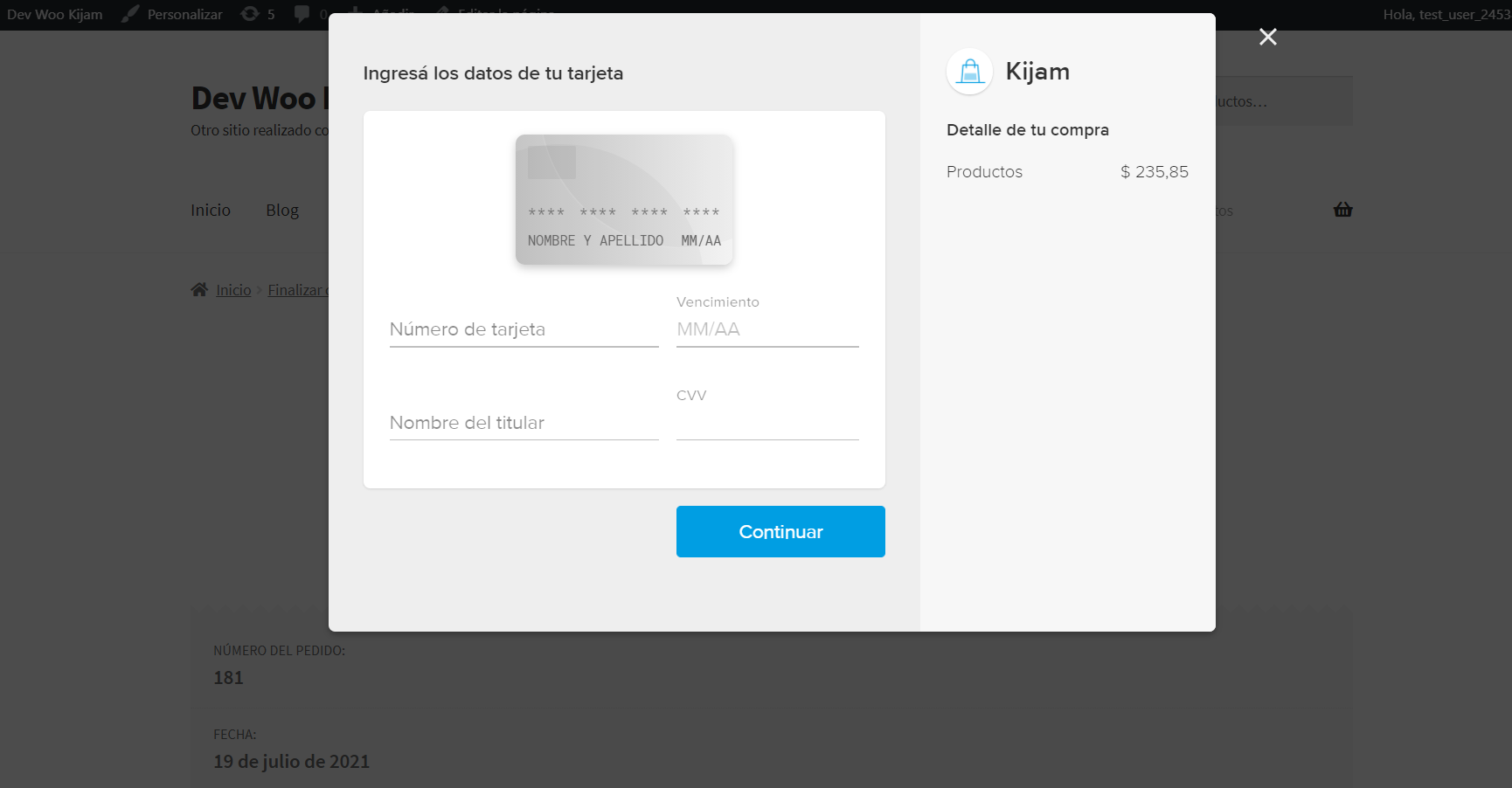
Card payment form.

QR payments at checkout.
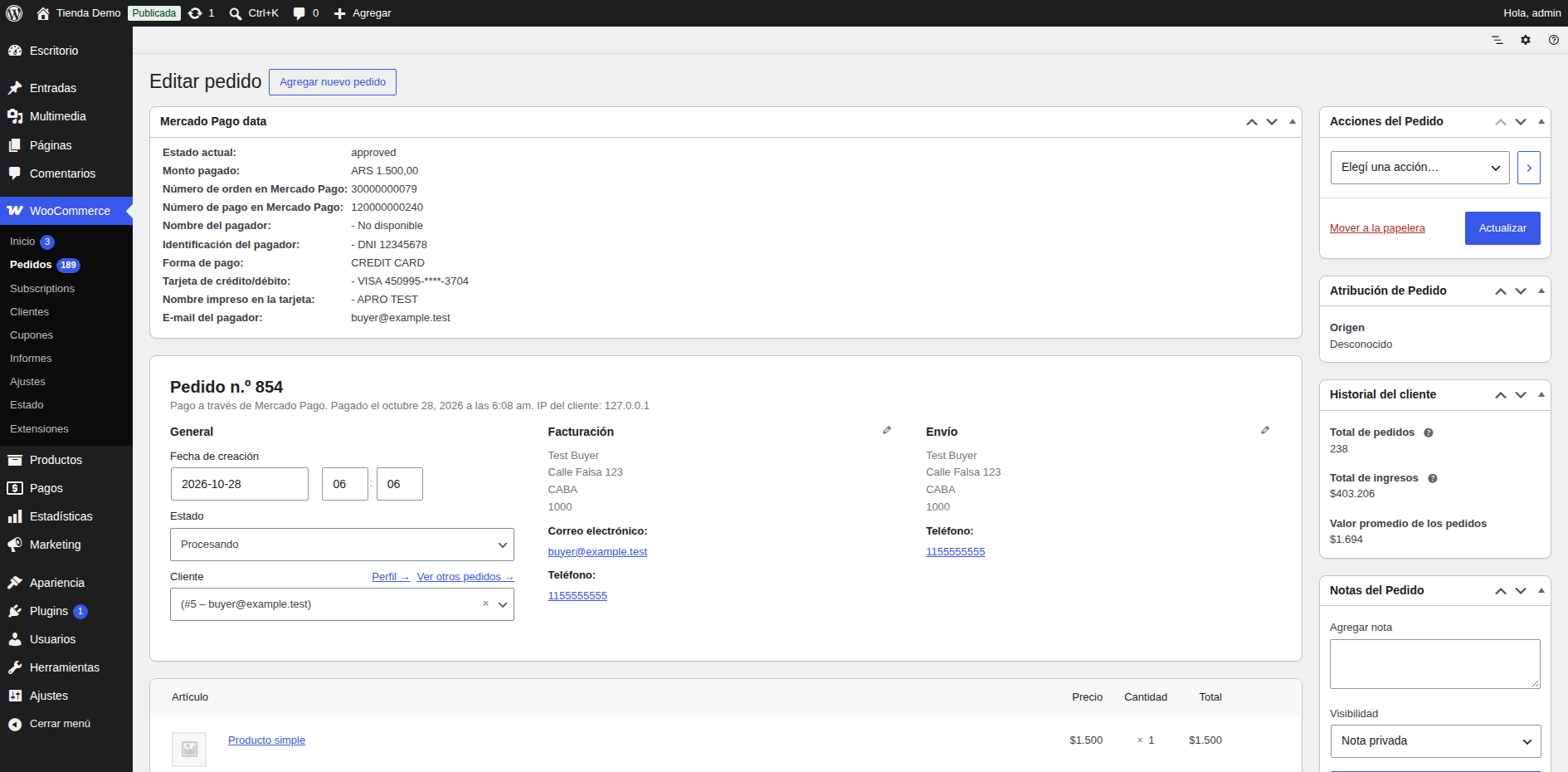
Mercado Pago payment details in the order.