
Offer gift wrapping, assembly, premium packaging, and other optional services on WooCommerce product pages. Configure services for each product in the classic product editor.
- Checkbox services: customers can select several options.
- Radio services: customers choose at most one option or no additional service.
- Set a name, non-negative price, and description for each service. Free services are supported.
- Start with five rows per type and add more when needed.
- Service prices come from saved product settings, never customer-submitted prices.
- Selected services increase the product unit price and appear in the cart, checkout, order details, and standard emails.
- Works with simple products and parent-level services on variable products.
- Supports HPOS and classic or block cart/checkout for items added through the standard product form.
Descriptions are displayed beside the service options, including for keyboard and touch users. The product headline price does not update as options are selected; the adjusted price appears in the cart.
Documentation and first setup
Open IC Woo Ultimate in the WordPress dashboard for the included setup guide. You can also use Plugins > Setup guide or the guide link inside the Custom Services product meta box. The included guide works without an external website.
Online documentation | Support forum | Contact InsertCart
How pricing works
Services are charged per product unit, in the store currency. A product priced at 20 with a service priced at 5 has a unit price of 25. Quantity 2 has a subtotal of 50 before taxes, discounts, and shipping. WooCommerce applies product taxes and coupons to the combined product price. Services are not separate cart fees.
Compatibility limits
Service selection uses the standard WooCommerce product add-to-cart form. This release does not provide selection controls for the block Add to Cart form, direct Store API additions, shop-loop quick add, or third-party custom product forms. Variable products share the parent product’s services. Test grouped, external, bundled, and subscription products separately.
Privacy
No analytics or service data is sent to an external server. Product settings are stored in WordPress product metadata. Selections are stored in WooCommerce carts and order item metadata. Deactivation preserves settings and historical orders.
Screenshots
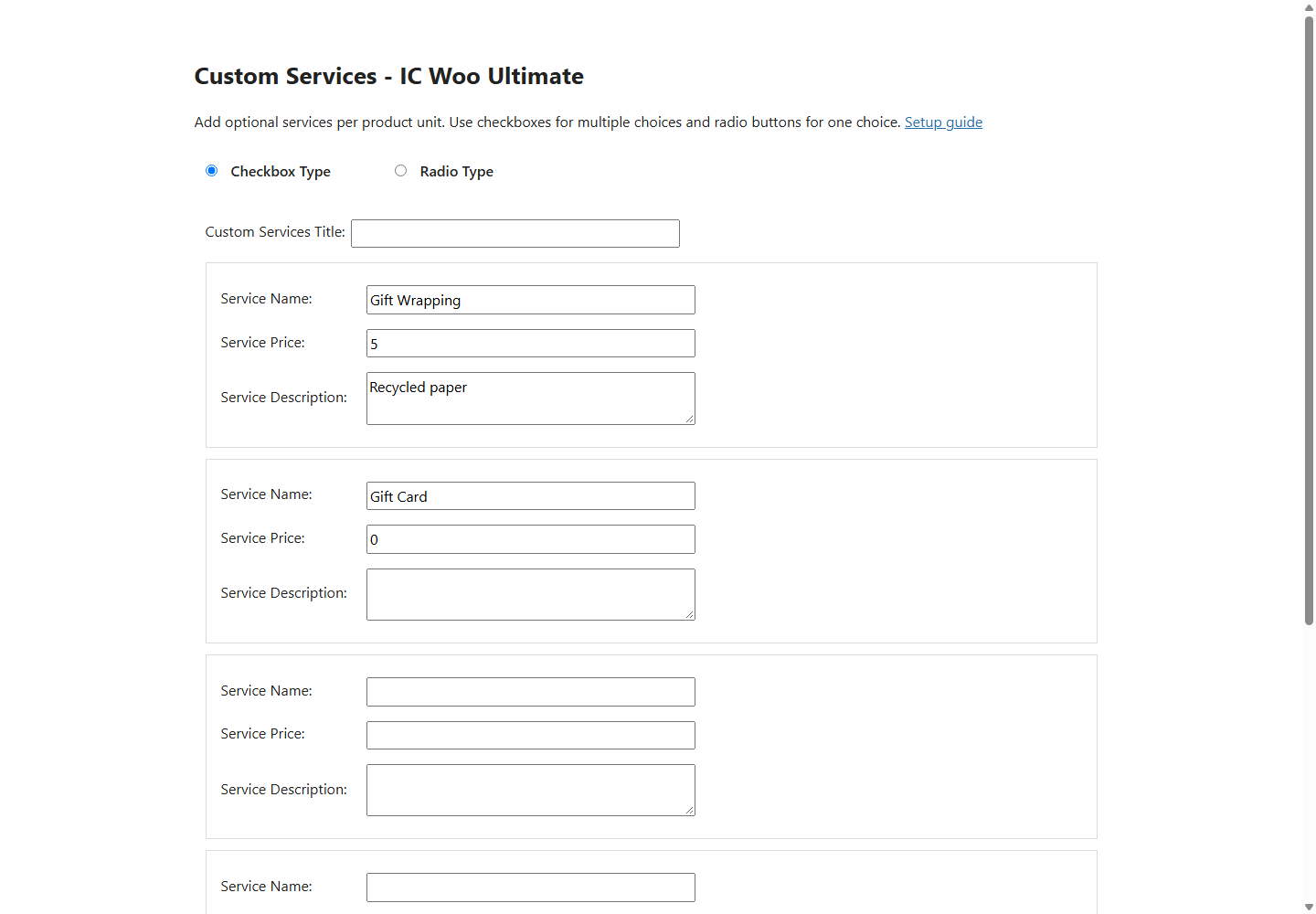
Checkbox service fields with names, prices, and descriptions, rendered with a sample product.
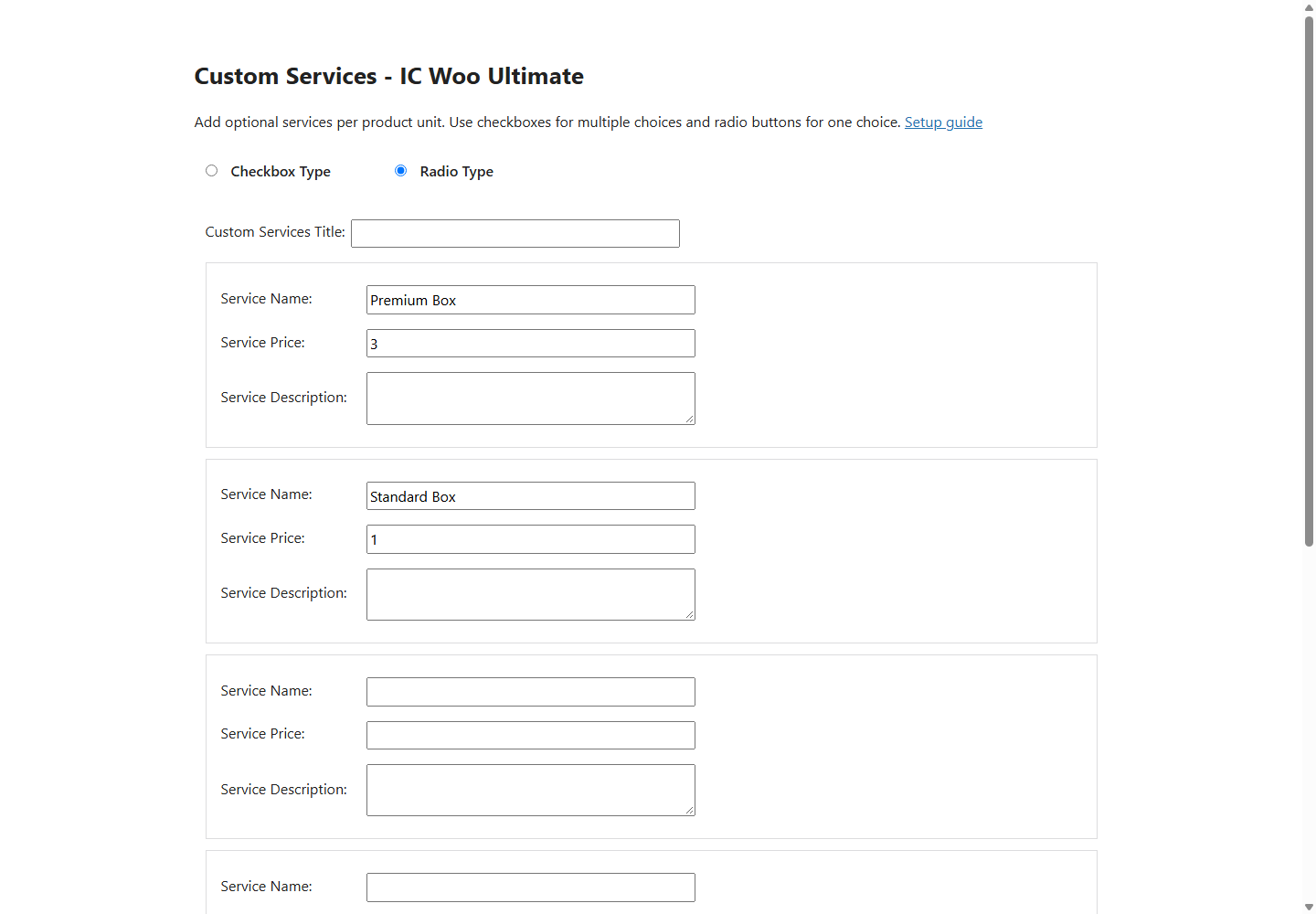
Radio service fields with alternative choices and an additional row.

Product service options, descriptions, prices, and the no-service radio choice.

The setup guide included in version 1.4. Screenshots use actual plugin output in a local test harness.