Extends WordPress’s own built-in password-protected and private post/page settings — no second password system, no Pro tier, no upsells.
Title prefix
- Hide the “Protected: ” / “Private: ” prefix WordPress adds to a password-protected or private post’s title
- Or replace it with your own text
Password form
- Rewrite the intro text, the password label, and the submit button text
- Set the password field’s and submit button’s colors, and the button’s padding
- Add widget areas before and after the form
- Custom “Invalid password” text for a wrong attempt (WordPress 6.8+)
- Custom excerpt text for protected posts in lists
- Set how long the password cookie lasts, or make it a session-only cookie
- Hide password-protected posts from your homepage, archives, search results, and feeds, while keeping them reachable at their own URL
- Or keep your theme’s own password form (Divi supported) and just add the widget areas
Configure it through the Customizer (Appearance > Customize), which previews your changes as you type, or through Settings > Private & Protected, a plain settings page that works the same on every theme, block themes included. Both edit the same settings. Four options added in 1.6 (invalid password text, excerpt text, cookie lifetime, hide from lists) are on the settings page only.
Donations
If you’d like to support future development, buy me a tea!
Screenshots

Customize the title prefix, intro text, label, and button text from the Customizer, with a live preview.

Two widget areas — before and after the password form — show up under Appearance > Widgets.
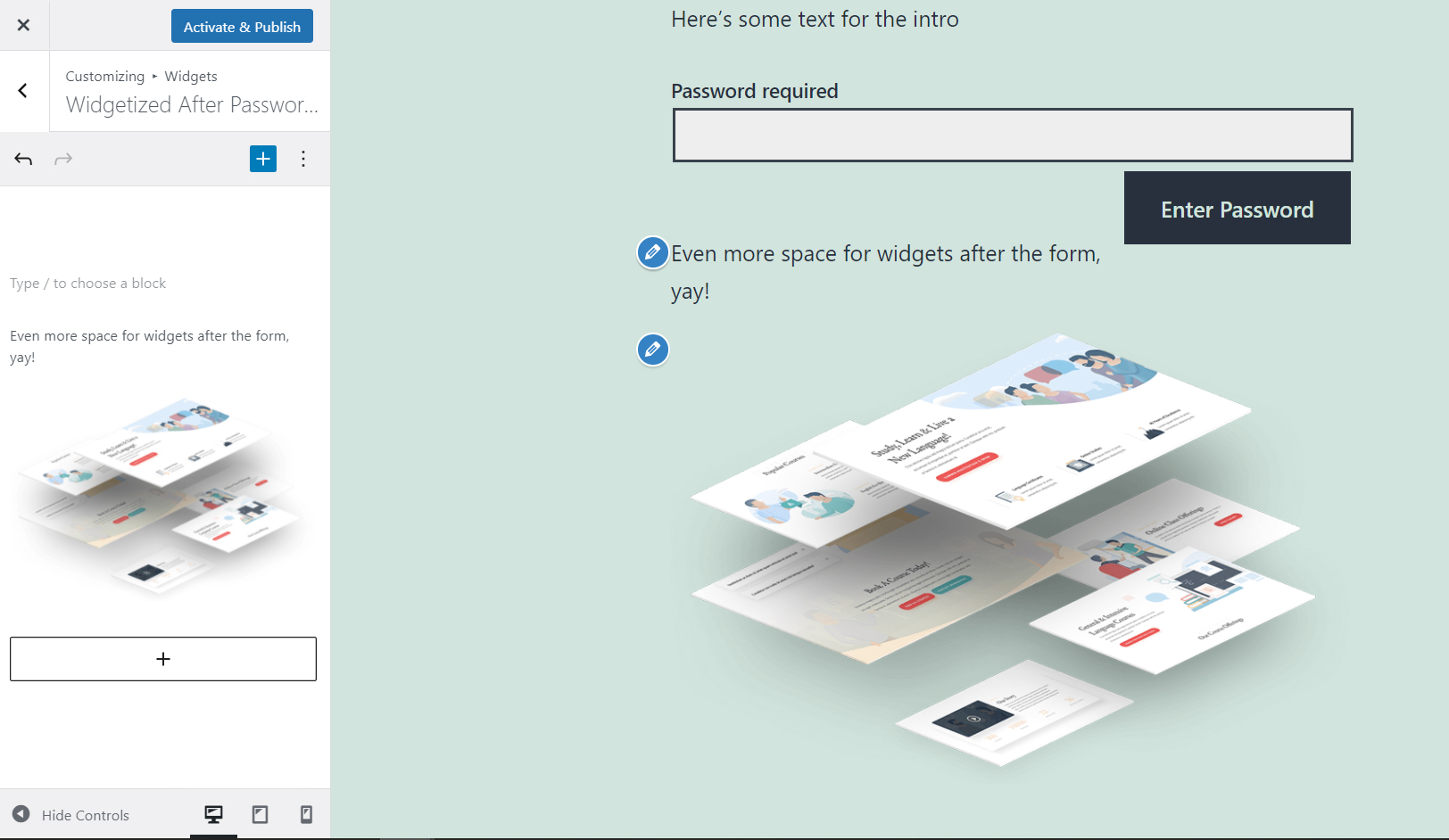
Add any widgets you like to those areas.