Data Tables Generator by Supsystic – Excel-like, WooCommerce & Pricing Tables
by supsystic
Data Tables Generator by Supsystic is a WordPress table plugin that turns a pasted spreadsheet into a responsive data table your visitors can sort, search and page through. Build the table in a spreadsheet-style editor with Excel-style formulas, style it to match your theme and publish it with a block, an Elementor widget or a shortcode. No code required.
Unlimited tables, rows and columns are free, and large tables stay fast with server-side processing.
Three table types in one plugin
- Excel-like data tables – a spreadsheet editor with formulas, cell formatting and merged cells for any data: price lists, schedules, directories and large datasets.
- WooCommerce product tables – build a searchable, sortable product table straight from your store catalogue.
- Pricing tables – plans and packages on a drag-and-drop canvas with payment buttons, badges and ready-made templates.
All three are created from the same table wizard and added to a page the same way.
Try it in your browser: open a live demo in WordPress Playground – no install, no account.
What you can build
- Price lists, rate cards and comparison tables
- Schedules, timetables, league tables and results
- Staff, member and business directories with photos and links
- Product specifications and catalogues
- Reference tables and datasets with thousands of rows
- WooCommerce product tables built from your store
- Pricing tables for plans, packages and services
A spreadsheet-style table editor
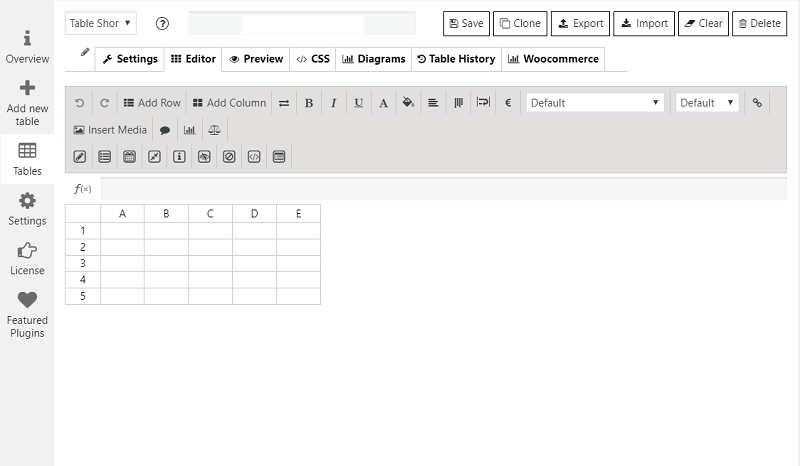
The editor works like Excel or Google Sheets: select cells, copy, paste and fill. Paste a range from a spreadsheet and it lands in the right cells, ready to publish.
- Excel-style formulas such as SUM, AVERAGE and IF
- Cell formatting: colours, borders and alignment
- Merged cells for grouped headers and schedules
- Images, links, video and HTML inside cells
- Column visibility and ordering
- Number, currency, percent and date formats
Sortable, searchable and paginated
Every table gets column sorting, live search and pagination, so a list of two thousand rows is as easy to use as a list of ten.
Responsive tables that work on phones
Choose how each table behaves on small screens: collapse columns, stack rows or scroll. The output is real HTML table markup with keyboard-focusable sortable headers, so your tables stay readable with screen readers too.
Server-side processing (SSP) for large tables
Server-side processing loads big datasets page by page while search, sorting and pagination still work across the whole table. It is included in the free plugin, and users report working with tables of 200,000 rows.
Import, export and auto-update
Paste data straight from any spreadsheet in the free plugin. Pro brings data in from the files and services you already use and keeps it current on its own:
- Import from CSV, Excel (XLSX and XLS), JSON and Google Sheets
- Auto-update from Google Sheets on a schedule
- Scheduled imports from FTP and SFTP servers
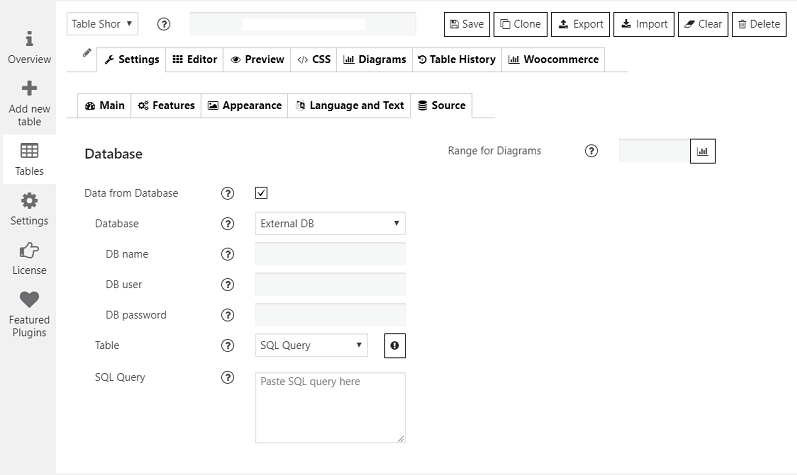
- Tables built from MySQL, PostgreSQL and SQLite queries
- Export to CSV, Excel (XLS and XLSX), JSON and PDF, or print with your logo
- Export buttons for your visitors on the front end
Front-end editing
With Pro, logged-in users or selected roles can update a table right on the page: editable cells, dropdown and date-picker fields, row removal and a marker on the last edited cell. No dashboard access needed.
Charts and graphs
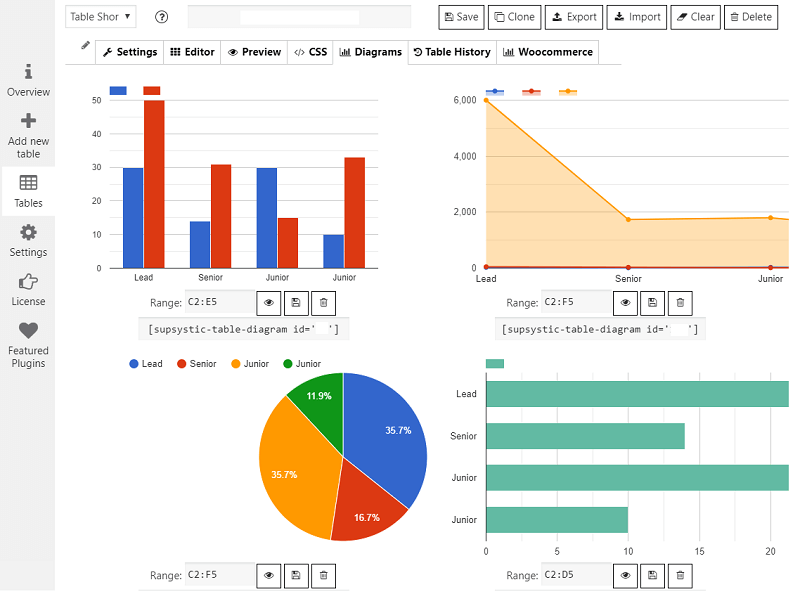
With Pro, turn table rows into line, bar, pie, area and bubble charts that update when the data changes.
WooCommerce product tables
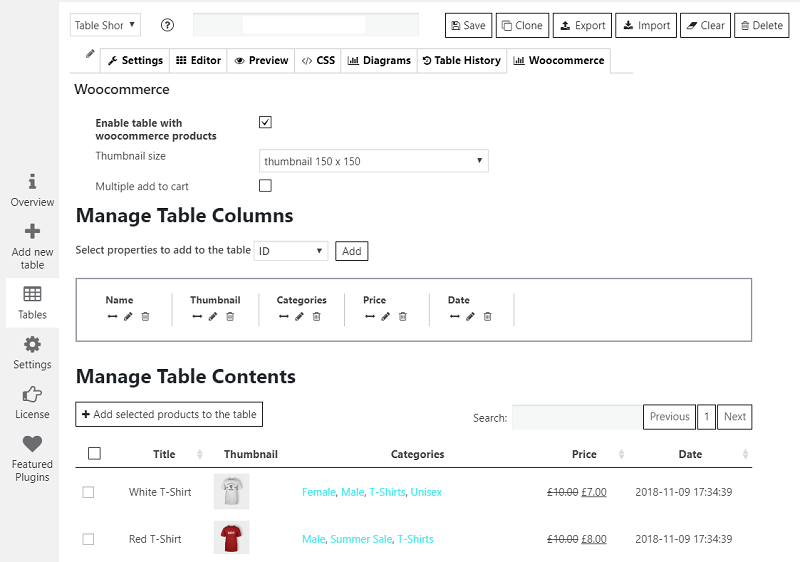
When WooCommerce is active, the table wizard offers a dedicated WooCommerce Product Table. Assign your products, sort the columns and choose a loader to turn the catalogue into a searchable product list.
Pricing tables
A separate table type for plans and packages, built on a drag-and-drop canvas instead of rows of data:
- Plan columns with header, description and footer rows
- Payment buttons linked to PayPal, Stripe, WooCommerce or your own checkout
- Badges and ribbons to highlight a plan
- Icons, images, video and tooltips in cells
- Hover animation, comparison layouts and ready-made templates
Ask AI about your tables
Data Tables Generator includes its own MCP server. Connect ChatGPT, Claude, Gemini, Copilot, Cursor or any assistant that supports MCP and ask about your tables in plain language: “What is the average in column B?”, “Which rows are below 10?”, “Summarise this table.” Reading and analysing tables with AI is free.
Use your tables anywhere
- Gutenberg block, Elementor widget and shortcode
- Works with WPBakery, Divi and other page builders through the shortcode
- One table on many pages: edit it once and every copy updates
- Custom CSS per table for advanced styling
- REST API to read and write table data as JSON
Data Tables Generator Pro
Besides import, export, auto-update, front-end editing and charts, Pro adds:
- Conditional formatting that colours cells by value
- Collapsible rows, tooltips and an image lightbox
- Table history to restore an earlier version
- WooCommerce product table filters, categories, design templates and export
- Monthly and yearly price switch for pricing tables
- Control over which user roles can manage tables
- Create and edit tables with AI (separate add-on)
Learn more
Screenshots
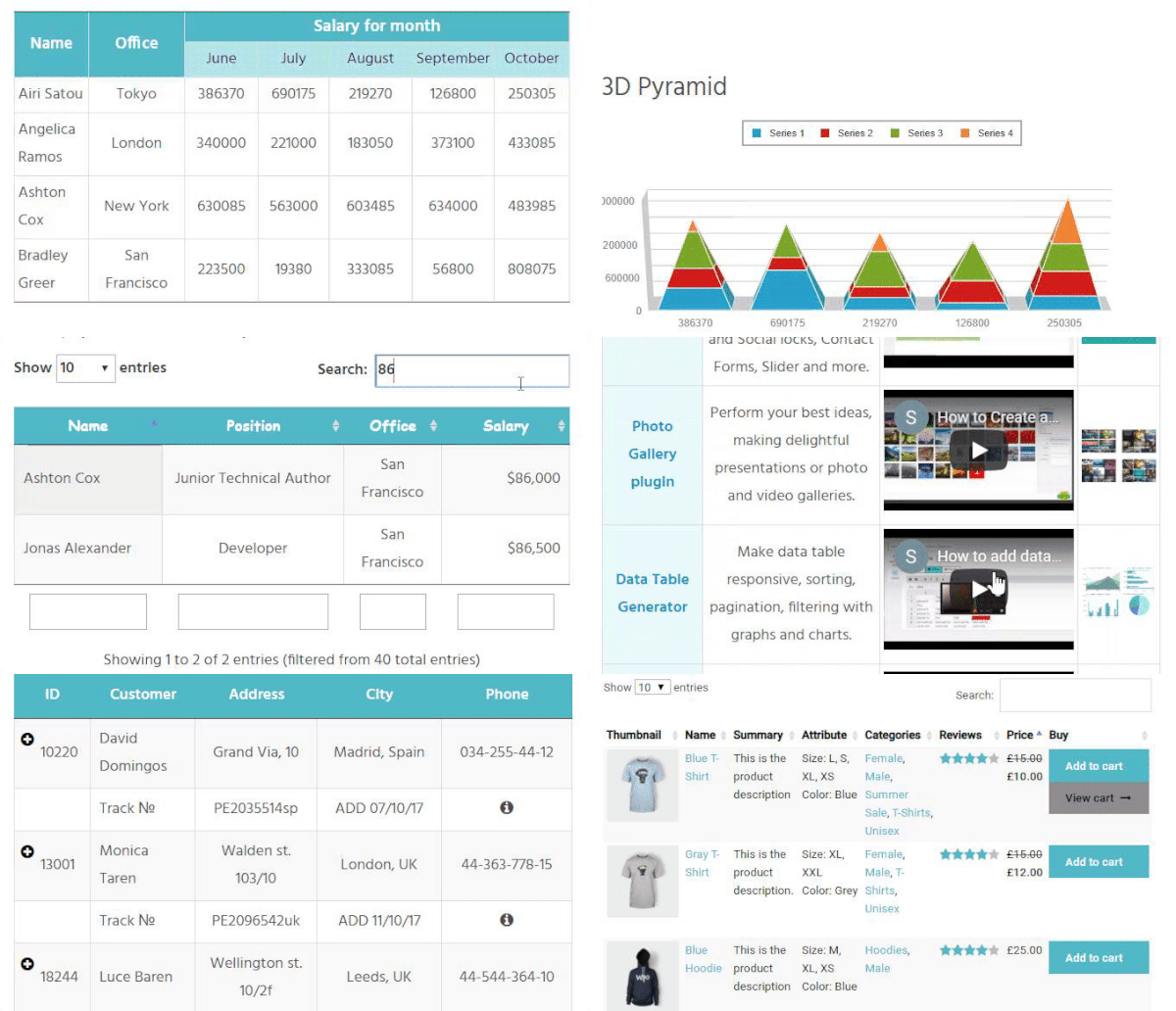
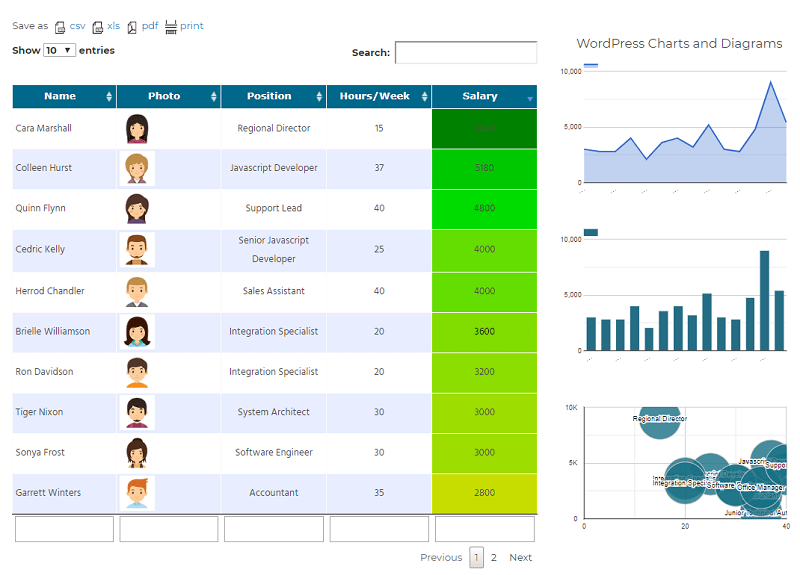
Data table with photos, coloured cells, column search and pagination, next to charts built from the same rows (charts and conditional formatting are Pro).
Charts and graphs created from table data (Pro).
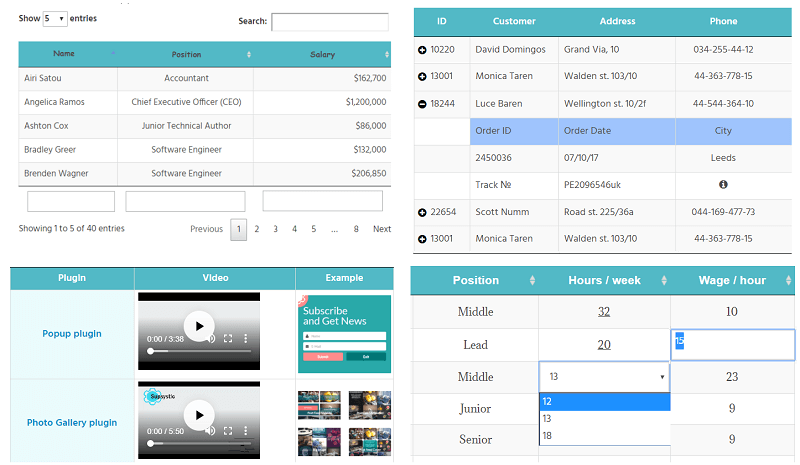
Front-end examples: sorting, search and pagination, video and images in cells, collapsible rows and front-end editing (the last two are Pro).
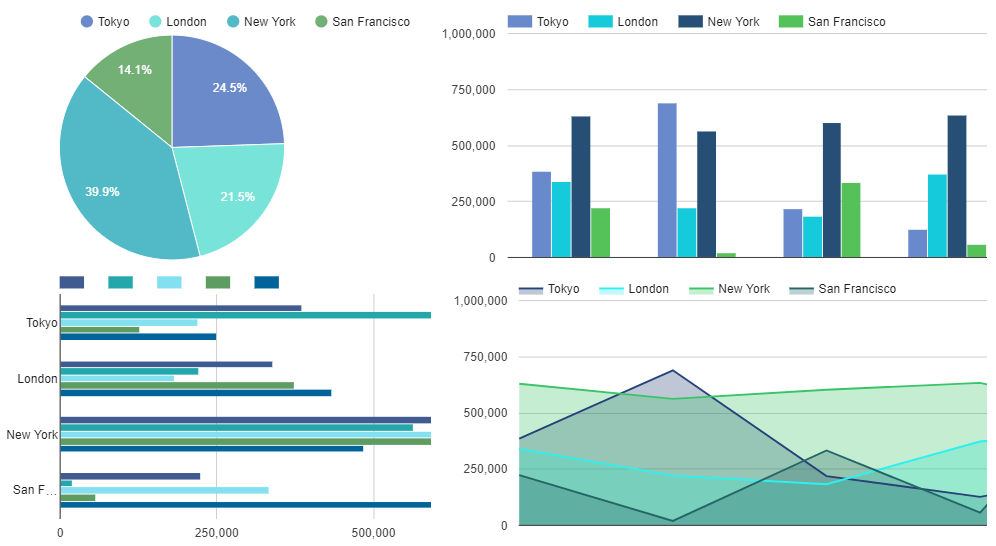
Table settings: caption, header and footer, fixed columns and number, currency and date formats.
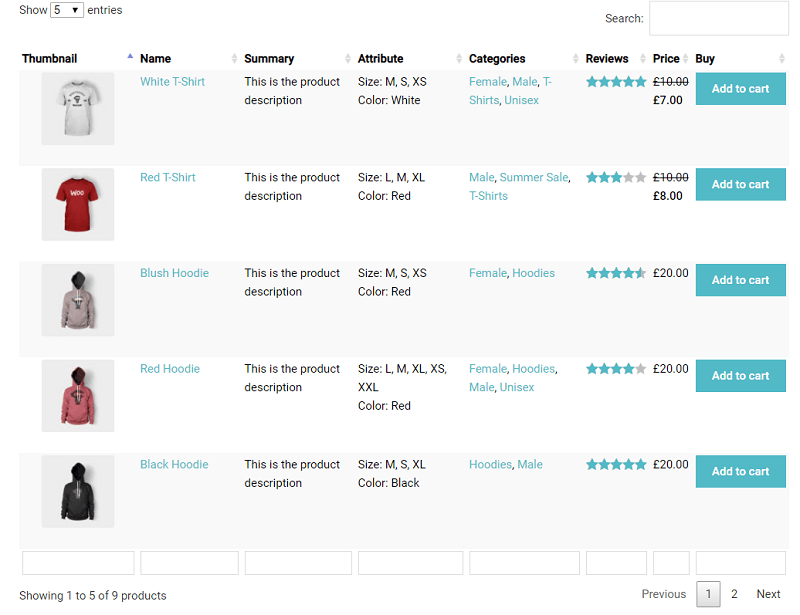
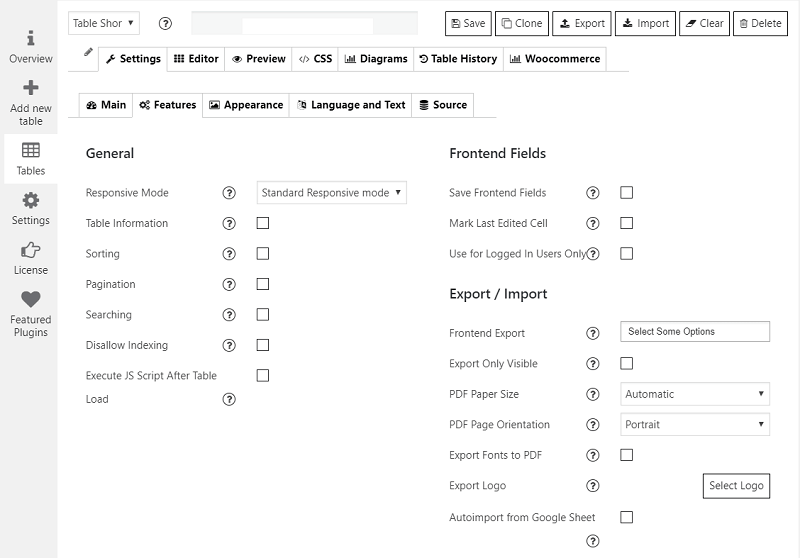
Table features: responsive mode, sorting, pagination, search and export options.
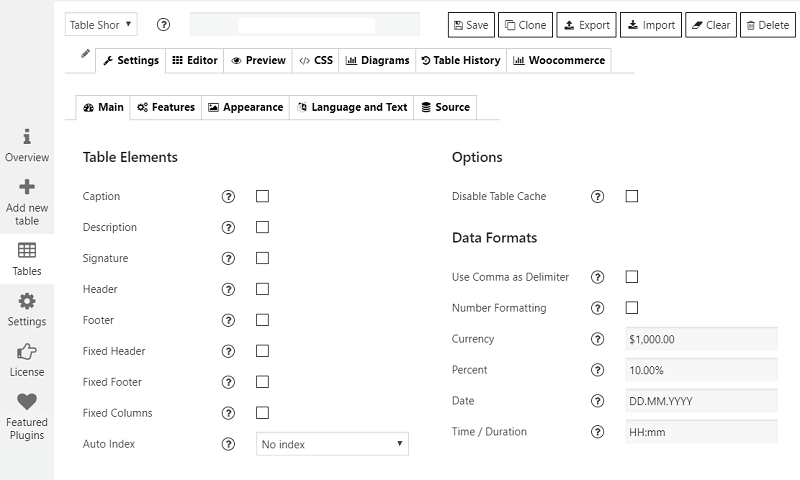
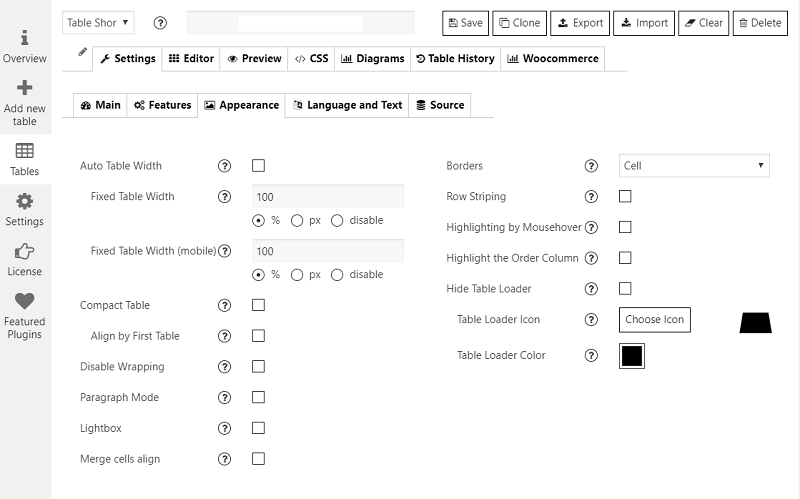
Table appearance: width, borders, row striping, hover highlighting and loader.