BACK TO DIRECTORY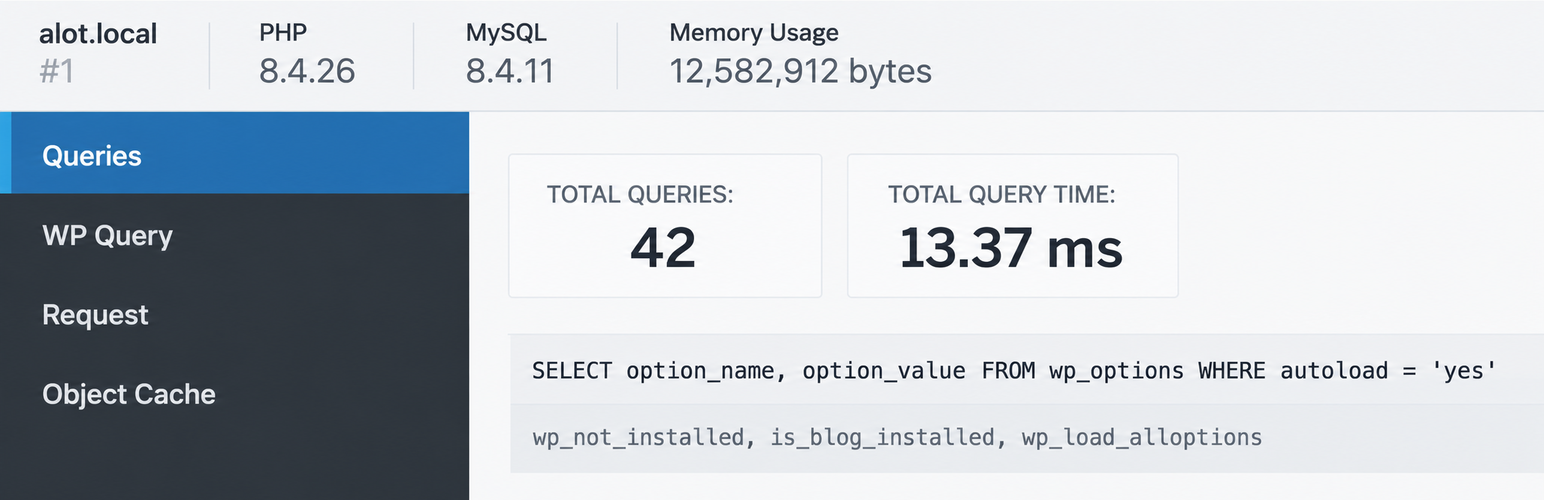
Adds a debug menu to the admin bar that shows query, cache, and other helpful debugging information.
A must for developers!
When WP_DEBUG is enabled it also tracks PHP Warnings and Notices to make them easier to find.
When SAVEQUERIES is enabled the mysql queries are tracked and displayed.
To enable these options, add the following code to your wp-config.php file:
define( 'WP_DEBUG', true );
define( 'SAVEQUERIES', true );
Add a PHP/MySQL console with the Debug Bar Console plugin.
There are numerous other add-ons available to get more insight into, for instance, the registered Post Types, Shortcodes, WP Cron, Language file loading, Actions and Filters and so on. Just search the plugin directory for ‘Debug Bar’.
Plugin Details
Active Installs
20K+Total Downloads
2,452,686Version
1.2.0Requires WP
3.4Requires PHP
5.4.0Tested Up To
7.0.8Added
2010-11-04Last Updated
2026-10-15 8:16pm GMTRatings
5
51
4
3
3
1
2
1
1
13