This plugin embeds the deviantART muro HTML5 drawing application into your WordPres installation, allowing you to:
- Draw in your browser to create new images in your Media Library.
- Allow your users to draw in their browser to add images to their comments.
- Embed deviantART muro with a preselected image within your articles, for example to run a competition or ask for feedback on an artwork you’ve drawn.
Contributing
This plugin is open source, contributions are welcome.
Just fork https://github.com/deviantART/embedded-deviantART-muro-wordpress on GitHub and send us a pull request with your changes.
Screenshots
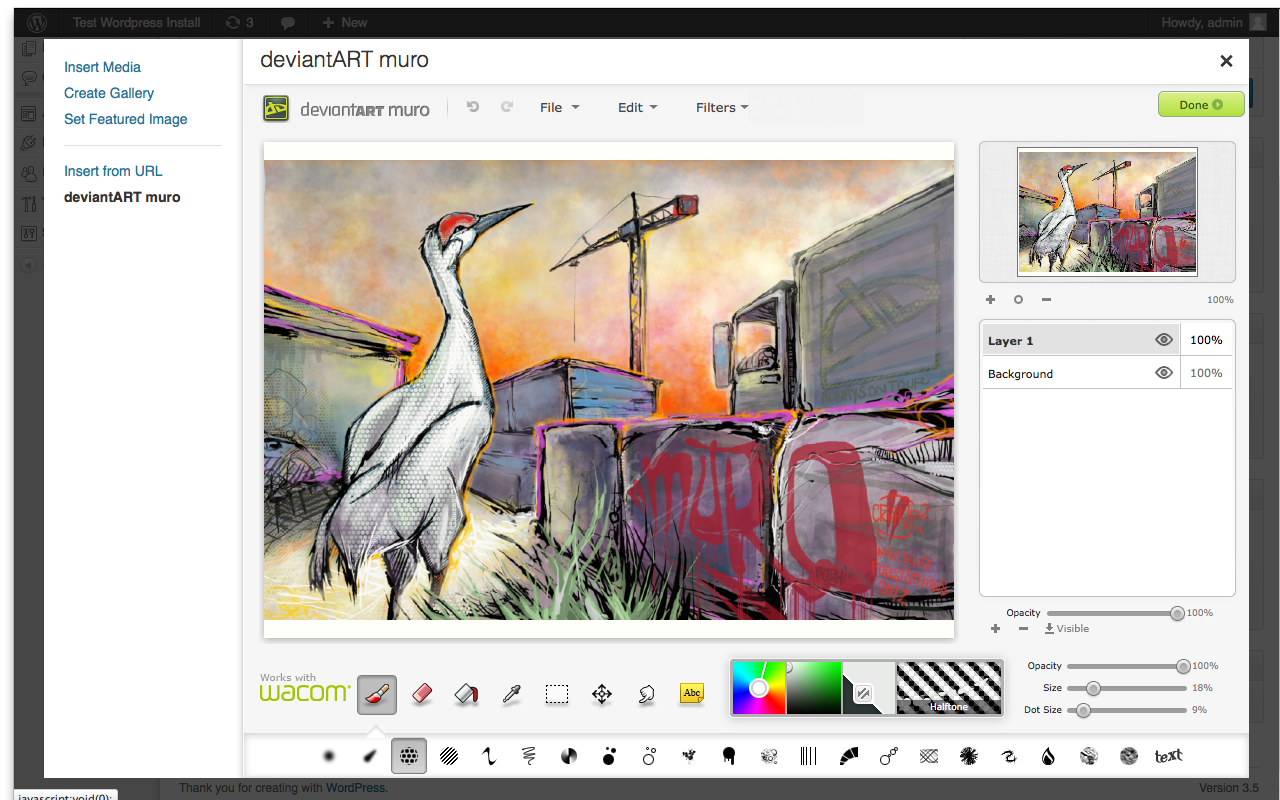
The "Add Media" panel contains an embedded deviantART muro that allows you to draw directly into WordPress.
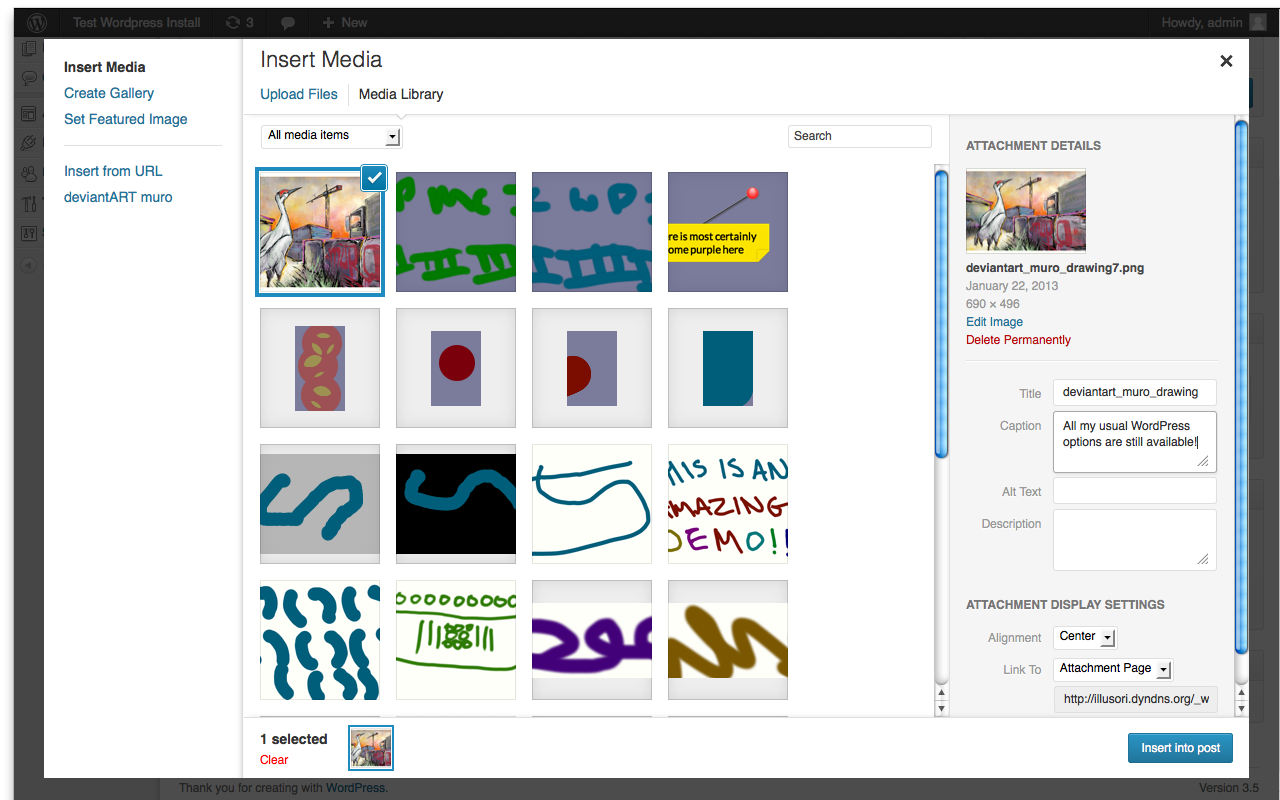
Images saved from deviantART muro are added to your WordPress library automatically and can then be used in all the usual ways that any media asset can be.
![From within a post you can use a new [damuro] shortcode to embed an instance of deviantART muro within your article, you can set an image you want people to start with if you choose.](https://ps.w.org/deviantart-muro/assets/screenshot-3.png?rev=666927)
From within a post you can use a new [damuro] shortcode to embed an instance of deviantART muro within your article, you can set an image you want people to start with if you choose.
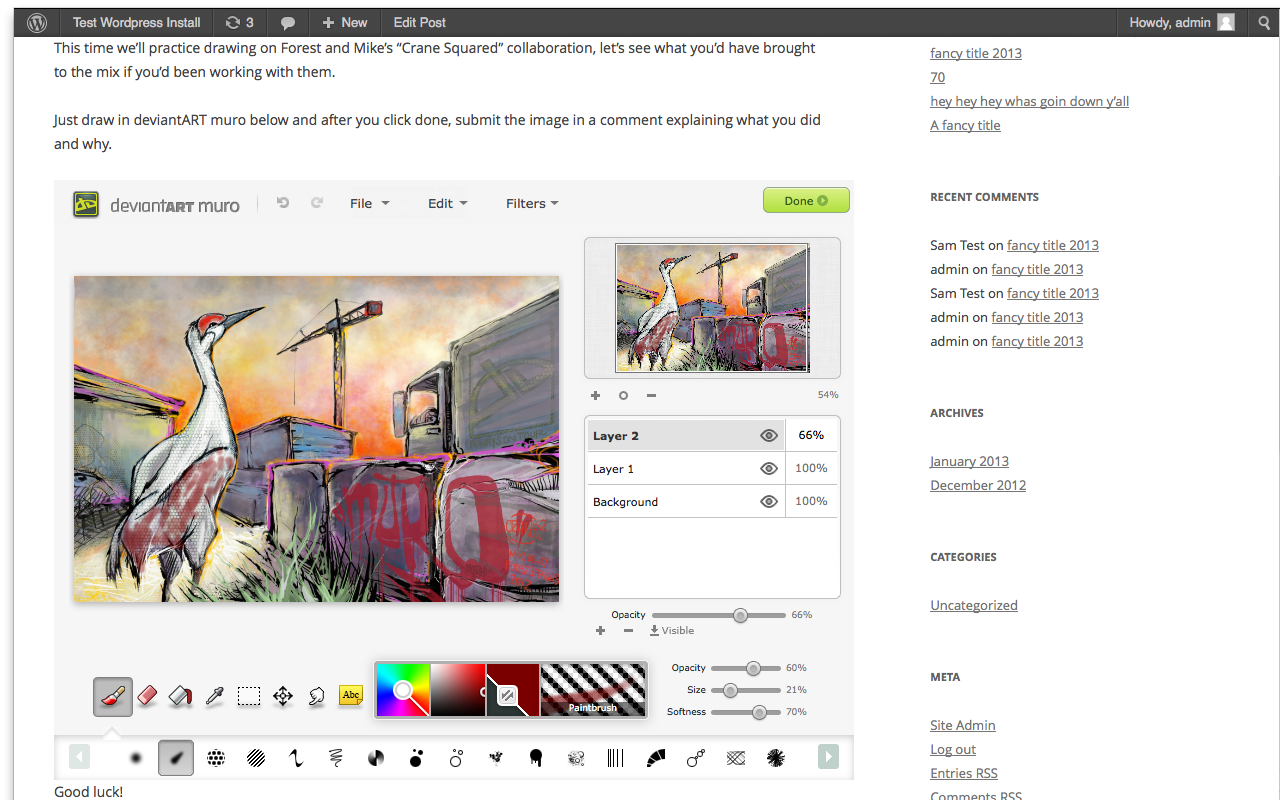
How the article embed appears.
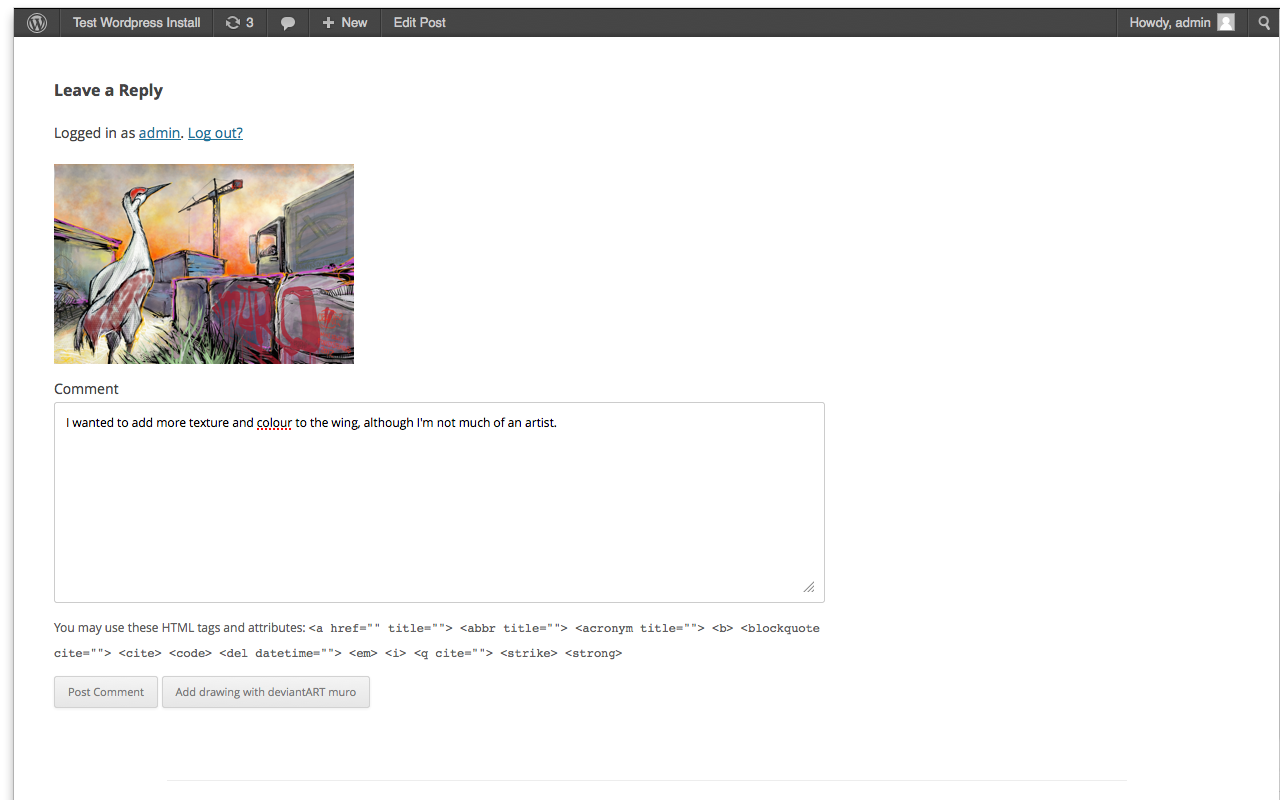
The saved image gets put into the comment area, so the user can post it as a comment.
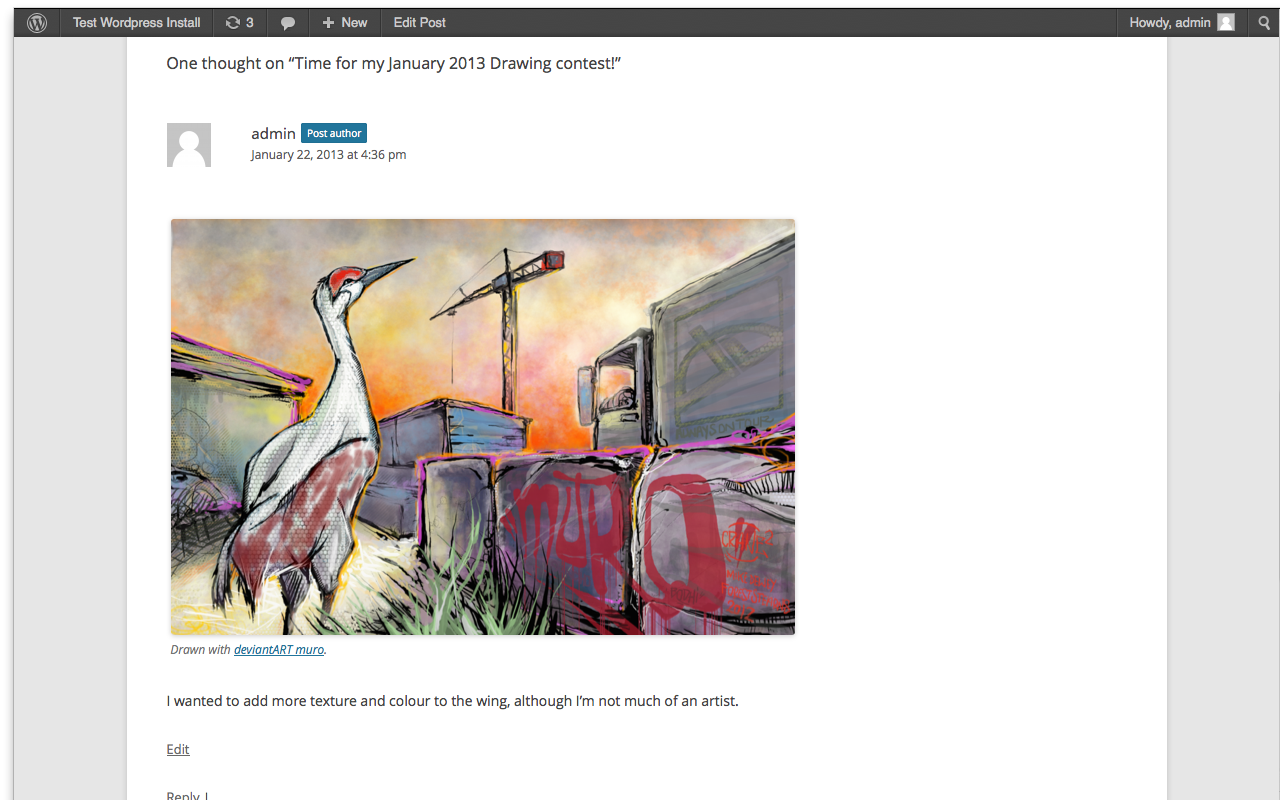
Once posted, the comment contains the drawn image.
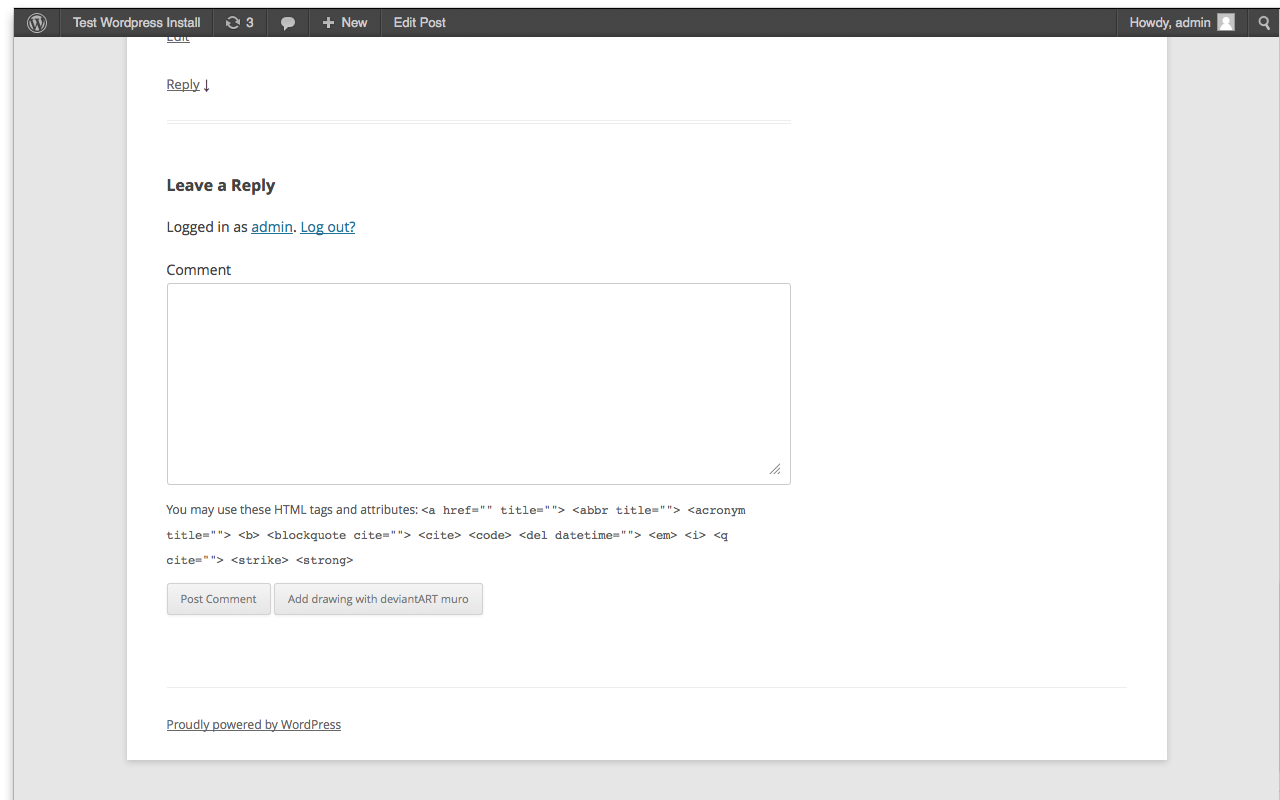
You can also use the "Add drawing with deviantART muro" button on the comment form.
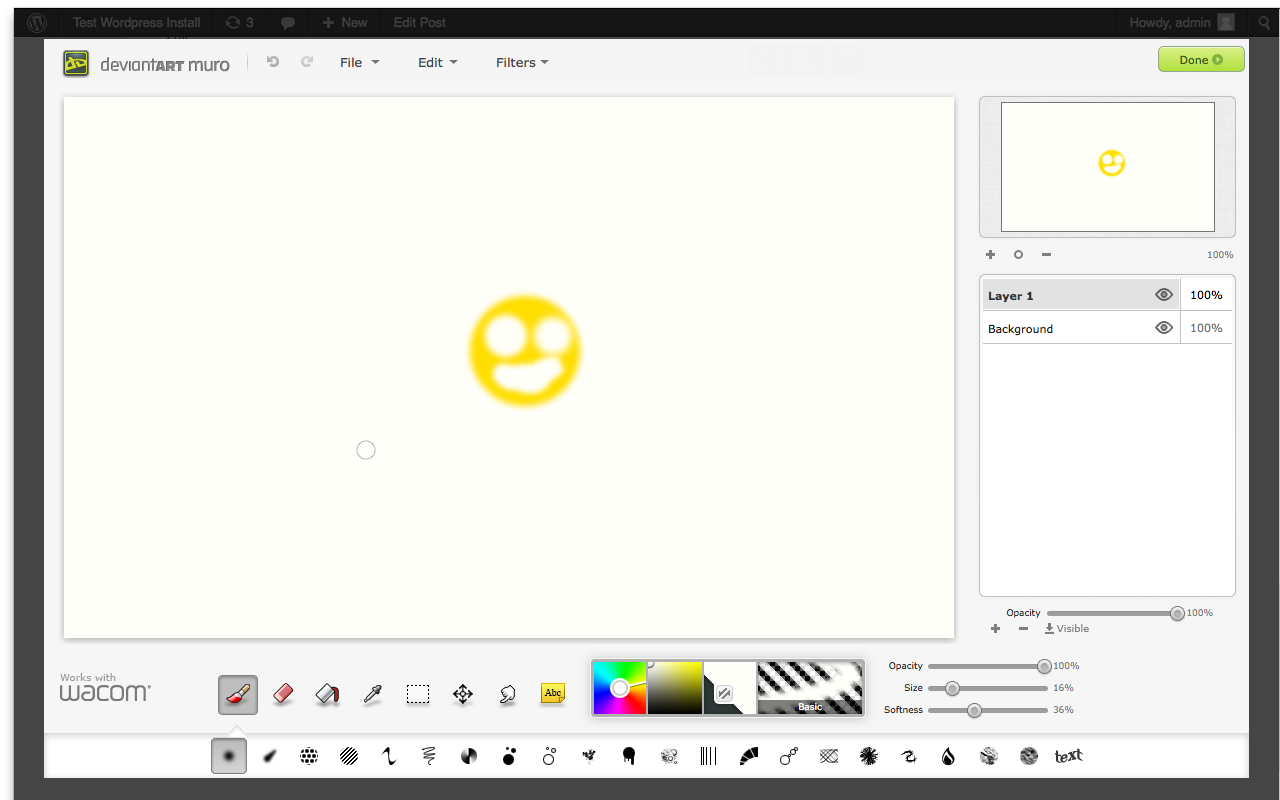
This pops up an instance of deviantART muro in a modal.
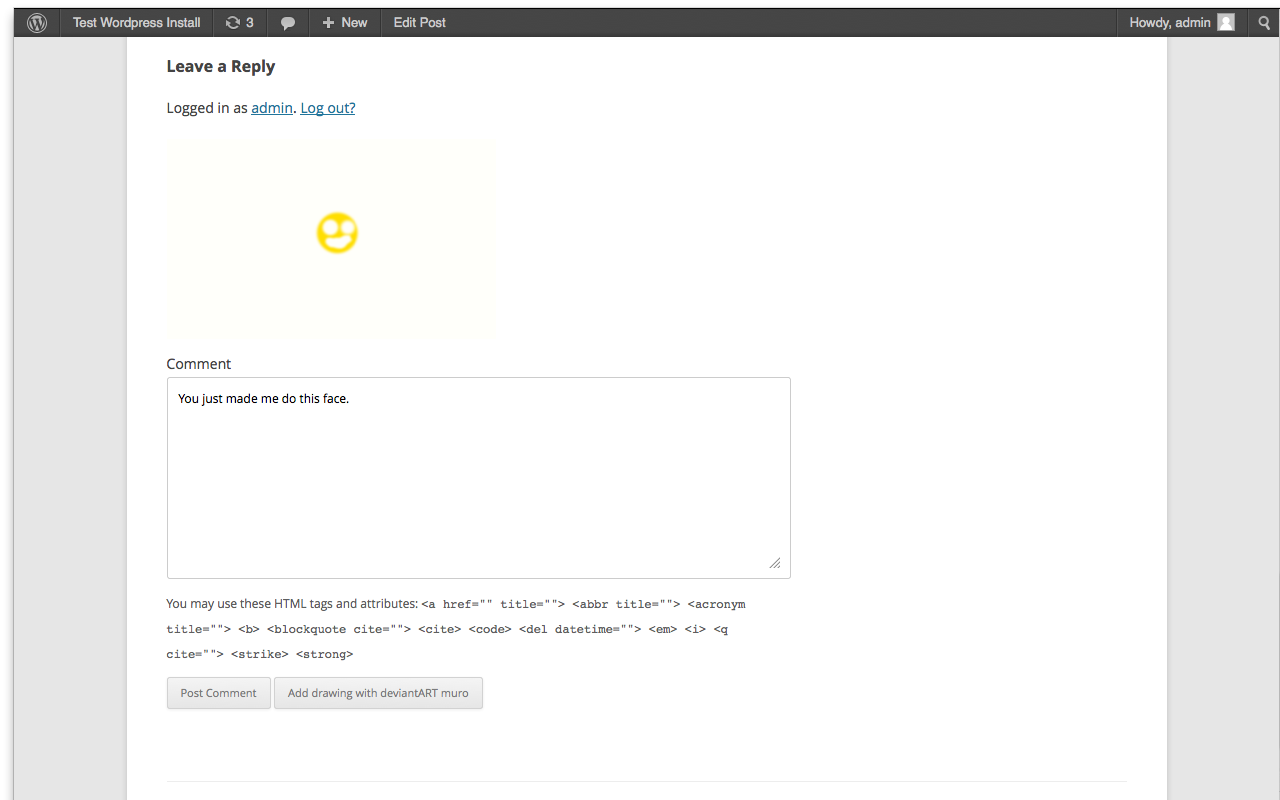
Once again the image is placed into a comment when you're done drawing.
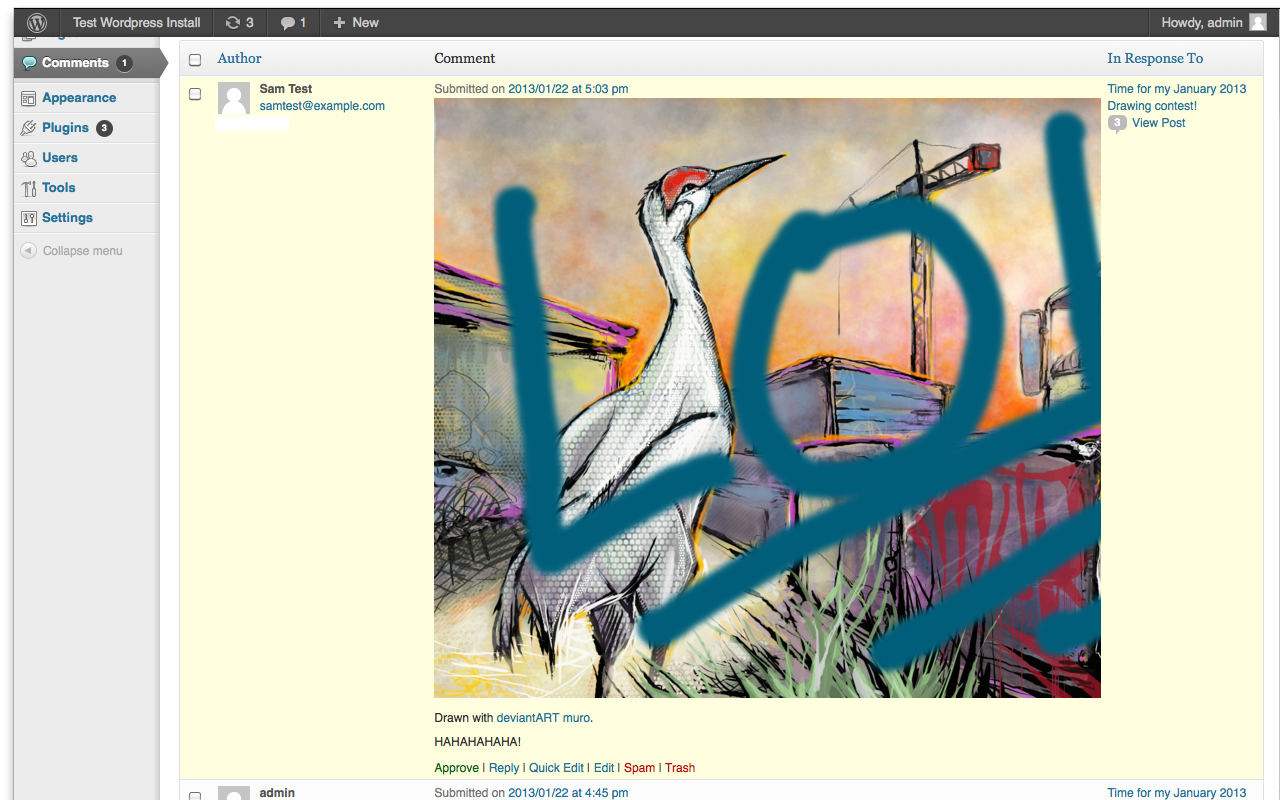
Comment images can be set to trigger moderation and show in the moderation panel.