
Dexdel Filterable Photo Gallery lets you build image galleries that visitors can filter by category, with tabs and sub-tabs, a grid or masonry layout, a built-in lightbox and complete control over fonts, colours and spacing. It works with the block editor and with any page builder that supports shortcodes.
Use it for photography portfolios, product showcases, project galleries, team pages, event photos and any other image collection that needs sorting into categories.
Features
- Category tabs, with optional sub-tabs for sub-categories and an icon for each tab
- Categories per gallery: every gallery picks its own categories and assigns them to its own images
- Grid and masonry layouts, with a choice of aspect ratios or a custom one
- Bulk image upload and selection through the Media Library
- Drag-and-drop ordering, or sort by title, date or random, ascending or descending
- Title and caption, each switchable on and off, inside the overlay or below the image
- Overlay on hover or always visible: text at the bottom, the top or centred on a full overlay, solid or gradient, with an opacity slider
- Hover effects: zoom in, zoom out, slide, fade, lift or colour-on-hover
- Lightbox and link icons in the overlay, with their own colours
- Built-in lightbox with keyboard and swipe navigation
- A link for every image, with new-tab and nofollow options
- Pagination: page numbers, a load more button or previous/next arrows, inside or outside the grid container
- Responsive columns: separate column counts for desktop, tablet and mobile
- Spacing controls: padding, margin, column gap and row gap, in pixels or percent
- Styling: fonts, colours, borders and radius for tabs, text and pagination
- Custom CSS and JavaScript per gallery
- Shortcode and block, so it works in the block editor, the classic editor and page builders
Lightweight and private
The plugin loads no external files, makes no remote requests and collects no data. Scripts and styles load only on pages that contain a gallery.
Works with
- Block editor (Gutenberg) via the Dexdel Filterable Photo Gallery block
- Classic editor, Elementor, Divi, WPBakery and other page builders via the shortcode
- Any theme that follows WordPress standards
Shortcode
[fgal_gallery id="12"]
Replace 12 with the ID of your gallery, shown in the sidebar of the gallery edit screen.
Template function
<?php echo fgal_render_gallery( 12 ); ?>
Support
Please use the support forum on WordPress.org. You can also reach the developers at dexdel.com.
Screenshots
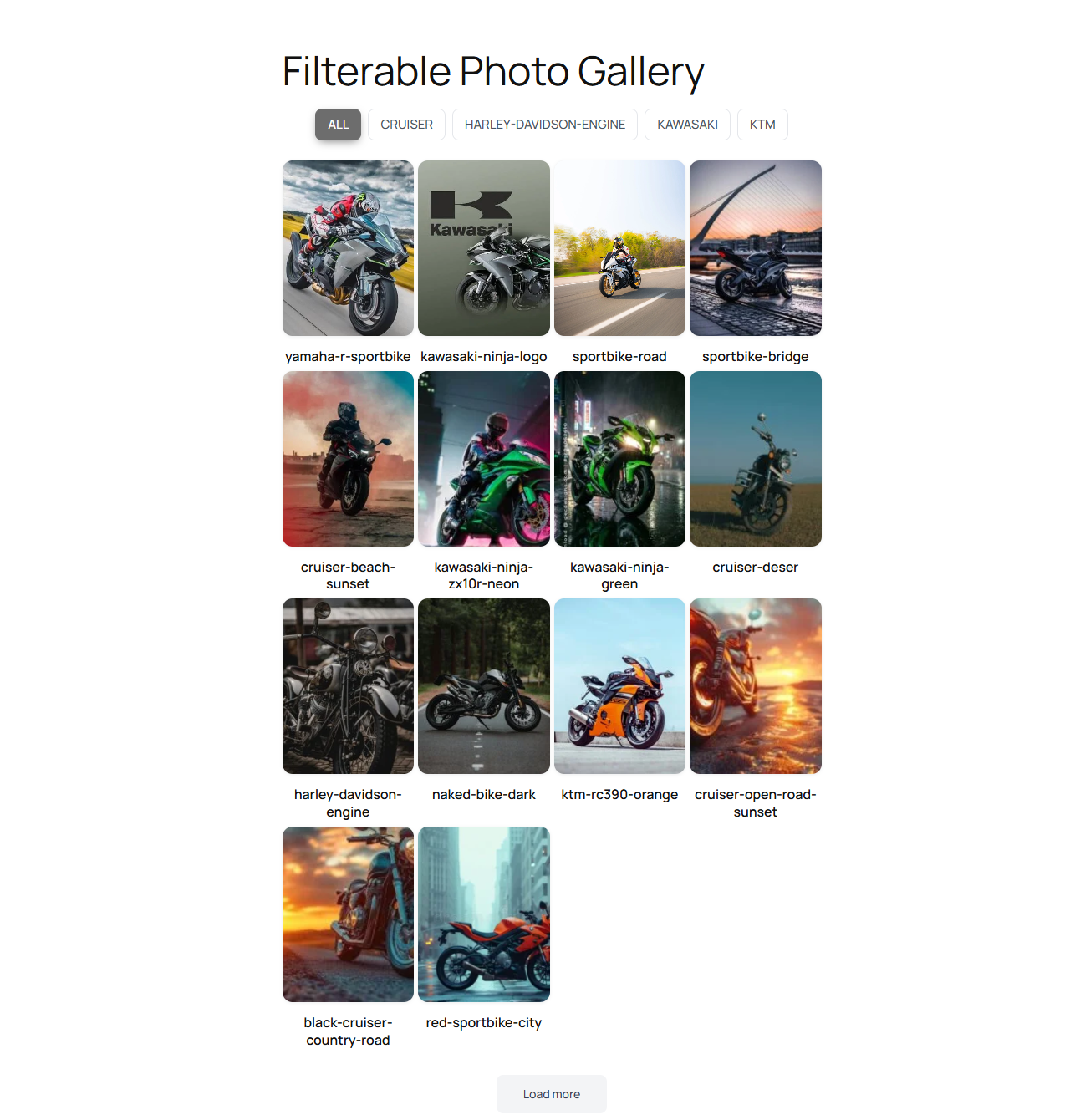
Grid layout on the front end with category filter tabs and a load more button.
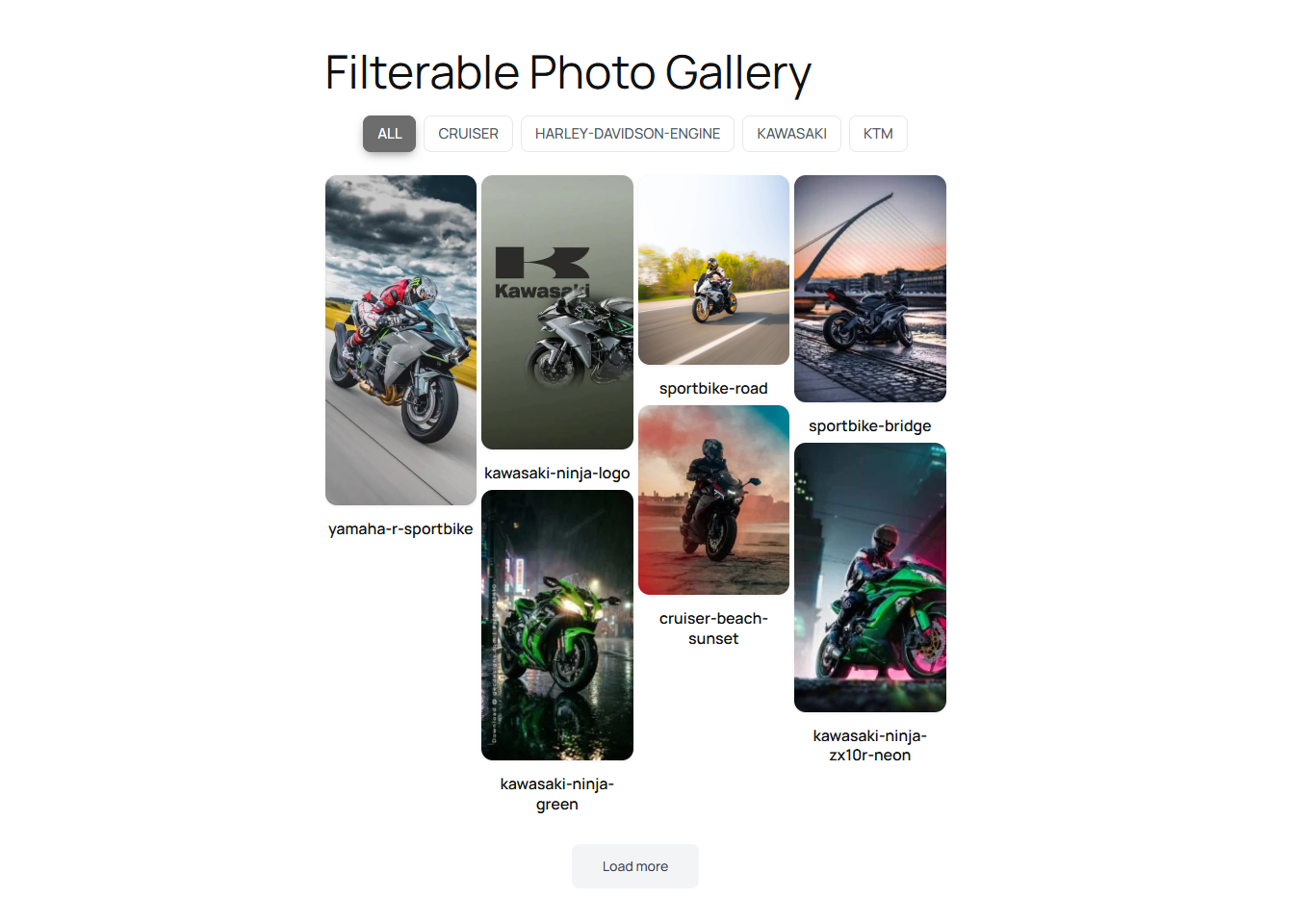
Masonry layout with images at their natural heights.
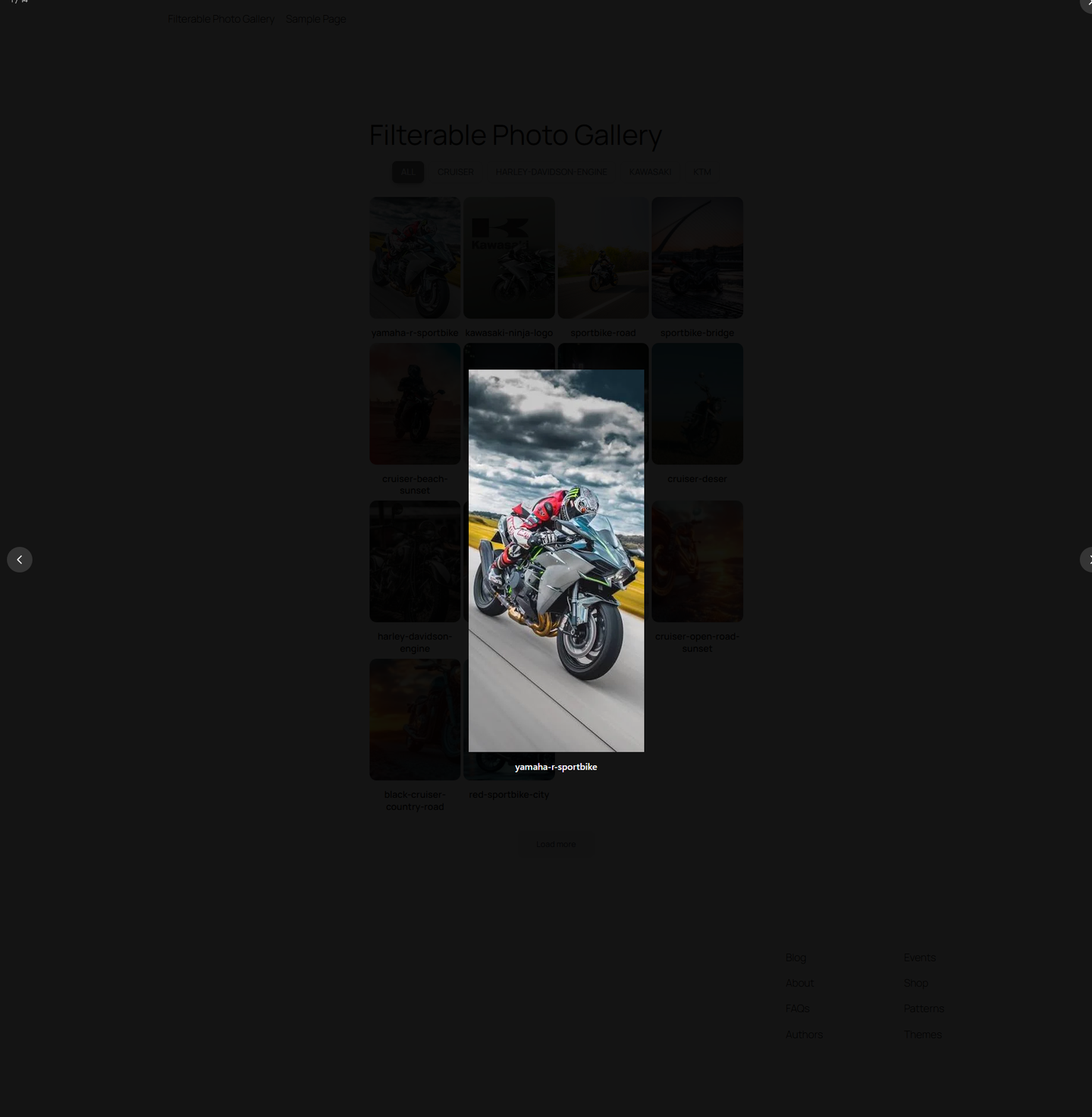
The built-in lightbox with previous/next navigation and image counter.
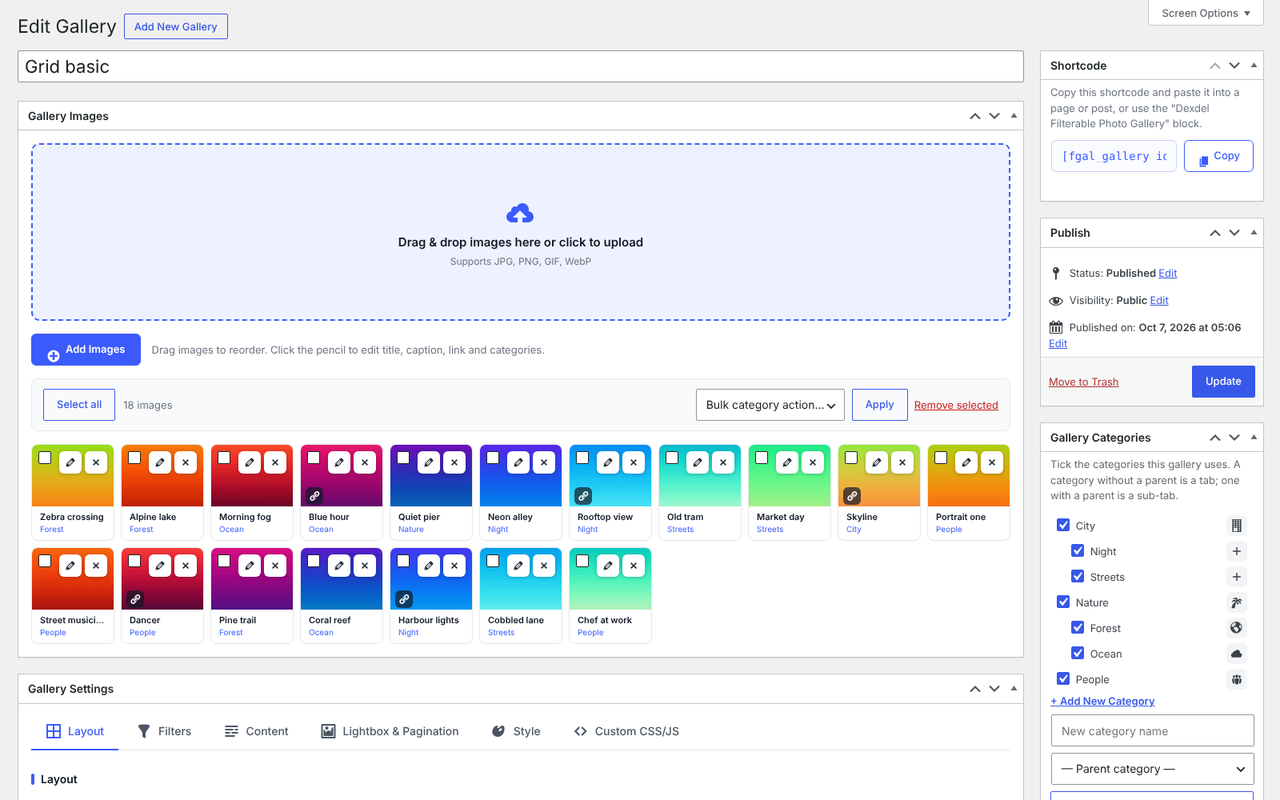
Gallery edit screen: drag-and-drop upload zone, image list and the Gallery Categories box.
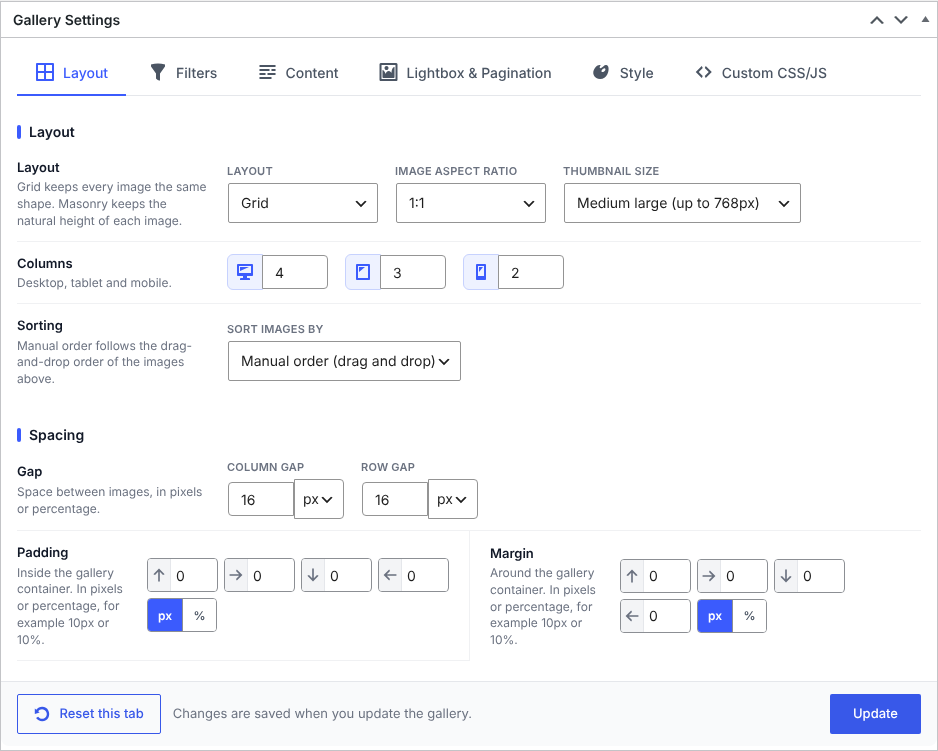
Layout settings: layout type, aspect ratio, columns per device, spacing in px or % and sorting.

Gallery Categories screen with parent categories (tabs), child categories (sub-tabs) and tab icons.
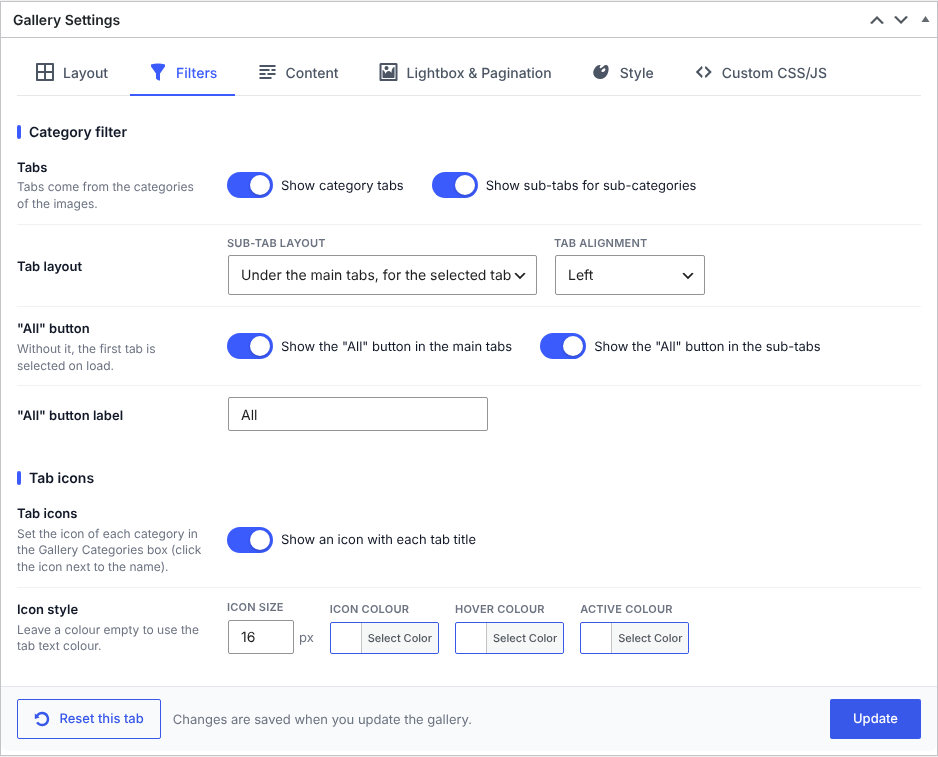
Filters settings: category tabs, sub-tab layout, "All" buttons, alignment and tab icons.
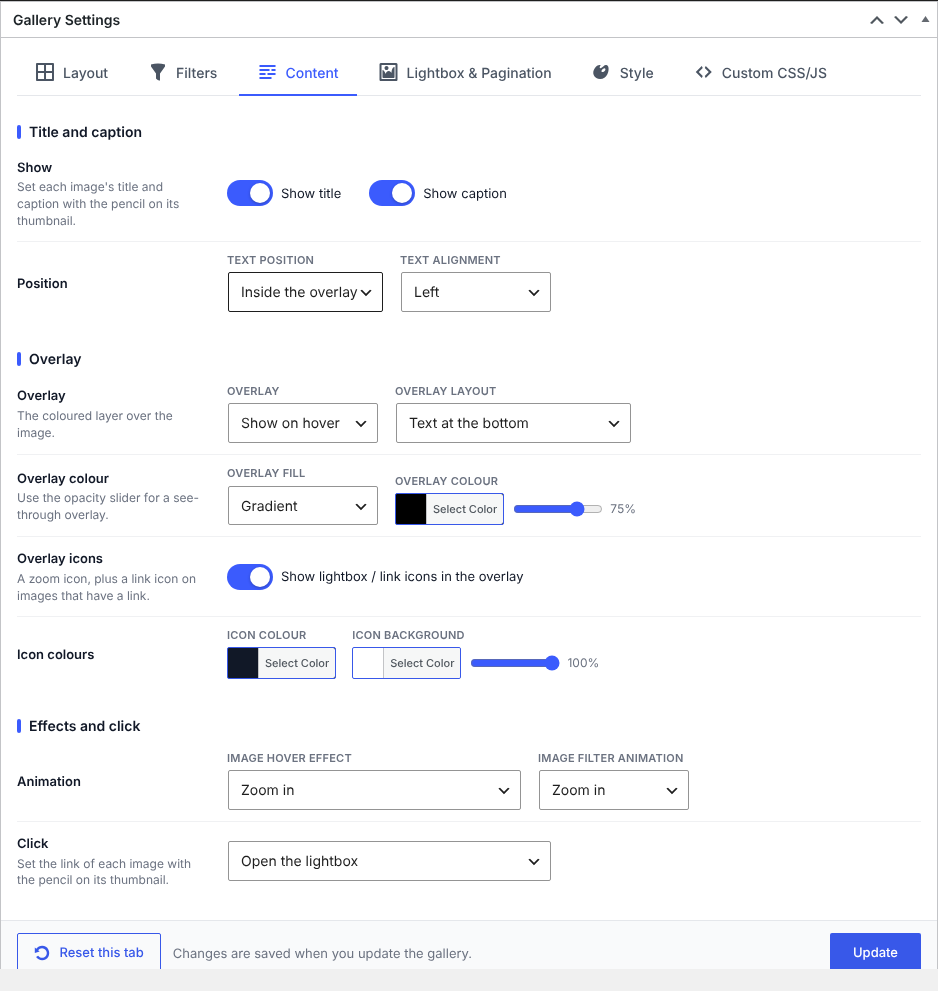
Content settings: title and caption, overlay layout and colour, hover effect, overlay icons and click action.
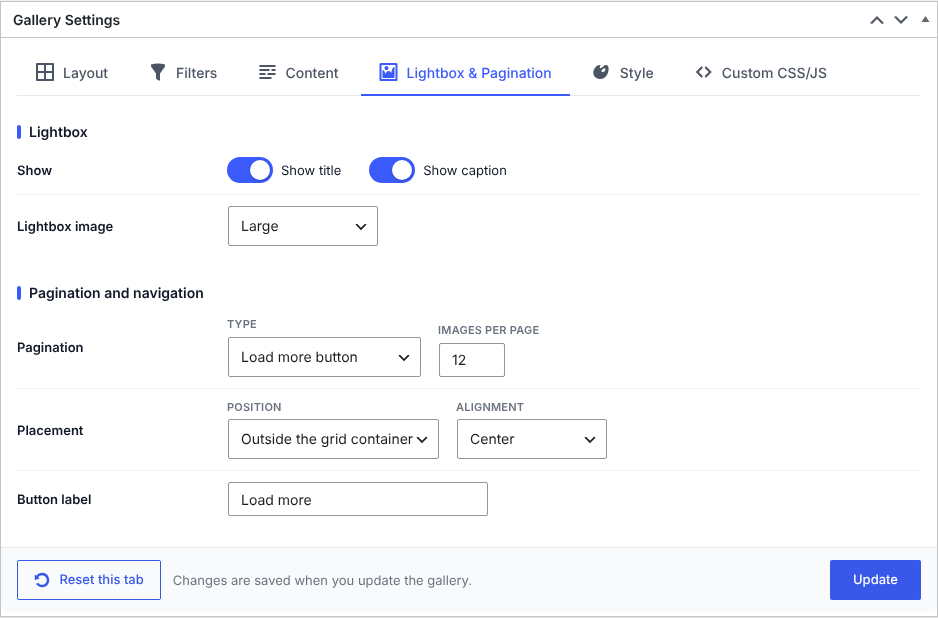
Lightbox and pagination settings: lightbox options, pagination type, position and labels.

Style settings: container, filter tab fonts, colours, borders and radius.