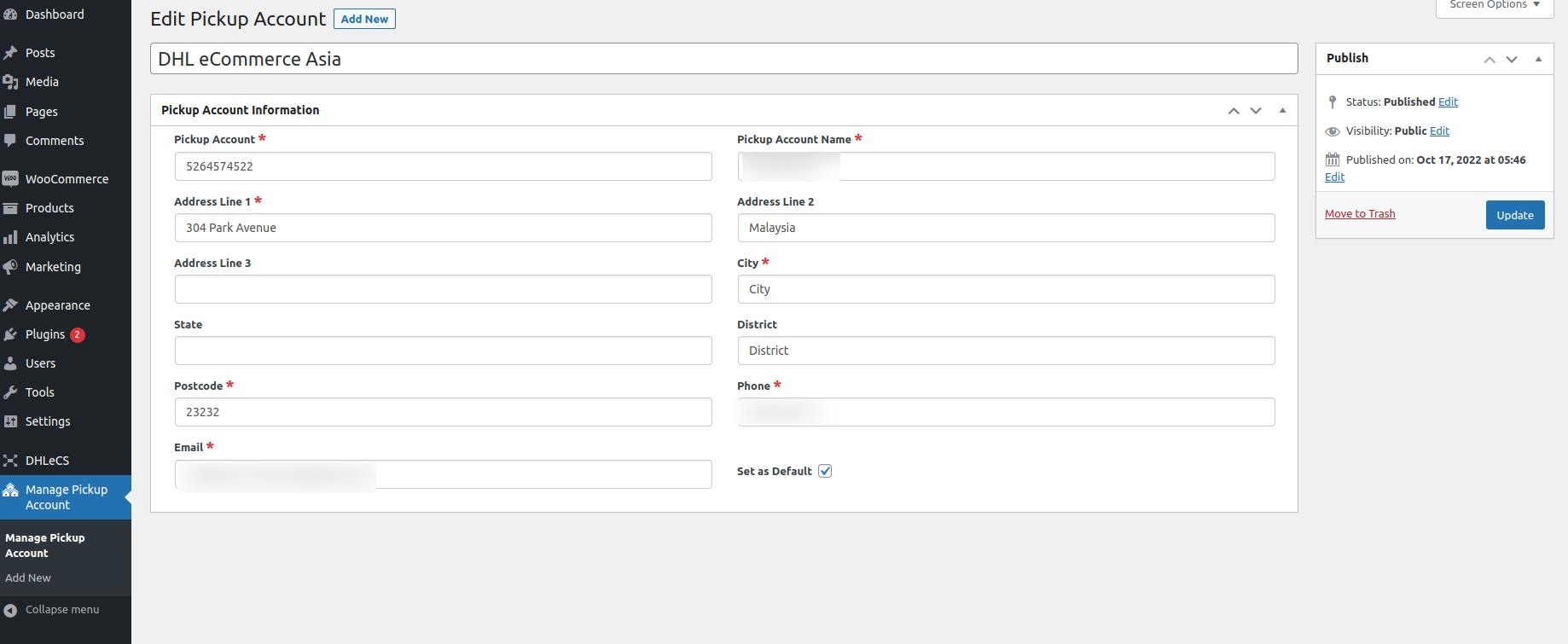
The Shipping Labels for DHL eCommerce APAC plugin, developed by Algoleap Technologies Pvt Ltd, automates your shipping workflow by connecting your WooCommerce store to DHL eCommerce APAC services.
The plugin supports WooCommerce HPOS, automatic shipment tracking via webhooks, intelligent shipping data mapping, automatic token management, and shipping operations for Malaysia and Thailand.
Security Notice
Security advisories have been published for PHP, including CVE-2026-109618 and CVE-2026-109619.
We recommend that all users ensure their hosting environment is running a supported PHP version with the latest applicable security patches installed.
Please contact your hosting provider or system administrator to verify your PHP version and apply the necessary security updates.
Important: Updating this plugin alone does not address vulnerabilities in the PHP runtime. PHP security updates must be applied separately to the hosting environment.
New in Version 2.0.0
Major Release — Thailand Support
This release introduced support for DHL eCommerce Thailand alongside Malaysia.
Features and Improvements
- Added country-specific request mapping for Thailand shipments.
- Improved country code handling during Create Label and Update Label operations.
- Improved shipping and shipper address validation.
- Enhanced consignee address mapping for Malaysia and Thailand.
- Improved shipping phone number prioritization with billing phone fallback.
- Updated shipment ID generation to use the WooCommerce displayed order number.
- Improved HPOS compatibility across shipment operations.
- Improved compatibility with Sequential Order Number plugins.
- Improved automatic OAuth token generation and refresh.
- Improved bulk label creation reliability.
- Enhanced metadata handling, error logging, and performance.
Usage
Creating Shipping Labels
- Go to WooCommerce Orders.
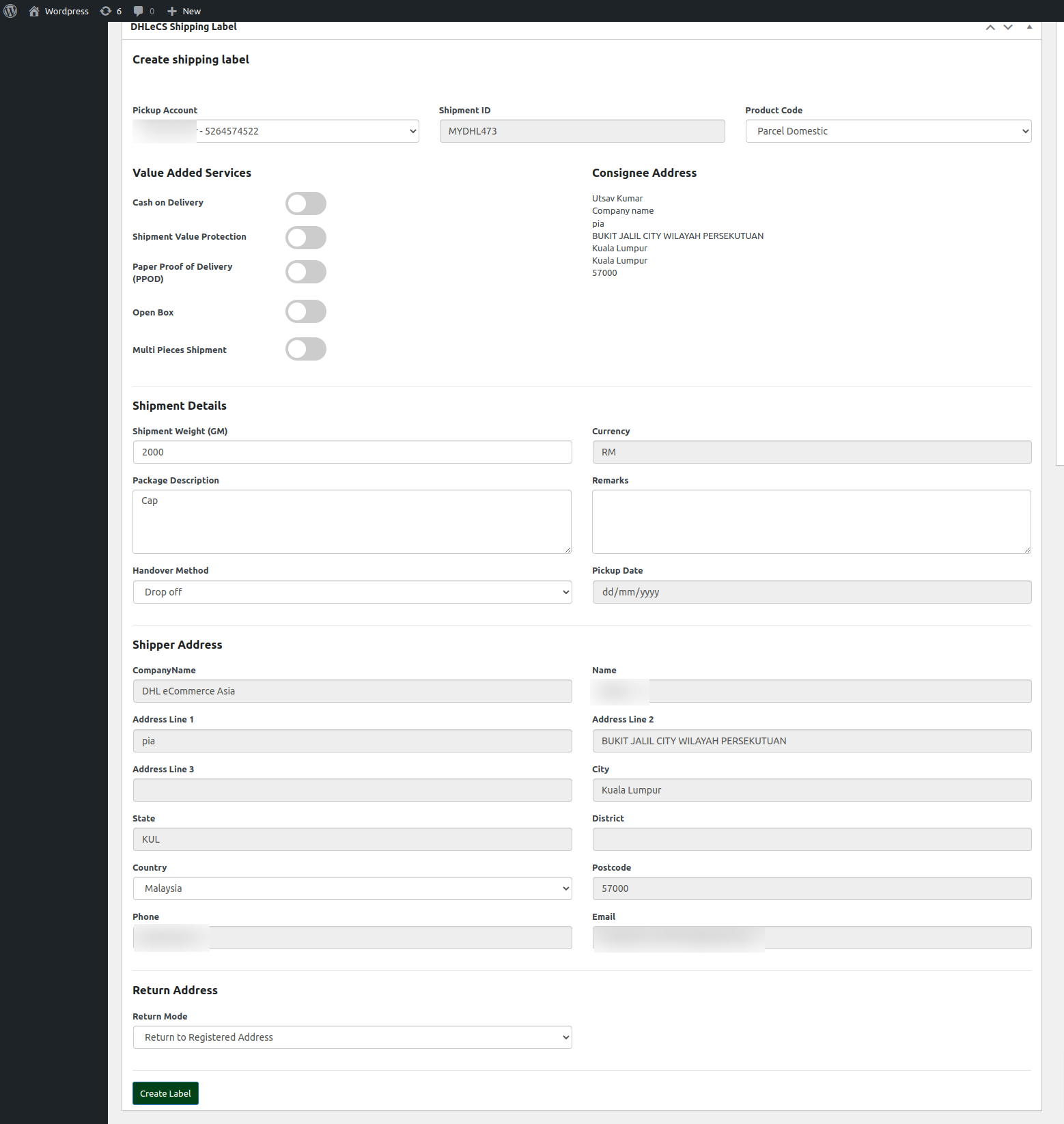
- Open an order and locate the DHL eCommerce APAC panel.
- Enter the required shipping details and click Generate Label.
- Download and print the generated label.
Bulk Label Creation
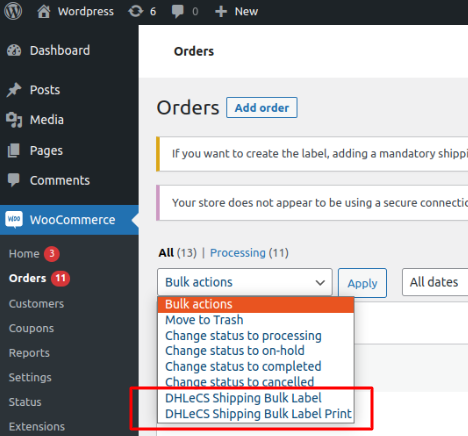
- Go to WooCommerce Orders.
- Select multiple orders.
- Choose Create DHL eCommerce APAC Labels from the Bulk Actions dropdown.
Automatic Tracking Updates
- DHL’s ELR system sends tracking updates to your webhook endpoint.
- WooCommerce order tracking status is updated automatically.
WooCommerce HPOS Compatibility
Fully compatible with WooCommerce High-Performance Order Storage.
Privacy & Logging
Webhook and API logs are stored in WooCommerce Status Logs when logging is enabled.
Disclaimer
This plugin is an independent DHL eCommerce APAC integration and is not officially endorsed by DHL.
Support
Contact the WordPress plugin support forum or plugins@wordpress.org.
Screenshots