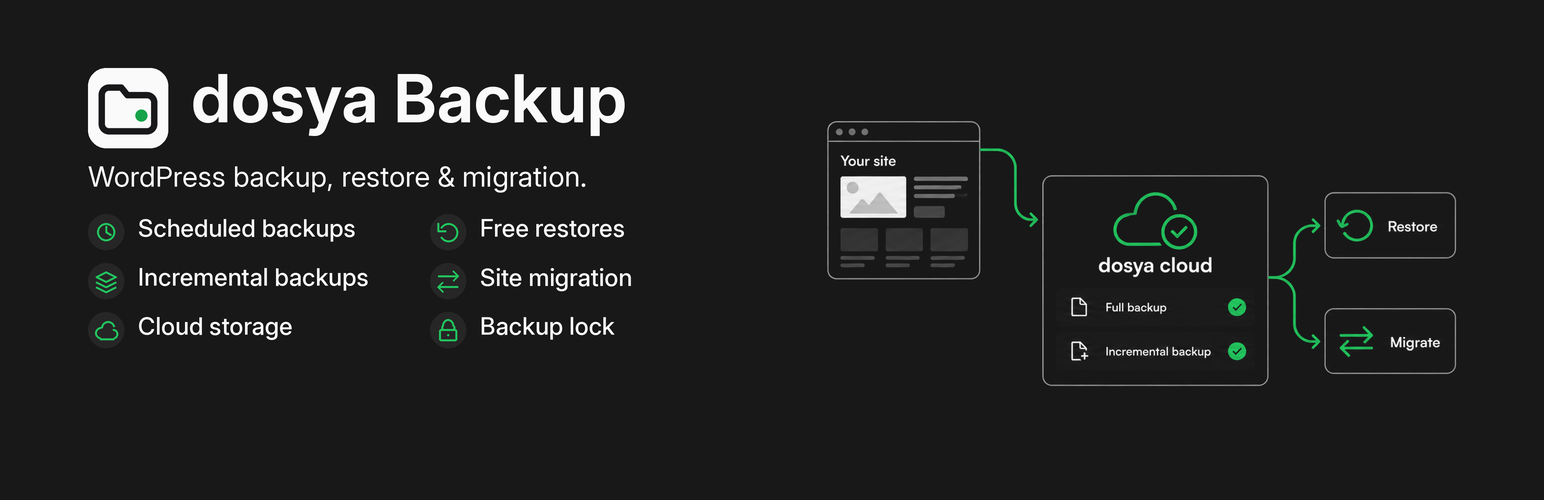
- Back up the whole site, only the database, or only files.
- Restore or move a site to a new address with no size limit and no paid add-on.
- Upload a backup in small pieces, so your host’s upload limit never matters.
- A safety copy of the database is made before every restore, so you can undo it.
- Works on hosts with short time limits: every job runs in small resumable steps.
- WP-CLI:
wp dosya backup,wp dosya restore,wp dosya list,wp dosya verify.
Sites whose wp-content folder lives outside the WordPress folder are not fully supported yet.
Source code, issues and pull requests: https://github.com/dosya-dev/wordpress
External services
The plugin contacts no outside service until the site owner connects it to a dosya account. Without a connection, backups stay on your server until you download them.
When you choose “Connect to dosya”, the plugin sends you to https://dosya.dev with the site address, the home address, the site name, a random site identifier (not derived from any personal data) and whether this is a multisite install. You approve the connection there once.
After that the plugin talks only to https://api.dosya.dev. Every request carries the plugin version and the WordPress version in its User-Agent. During backups it uploads the backup files you make, with their sizes and checksums, and registers the backup. When you disconnect, it tells dosya.
dosya privacy policy: https://dosya.dev/privacy
dosya terms of service: https://dosya.dev/terms
Screenshots

The Backups tab: the status card, the backup list with where each copy is stored, and Back up now.

The restore dialog: what will be replaced, the safety copy, and the Restore site button.

The Schedule tab: automatic backups, retention, safety copy and email settings as plain sentences.

The dosya tab: connect the site to keep a second copy of every backup off this server.