BACK TO DIRECTORY

Use a Gutenberg Block to manage a download list with file type specific icons. No configuration is necessary. The Block can be used immediately after installation.
Features
- Choose files from media library
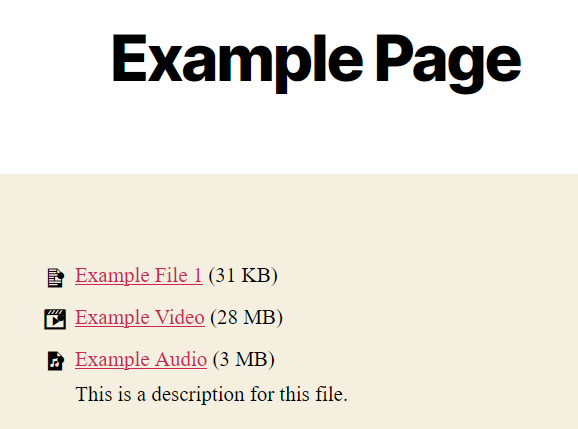
- Output chosen files as list with file-type-specific icon, download-link, title, size and description from media library
- Ships with multiple iconsets (Bootstrap-Icons, Dashicons, FontAweSome-Icons, Themify-Icons)
- Optional preview images for images, PDF files and audio or video files with cover image
- Optional frame for icons and preview images with color, radius, inner spacing and background
- Overview of all posts, pages, patterns and templates, which use the block
- Show all files of a folder from folder plugins like Folderly, HappyFiles or Folders
- Abilities for AI agents and automations via the Abilities API of WordPress
- Drag & Drop sorting for the list
- Remove files from list
Supports
- Display of file size, description and icon can be switched on and off
- Choose what link should be published: direct link or attachment page
- Choose an iconset for each Block; manage custom icons in unlimited lists
- Usage of multiple hooks to change or add icons to shipped iconsets
- Sort list by title or filesize with one click
- The Block can be used in widgets
- Set colors, typography and borders for each Block
- Use External files in media library if you want to link to external files
The development repository is on GitHub.
Screenshots
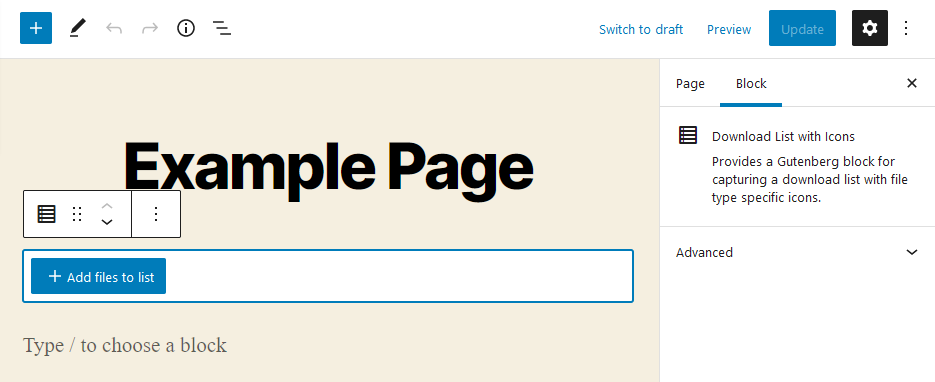
After adding the Block you have to choose the files.
After adding files to the Block they will be listed.
The files will be listed in the frontend.