
Automatically upload files directly to your Google Drive when users submit forms.
Features:
– Direct file uploads to Google Drive
– Support for multiple file types
– Easy Google authentication
Video Tutorial
Watch this step-by-step guide to setting up the plugin, including how to get your Google API Client ID, Secret, and Refresh Token.
Configuration
- Connect your Google Drive account
- Select destination folder
- Map form fields to Drive metadata
- Save and test with a form submission
Support
For support, visit the plugin documentation or contact support.
License
This plugin is licensed under the GPL v2 or later.
Screenshots
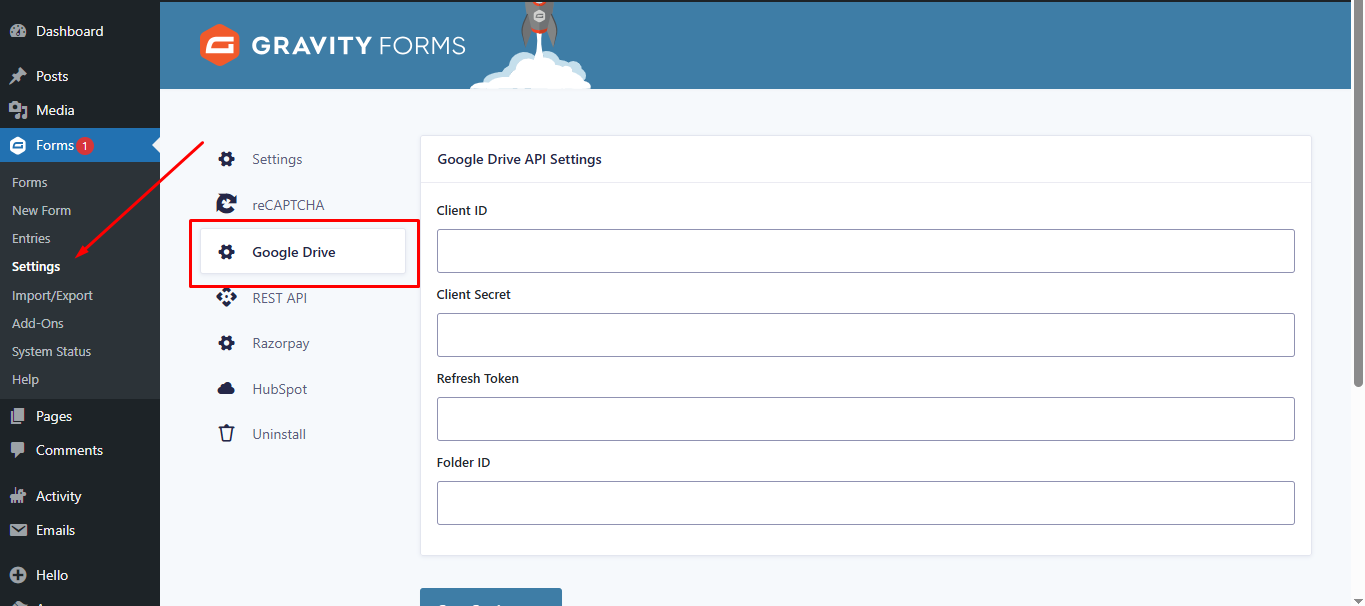
Google Drive API Settings: Configure your Client ID, Client Secret, and destination Folder ID in the main settings.
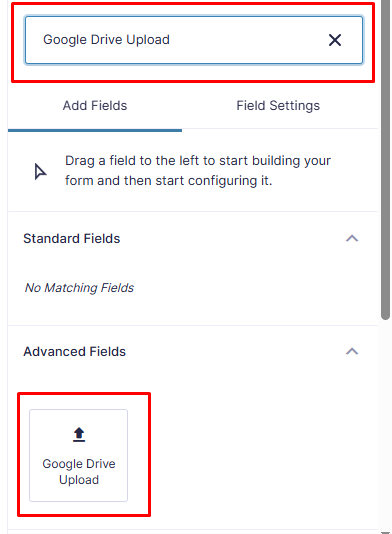
Easy Integration: Drag and drop the "Google Drive Upload" field from the Advanced Fields section in the form editor.
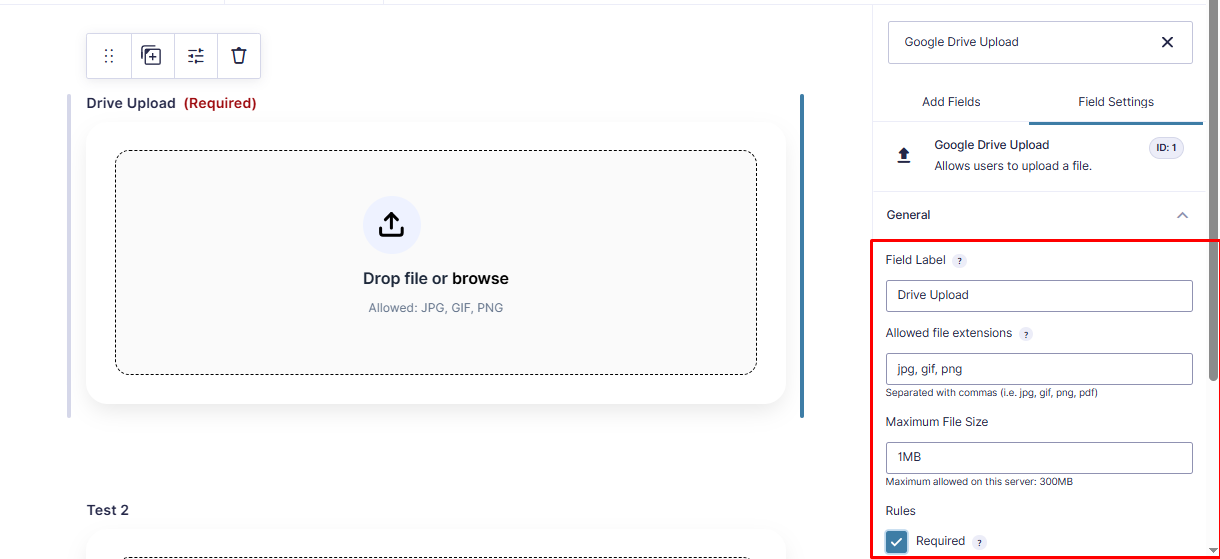
Field Configuration: Customize file restrictions, including allowed extensions and maximum file size limits directly in the field settings.
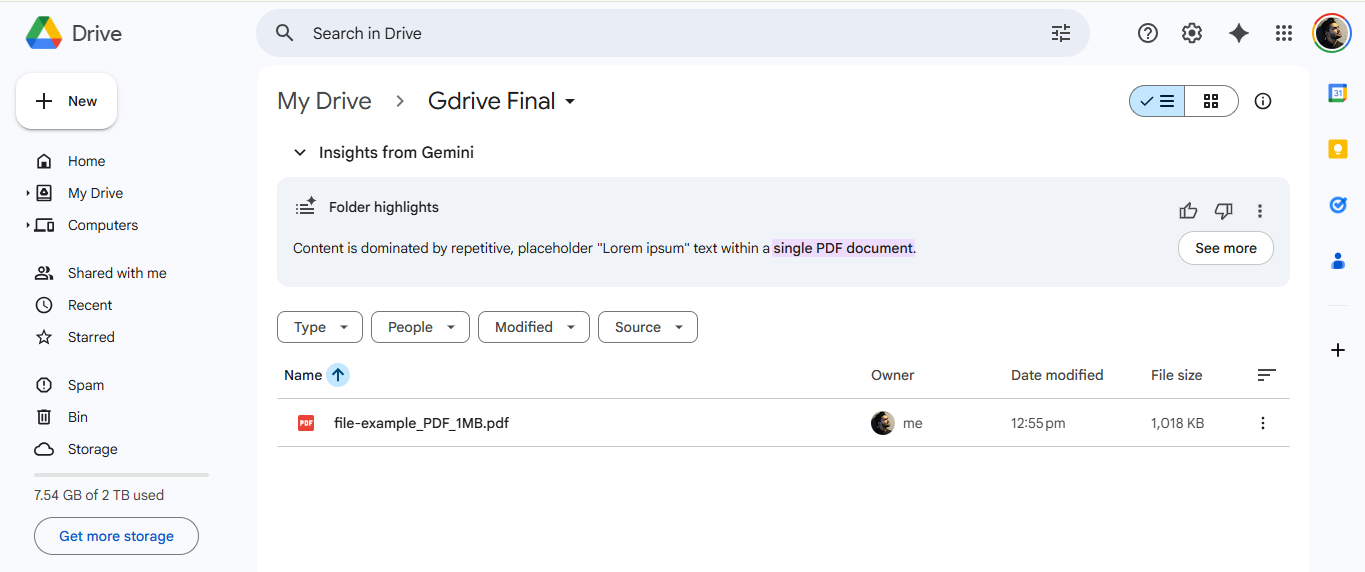
Seamless Uploads: Submissions are automatically uploaded and organized in your connected Google Drive folder.