
DriveVault for Easy Digital Downloads allows store owners to effortlessly attach files stored on Google Drive directly to Easy Digital Downloads digital products.
Built with a fast, modern React user interface powered by WordPress core packages (@wordpress/components, @wordpress/data, @wordpress/api-fetch), you can browse folders, search files, and insert download links directly inside the Easy Digital Downloads download editor.
Key Features:
- Seamless Google Drive Connection: Connect your Google Cloud project using OAuth 2.0 with a single authorization flow.
- Modern React File Picker: Browse Google Drive folders, search in real-time, and multi-select files directly from the Easy Digital Downloads Edit Download screen.
- Repeatable Files & File Names: Full compatibility with EDD downloadable files, custom file names, and price assignments.
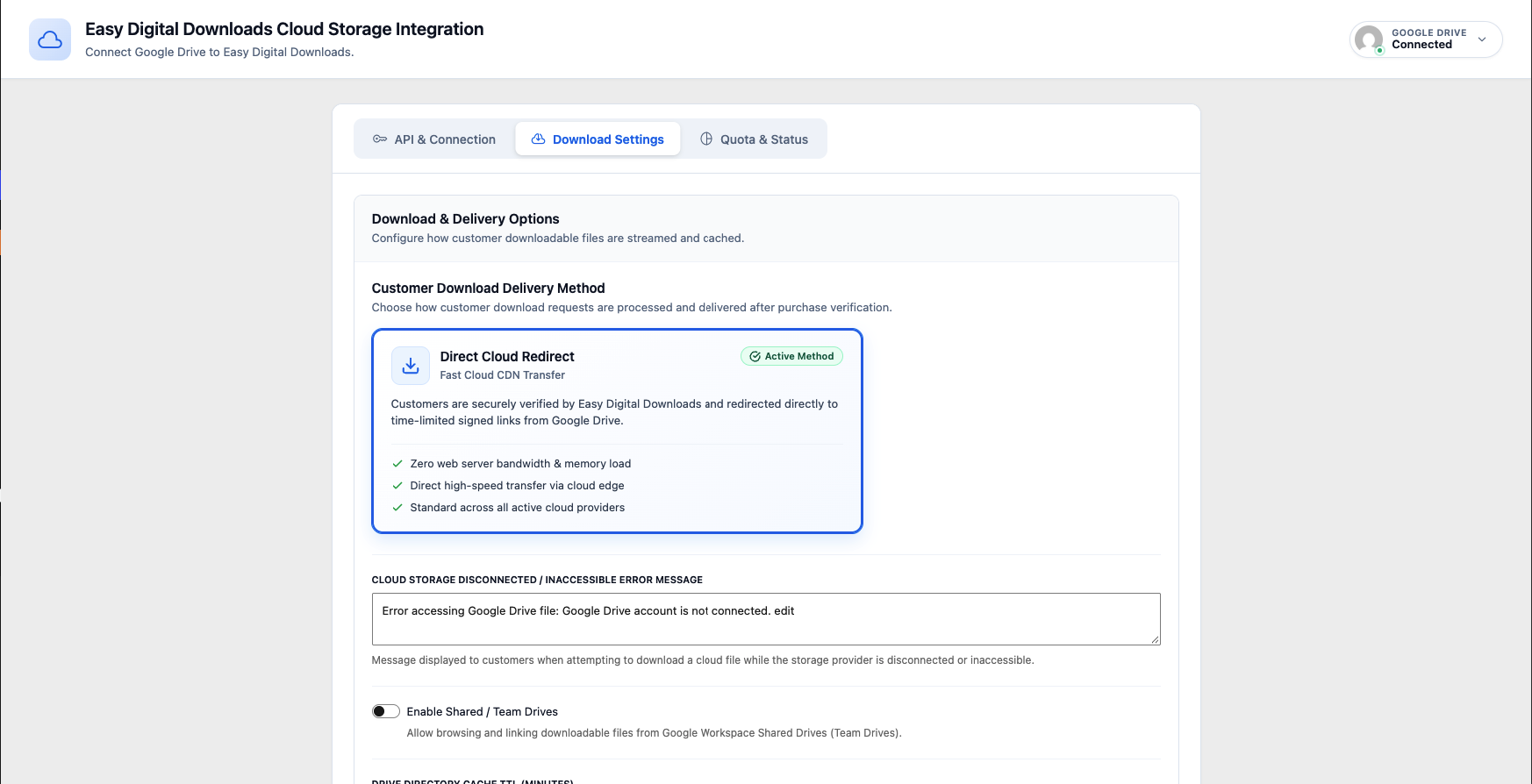
- Native Google Drive Downloads: Directs authorized buyers to Google Drive’s native browser download endpoint while verifying Easy Digital Downloads purchase and order access rules.
- Native EDD Tracking & Download Limits: Preserves native Easy Digital Downloads download logging, customer purchase records, and file download limits.
- Fast Caching: Folder listings and metadata are cached using WordPress Transients with instant manual refresh.
External Services
This plugin connects to external 3rd-party services provided by Google to enable Google Drive integration for Easy Digital Downloads digital products.
Google OAuth 2.0 API
- What the service is and what it is used for: Securely authenticates the store administrator’s Google account via OAuth 2.0 and generates API access and refresh tokens.
- What data is sent and when:
- When connecting your Google account in plugin settings, your OAuth Client ID, Client Secret, authorization code, and redirect URI are transmitted to Google’s token endpoint (
https://oauth2.googleapis.com/token) to exchange for API access/refresh tokens. - When viewing connection status, basic user profile information (email address and display name) is retrieved from
https://www.googleapis.com/oauth2/v2/userinfoto display the connected account in the admin dashboard. - When disconnecting your account, a revocation request is sent to
https://oauth2.googleapis.com/revoketo invalidate tokens.
- When connecting your Google account in plugin settings, your OAuth Client ID, Client Secret, authorization code, and redirect URI are transmitted to Google’s token endpoint (
- Service Provider: Google LLC
- Terms of Service: Google Terms of Service (https://policies.google.com/terms)
- Privacy Policy: Google Privacy Policy (https://policies.google.com/privacy)
Google Drive API v3
- What the service is and what it is used for: Browses Google Drive folders, searches files, retrieves file metadata, and serves downloadable digital files attached to Easy Digital Downloads products.
- What data is sent and when:
- When store managers browse or search files within the Easy Digital Downloads download editor, API queries containing folder IDs, search terms, and pagination tokens are sent to
https://www.googleapis.com/drive/v3/files. - When customers download purchased digital files, authorized buyers are redirected to Google Drive’s native browser download endpoint.
- When store managers browse or search files within the Easy Digital Downloads download editor, API queries containing folder IDs, search terms, and pagination tokens are sent to
- Service Provider: Google LLC
- Terms of Service: Google APIs Terms of Service (https://developers.google.com/terms)
- Privacy Policy: Google Privacy Policy (https://policies.google.com/privacy)
Third-Party Assets
- Google Material Symbols / Icons Font
- File:
assets/fonts/drivevault-icon.woff2 - Source: https://fonts.google.com/icons
- Copyright: Google LLC
- License: Apache License 2.0 (https://www.apache.org/licenses/LICENSE-2.0)
Source Code and Build
The unminified React and SCSS source code for the admin dashboard and product file picker is open source and publicly hosted on GitHub:
- File:
- GitHub Repository: https://github.com/tanindev/drivevault-for-easy-digital-downloads
To compile production assets:
1. Ensure Node.js (v18+) and npm are installed.
2. Run npm install
3. Run npm run build to generate production assets in assets/build/.
Screenshots
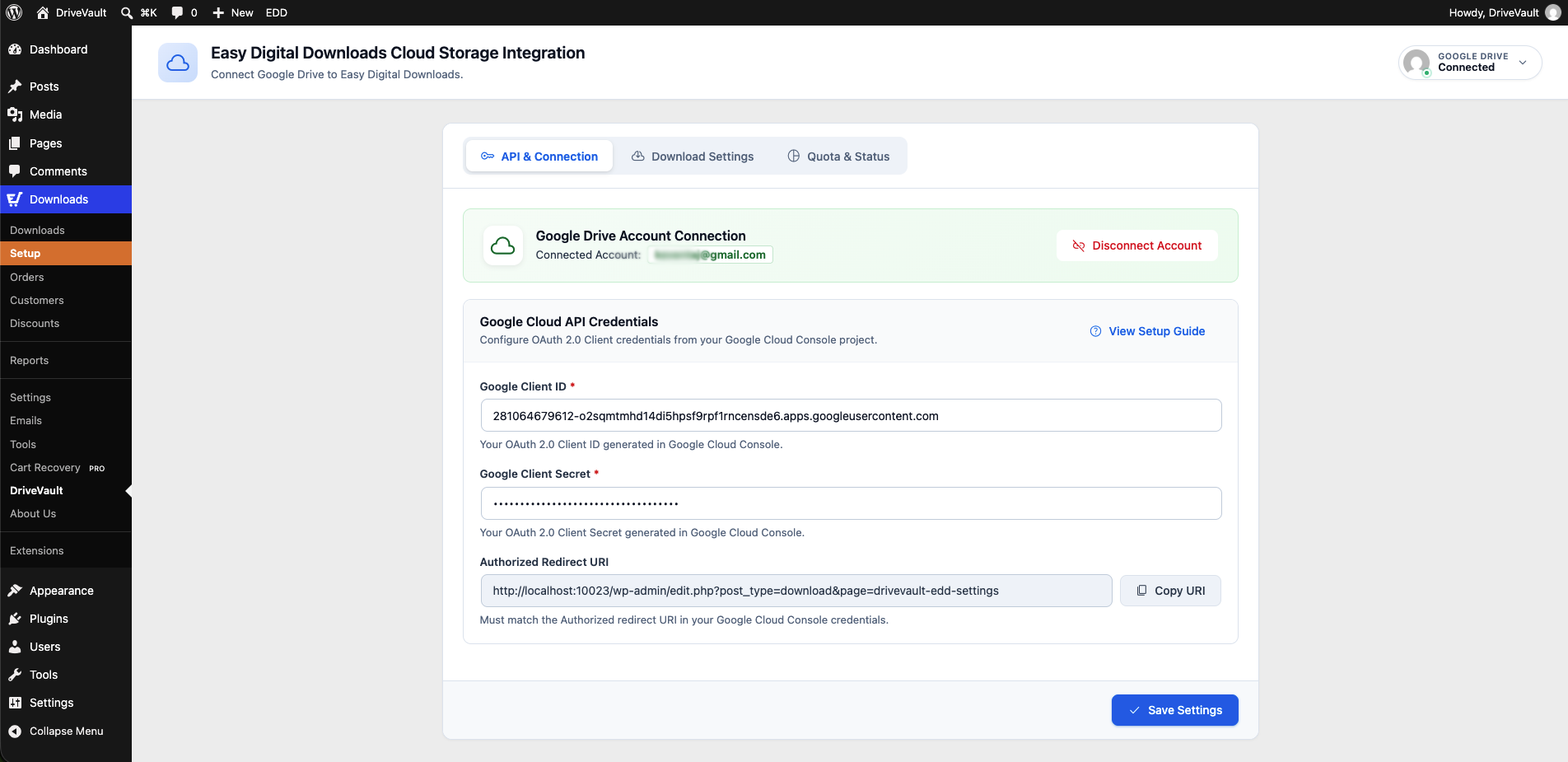
Google Drive Settings & Account Connection Dashboard in Easy Digital Downloads.
Modern React Google Drive File Picker modal inside the Edit Download editor.

Downloadable Files metabox with attached Google Drive files and "Add DriveVault File" action.
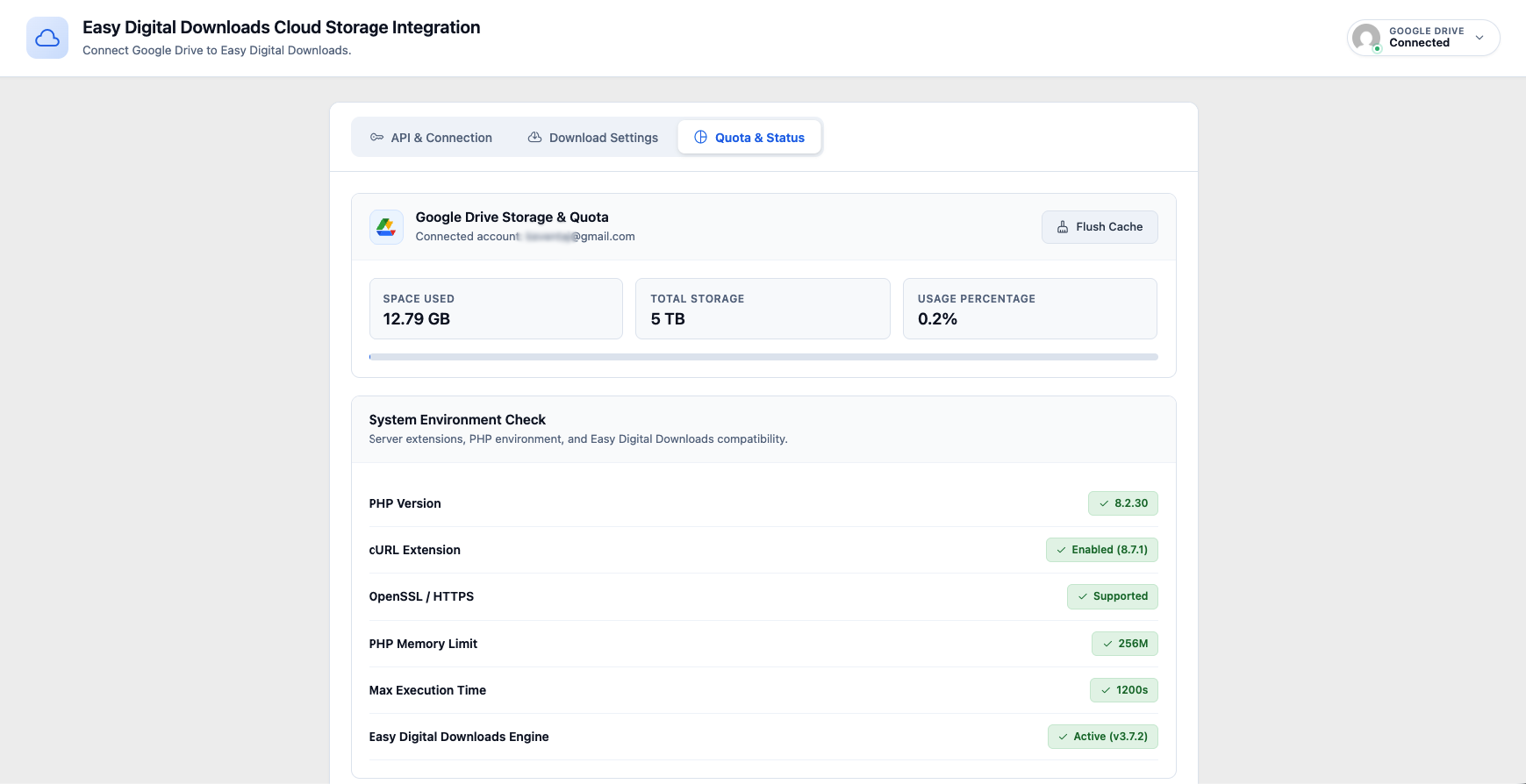
Google Drive Storage Quota metrics and system environment diagnostics.