
A fully self-contained cookie banner for WordPress — no account, no registration, no phone-home. The banner logic ships inside the plugin and runs entirely on your own server.
What sets it apart from other cookie plugins: a built-in compliance scanner that checks your whole website against 14 German and EU laws — GDPR (DSGVO), BDSG, TDDDG, DDG, the EU AI Act (KI-VO), BFSG, UWG, BGB, UrhG, VerpackG, ElektroG, JuSchG, PAngV and VSBG. You see the results directly in your WordPress admin.
Features
- Blocks trackers before consent — recognizes the most common trackers (Google Analytics/gtag, Google Tag Manager container, Google Ads, Meta/Facebook Pixel, TikTok Pixel, LinkedIn Insight, Microsoft Clarity, Bing, Hotjar, Pinterest, Jetpack Stats, Matomo/Piwik) by their script source and holds the
<script>tag itself back (type="text/plain") until the matching category is accepted — not just a signal sent after the fact - Accept / Reject / Settings — three clearly balanced buttons, as required by GDPR Art. 7
- Google Consent Mode v2 — sends the correct signals to
gtag()when it is installed - Shopify Customer Privacy API — syncs with
Shopify.customerPrivacy.setTrackingConsent()on WooCommerce-Shopify hybrid setups - Configurable categories — turn Analytics / Marketing / Functional on or off
- localStorage-based consent — the plugin sets no cookies of its own and makes no server calls
- Light / Dark mode — respects the visitor’s
prefers-color-scheme - Translation-ready — ships with German and English, more languages via the included
.potfile
What script blocking does NOT cover (stated plainly)
- A self-hosted or otherwise unlisted tracker is not recognized and not touched.
- Tags configured inside Google Tag Manager are invisible to us — only the GTM container load itself is blocked; if a GTM tag fires trackers of its own, that is between the site owner and their GTM configuration.
- Third-party
<iframe>embeds (YouTube, Google Maps, …) are out of scope for this version. - Add
data-dsgvo-skipto any<script>tag to exempt it by hand, and the “Block trackers before consent” checkbox under Settings DSGVO.pro Banner turns the whole feature off if it ever conflicts with something on your site.
Pro features (optional)
If you create an account on dsgvo.pro, you can unlock the following with a SiteID:
- Compliance score badge in the banner
- Unlimited scans (free tier = one scan on install)
- Monitoring alerts — an email when your score drops after a deployment
- Auto categories — the plugin derives the categories your site needs from the scan
Pro runs through the same plugin — just enter your SiteID in the settings.
Privacy
In the free version this plugin sends no data to external servers. The banner logic runs entirely locally. The only outbound calls are:
- Scan button (optional, only when you click it) ->
POST https://dsgvo.pro/api/scan/public - Pro activation (optional, only when you enter a SiteID) -> handshake with
https://dsgvo.pro/api/banner/<siteId>
Details in the privacy policy.
Screenshots
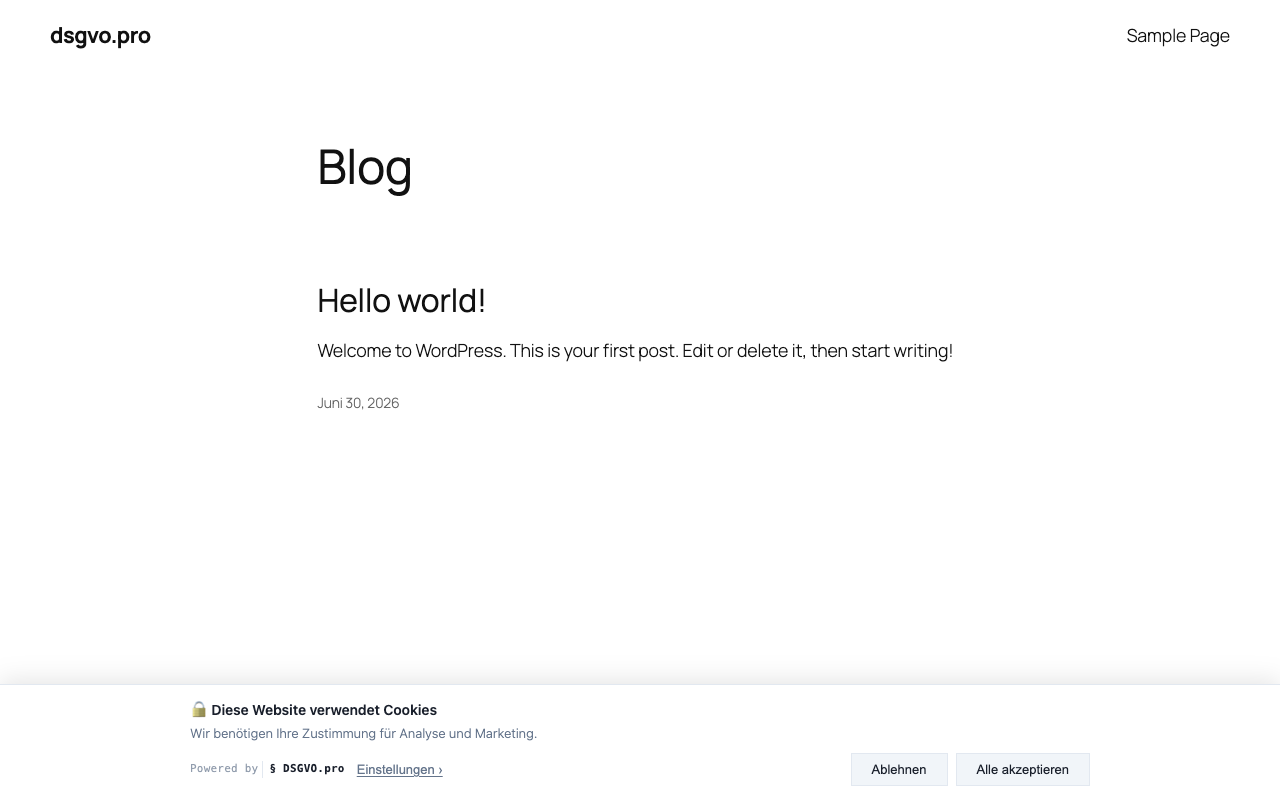
Cookie banner on the website (light mode)
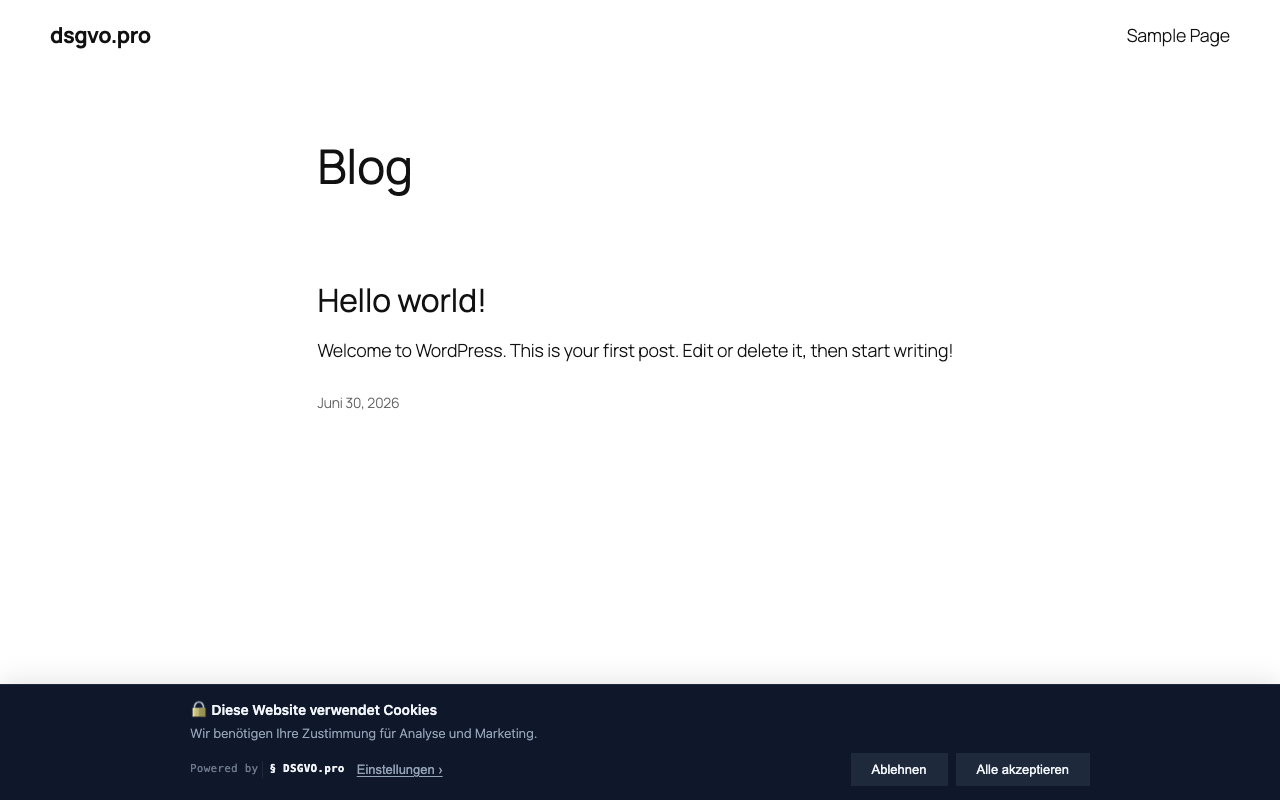
Cookie banner (dark mode)
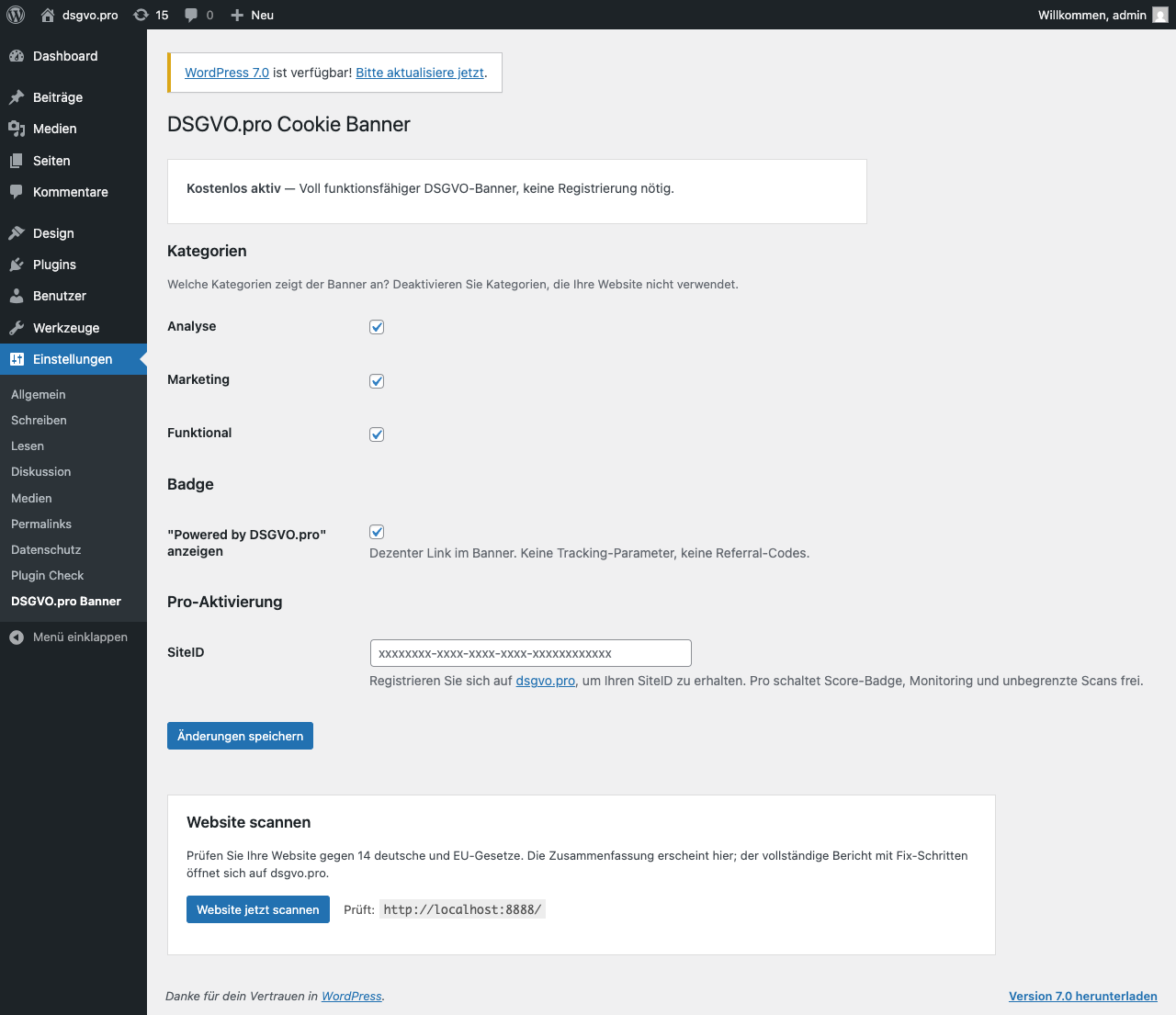
Settings in WP admin — adjust categories and enter a Pro SiteID
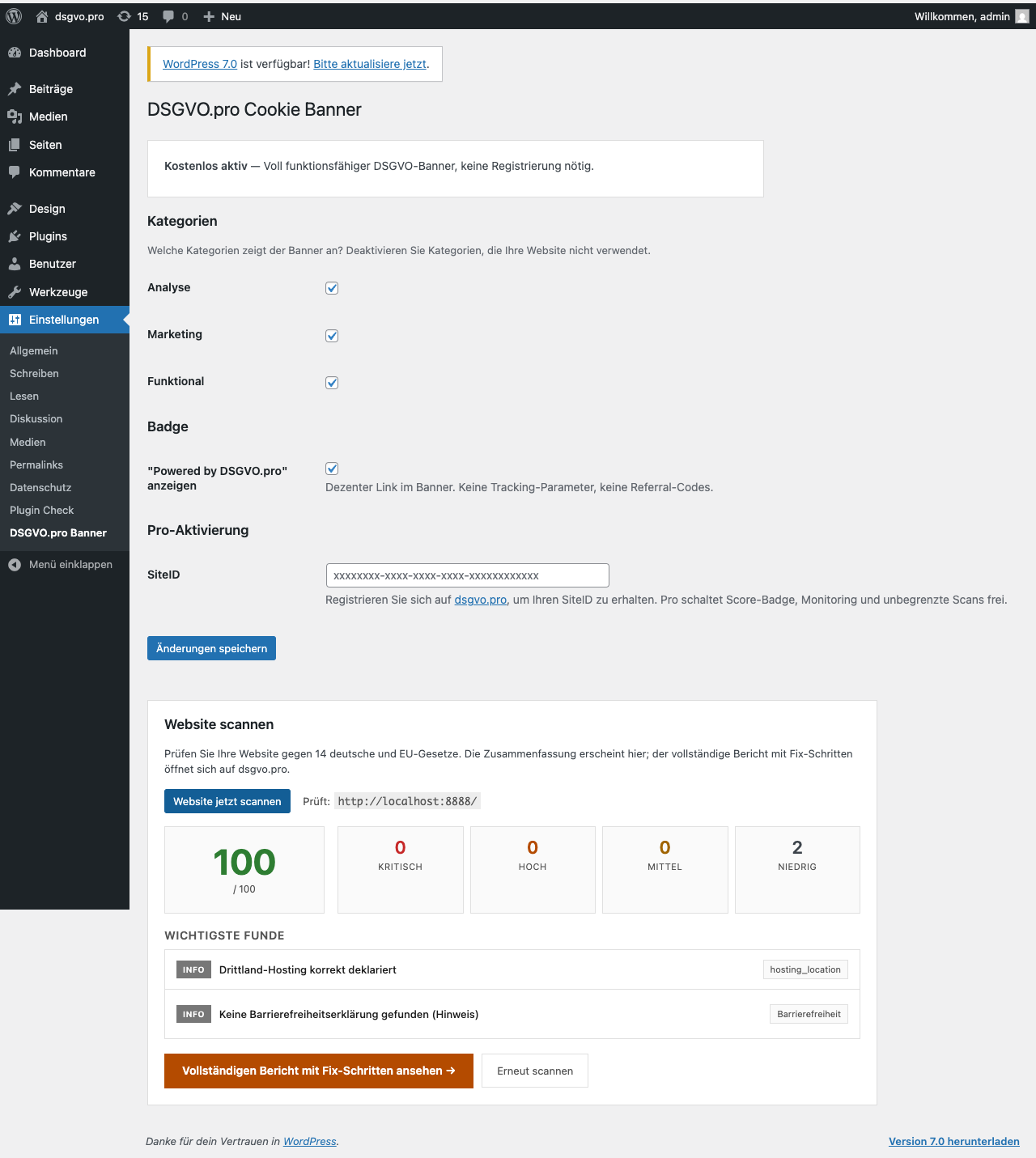
Compliance scan results directly in WP admin