BACK TO DIRECTORY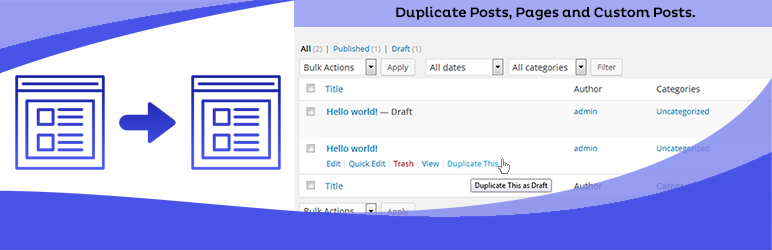

Duplicate Posts, Pages and Custom Posts easily using single click. You can duplicate your pages, posts and custom post by just one click and it will save as your selected options (draft, private, public, pending).
Key Features in Duplicate Page Pro Editions
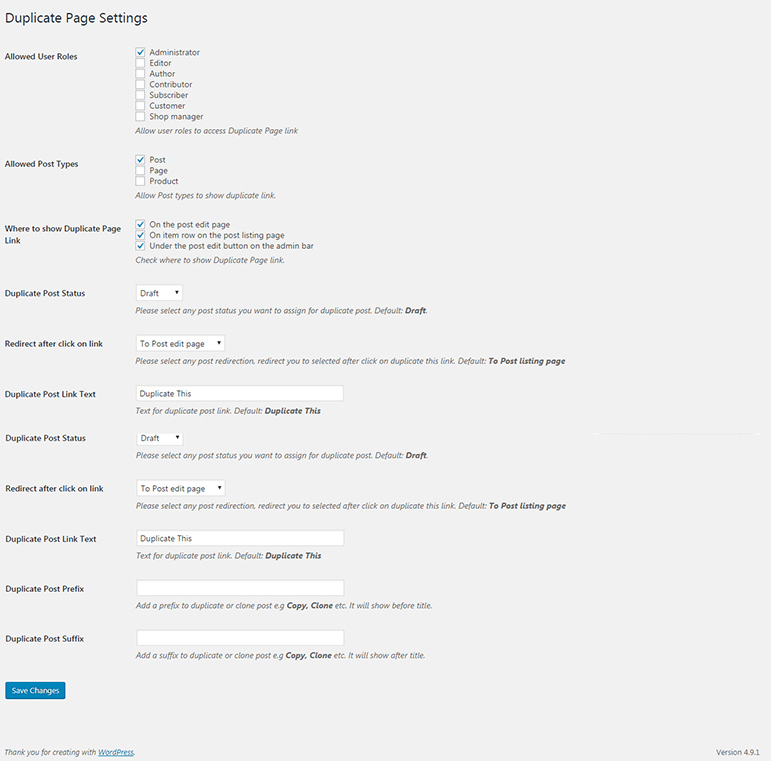
- User Roles: Allow User Roles To access Duplicate Page.
- Post Types: Filter to show Duplicate Page link in post types.
- Clone Link Location: Option where to show clone link.
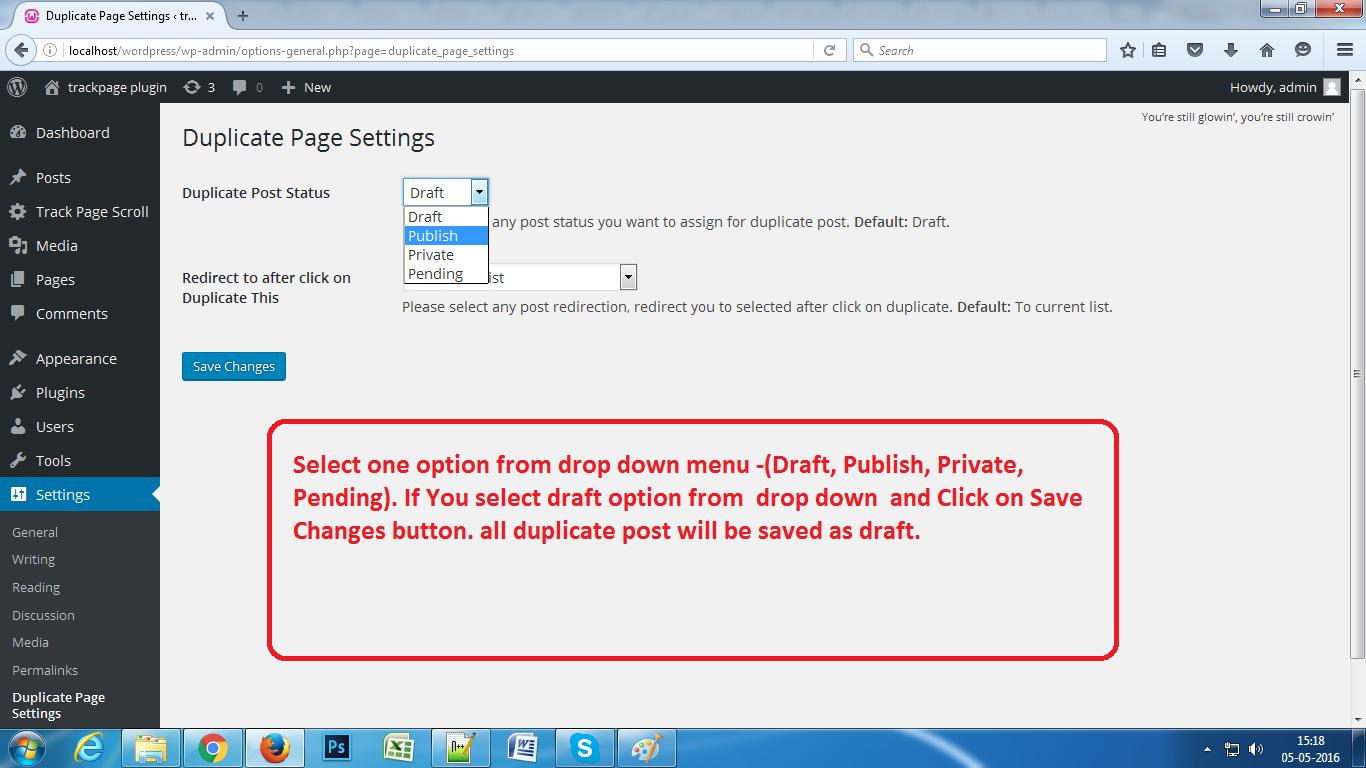
- Status: Option to select Duplicate Posts Status.
- Redirection: Option to Redirect after click on clone link..
- Clone Link Title: Option to change Duplicate Post Link Title.
- Post Prefix: Option to add Post Prefix.
- Post Suffix: Option to add Post Suffix.
- Editor: And Many More Filters and Features.
Buy Pro Version with various features & support.
Contact us for Support Only Pro Version Users.
How to use
- First Activate Plugin.
- Go Select to Duplicate Page settings Menu from Settings Tab and savings settings.
- Then Create New Post/Page or Use old.
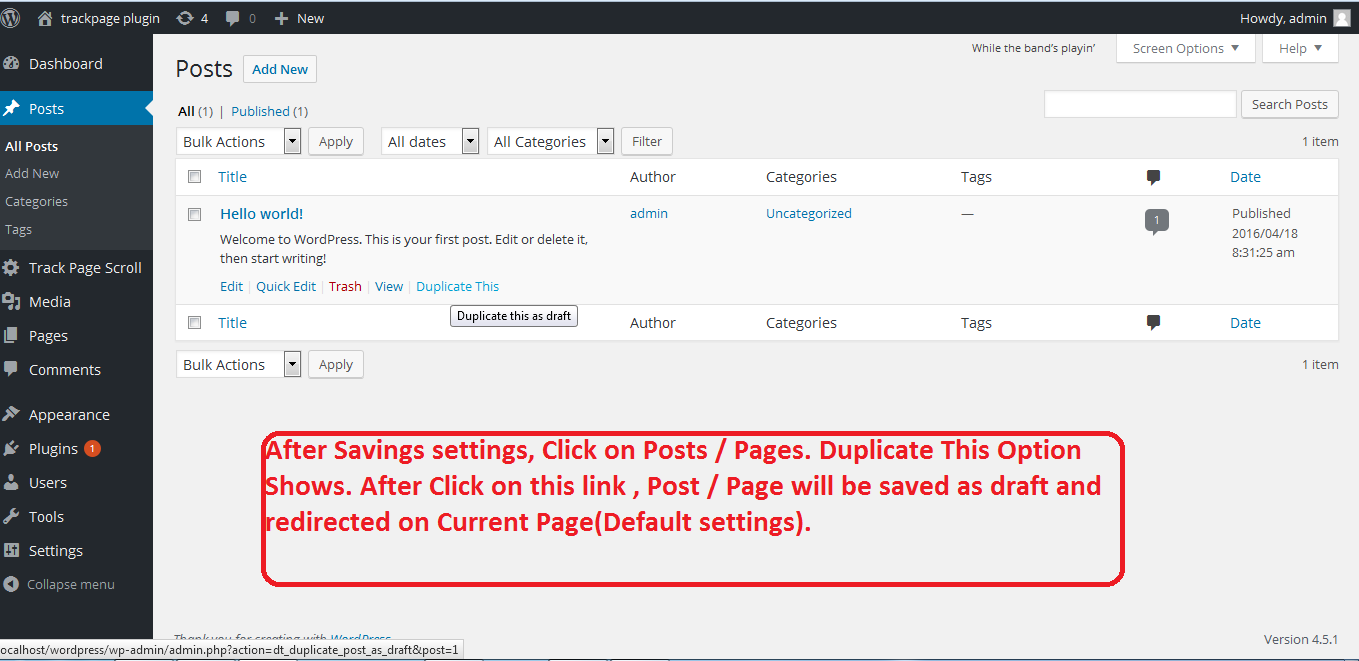
- After click on duplicate this link, then duplicate post/ page will be created and saved as draft,publish,pending,private depending upon settings.
Minimum requirements for Duplicate Page
- WordPress 3.3+
- PHP 5.x
- MySQL 5.x
Screenshots
Activate Screen
Duplicate Page Settings Screen
Select Option from Settings Page.
Click on Duplicate This.
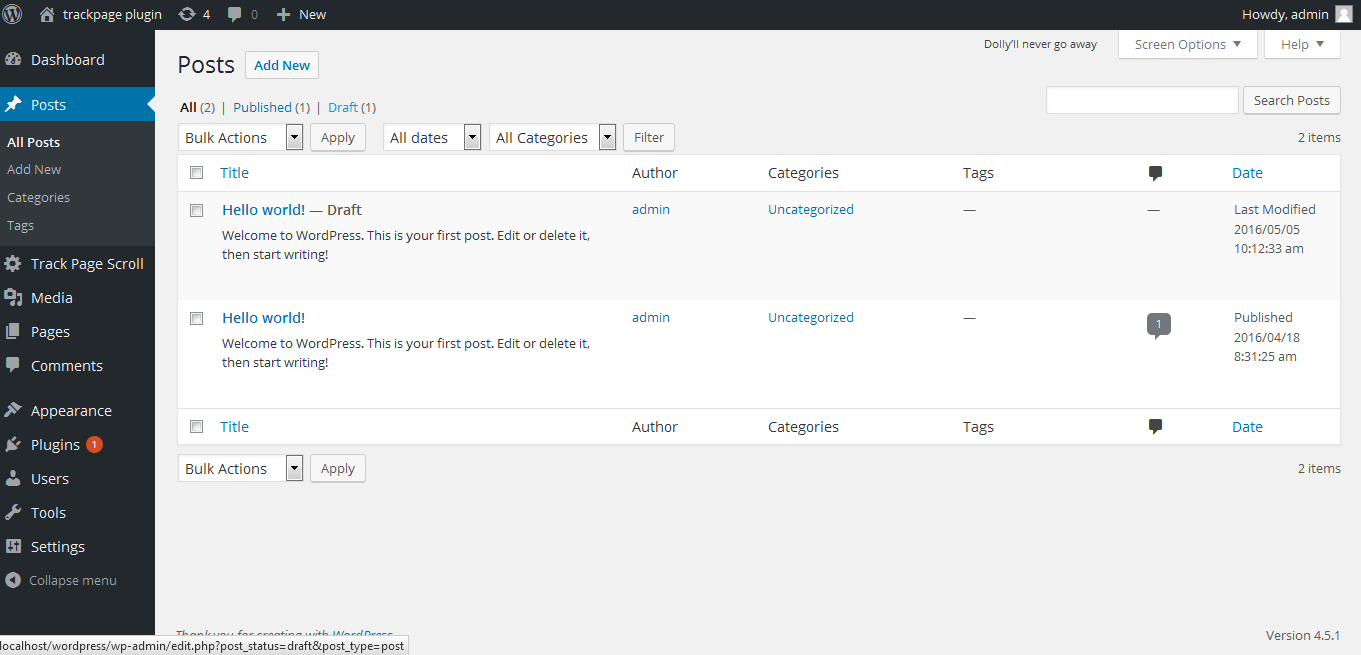
Duplicate Post / Page will Appear.
Plugin Details
Active Installs
3.0M+Total Downloads
41,864,225Version
4.5.9Requires WP
3.4Requires PHP
—Tested Up To
6.9.11Added
2016-05-04Last Updated
2026-05-08 11:13am GMTRatings
5
425
4
12
3
11
2
4
1
14