Easy Accordion Block – Accordion, FAQ & Collapsible Content for the Block Editor
by Binsaifullah
Easy Accordion Block adds a native accordion block to the WordPress block editor, so you can build FAQ sections, product specifications, documentation, and collapsible content in minutes — without shortcodes, without a page builder, and without touching a line of code.
It is built entirely with Gutenberg’s own components, so the controls feel like the rest of the editor and the output matches your theme automatically.
🌟 View Live Demos | Compare Free vs Pro
Why choose Easy Accordion Block?
- Truly native – built with Gutenberg components, not a wrapper around an old jQuery plugin.
- Loads only where it is used – block assets are enqueued on the pages that actually contain an accordion.
- Accessible by default – real ARIA roles, full keyboard support, and screen-reader-friendly panels.
- Works with any theme – block themes, classic themes, and hybrid themes.
- Any content inside – put images, videos, buttons, columns, or any other block inside a panel.
Accordion features
- Single or multiple panels open – decide whether one item stays open or several can be expanded at once.
- Allow all panels closed – let visitors collapse everything for a cleaner page.
- Open on page load – mark any item to render already expanded.
- Nested accordions – place an accordion inside a panel, with optional separate styling for the nested level.
- 130+ built-in SVG icons – pick separate icons for the expanded and collapsed state, on the left or the right.
- Heading icons – add an icon in front of any accordion title.
- Premade patterns – start from a ready-made design and edit it, instead of building from scratch.
Design and styling
- Full responsive control – separate desktop, tablet, and mobile values for spacing and sizing.
- Normal, hover, and active states – style each state independently.
- Typography – font family, weight, size, line height, letter spacing, transform, and decoration.
- Borders, radius, padding, margin, box shadow – on the item, the header, and the panel.
- Theme colour palette support – colours stay consistent with the rest of your site.
Accessibility
Accessibility is a feature here, not an afterthought:
- Correct
aria-expanded,aria-controls, and labelled panel regions. - Full keyboard operation — Enter, Space, Up, Down, Home, and End.
- Unique, non-colliding IDs even with several accordions on the same page.
- Respects the visitor’s reduced motion preference.
- Panel content stays readable when JavaScript is unavailable, and expands automatically when the page is printed.
Privacy
Google Fonts are requested only when you actually choose one, and only in the weights you use. You can switch remote font loading off entirely with a setting or the esab_disable_google_fonts filter — useful for GDPR-sensitive sites.
Perfect for
FAQ pages · knowledge bases and documentation · product specifications · pricing and policy pages · course and lesson outlines · service descriptions · anywhere long content needs to collapse.
Go further with Easy Accordion Block Pro
The free plugin covers everyday accordions and FAQs. Easy Accordion Block Pro adds:
- FAQs block with FAQ schema markup – outputs valid FAQPage JSON-LD so your questions are eligible for Google rich results.
- Instant search – filter long FAQ lists as the visitor types.
- Load more – reveal items in batches instead of all at once.
- Open all / close all buttons – expand or collapse an entire set in one click.
- Three activators – open on click, on hover, or play through automatically.
- Badges – highlight individual items with a label such as “New” or “50% OFF”.
- Subheadings – add supporting text under any accordion title.
- Linked accordions – turn the title, the whole header, or an extra icon into a link.
- Disable specific items – lock an item so it cannot be opened on the front end.
- Custom icons – upload your own SVG or image instead of using the built-in set.
- Unfold block – fold long content behind a Show More / Show Less button.
Screenshots
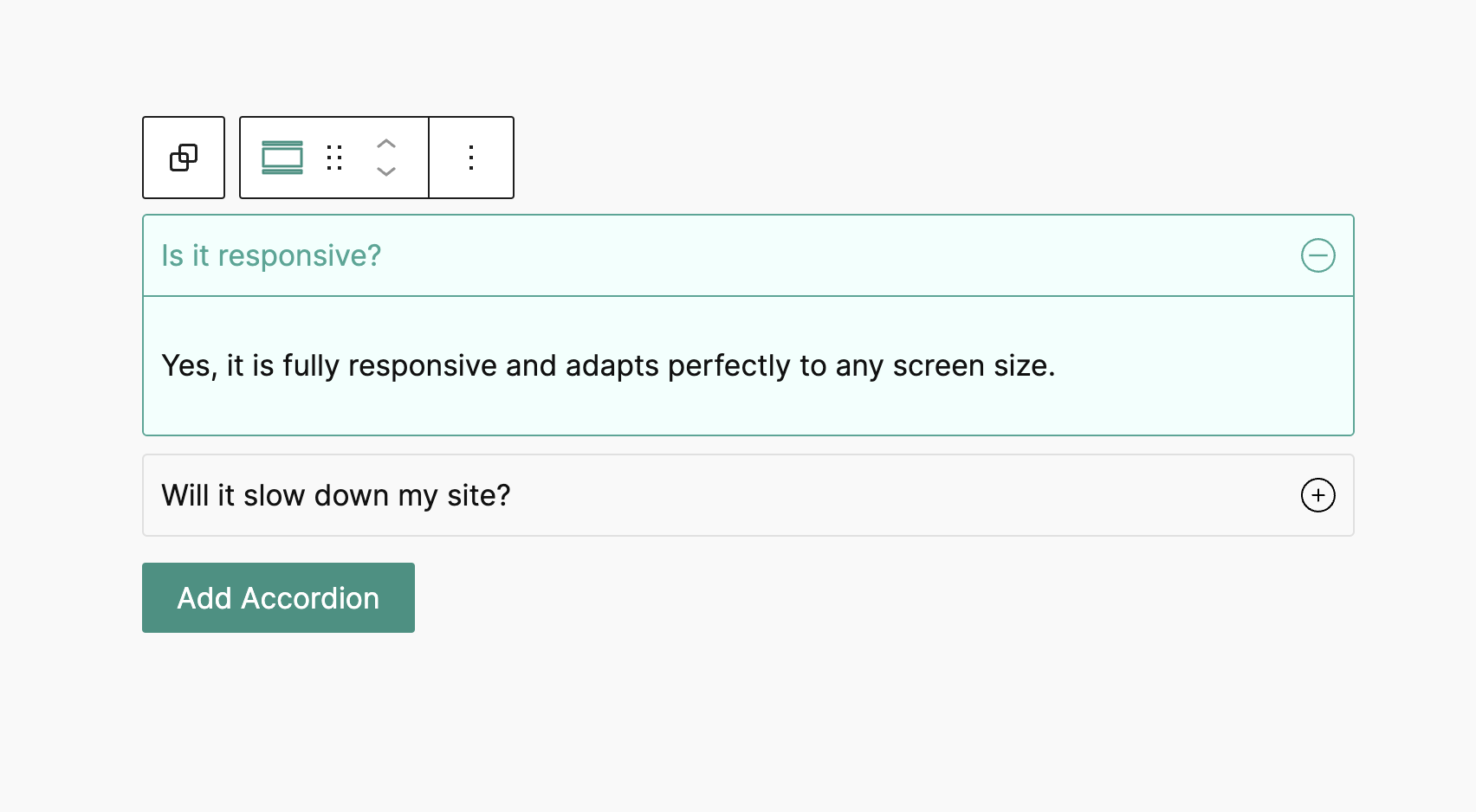
An FAQ section built with the Accordion block on the front end.
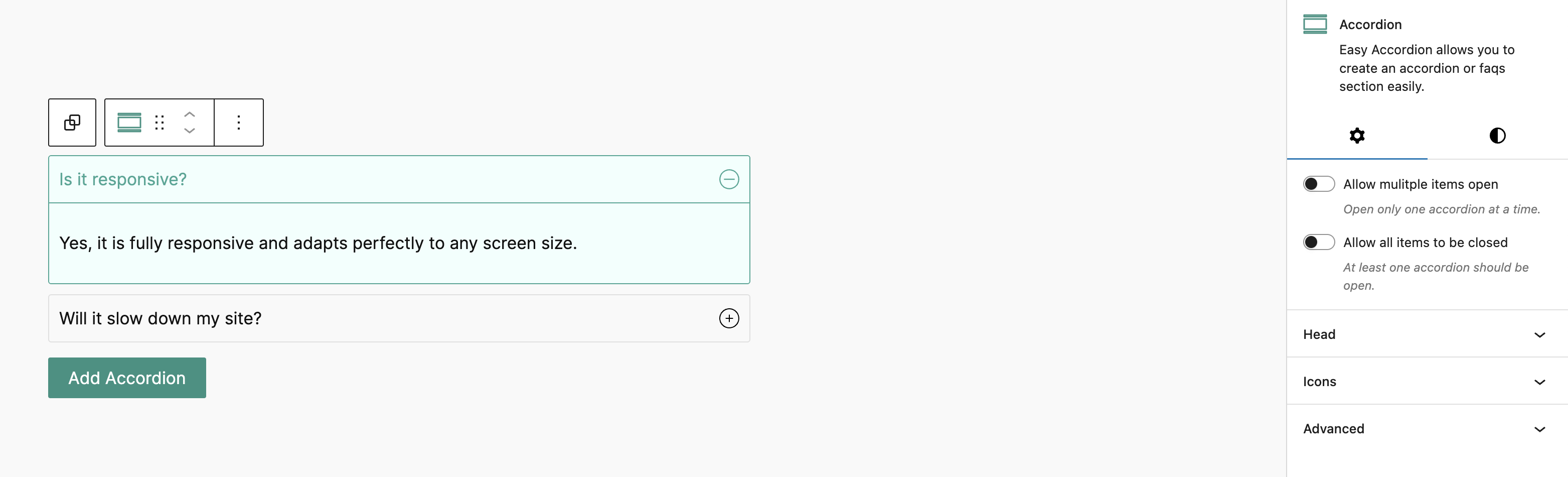
Editing accordion items directly in the block editor.
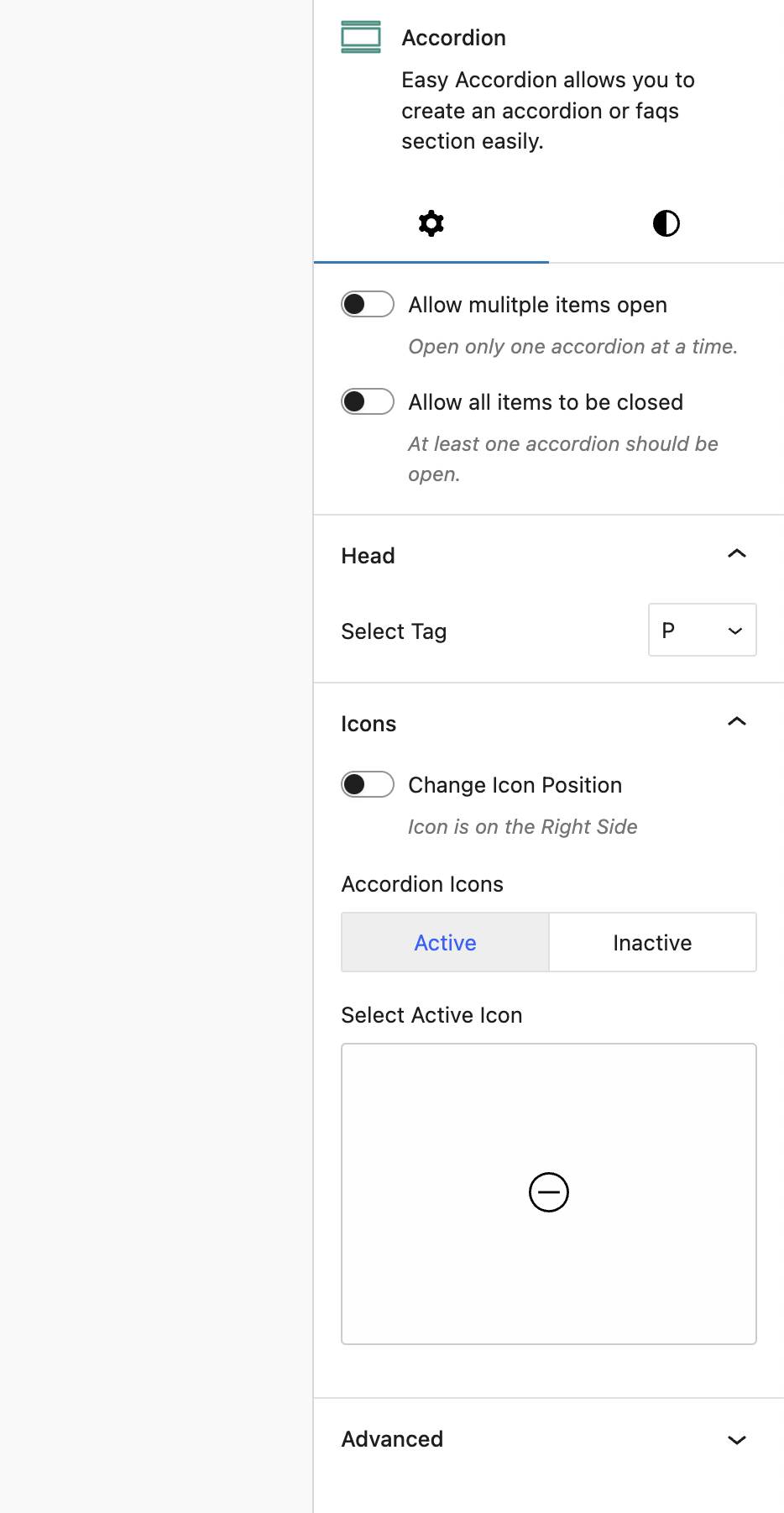
Block settings — open behaviour, icons, and heading options.
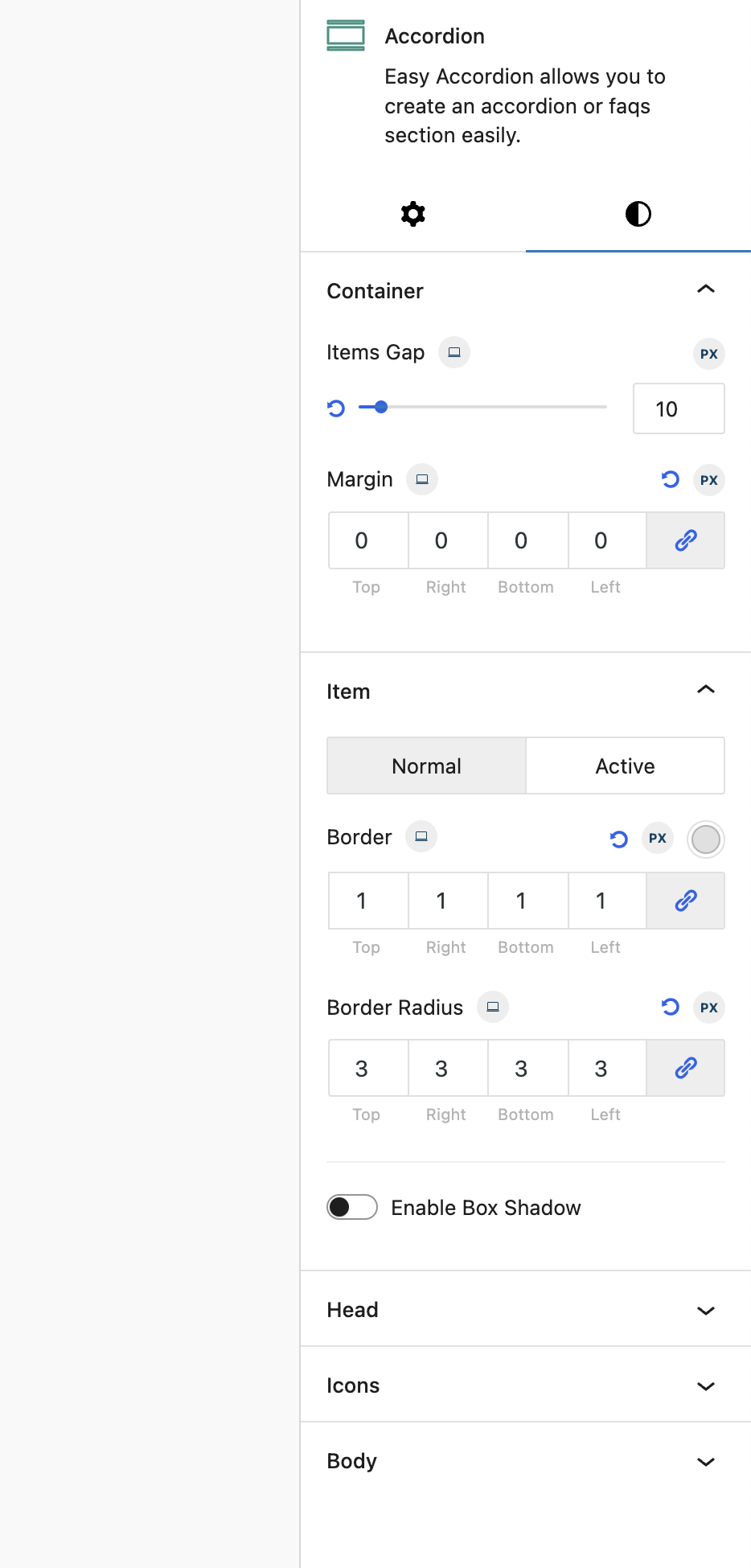
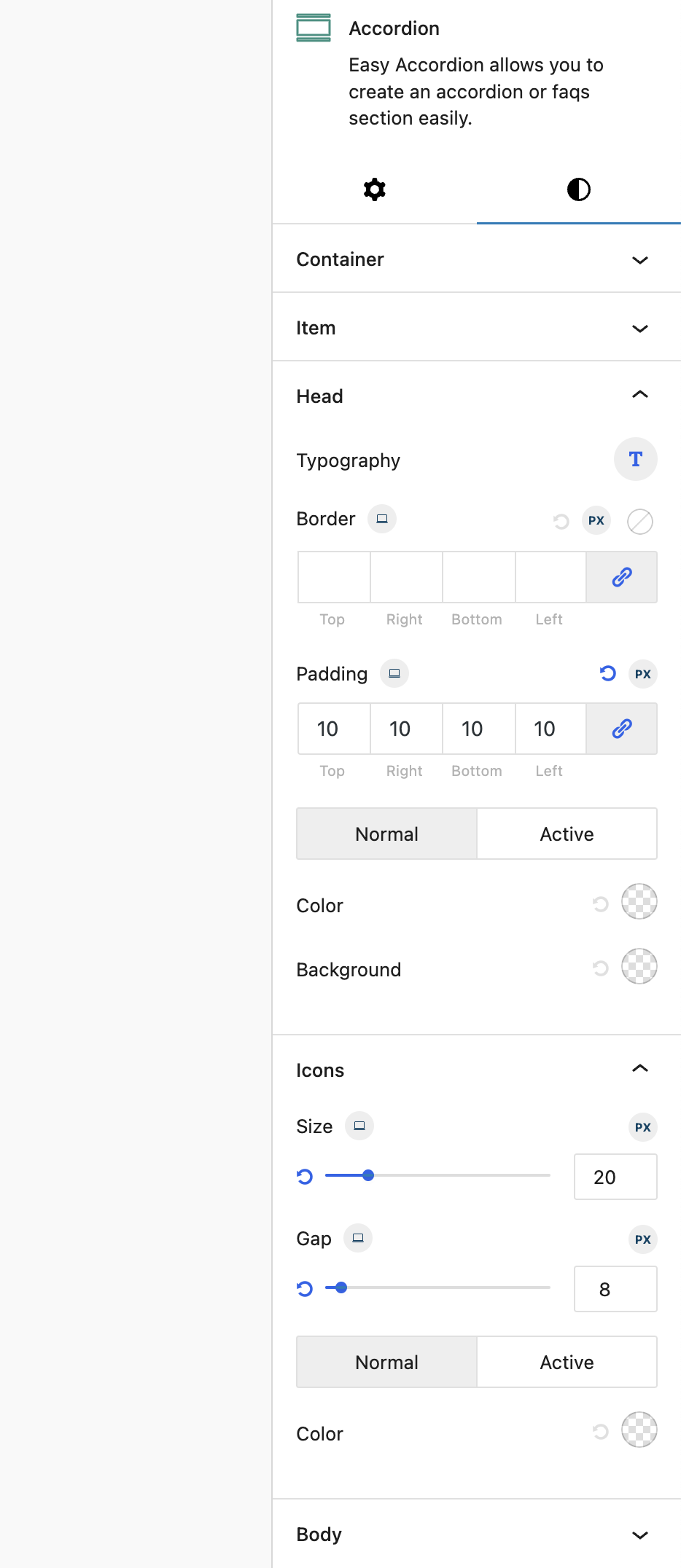
Style controls with responsive desktop, tablet, and mobile values.
Choosing from the built-in SVG icon library.
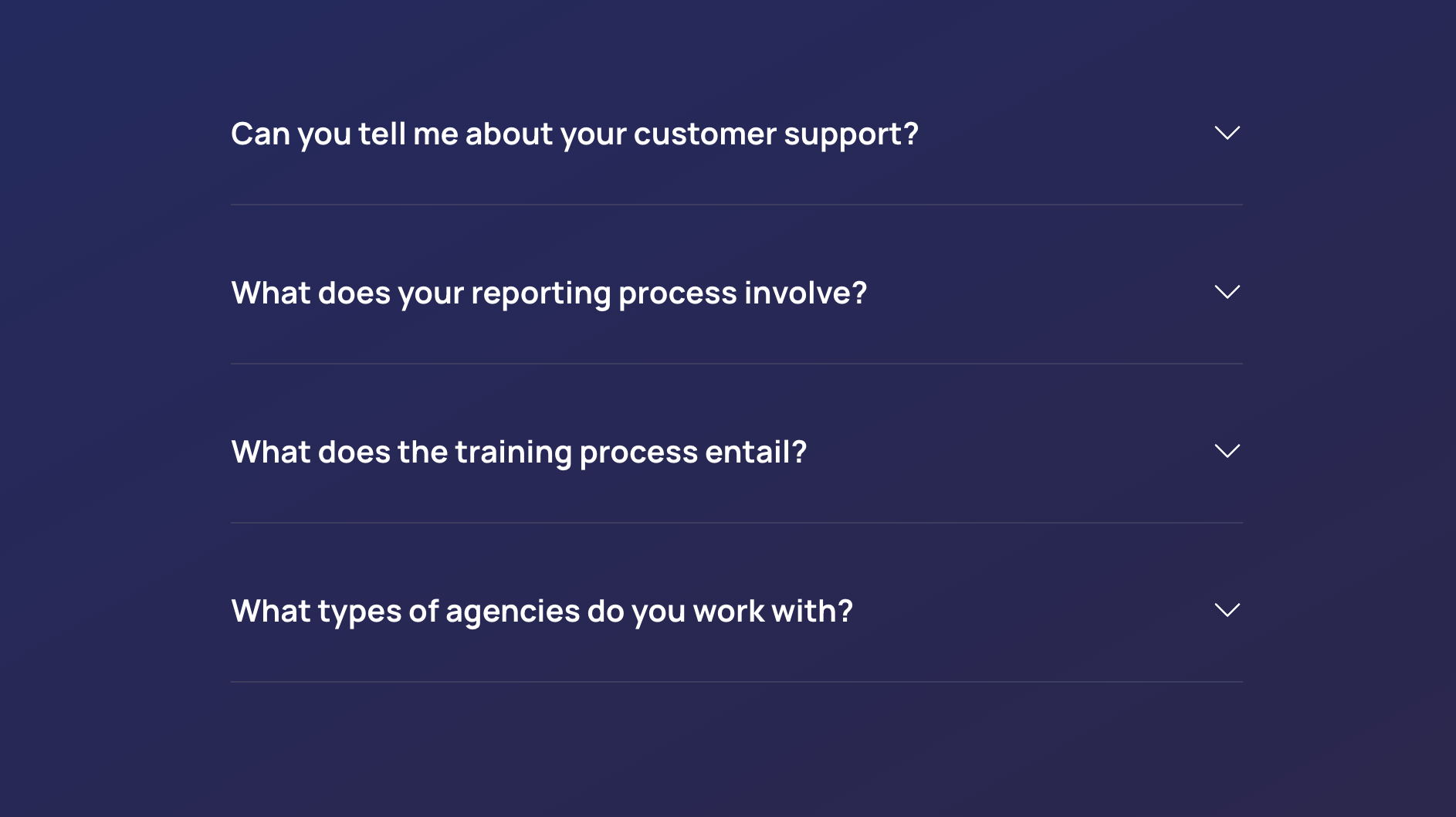
Nested accordions inside an accordion panel.
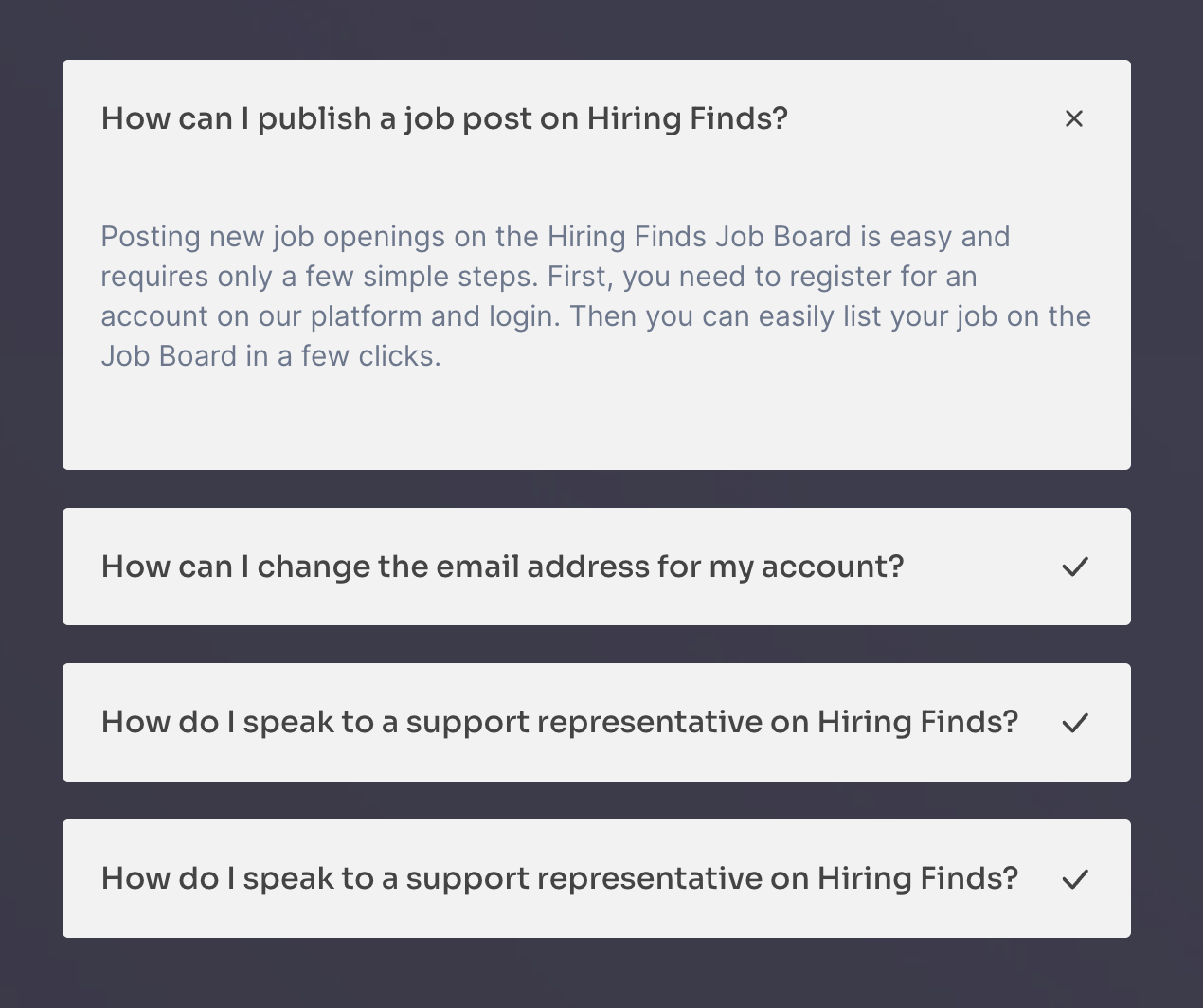
Starting from a premade pattern.