
** Easy Avatar Upload ** gives your users full control over their profile pictures. Instead of being locked into Gravatar, users can upload their own avatars directly from their WordPress profile page.
No coding required – just install, activate, and enjoy a user-friendly profile picture uploader.
This plugin is ideal for membership sites, forums, WooCommerce stores, eLearning platforms, and blogs where personalized avatars build trust and improve engagement.
🚀 Features
- 🖼️ Custom Avatar Upload – Let users upload profile pictures directly from the profile page.
- 🔄 Gravatar Replacement – Override WordPress’s default Gravatar system with a user-uploaded image.
- 🎨 Theme Compatible – Works with most WordPress themes and frameworks.
- 👤 Frontend + Backend Support – Avatars display in user profile, comments, forums, WooCommerce, and more.
- 🧹 Lightweight & Fast – Minimal code, no bloat, designed for speed.
- 🛠️ Developer Friendly – Clean code with hooks/filters for customization.
- 🗑️ Easy Reset Option – Users can remove or reset their avatar anytime.
-
👥 Use Cases
-
Community & Forums Works perfectly with bbPress, BuddyPress, PeepSo
- E-Commerce Add personal avatars for WooCommerce customer accounts
- Multi-Author Blogs Authors can upload their own profile image for posts
- Learning Management (LMS) Students and teachers can upload profile pictures
- Corporate Sites Professional user profiles without Gravatar dependency
🔑 Why Choose Easy Avatar Upload?
- No need for external services (Gravatar)
- Increases user engagement & personalization
- Improves trust and credibility on your site
- Beginner-friendly setup – no configuration required
Usage
Use the shortcode: [easyavup_avatar]
Parameters
-
mode
- Controls how the avatar is displayed.
- Options:
viewShow only the avatar.editAllow users to upload/change/delete their avatar.
- Default:
view
Example: [easyavup_avatar mode=edit]
-
size
– Set the avatar size in pixels (width & height).
– Default: 96
Example: [easyavup_avatar size=150]
Examples
- Show a 100px avatar (view-only): [easyavup_avatar mode=view size=100]
- Show an editable avatar (120px): [easyavup_avatar mode=edit size=120]
Screenshots
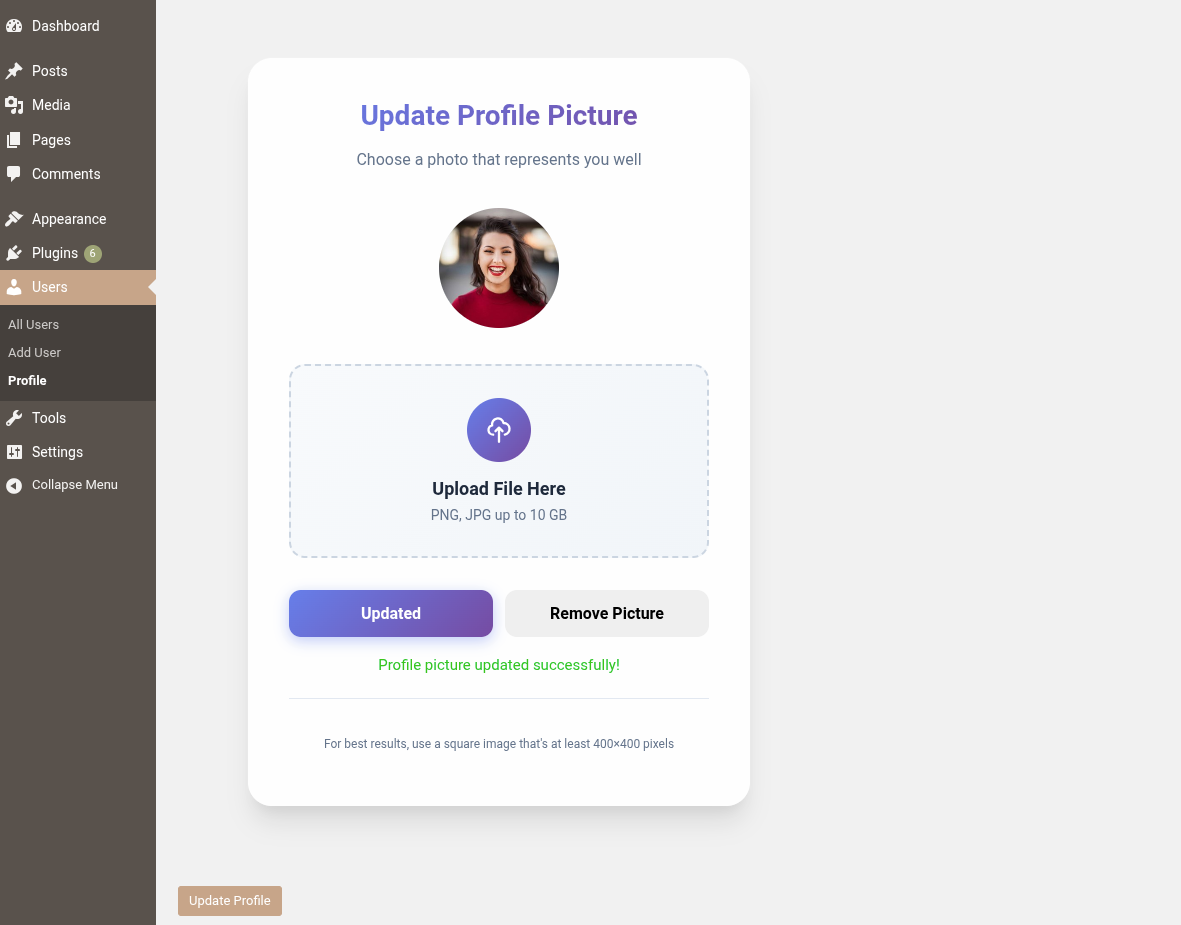
Custom profile picture upload option on the user profile page.
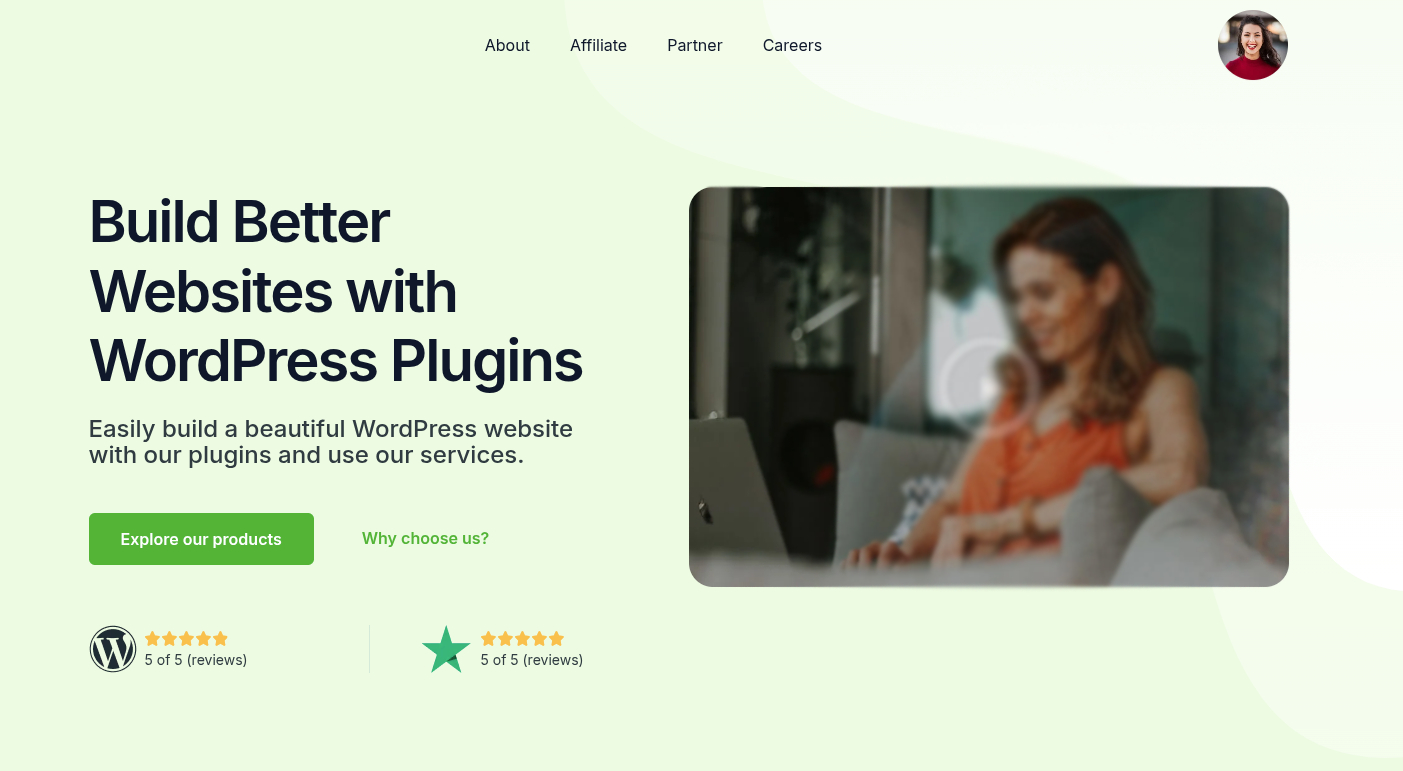
Use shortcode to display the profile picture on any page.
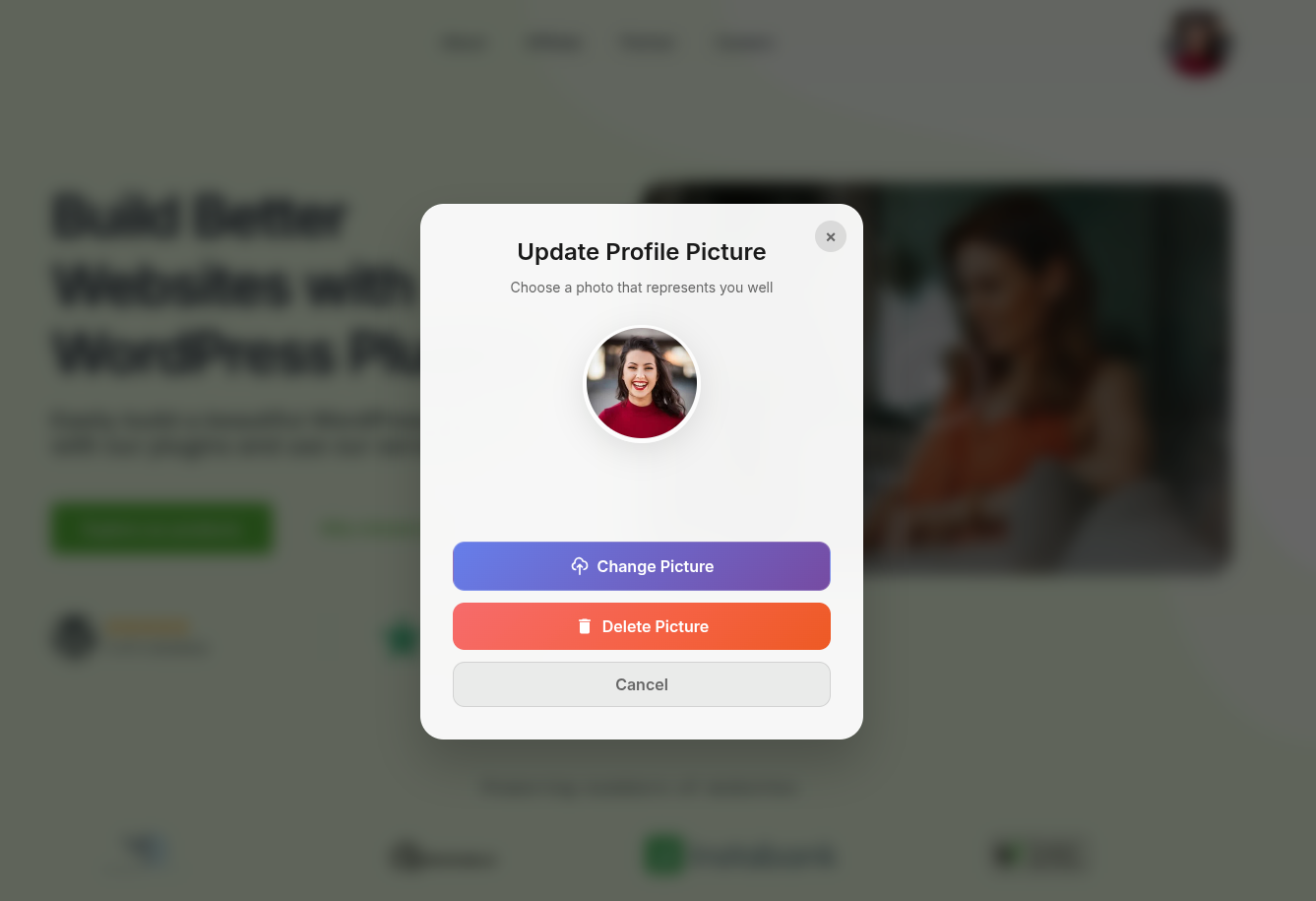
Enable users to change their profile picture via a popup.