Easy-Peasy.AI Chatbot puts your Easy-Peasy.AI agent on every page of your WordPress site as a chat bubble. Visitors ask a question and get an answer in seconds, written from your own pages, documents and Q&A, in the language they write in.
You build and train the agent in Easy-Peasy.AI, then paste its Agent ID into this plugin. No code, no theme editing.
What your agent can do
- Answer questions about your services, prices, opening hours and policies, from your website and documents.
- Show buttons that send visitors to your booking, pricing or checkout pages.
- Collect names, emails and other details, and save them to Leads.
- Check when you’re free and book meetings in your Google Calendar.
- Reply in each visitor’s own language.
- Talk out loud: on Unlimited 200 and higher, visitors can talk to your agent by voice right in the chat.
The chat works on every plan, including Free. Buttons, lead collection and bookings are actions, which need a paid plan.
Make it yours
Pick where the bubble sits (a corner, or a tab on the side of the page), its size, icon, color and label, write the greeting that pops up next to it, and style the chat window. It’s all saved with your agent in Easy-Peasy.AI, and your site updates within about a minute, with nothing to change in WordPress.
Light on your site
The plugin adds one script. The bubble shows as soon as the page loads, and the chat itself loads in the background once the page has settled, or as soon as a visitor points at or taps the bubble.
One inbox for every channel
Read every conversation in Easy-Peasy.AI and see what visitors ask most in Analytics. The same agent can also answer on WhatsApp, Messenger, Telegram, LINE, Slack, by email and over the phone.
Get started
- Create a free account at Easy-Peasy.AI, create an agent and train it on your website.
- Install and activate this plugin.
- In Easy-Peasy.AI, open your agent, go to Channels, click Manage on Chat bubble and copy Your Agent ID.
- In WordPress, go to Settings > Easy-Peasy.AI Chatbot, paste the ID and click Save Settings.
The setup guide has every step with pictures.
External services
This plugin connects your site to Easy-Peasy.AI, the service that runs your agent. Nothing is sent until you save an Agent ID.
- The chat. Every front-end page of your site loads the chat script from
https://bots.easy-peasy.ai/chat.min.js. Your visitors’ browsers then load the bubble’s look from bots.easy-peasy.ai and, when a visitor opens the chat, the chat window. What visitors type, and any file or voice message they choose to send, goes to Easy-Peasy.AI to be answered and is saved in your agent’s conversations. - The agent check. When you save the settings, and when you open the settings page (at most once an hour), your site asks bots.easy-peasy.ai for the agent’s public details: its name, and whether its Allowed Domains include your site. The request carries the Agent ID and your site’s address.
Easy-Peasy.AI’s terms of use and privacy policy apply.
Screenshots
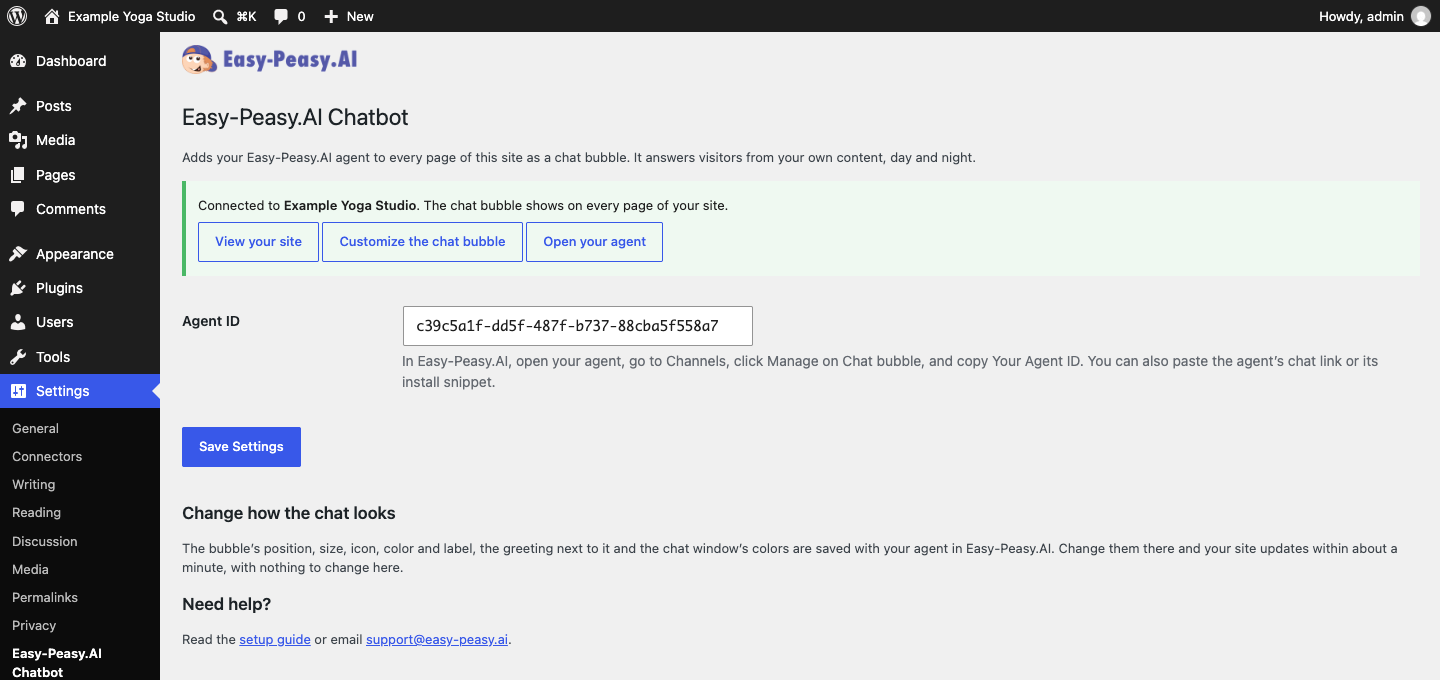
The plugin's settings, connected to an agent.

The chat bubble and its greeting on a WordPress site.
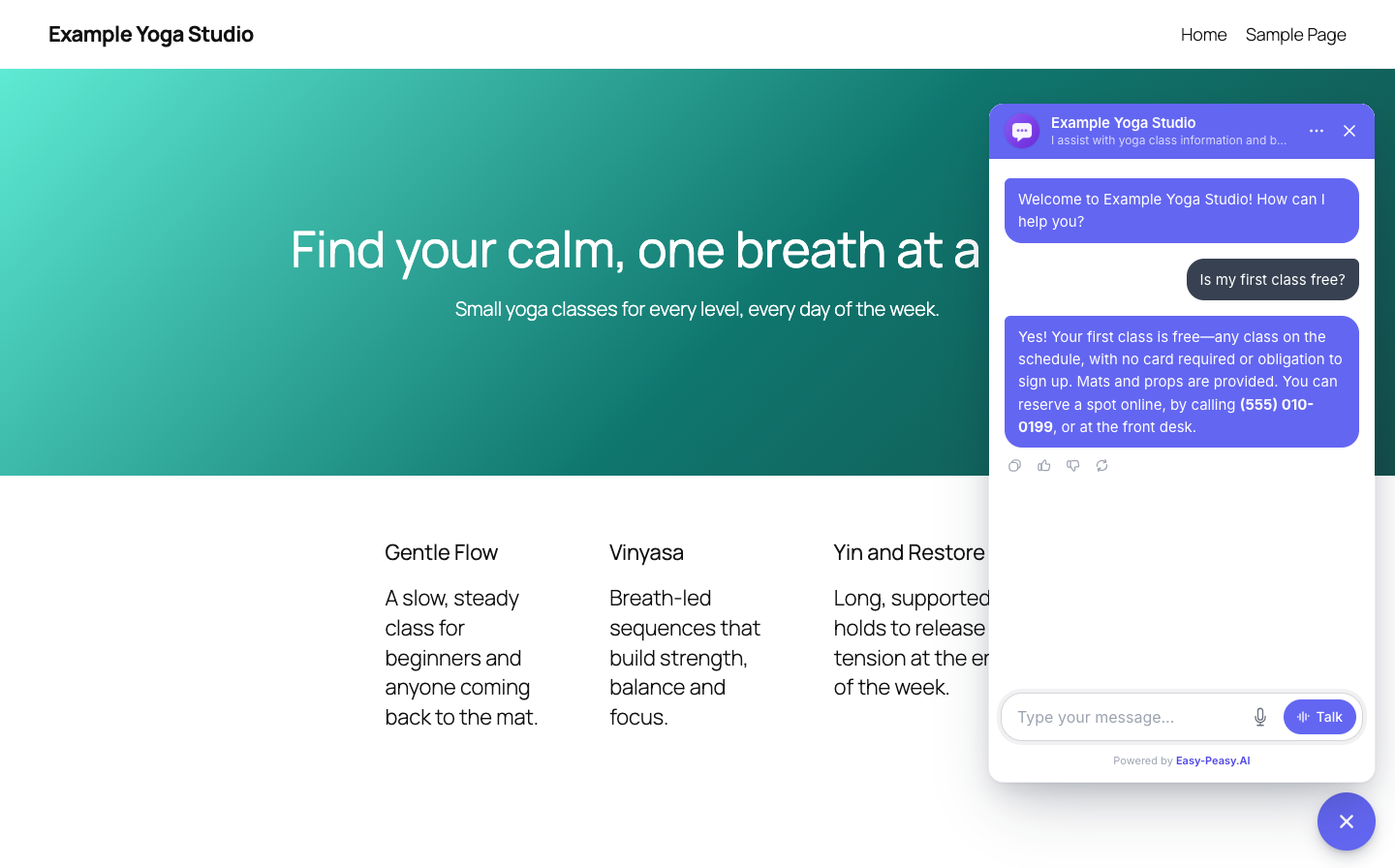
The agent answering a visitor in the chat.