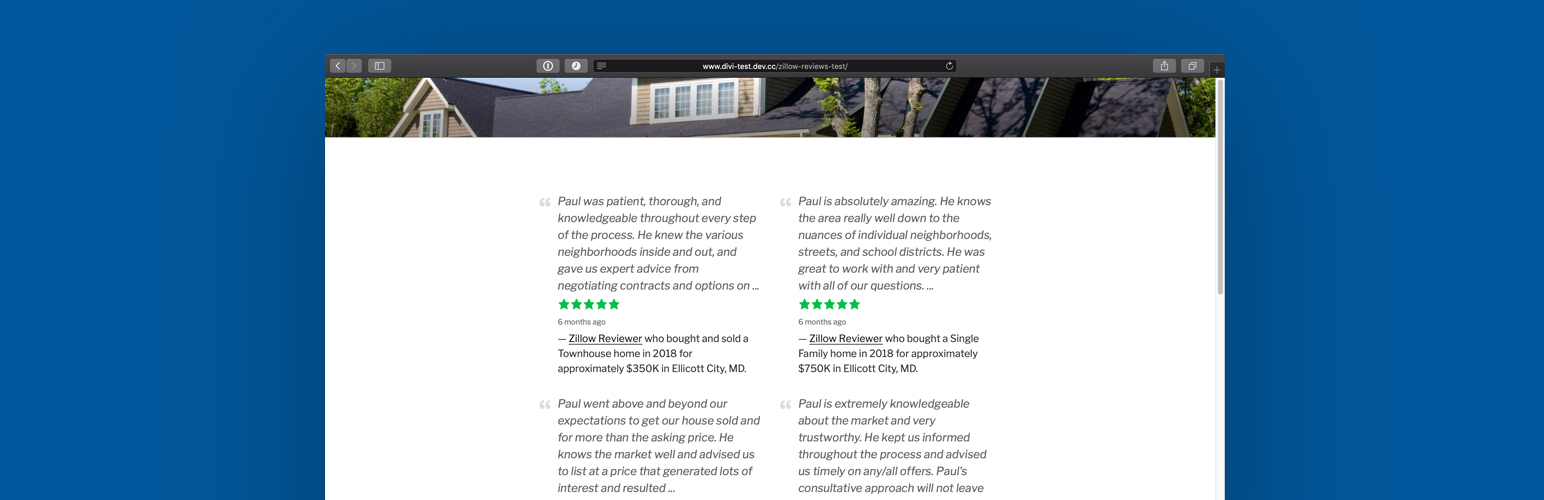
Display Zillow reviews for agents, teams, and lenders.
How it works
- Connect your Zillow profile: Get a free API token from Bridge, the service Zillow uses to share its data. The setup guide shows each step and tests the connection.
- Pick a layout: list, grid, or slider (Premium).
- Add reviews with a block, Elementor widget, widget, or shortcode.
Reviews come from Zillow’s official APIs: the Reviews API (through Bridge Interactive) for agents and teams, and the Mortgages API for lenders (Premium; requires a Zillow Mortgages Partner ID). The plugin does not scrape Zillow pages and does not save review data to your WordPress database.
View the Demo.
Features (Free)
- Display the latest reviews for real estate agents.
- Show reviews from multiple profiles.
- List and grid layouts.
- Block with a live preview, plus widget and shortcode options.
- Elementor widget with a live preview, show/hide options, responsive columns, and style controls.
- Shows the “Reviews on Zillow” attribution and profile links Zillow requires.
- Lightweight: scripts load only on pages that show reviews, and no jQuery is required.
Premium Features
- Team reviews: team leads can show their team members’ reviews alongside their own, with each review linked to the team member’s profile.
- Slider layout with optional autoplay.
- Lender, loan officer, and company profile reviews.
- Priority support.
- Get the Premium Version.
Elementor widget
A native Zillow Reviews widget for Elementor 3.5 or later (Elementor Pro not required):
- Live preview of your reviews in the editor.
- Layout and show/hide options for each widget, with separate columns for tablets and phones.
- Style controls for the review text, stars, and dates, using your global colors and fonts.
- Premium options (slider, team reviews, and lender reviews) in the same widget.
Shortcode
[ez-zillow-reviews]
[ez-zillow-lender-reviews]
Optional Shortcode Parameters
[ez-zillow-reviews layout="grid" columns="2" count="4" screenname="jsmith" excerpt="50"]
- layout…
"list"or"grid"("slider"in Premium). - columns…A number between 1 and 6. In the slider, the number of reviews visible at once.
- count…A number between 1 and 10.
- screenname…The screenname that appears in your Zillow profile link.
- excerpt…A number between 20 and 750. The maximum length of each review (word limit).
- team…(Premium)
"true"or"false". Include your team members’ reviews.
External services
Zillow provides the reviews and the logo:
- Reviews API (through Bridge Interactive) fetches agent reviews. Sends your Bridge Server Token and Zillow screenname when a page shows reviews or you click “Test connection”.
- Mortgages API (Premium) fetches lender reviews. Sends your Partner ID, NMLS#, and company name (if set) when a page shows lender reviews or you click “Test connection”.
- Zillow logo. Visitors’ browsers load the logo from zillowstatic.com on pages that show it, which shares their IP address with Zillow. Turn it off in Settings › General.
Terms: Zillow API Terms of Use (Reviews API), Zillow Terms of Use (Mortgages API and logo). Privacy: Zillow Group Privacy Notice (all three).
Freemius handles licensing, updates, and optional usage data.
- If you opt in: sends your name, email, site address, and WordPress environment info (such as WordPress, PHP, and plugin versions). Opting in is optional.
- Premium: sends your license key and site address to activate the license and check for updates.
- Freemius Terms, Freemius Privacy Policy
Screenshots

Zillow Reviews block editor
![Shortcode output for [ez-zillow-reviews layout="grid" columns="2" count="2" screenname="pstalker"]](https://ps.w.org/easy-zillow-reviews/assets/screenshot-2.png?rev=2293160)
Shortcode output for [ez-zillow-reviews layout="grid" columns="2" count="2" screenname="pstalker"]

Widget

Settings
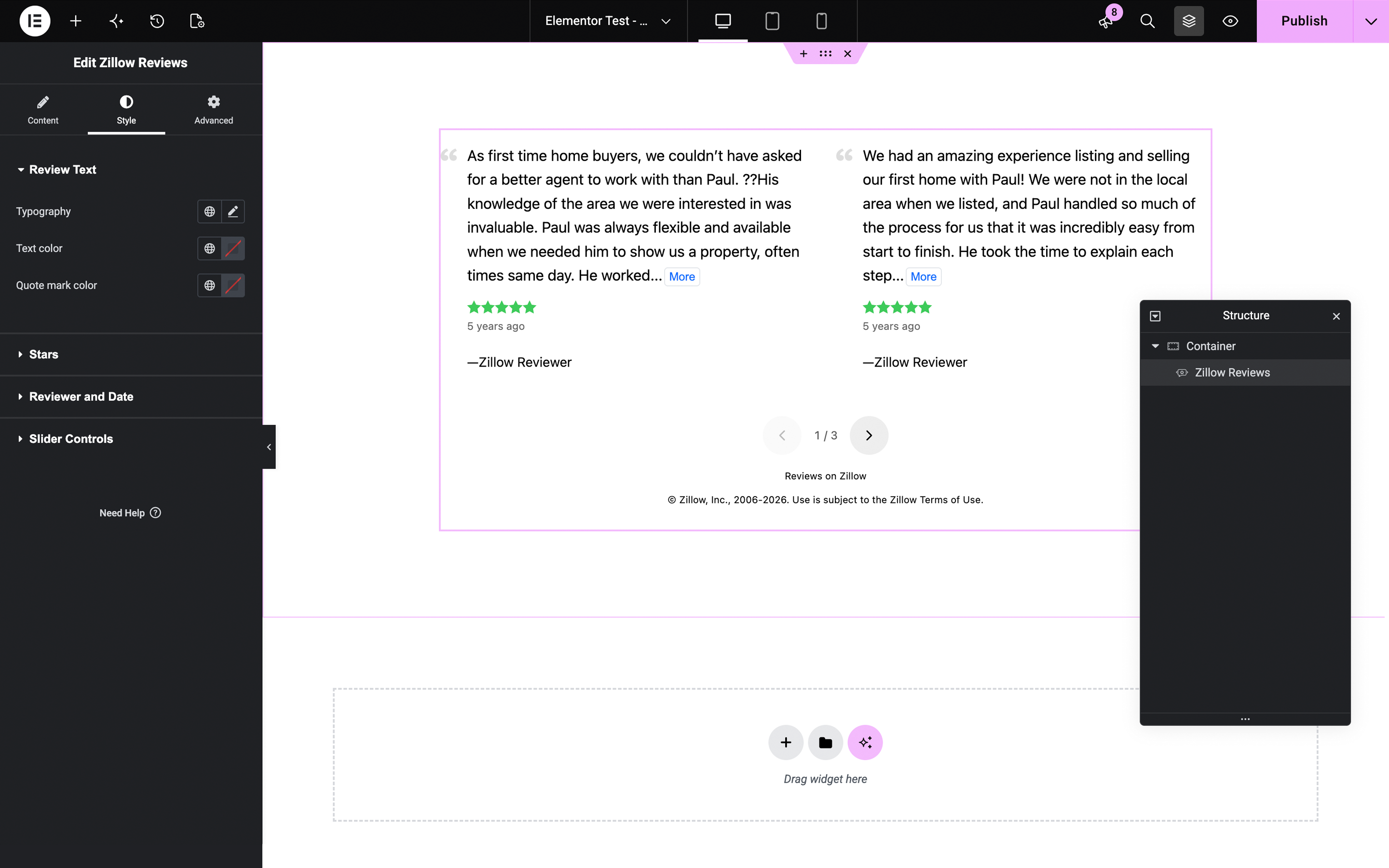
Zillow Reviews widget in the Elementor editor