
Eazy Flickity Slider lets you create responsive sliders, without being overly complex.
Adding slides is as easy as adding a post. Creating a slider works like adding a post to a category. You can then use a shortcode to get the slider to display on your site. There is a shortcode generator that shows up next to the add media button on the edit post & edit page sections of the admin.
The plugin uses flickity.js by Metafizzy to animate the slider.
Screenshots

Eazy Flickity Slider main screen.

Add a slide. Include title & add slider using Eazy Flickity Sliders box
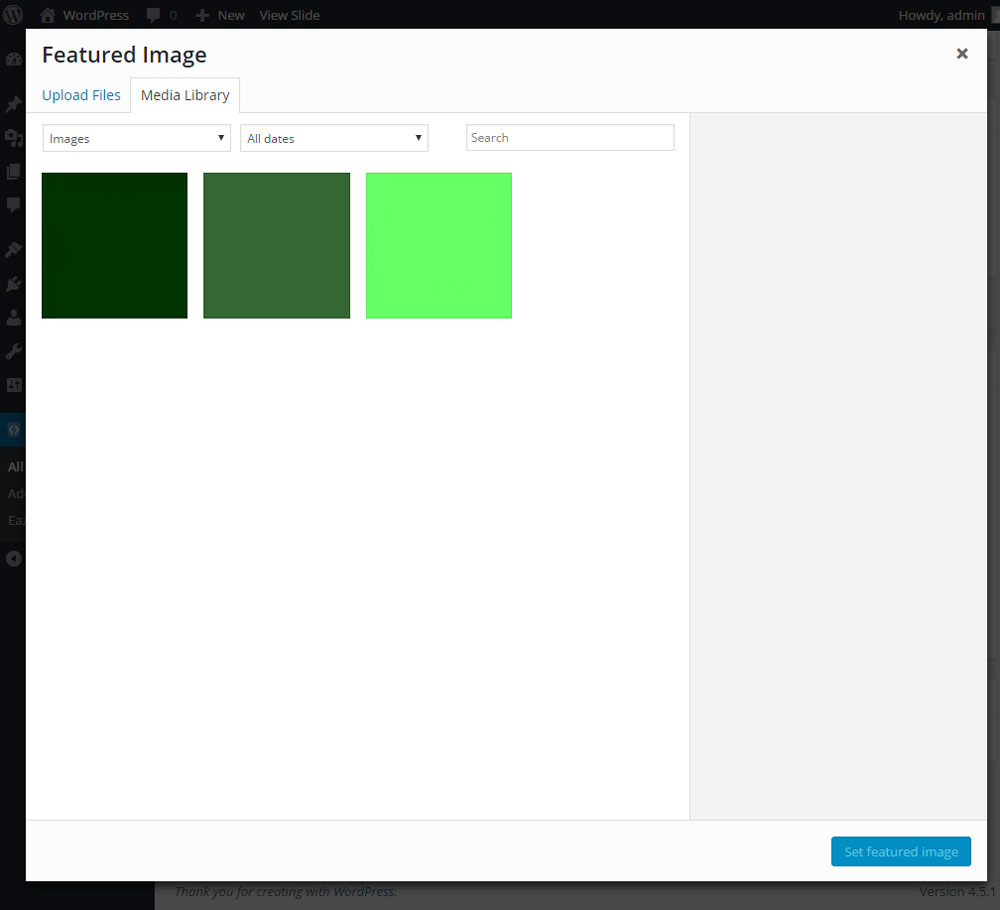
Click add featured image to include slide image using media library.

Shows a slide completed. (includes title, slider category & image)

Add a slider using the Flickity Slider button next to the Media Library button.

Select your slider from the drop down menu and add the size.

Shows shortcode added to editor.

Slider appears via WordPress magic.