BACK TO DIRECTORY


- Embed a Figma file using a block in the WordPress editor.
- Paste a Figma URL on a new line in the Block Editor to automatically convert it to a Figma Embed block.
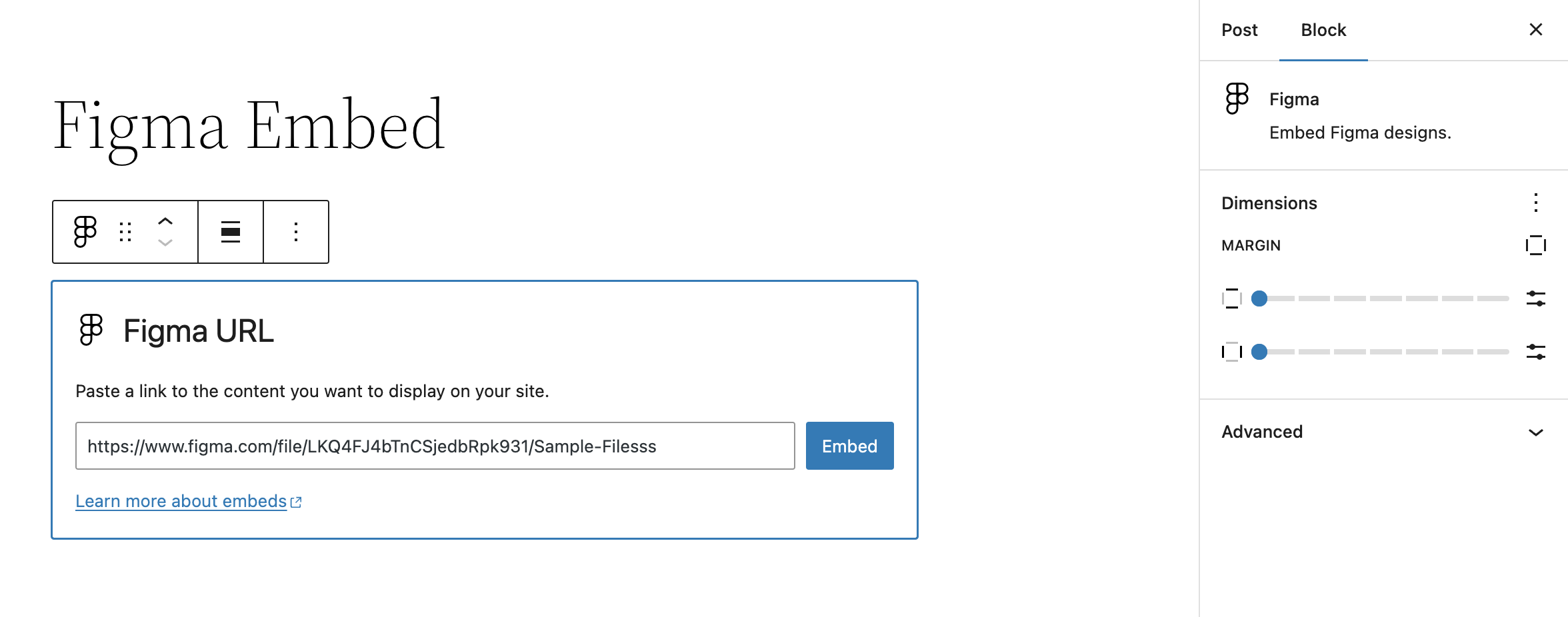
- Block settings allow for altering margins of rendered Figma file embed
Getting Started
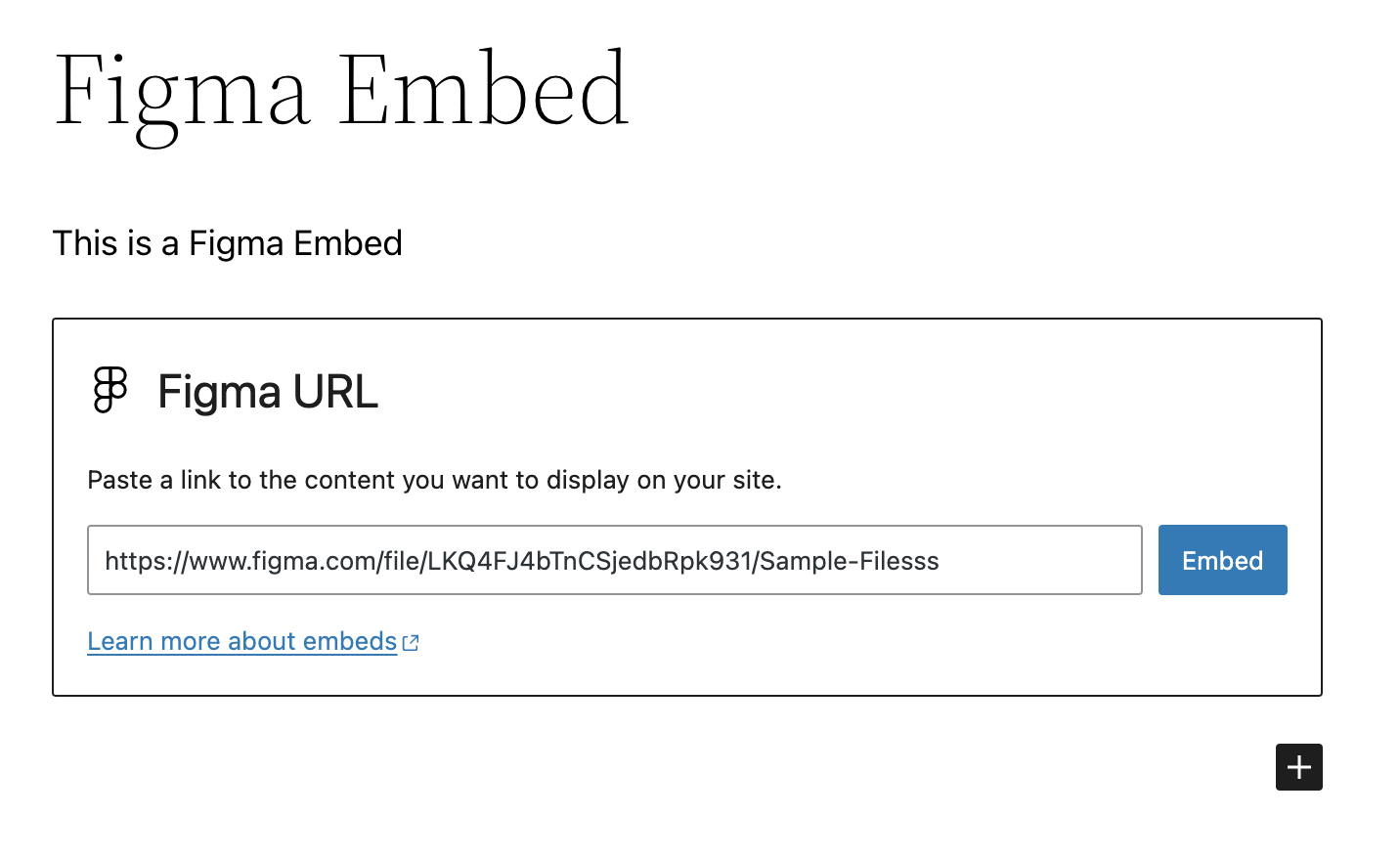
Once the plugin is installed and activated, you should see a new Figma Embed block. Insert this block into your content and enter the URL of the Figma file you want to embed.
Assuming it’s a valid URL, the block will automatically fetch the Figma file and display it in the editor. Once saved, this will also display on the front-end.
Screenshots
The Figma Embed block with sample URL pre-embed.
The rendered Figma Embed block in the editor / admin.
The Figma Embed block settings prior to rendering in the editor / admin.
Front-end rendering of the Figma Embed block.
Plugin Details
Active Installs
100Total Downloads
2,578Version
0.4.0Requires WP
6.6Requires PHP
7.4Tested Up To
7.1.4Added
2024-09-05Last Updated
2026-09-15 12:29am GMTRatings
5
0
4
0
3
0
2
0
1
0