BACK TO DIRECTORY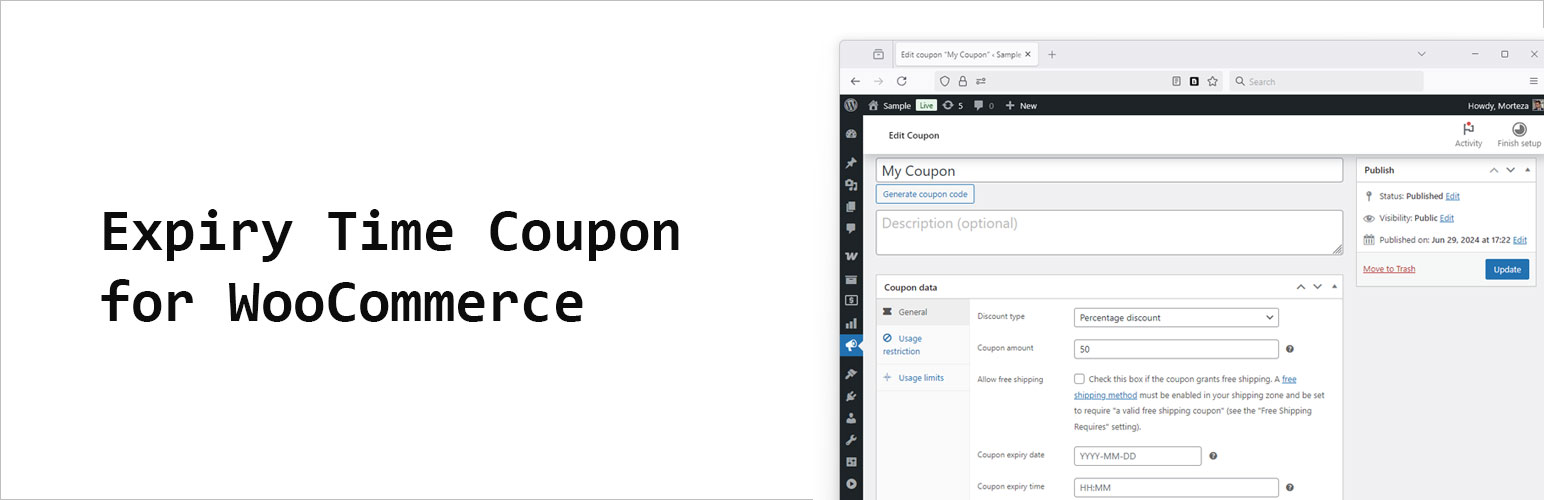
WooCommerce lets you set a coupon “Expiry date” but not an exact time.
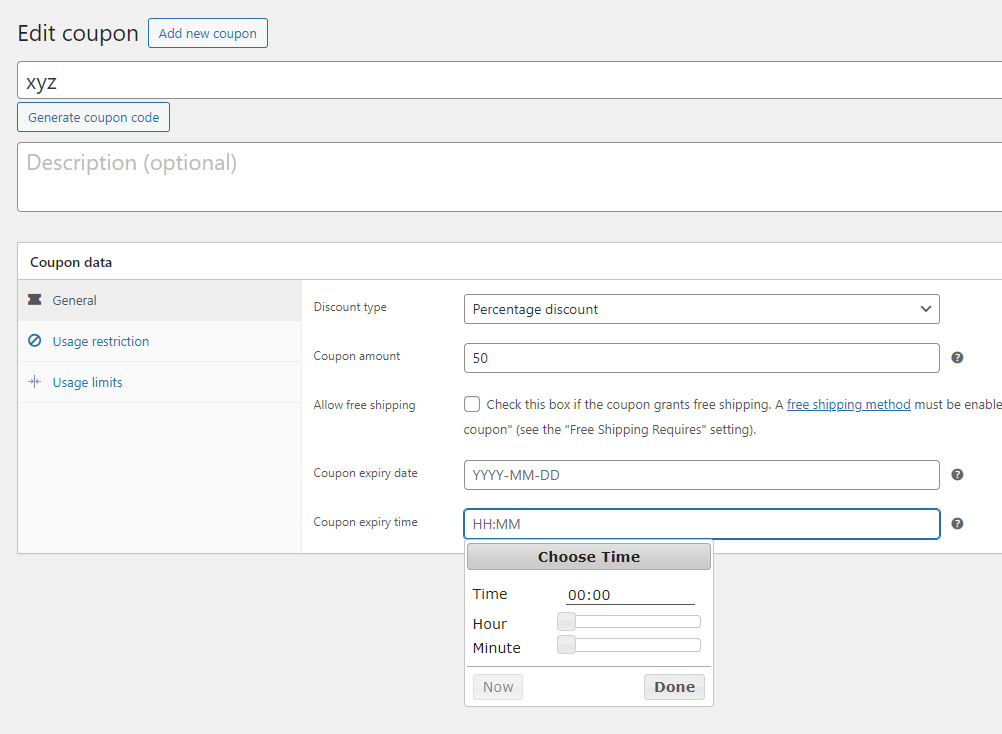
This lightweight plugin adds a “Coupon expiry time” field (HH:MM, 24h) to the coupon edit screen.
When both date and time are set, the coupon will expire on that date at the time you specify.
Key points
* Works alongside WooCommerce’s native coupon expiry date.
* Time is stored internally as seconds since midnight and combined with the date.
* No changes to your theme or checkout templates required.
Usage
- Set Expiry date as usual in WooCommerce.
- Set Coupon expiry time in
HH:MM(24-hour) format, for example17:30. - The coupon will be valid until the combined timestamp; after that, it will be treated as expired.
Screenshots
Timepiker coupon for WooCommerce
Plugin Details
Active Installs
20Total Downloads
500Version
1.0.1Requires WP
6.1Requires PHP
7.4Tested Up To
6.8.12Added
2025-10-01Last Updated
2025-10-01 8:57am GMTRatings
5
0
4
0
3
0
2
0
1
0