BACK TO DIRECTORY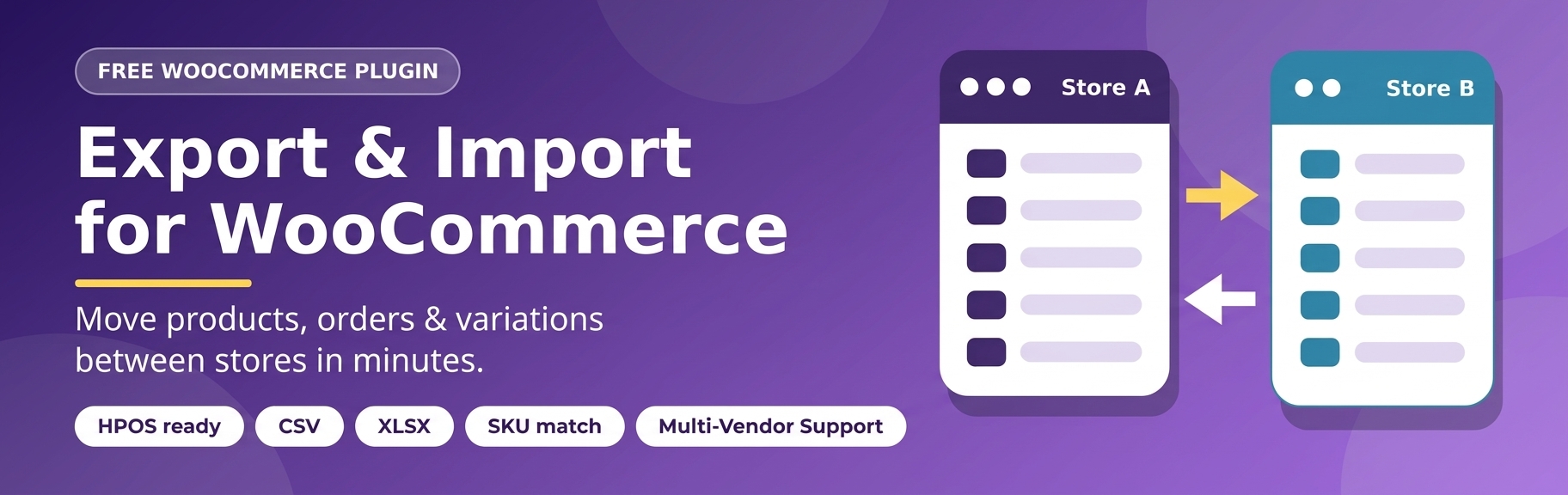


Export Import For WooCommerce helps you move or back up WooCommerce content quickly, without a bloated interface.
- Choose a post type (product, shop_order, page, post or any custom post type) and a post status (published, draft, private, pending and more).
- Export everything, or only specific IDs.
- Export as an encoded string (copy/paste) or as a file, and import it again on another site in either form.
- Posts, post meta and taxonomy terms travel together; items that already exist are skipped, so imports are safe to repeat.
- Export WooCommerce orders to Excel (.xlsx) with selectable columns, order meta keys, ACF fields and line items.
- Add custom meta-key filters to the WooCommerce orders list.
- Compatible with HPOS (High-Performance Order Storage) and the classic post-based order storage.
- Smart product import: matches existing products by SKU, re-links variations to their new parent product and remaps upsells, cross-sells and grouped children.
Security first
Since version 1.2.8 every action has capability checks and nonce verification to every action, stores export files in a protected, randomly named location and no longer unserializes arbitrary PHP objects during import.
Links
Screenshots
Export Options > select Post Types, Post Status and Export Type.
Export data as string.
Export data as file.
Import data as string or file.
Enable/Disable (Post Types)
Plugin Details
Active Installs
10Total Downloads
2,244Version
1.3.0Requires WP
5.8Requires PHP
7.0Tested Up To
7.1.4Added
2020-10-02Last Updated
2026-10-25 6:47pm GMTRatings
5
0
4
0
3
0
2
0
1
0