
FeedWise turns your WooCommerce catalog into product feeds that shopping and social channels can read. Pick a channel, and the required fields are mapped for you. Adjust anything you like, preview the result, and give the channel your feed URL.
Built for large catalogs. Feeds are written to disk in small batches, so memory use stays flat whether you have 500 products or 500,000. The public feed file is only replaced once a new version is complete, so channels never download a half-written feed.
Channels included
- Google Merchant Center (XML, CSV, TSV)
- Meta – Facebook and Instagram catalogs (XML, CSV, TSV)
- TikTok catalog (CSV, TSV)
- Pinterest catalogs (XML, CSV, TSV)
- Microsoft Merchant Center / Bing (XML, TSV)
- Custom feeds (XML, CSV, TSV, JSON)
Features
- Field mapping from product data, attributes, custom fields, taxonomies, fixed text or text patterns such as
{brand} {title} - {attr:pa_color} - Clean-up steps: remove HTML and shortcodes, shorten text at word boundaries, change letter case, replace text and more
- Channel-correct values: prices with currency, stock wording each channel expects, weights with units
- Variable products as one row per variation, parent only, or both, with item group IDs
- Include or leave out categories and individual products; skip out-of-stock, hidden, unpriced or image-less products
- Brand, MPN and condition fields on the product screen; uses the WooCommerce GTIN field and WooCommerce Brands when available
- Prices including or excluding tax, plus UTM tracking parameters on product links
- Automatic updates through WooCommerce’s Action Scheduler (twice daily, daily or weekly)
- Live preview of feed rows before you generate
- WP-CLI:
wp feedwise listandwp feedwise generate <id>|--all - REST API under
/wp-json/feedwise/v1/for developers - Compatible with WooCommerce High-Performance Order Storage
Screenshots
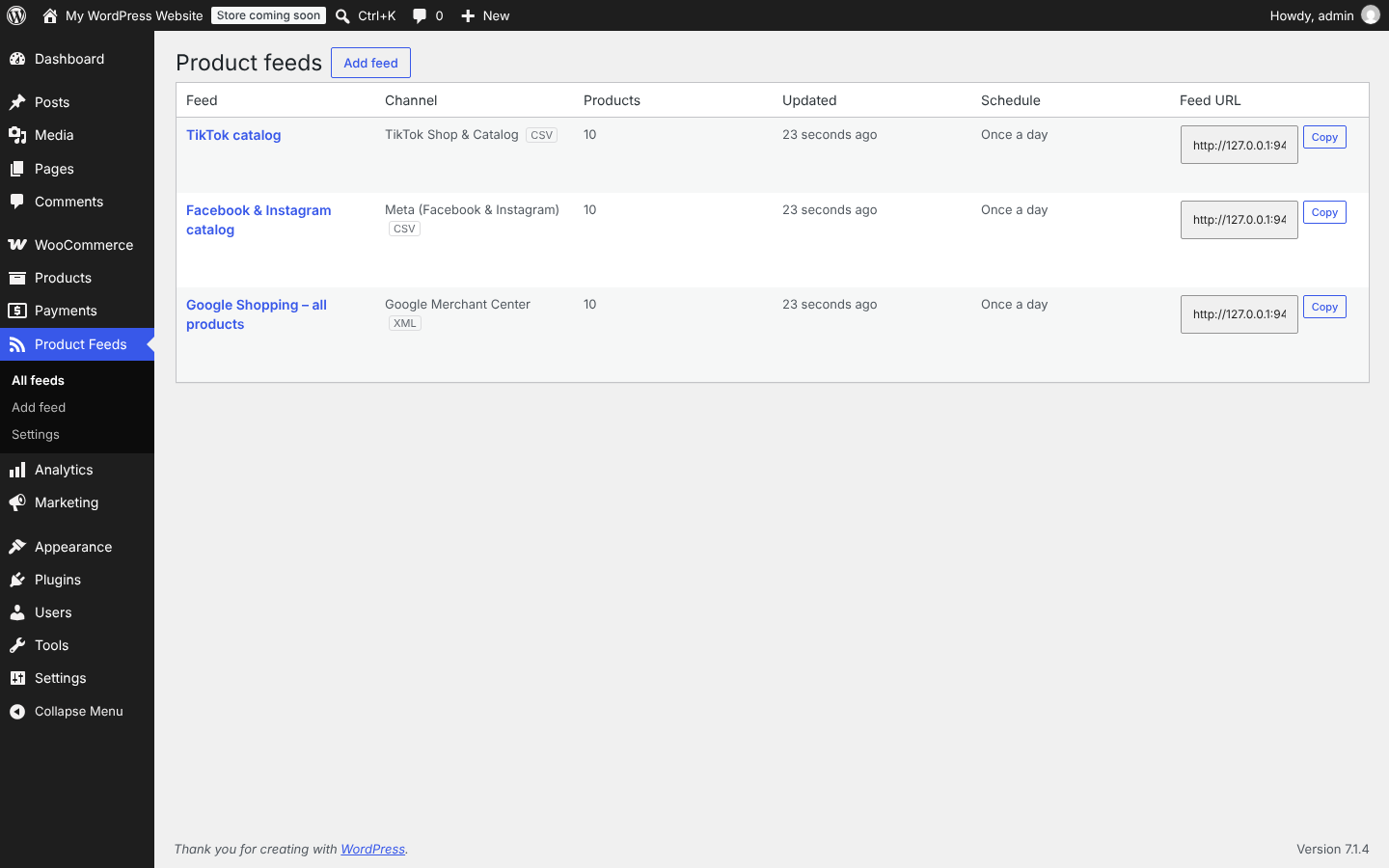
All your feeds in one list, with product counts, update schedule and a copyable feed URL.
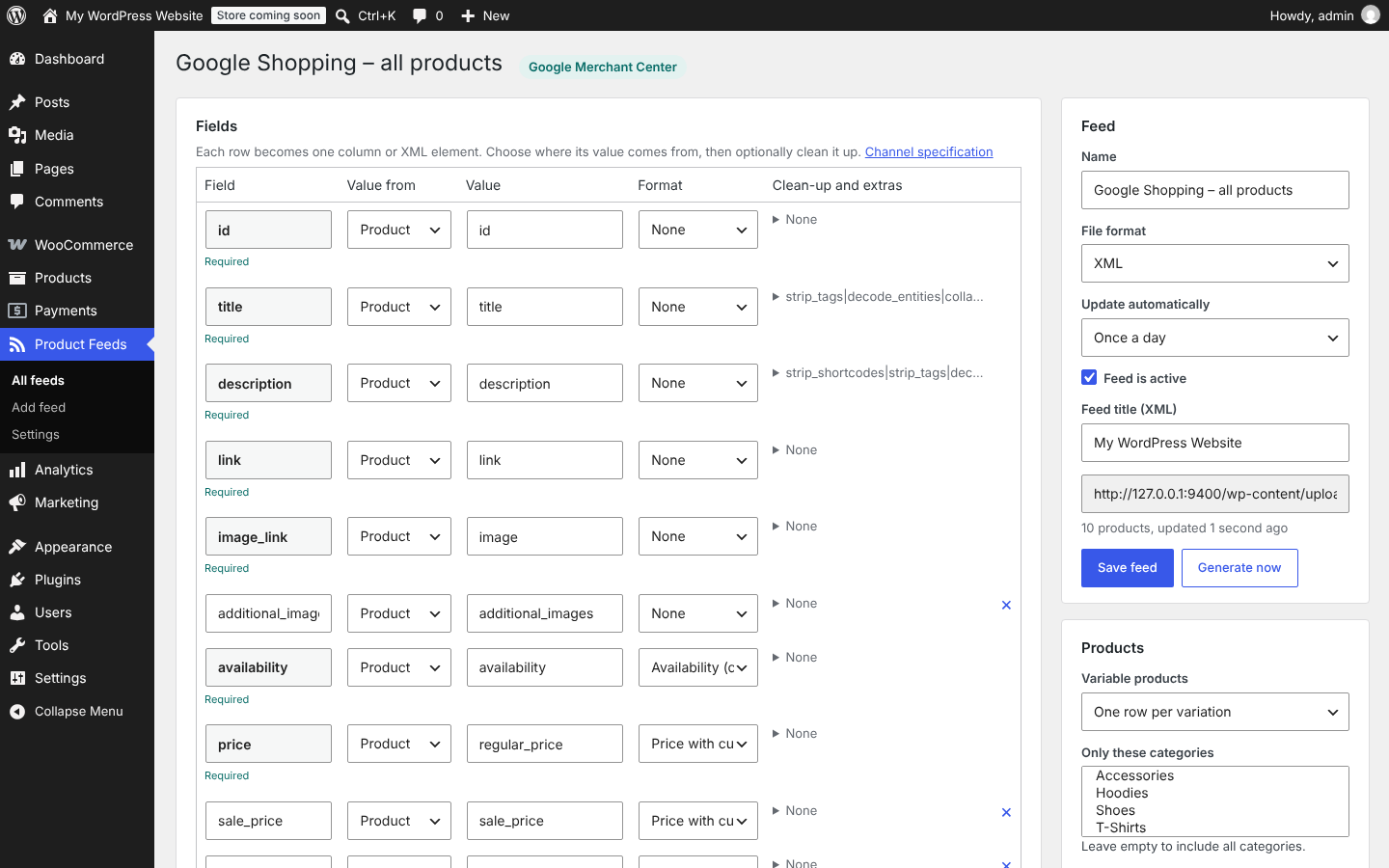
Field mapping with required channel fields marked, plus feed, filter and schedule settings.
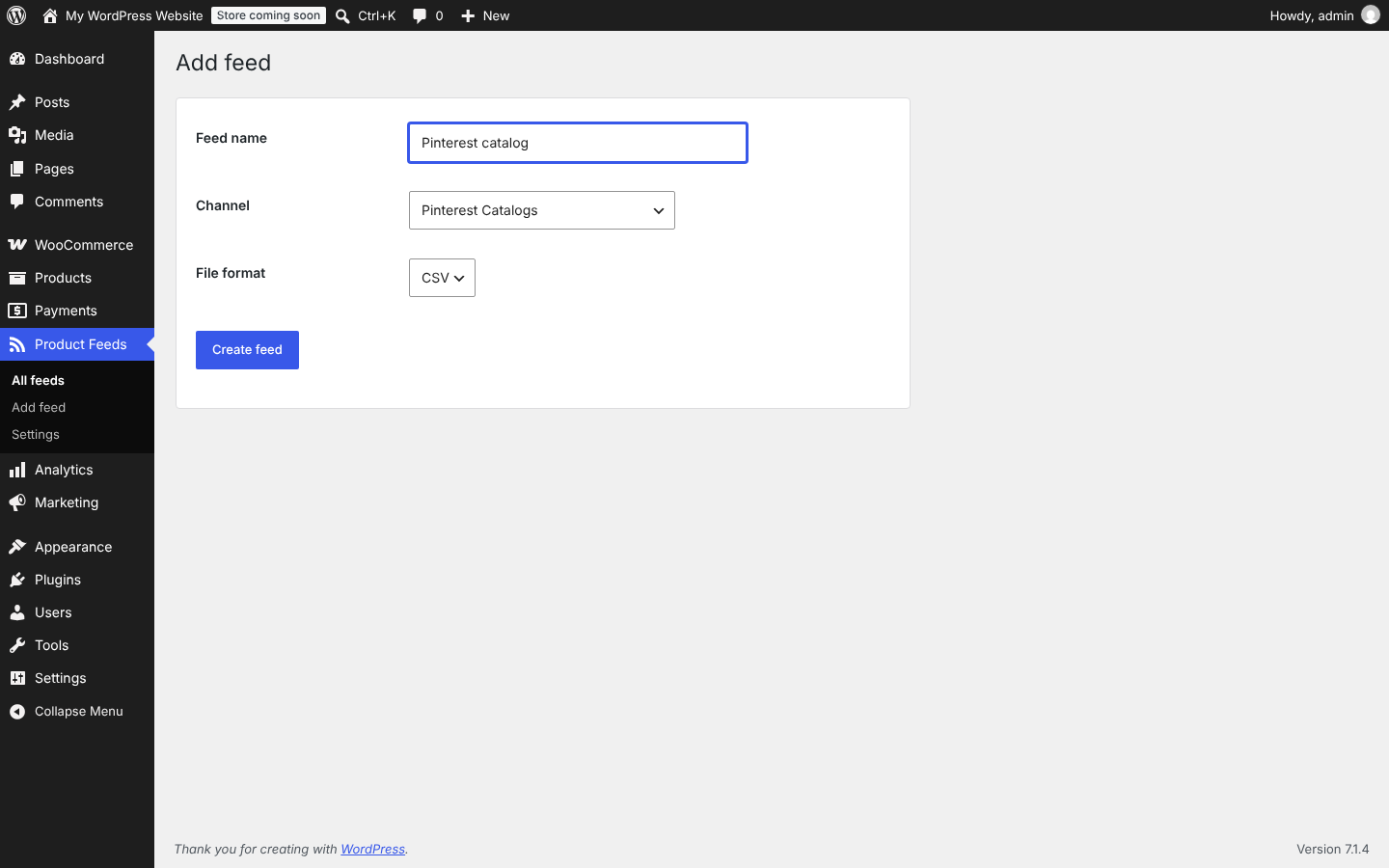
Create a feed by choosing a channel and a file format.

Brand, MPN, condition and exclude-from-feeds fields on the product screen.