BACK TO DIRECTORY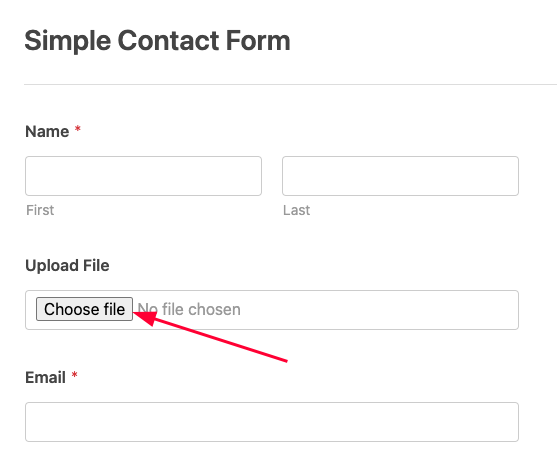

This plugin adds a custom File Upload Field to WPForms, enabling users to:
– Upload files (e.g., PDF, images, documents) via frontend forms.
– Restrict file types and sizes.
– Securely store uploaded files in the WordPress uploads directory.
– Attach files to email notifications (optional).
Usage
-
Add the File Upload Field to a Form:
- Edit or create a WPForm.
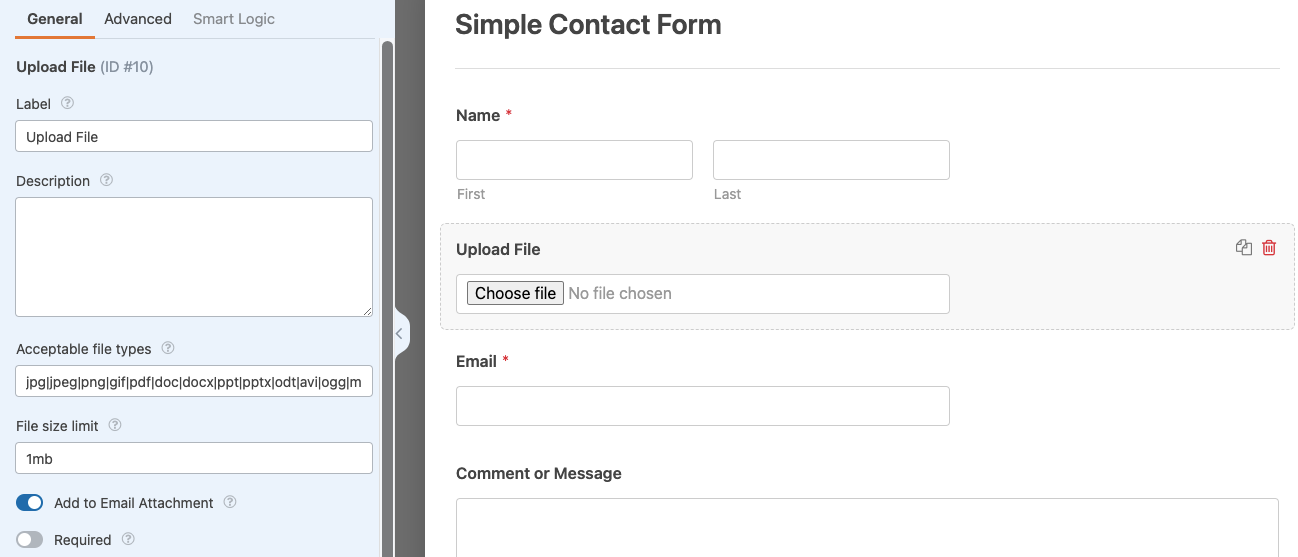
- Drag and drop the “File Upload” field into your form.
-
Configure Field Settings:
- Allowed File Types: Specify extensions (e.g.,
pdf, jpg, png). - Max File Size: Set a limit (e.g., 10MB).
- Storage Location: Files are saved to
/wp-content/uploads/wpxform-uploads/.
- Allowed File Types: Specify extensions (e.g.,
-
Attach Files to Email Notifications (Optional):
- Enable the “Attach Files to Email” option in the form’s Notifications settings.
🤝 Real Human Support
Need help? Contact us anytime.
- 📧 Email: support@wpdebuglog.com
- 💬 Live Chat: wpdebuglog.com
I can help with customizations, plugin and theme compatibility, WooCommerce, bug fixes, and any WordPress development or support.
🎥 Demo
Features
- Drag-and-drop file upload support.
- Server-side validation for file types and sizes.
- Unique filenames to prevent conflicts.
- Compatible with WPForms Lite/Pro.
Pro Addons
- Advanced Filedrop For WPForms
Add Drag and Drop File Uploads to WPForms
Screenshots
Plugin Details
Active Installs
1K+Total Downloads
11,522Version
1.1.1Requires WP
6.6Requires PHP
7.0Tested Up To
7.1.4Added
2025-02-02Last Updated
2026-08-25 6:16am GMTRatings
5
25
4
0
3
0
2
0
1
0