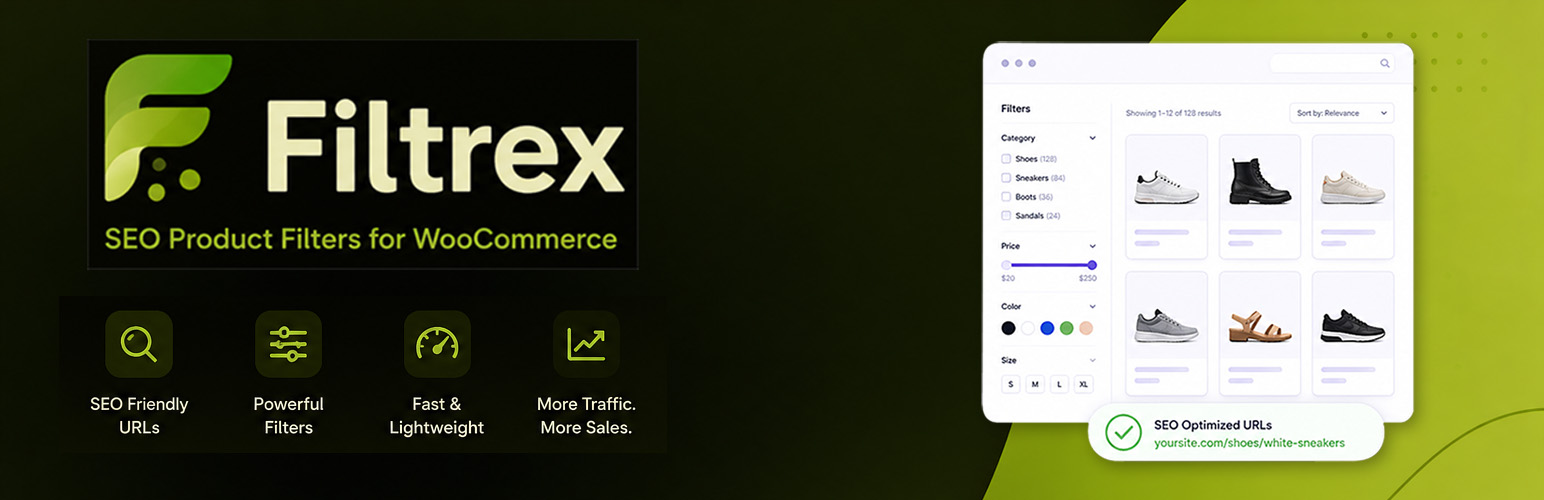
Filtrex — SEO Product Filters for WooCommerce is built around one principle: every filtered page should be a page search engines can understand, crawl, and index correctly.
The plugin generates clean, hierarchical URLs — /product-category/clothing/color-red/size-m/ — with no /filter/ segment and no tracking query strings. Each URL type can carry its own robots meta tag and canonical URL, configured per filter scenario in the plugin settings.
Beyond URL structure and crawl control, the plugin provides dynamic title tags, dynamic H1 headings, dynamic meta descriptions, and integration with all major SEO plugins. The entire frontend is vanilla JavaScript — no jQuery required.
SEO-Friendly Filter URLs
Filter selections are encoded directly into the URL path, e.g. /product-category/clothing/color-red/size-m/ or /product-category/clothing/price-100-500/.
In AJAX mode, the browser URL updates silently via the HTML5 History API as filters are applied — the resulting URLs are shareable, bookmarkable, and support browser back/forward.
Robots and Canonical Control per Filter Scenario
Configure robots (index,follow / noindex,follow / noindex,nofollow) and canonical (current URL / first page / category / shop) independently for each scenario: plain category/shop pages (first page and paginated), single filter (single or multiple values), brand only, brand + one filter, two filters, three-or-more filters, price only, pagination, and ?orderby= pages.
Granular noindex — mark individual attribute terms as noindex without affecting the rest of the attribute (e.g. noindex pa_color = black while keeping other colors indexable).
SEO Plugin Integration
Compatible with Yoast SEO, Rank Math, The SEO Framework, SEOPress, and All in One SEO — the plugin detects the active SEO plugin and hooks into its robots, title, and canonical filters. With no SEO plugin active, it outputs the meta tags directly in wp_head. Settings in the SEO tab take effect regardless of which SEO plugin handles output.
Dynamic Titles, H1 Headings and Meta Descriptions
Title tag and H1 — generated from a drag-and-drop configurable list of components (category, shop name, up to two attribute values, separator text), with capitalization rules and an optional title suffix. A live preview is available in the SEO tab before saving.
Meta description — per-scenario templates using placeholders: {category}, {attribute}, {price}, {filters}, {category_in}.
Grammatical inflection — assign gender to categories/taxonomies and store inflected term forms for correct output in Slavic and other inflected languages (predefined support: Serbian, Croatian, Bosnian).
Filter Types
Price — dual-thumb slider, input fields, or both; min/max calculated from products in the current category context.
Categories — hierarchical tree with product counts; clicking navigates to the category page.
Attributes — all WooCommerce attributes, each with an independent display style and dynamic product counts.
Range slider for numeric attributes — attributes with numeric values (weight, power, length, etc.) can be shown as a dual-thumb slider, input fields, or both, just like price. Numbers are read from the term names, with an optional per-term correction. Set a unit of measure (kg, W, cm — before or after the number) and a step, and the unit is displayed next to the slider and input fields. The thousands separator on the labels can be shown (following the site language) or hidden. Slider limits are calculated from the products in the current category, and the selected range is encoded in the URL, e.g. /product-category/tools/power-500-1200/. Numeric range pages have their own robots and canonical settings in the SEO tab.
Brands — WooCommerce product brands with color or image swatch support.
Custom taxonomies — public product taxonomies beyond WooCommerce defaults, displayed as hierarchical link trees.
Every filter type supports: enable/disable, custom label, default collapsed/expanded state, drag-and-drop reorder, and product counts with dynamic recount.
AJAX Mode and Display Styles
AJAX mode updates the product grid, pagination, active filter chips, and browser URL without a page reload. Page reload mode is also available.
Filter logic — AND (match all active groups) or OR (match any group), applied across all filter types.
Attributes and brand can each use one of five display styles: checkboxes, chips, toggle buttons, color swatches (with hex picker), or image swatches (uploaded per term). Numeric attributes can additionally use a range slider with a unit of measure. A search box can appear above a configurable item threshold, with a “Show more / Show less” control.
Active selections appear as removable chips with a “Reset all” link; the bar can be positioned above the grid or below the filter panel.
Ghostblock Pagination
Standard sequential pagination leaves deep pages (page 50+ on a large catalog) almost unreachable from internal links, starving them of PageRank. Ghostblock pagination shows two 10-page blocks on every page: the primary block around the current page, and a reduced-opacity “ghost block” jumping ahead by current_page × 10. This keeps every store page reachable in a few clicks and crawlable by search engines.
Enabled by default; can be disabled in the Display tab in favor of standard WooCommerce pagination.
Variation Images and Mobile Panel
Variation image matching — when enabled for an attribute, the product card swaps its image and price to match the variation for the currently selected attribute values (WooCommerce variable products).
Mobile filter panel — opens as a slide-in drawer with configurable trigger position, width, label, and panel colors (background, text, accent, overlay) via the Display tab. Apply/Reset buttons stay fixed at the bottom, outside the scrollable filter area.
Gutenberg Block and Shortcode
Gutenberg block — add “Product Filter” via Appearance > Widgets. Each instance has independent settings for title, visible filters, and collapsed state. Added directly in the post/page editor (not a widget area), only category and custom taxonomy filters display — price/attribute/brand filters need a shop or category archive context.
Shortcode: [spfwsp_filter] — parameters: show="price,categories", hide="brands,pa_color", title="Filter Products", collapsed="price,brands", layout="full_width" (forces off-canvas layout when the theme lacks the standard hook). Combinable freely.
Theme Compatibility (Dynamic H1)
Tested and confirmed with Astra, Kadence, Neve, OceanWP, Blocksy, GeneratePress, Storefront, and Virtue. Each theme renders its WooCommerce title differently, so the plugin includes dedicated integration for themes that override standard rendering (Kadence, Neve, OceanWP); other themes use the standard WooCommerce title filters.
If your theme isn’t listed, enable H1 in the SEO tab and check the output on a filtered page. If it doesn’t update, find the filter hook your theme uses for the page title and enter it in the Custom H1 filter hook field.
Screenshots

Filter panel with checkboxes, product counts, and active filters bar

Color and image swatches on a category page

Mobile slide-in filter drawer

SEO tab — robots meta settings per scenario

SEO tab — canonical URL settings per scenario

SEO tab — title component builder with live preview

Structure tab — drag-and-drop ordering and display style

Display tab — mobile panel colors and button position

Gutenberg block editor view
