
Force Refresh gives you a fast, reliable way to request or schedule browser refreshes for visitors currently viewing your site. It’s ideal for single-page applications, live feeds, and any experience where fresh content matters.
Features
- Request a browser refresh with a single click, using the client-side refresh interval you’ve configured.
- Schedule any number of site refreshes in advance.
- Refresh individual pages or posts when you need a more targeted update.
- Choose refresh intervals from 30 seconds up to four hours.
- Extend refresh permissions to any role with the “Invoke Force Refresh” capability.
- Works with both parent and child themes.
Feature Requests and Bug Reports
- Report bugs through the Support tab.
- Share feature requests on GitHub. Force Refresh is open source, and pull requests are welcome.
Screenshots
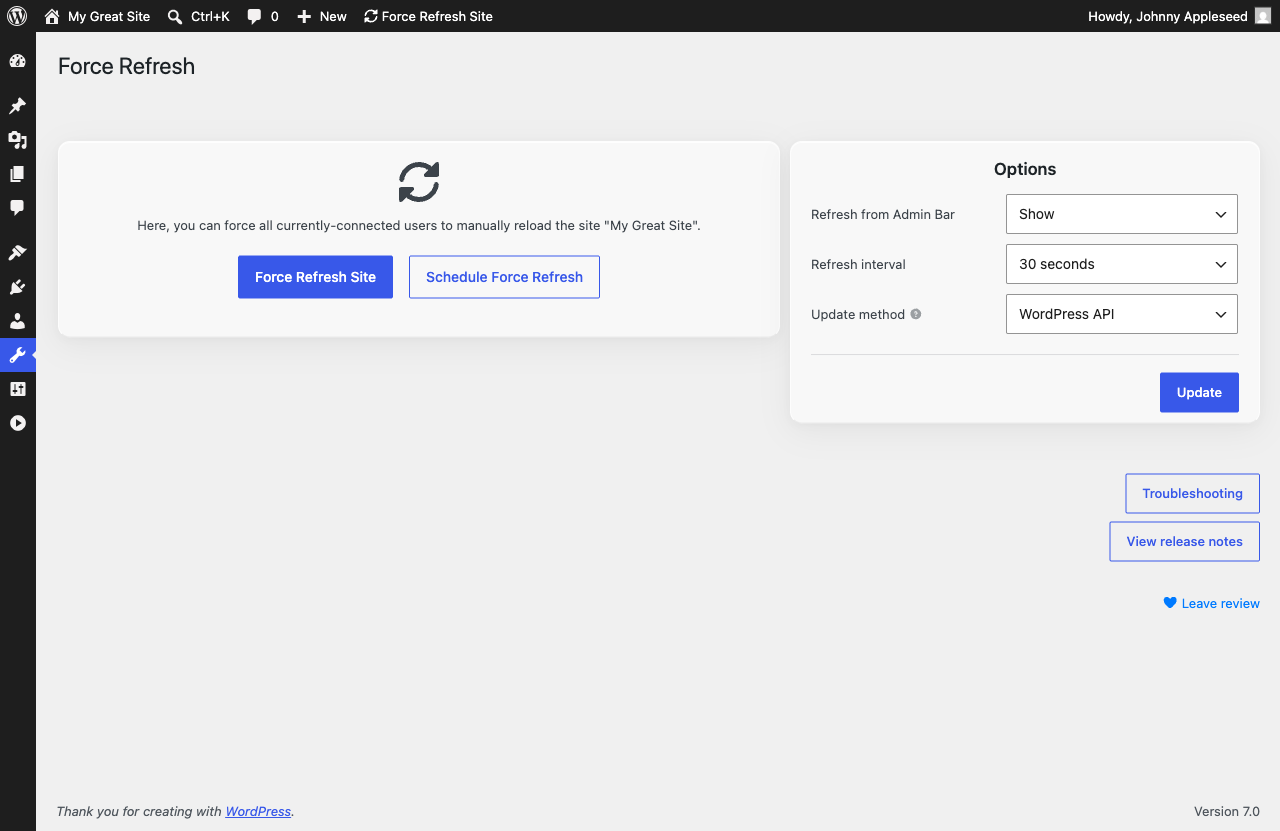
Under Tools, you'll find all settings for Force Refresh.
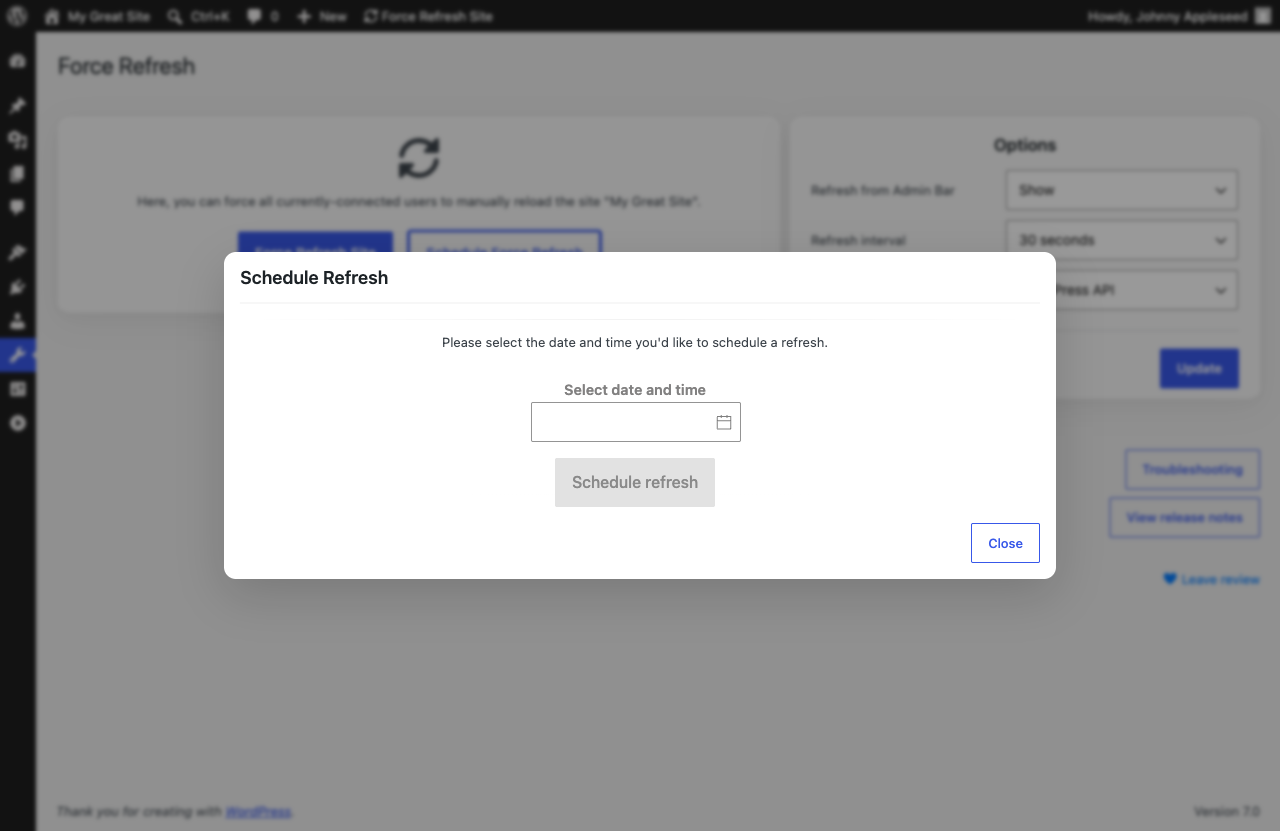
Use Schedule Force Refresh to pick a specific date and time for the refresh: no need to be at your desk when it goes out.
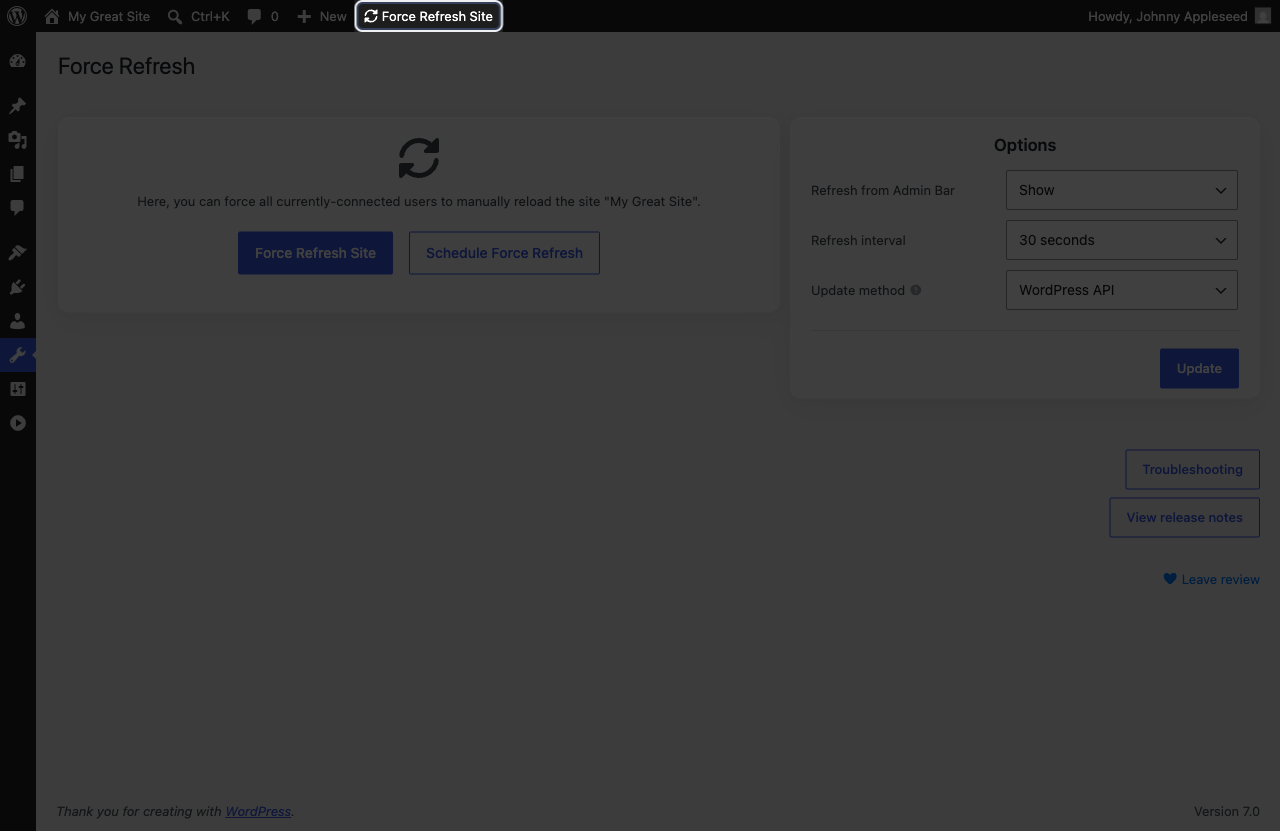
You can enable Force Refresh in the WordPress admin bar for quick access from anywhere in the dashboard.
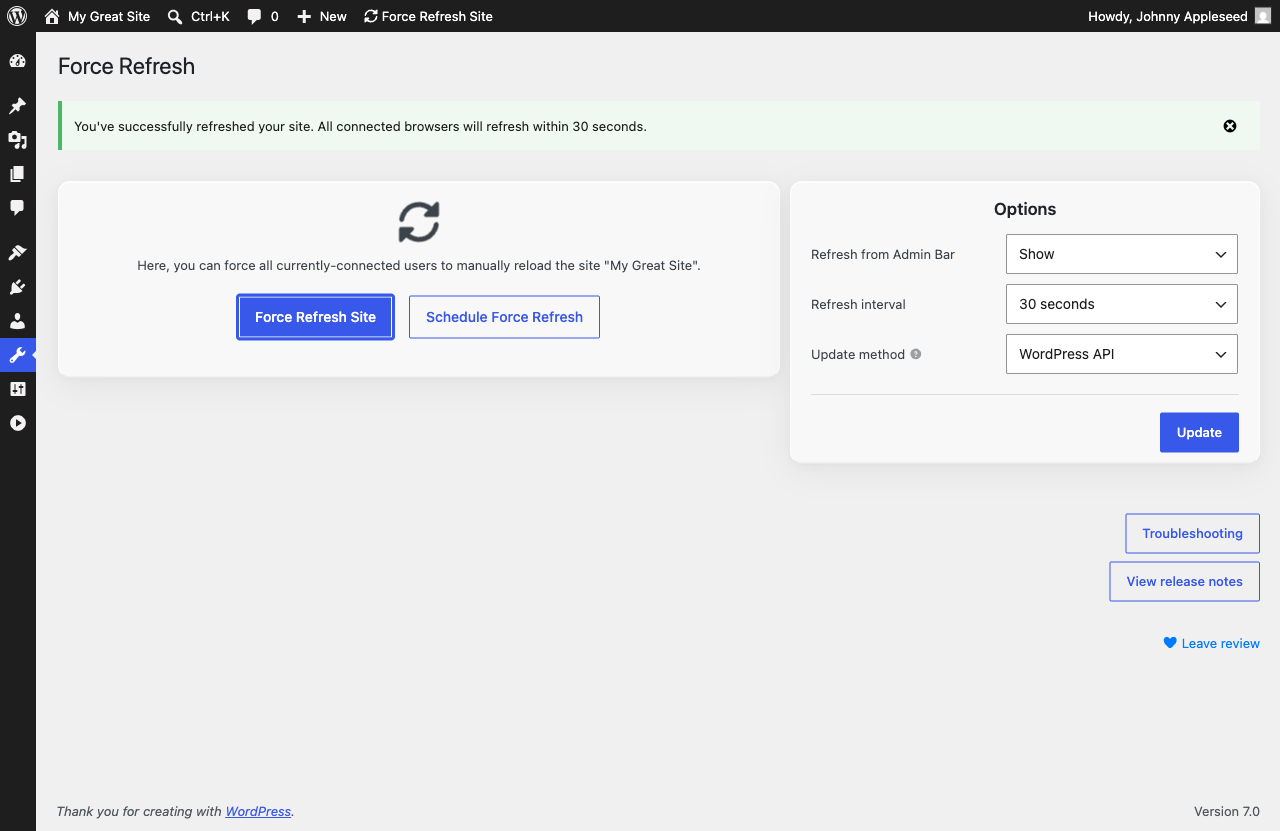
Choose from popular refresh intervals or set a custom one. You'll receive confirmation that browsers were requested to refresh.
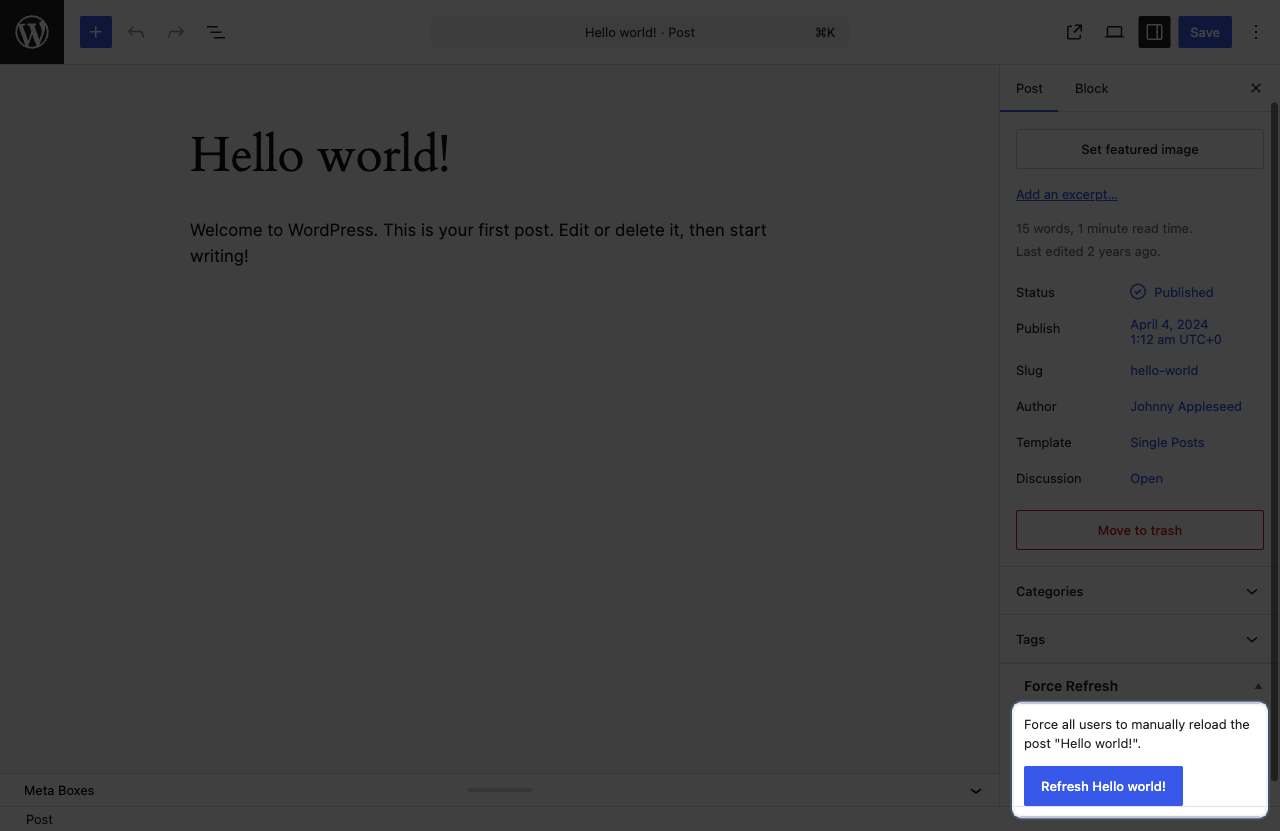
To refresh a single page or post, locate the "Force Refresh" section under any page.
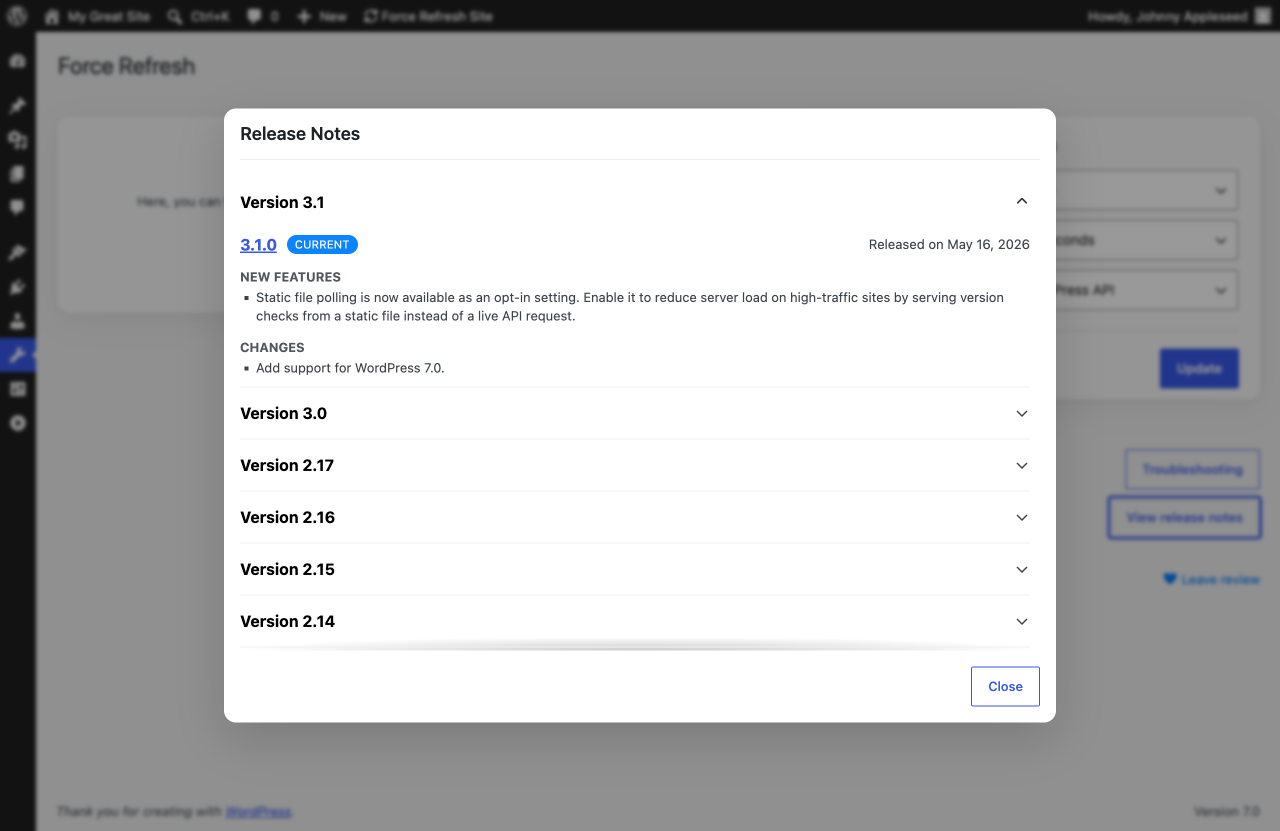
Want to see the latest features? Clicking "View Release Notes" will display the most recent features and fixes for Force Refresh.
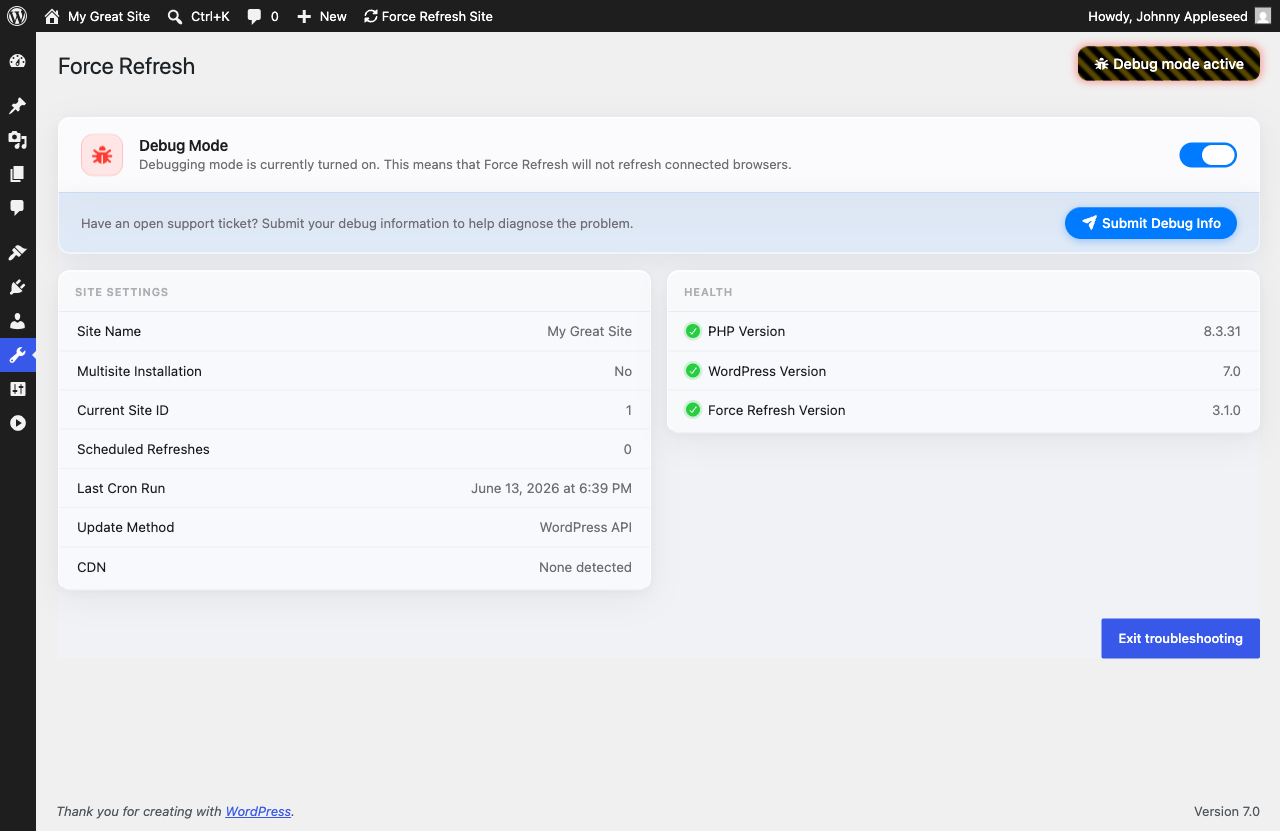
If you're having trouble, clicking on "Troubleshooting" will allow you to view the current settings for Force Refresh and allow you to enter Debugging Mode: an enhanced browser console logging mode that can be used to diagnose issues.