
GameBrain adds video game blocks to WordPress: a game info card, a review score
summary, a similar-games row and a where-to-buy price list, backed by a game
database of over 800,000 titles. Content is rendered on the server, so it is
real, crawlable HTML in your page — with schema.org markup that makes your game
reviews eligible for rich results in search — and it inherits your theme’s fonts
and colors instead of looking like an embedded ad.
Four blocks are included:
- Game Card — a compact fact card: cover, GameBrain Score, release date,
genres and platforms. - Review Summary — GameBrain, critic and user scores, plus what players like
and dislike. - Similar Games — a scrollable row of related titles, each with a score badge
and platforms. - Where to Buy — current store offers with prices and store logos.
Why GameBrain
- SEO-ready — everything is server-rendered HTML with schema.org markup
(VideoGame, Offer, ItemList), so your game reviews can qualify for rich
results instead of shipping empty JavaScript embeds. - Fast — game data is cached on your site and refreshed in the background;
rendering never waits on a network request. - No API key — one click connects your site; there is nothing to copy,
paste or configure. - Private — no data about your visitors is ever sent to GameBrain.
Each block can also be added outside the block editor with a shortcode or the
classic widget, so it works in the Classic editor, page builders and text widgets:
[gamebrain_game id="slug-or-id" block="card|review|similar|buy"]
Appearance is configurable site-wide (accent color, score-band colors, corner
radius, density, surface style, max width) and per block — without editing plugin
files. Advanced users can also override the documented –gb-* CSS variables and
BEM classes from Appearance Customize Additional CSS or a child theme.
Full documentation with screenshots of every block:
https://gamebrain.co/api/docs/gamebrain-for-wordpress
External service notice. This plugin connects to GameBrain (https://gamebrain.co),
an external service, to retrieve game data. Connecting from Settings GameBrain
creates a free, site-scoped account; your site URL and admin email are sent to
GameBrain at that point. Your admin email is stored by GameBrain as the account
owner. Game data is fetched server-side and cached on your site. No data about
your visitors is sent to GameBrain. Disconnecting or uninstalling the plugin
requests deletion of your GameBrain account, including the stored email.
- Terms of Service: https://gamebrain.co/wordpress-plugin-terms
- Privacy Policy: https://gamebrain.co/wordpress-plugin-privacy
Attribution is optional. A small “View on GameBrain” credit link can be shown
on each block. It is off by default — turn it on from Settings GameBrain
Connection if you’d like to support GameBrain. Every block works exactly the same
whether it’s on or off.
Affiliate disclosure. Store / “Where to buy” links may be affiliate links.
Where shown, they are marked on the page.
Screenshots
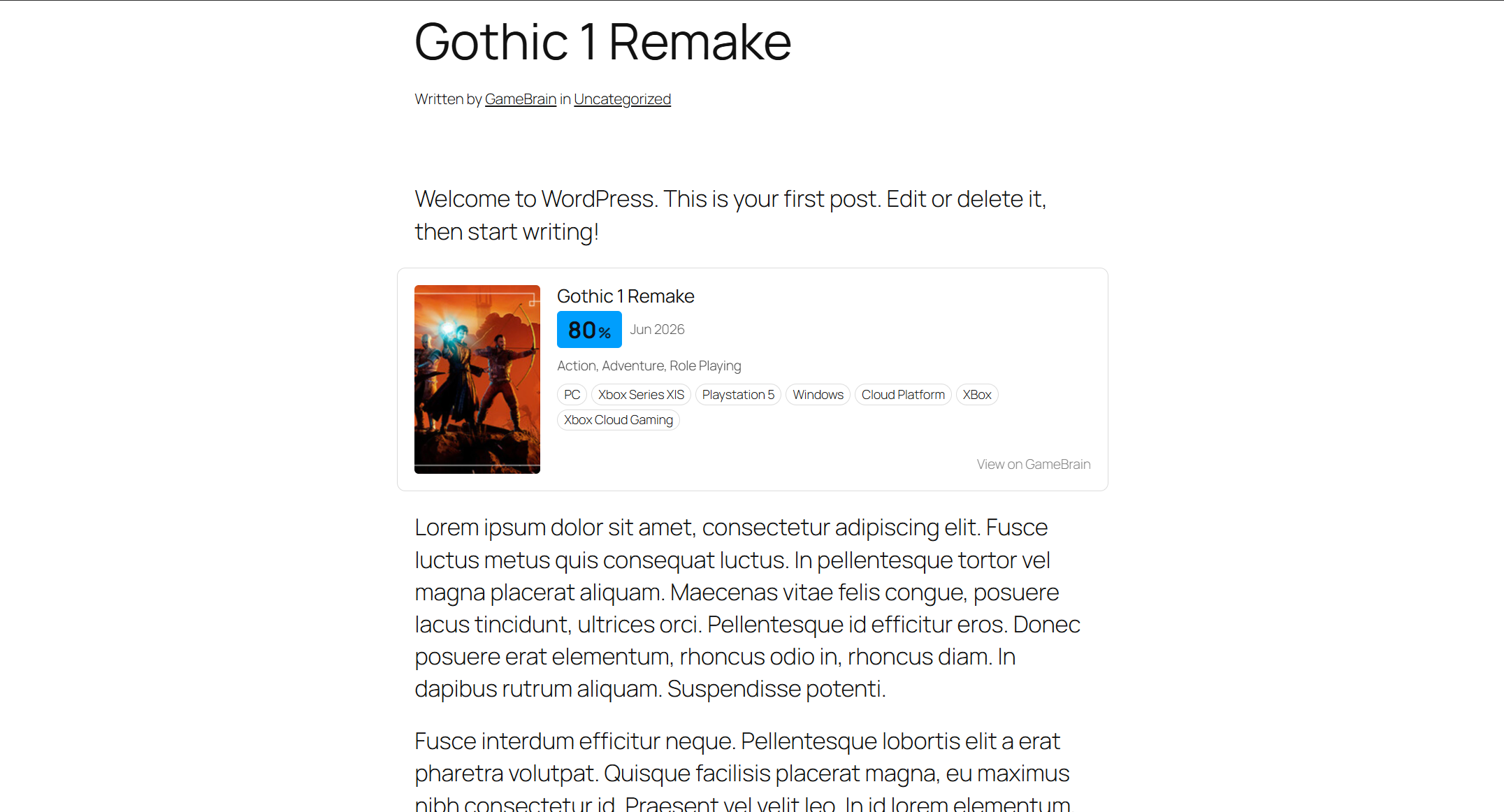
Game Card rendered inline in a post — cover, GameBrain Score, release date, genres and platforms.
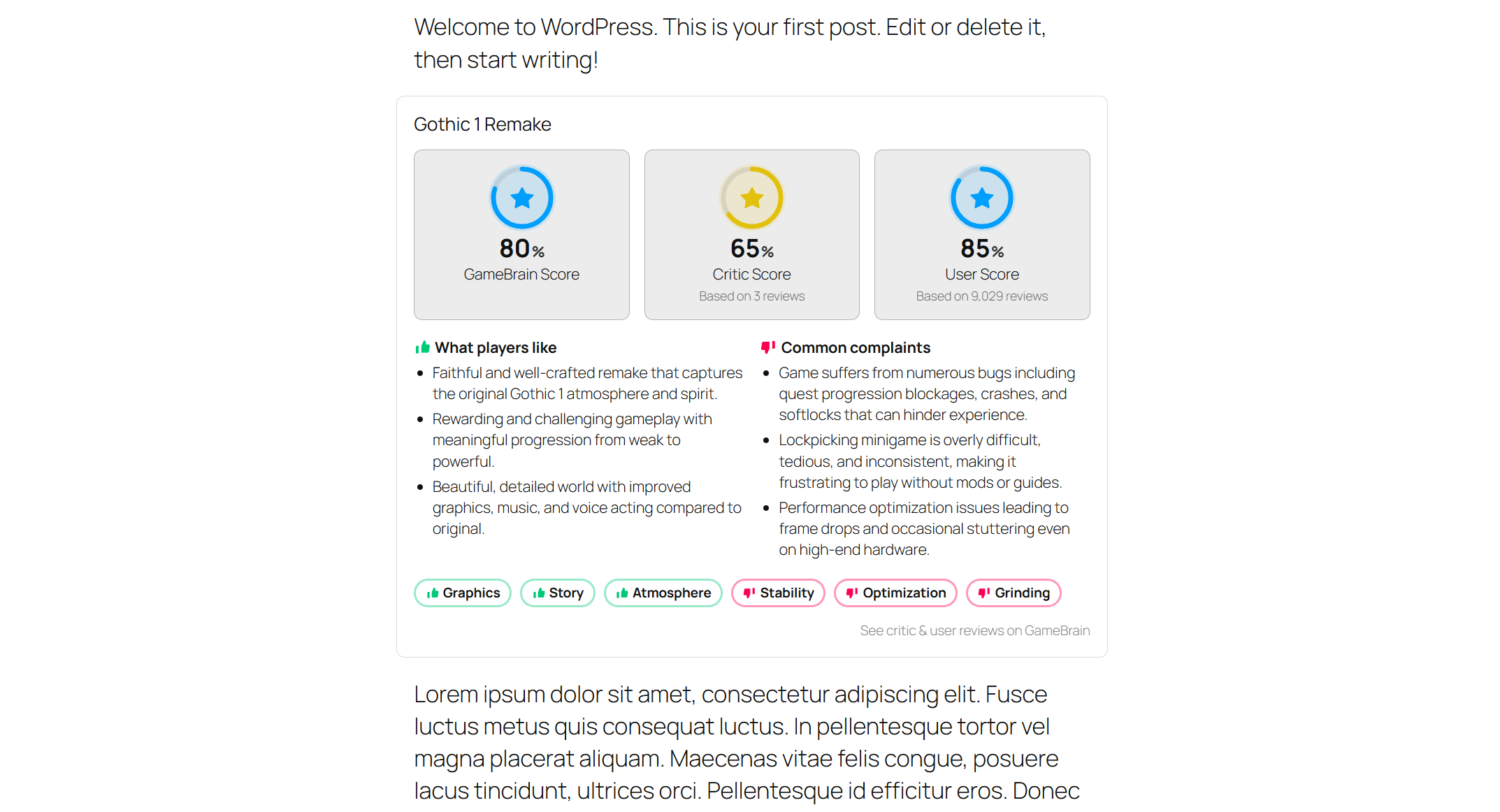
Review Summary — GameBrain, critic and user scores with what players like and dislike.
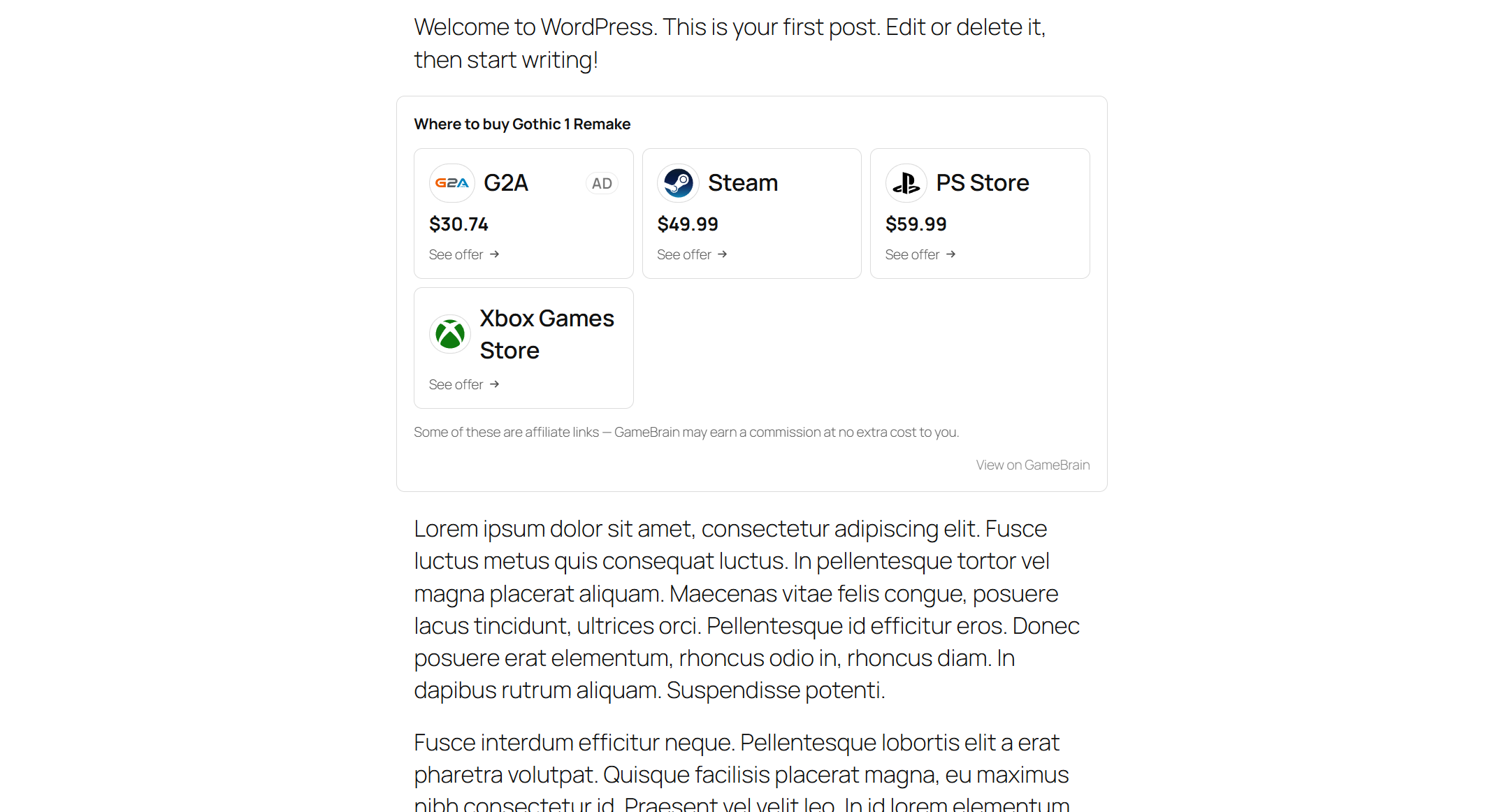
Where to Buy — store offers with prices and store logos.
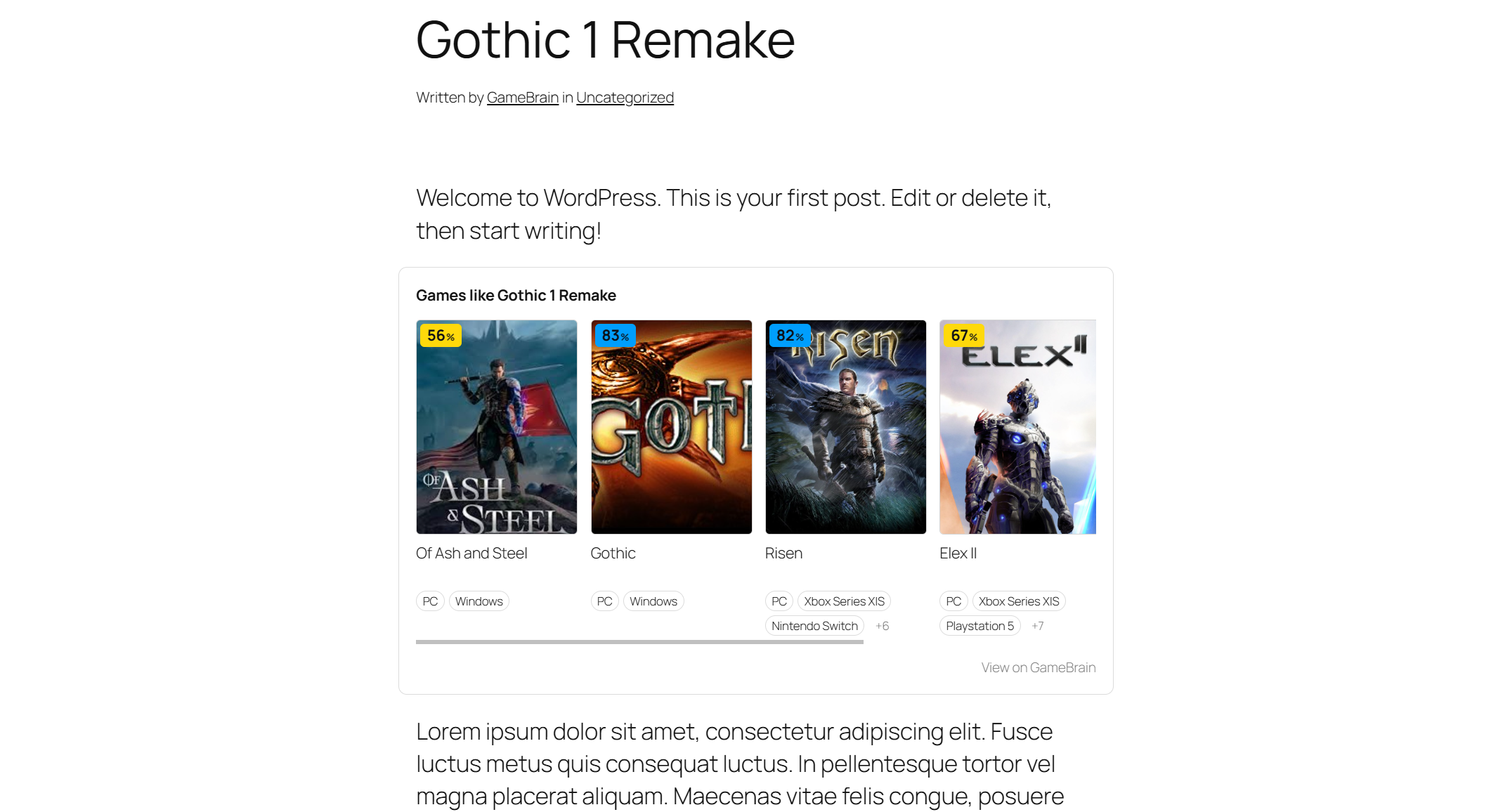
Similar Games — a scrollable row of related titles with score badges and platforms.
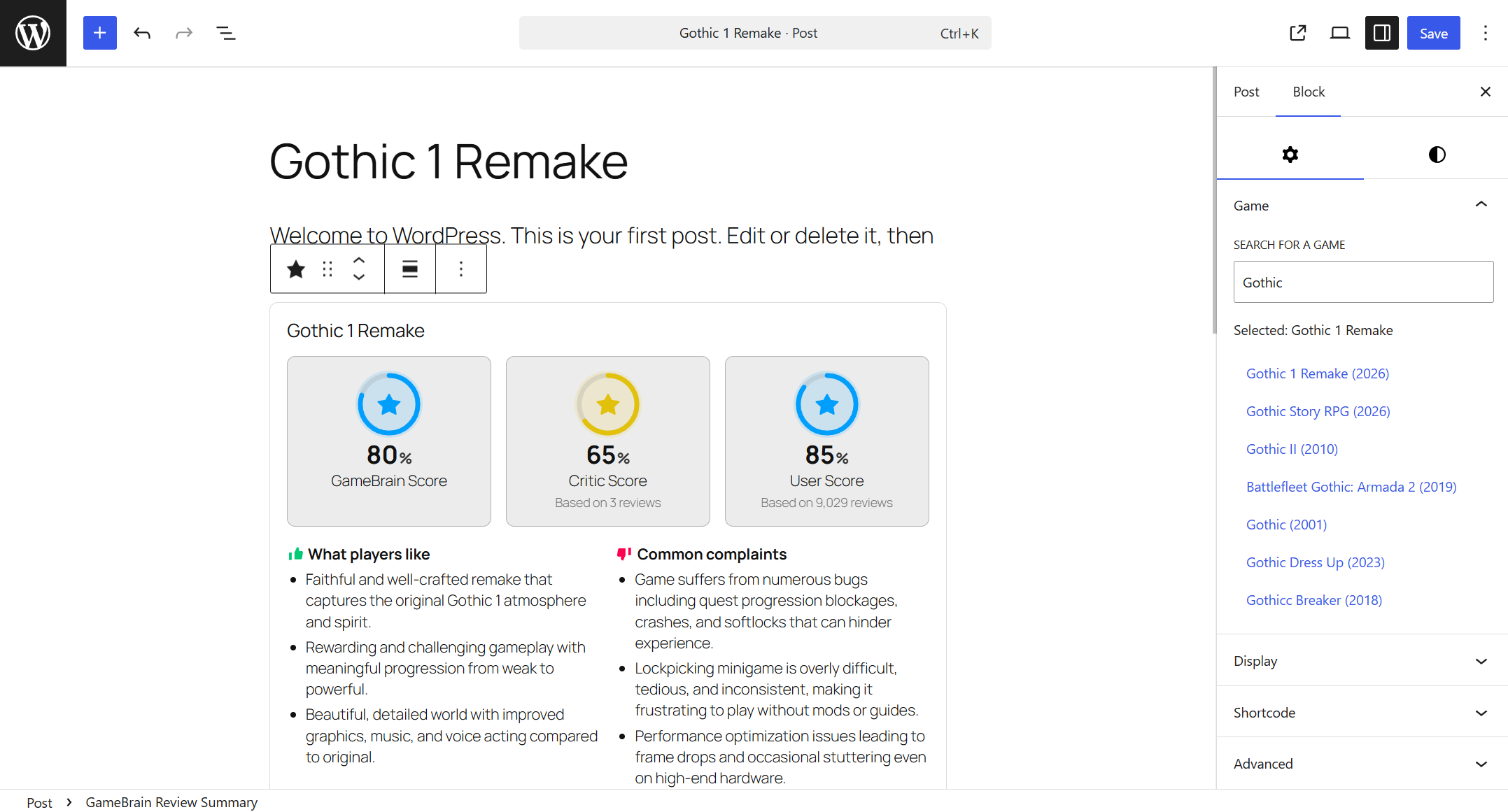
Picking a game and inserting a block in the editor.
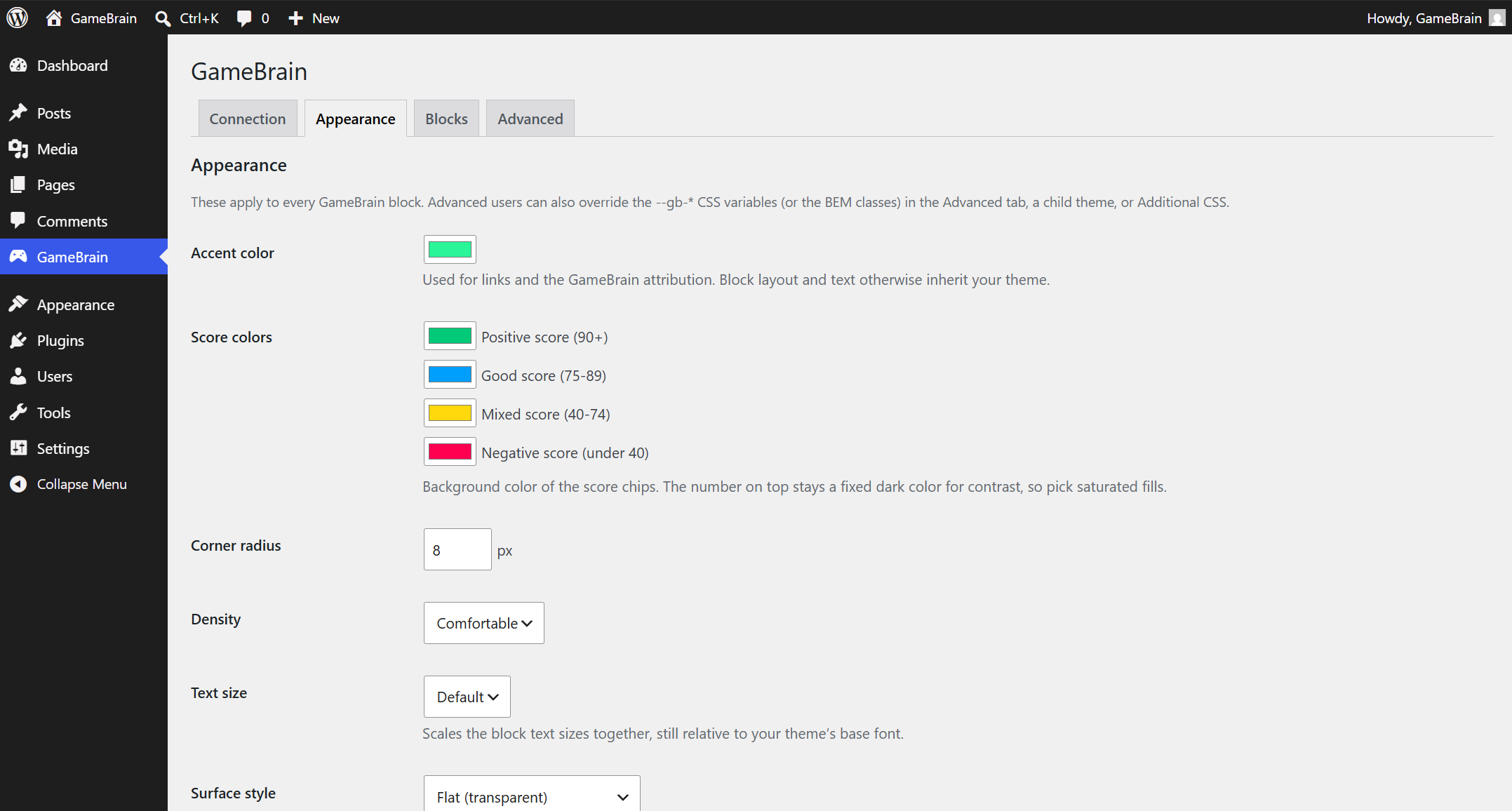
Appearance settings — accent, score-band colors, corner radius and density.
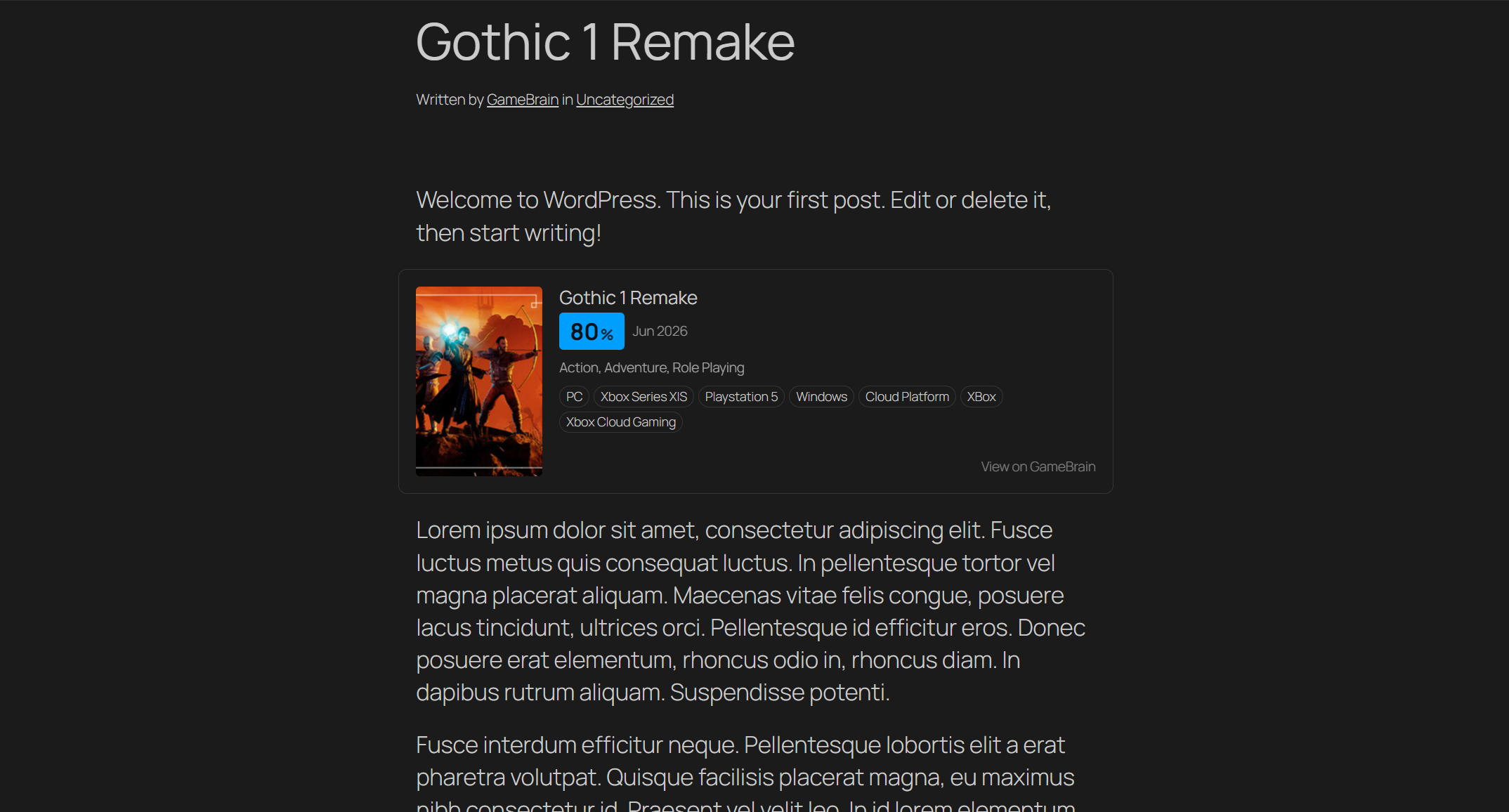
The blocks adapt automatically to dark themes — the same Game Card on a dark theme.