Create Google Maps embeds that display a local consent overlay before loading the map. Add as many maps as you need, customize each one in WordPress, and insert it with a shortcode.
Published by Tsambasis & Tsambasis.
Live Plugin Demo — Tsambasis & Tsambasis.
- Unlimited maps without a license key or paid tier.
- Separate iframe input and shortcode for each map.
- Light, dark and custom designs, with configurable overlay and button colors.
- Custom button text and rounded or square buttons.
- Separate font sizes for the button, overlay message, privacy text, privacy link and remember-selection label.
- An optional message between the load button and privacy notice.
- Configurable privacy notice, link text and privacy-policy URL.
- Existing map dimensions and theme content-width limits are respected. With the default shortcode, loading does not enlarge the map or reserve control space.
- Optional grouped loading: one click loads the maps on that page that also have the group option enabled.
- An optional remember checkbox: existing design by default, or a larger modern checkbox and label card selected per map.
- A separate reset button anywhere in page content with [dsgvo_map_reset].
- English source text and a German translation, following the WordPress language.
- No plugin advertising or developer tracking.
Fonts, messages and multiple maps
Font sizes accept px, em, rem and %. Leave enough map height for the message, privacy link and checkbox, especially on mobile. Under Checkbox design, Modern design (larger checkbox) enables the optional 22px checkbox and styled label card. Existing design remains the default; old maps do not change automatically.
The load-all setting is configured per map. Clicking a participating map loads the other participating maps on the same page; maps outside the group remain separate. Explain this scope in the button or overlay text before asking visitors to load the group.
Consent and the optional cookie
Without a remembered choice, the Google Maps iframe is created only after the visitor selects the load button. Selecting the optional remember checkbox before loading sets the first-party cookie dsgvo_gm_consent=1 for up to 180 days, with path /, SameSite=Lax and Secure on HTTPS. This is a site-wide choice for maps with the remember option enabled: those maps can load on later visits without another click. Maps without that option still require explicit loading. Browser settings can block or remove the cookie.
The checkbox is optional and initially unchecked. Decide whether to offer remembered consent and describe its effect in your privacy notice. The cookie is a loading preference, not a server-side consent audit log.
Place [dsgvo_map_reset] anywhere in page content for an always-visible reset button, also on pages without a map. Customize its label with [dsgvo_map_reset text="Reset my map choice"]. It clears the site-wide consent cookie, unloads plugin maps on the current page and unchecks their remember boxes. A status message confirms the action; keyboard focus stays on the separate button. Already open maps in other tabs are not unloaded.
For a button inside a loaded map, opt in with [dsgvo_map id="123" show_reset="true"]; this uses 64px of its configured height. The ordinary map shortcode adds no reset control and keeps its layout. Neither reset method undoes data already sent to Google. Browser settings can also remove the cookie.
External service: Google Maps
Once a map is loaded, the visitor’s browser connects directly to Google. Supported HTTPS embed URLs use google.com, www.google.com, maps.google.com, google.de, www.google.de or maps.google.de; the embed can load additional Google resources. Google receives connection information such as the IP address and browser/device information, and may process cookies or Google-account information. The iframe’s strict-origin-when-cross-origin referrer policy sends the website origin to Google, without the page path or query.
The plugin’s local overlay does not itself load the configured Google iframe before consent or remembered consent. It does not block Google requests made by your theme, other plugins, manually embedded maps or other services. After loading, Google controls the map content and related data processing.
The plugin supports consent-based loading; its name is not a guarantee that your website complies with GDPR/DSGVO or other law. You remain responsible for notices, valid consent, withdrawal options and your site’s complete data flows. This is independent software, not an official Google product or legal advice.
Support and more information
Contact the publisher through Tsambasis & Tsambasis.
The existing plugin information page — Tsambasis & Tsambasis and live demonstration remain available at their established URLs.
Screenshots
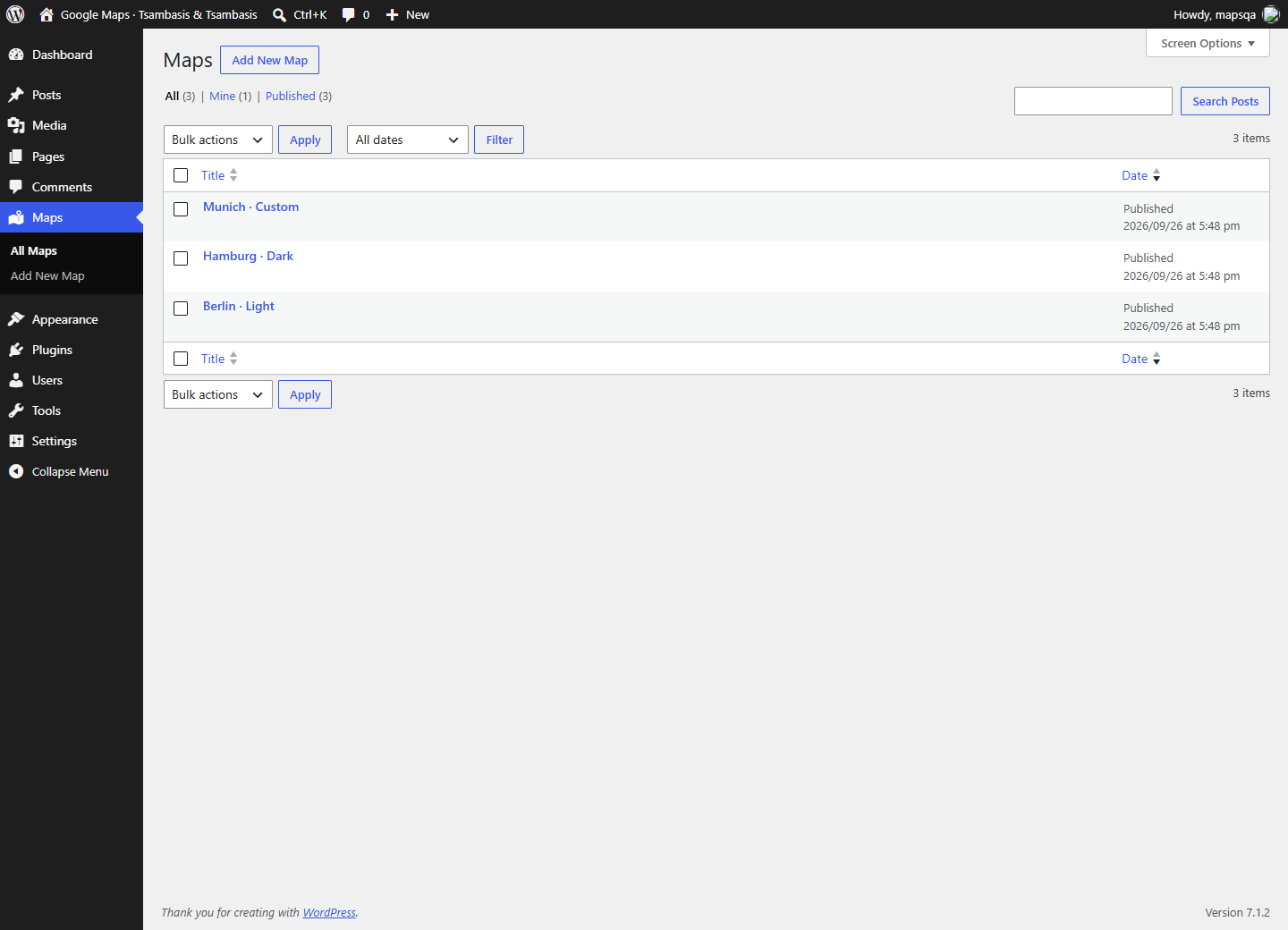
Map list in WordPress.
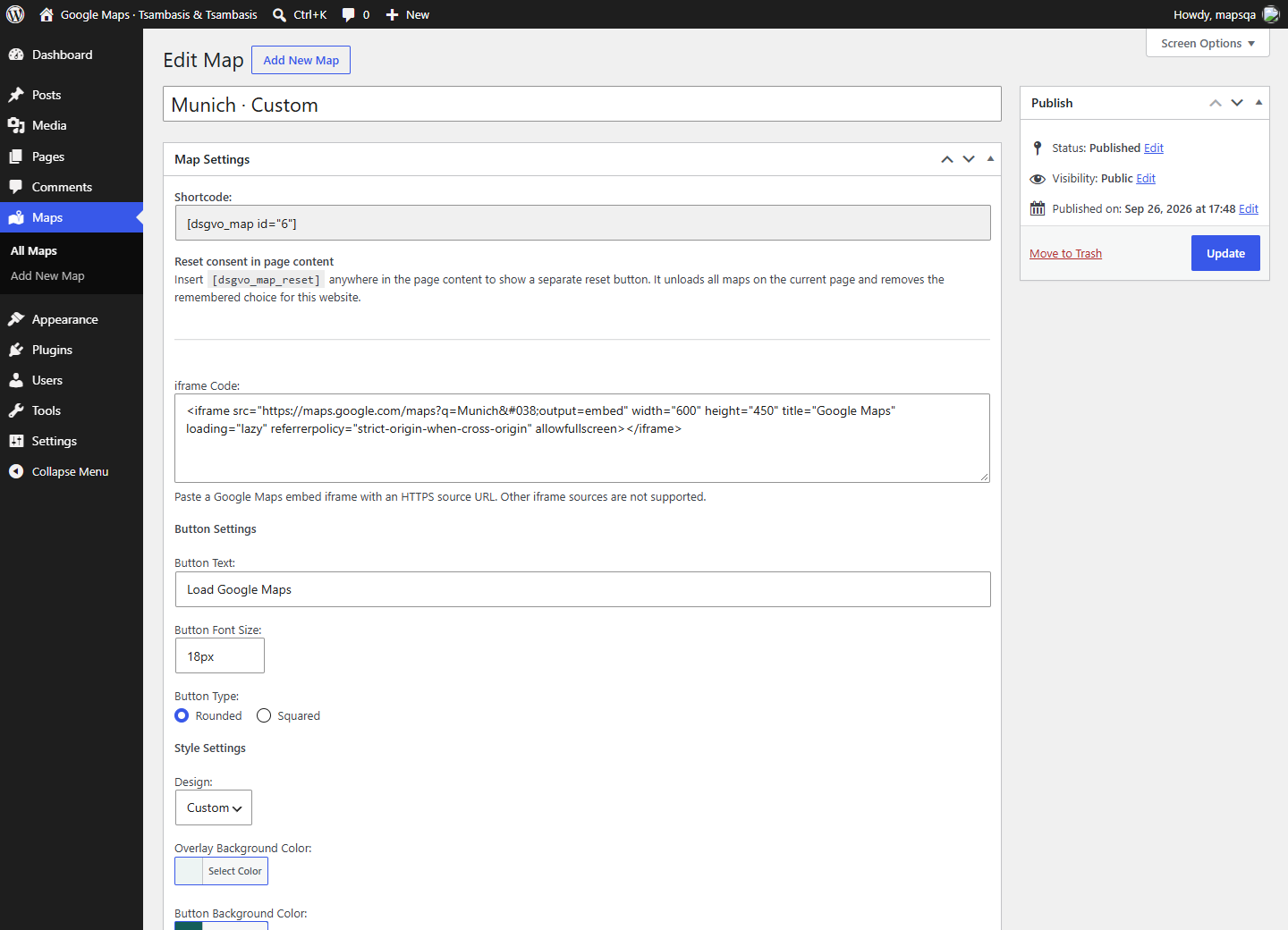
Iframe input, button text, font size and button shape.
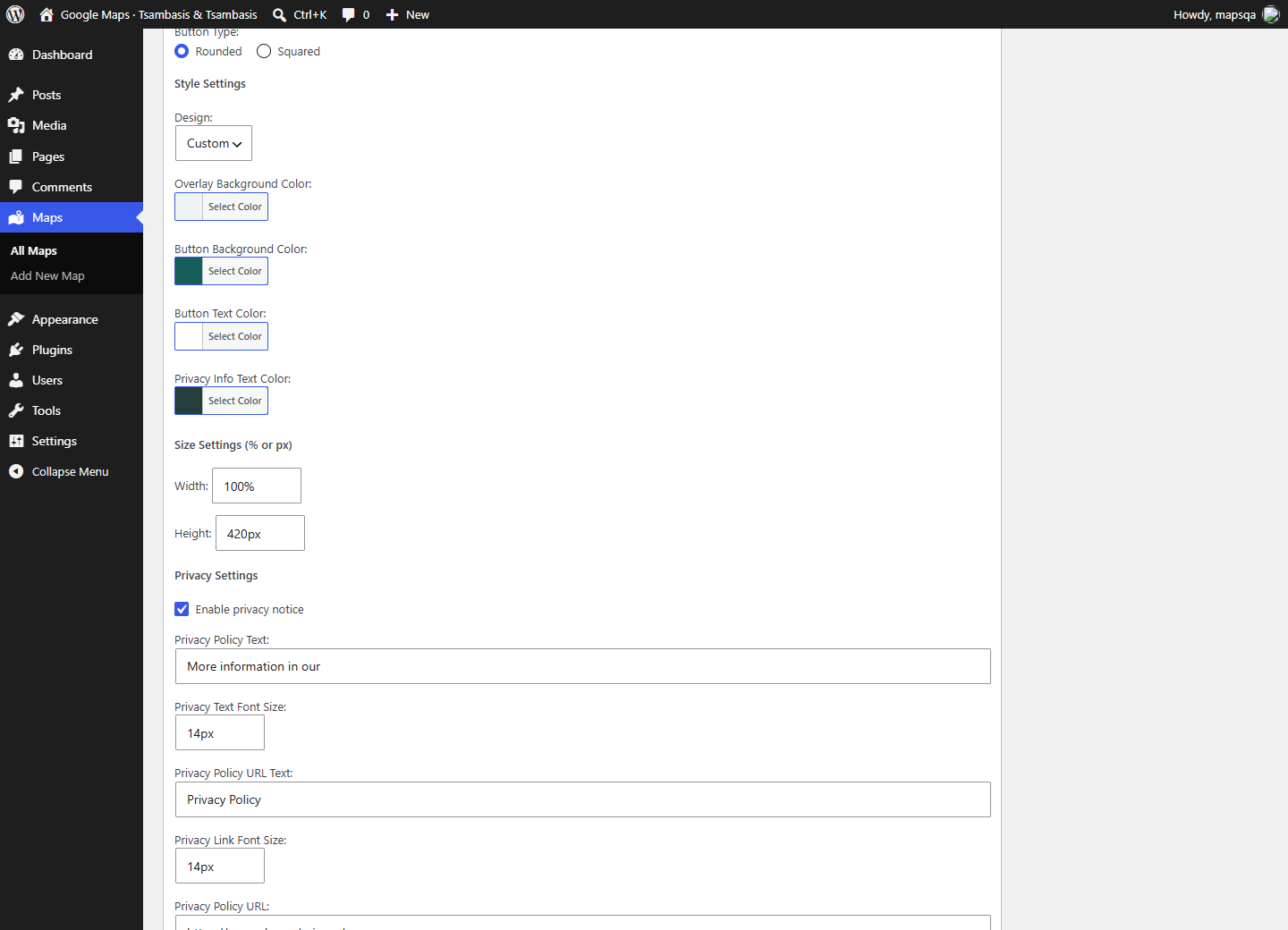
Custom design colors and map dimensions.
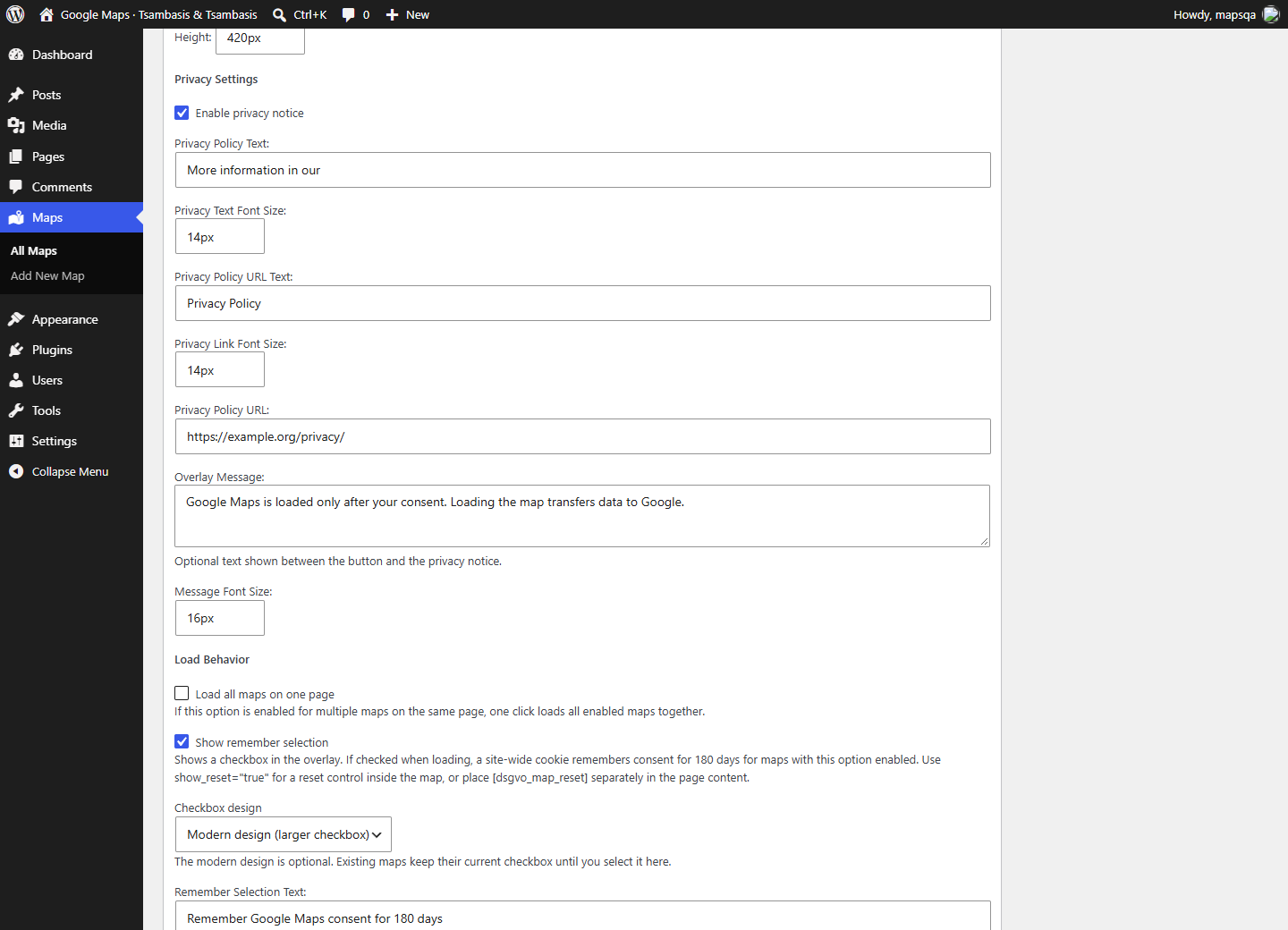
Privacy text, link typography and optional overlay message.
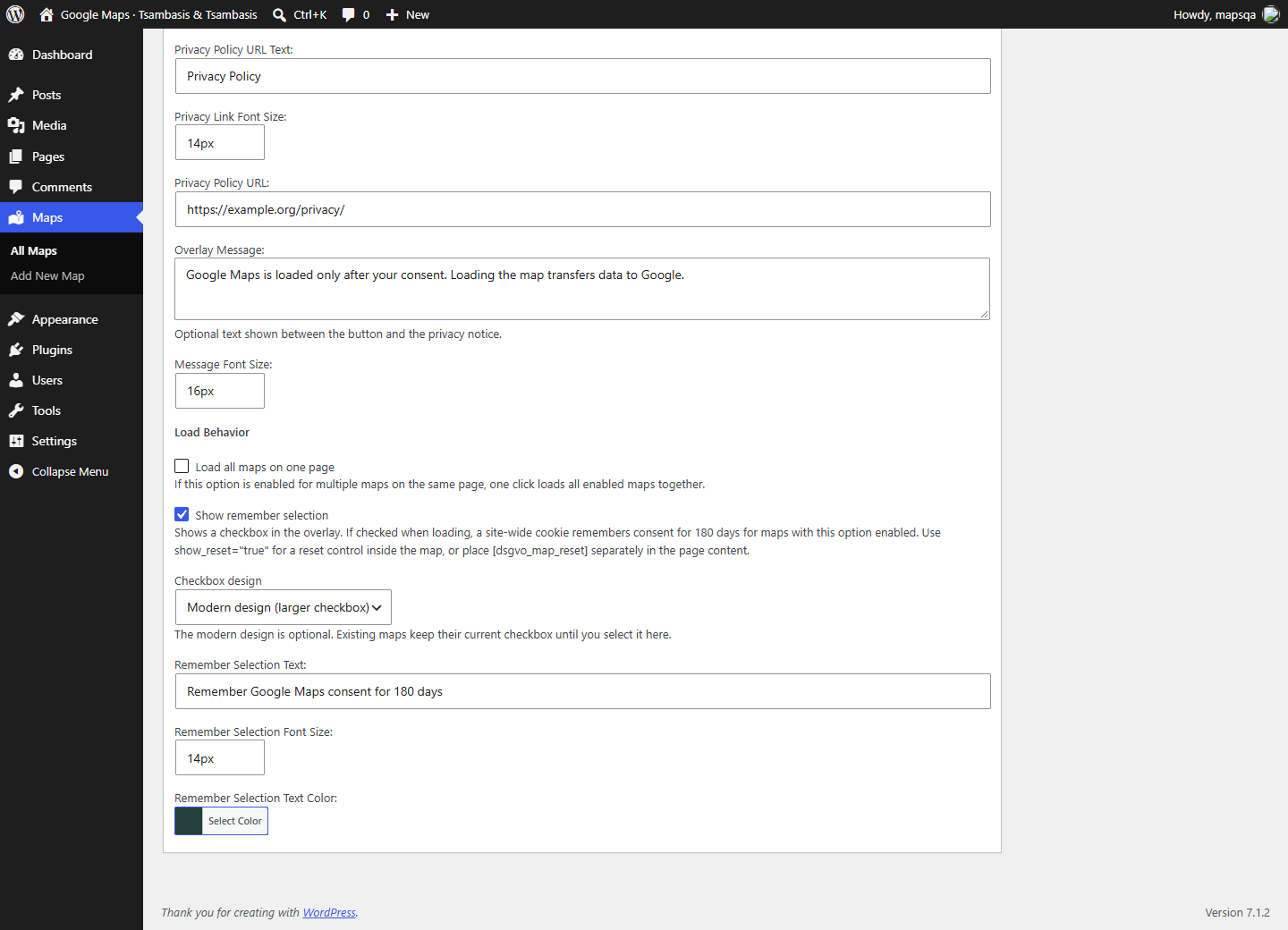
Grouped loading, optional modern checkbox design, remember text, size and color.
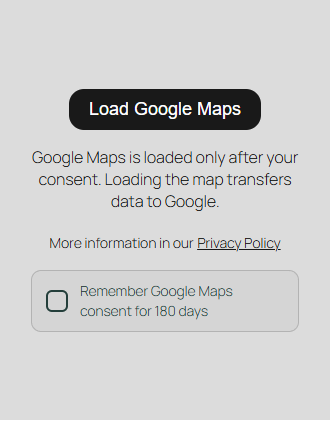
Mobile consent overlay with Modern design (larger checkbox) explicitly enabled.
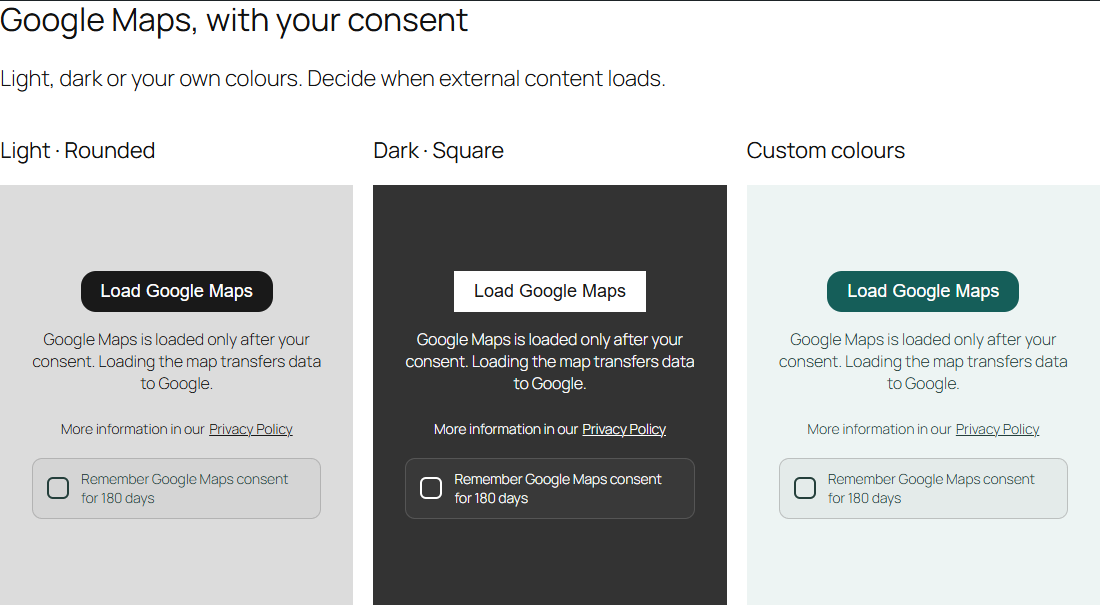
Light, dark and custom overlays with the optional modern checkbox enabled.
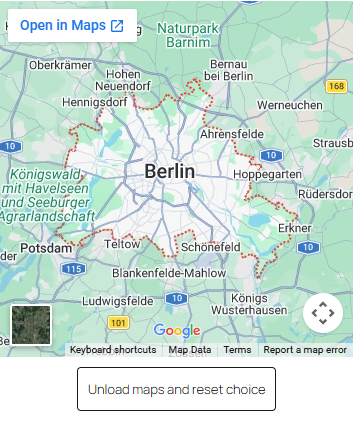
Loaded Google map: inline reset is shown only because show_reset="true" is enabled.
![Separate, always-visible reset button inserted using [dsgvo_map_reset].](https://ps.w.org/gdpr-dsgvo-compliant-embeds-for-google-maps/assets/screenshot-9.png?rev=3714702)
Separate, always-visible reset button inserted using [dsgvo_map_reset].