
Instantly populate your WP Job Manager site with jobs from the most popular job sites and/or job aggregators. This handy plugin fetches jobs from RSS feeds and imports them to your jobs database. Pick your favorite job site/job directory, look for the jobs RSS feed, paste it directly to Go Fetch Jobs and instantly get fresh jobs in your database!
To help you quickly getting fresh jobs from external sites, Go Fetch Jobs comes bundled with ready to use RSS feeds for job sites that provide them.
Easily categorize bulk job imports with job categories, job types, default custom fields values and expiry dates.
Besides the usual Title + Description + Date usually provided by RSS feeds, Go Fetch Jobs can also (optionally) extract and auto fill job companies logos, company names and locations, if that information is provided by the RSS feed.
It also comes with the ability to save import rules as templates so you can later recycle/re-use them for new imports.
Upgrade to a Premium plan to keep it automatically updated with fresh jobs added every day, through automatic schedules! (*)
Features include:
- Ready to use RSS Feeds from popular providers
- Import jobs from any valid jobs RSS feed
- Friendly step-by-step setup flow
- Seamless integration with WPJM jobs
- Preview jobs before importing
- Specify jobs duration
- Save import rules as templates
- Company logos on select providers
Company names and job locations on select providers
And more…
The Free plan includes a curated selection of providers. Premium plans unlock additional provider groups, integrations, and advanced import capabilities.
Additional features, exclusive to Premium plans include:
- Ready to use integrations from popular job sites and aggregators
- Import jobs from APIs like SourceStack, Careerjet, The Muse, Working Nomads, Himalayas and many others
- Import jobs from ATS platforms like Greenhouse, JazzHR, and Recruitee
- Import jobs from local XML/JSON files
- Automated scheduled imports
- Auto assign job types and job categories based on each job content (Smart Assign)
- Ability to fill incomplete or missing job data from supported provider pages, including fuller descriptions, companies, locations, and logos on select providers
- Extract and auto-fill job company names and locations on select providers
- ‘Test’ or ‘Run’ schedules directly from the schedules page
- Set your own time interval between schedule runs
- Advanced post-process filters
More provider-specific import options and controls
And more…
Visit the official website for more details on features and available plans.
(*) You can upgrade to any plan directly from the plugin.
Screenshots
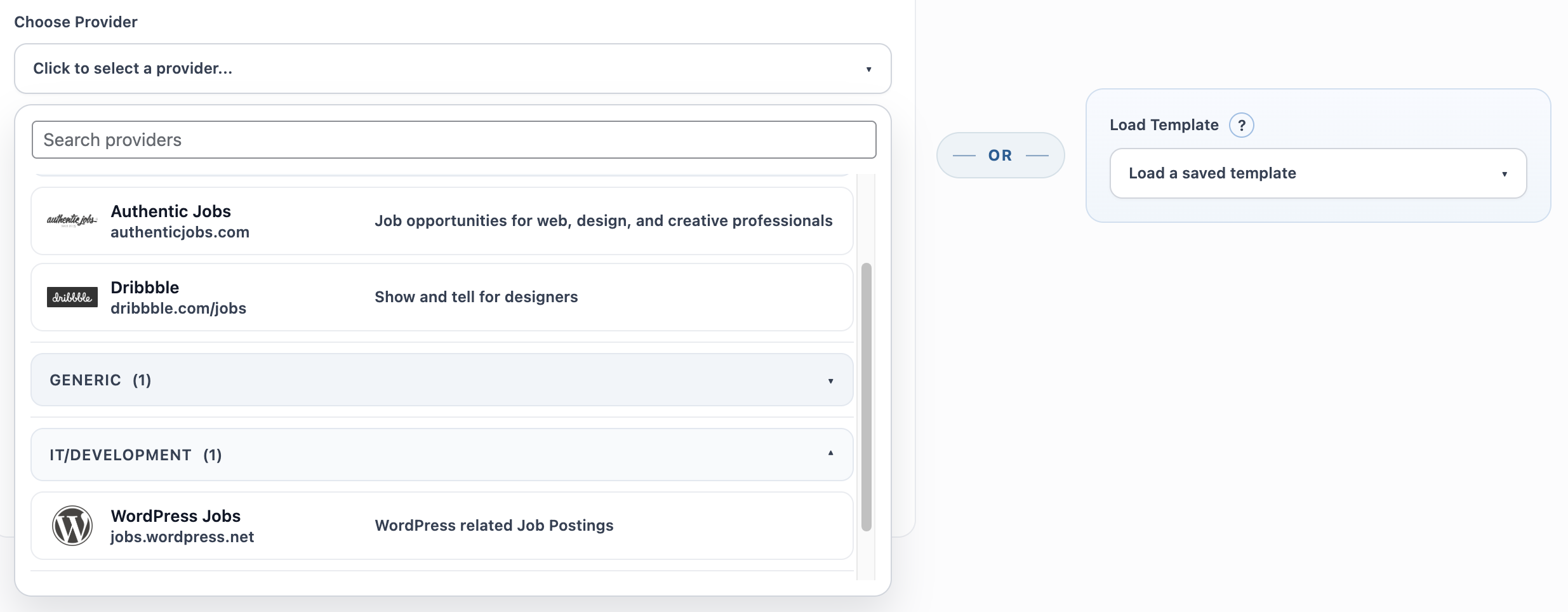
Provider picker and built-in provider search
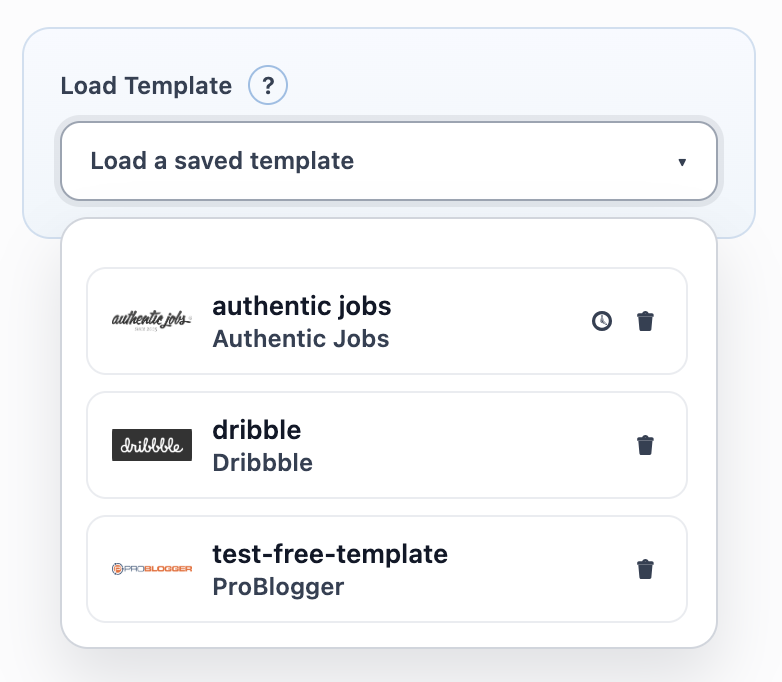
Load and reuse saved templates
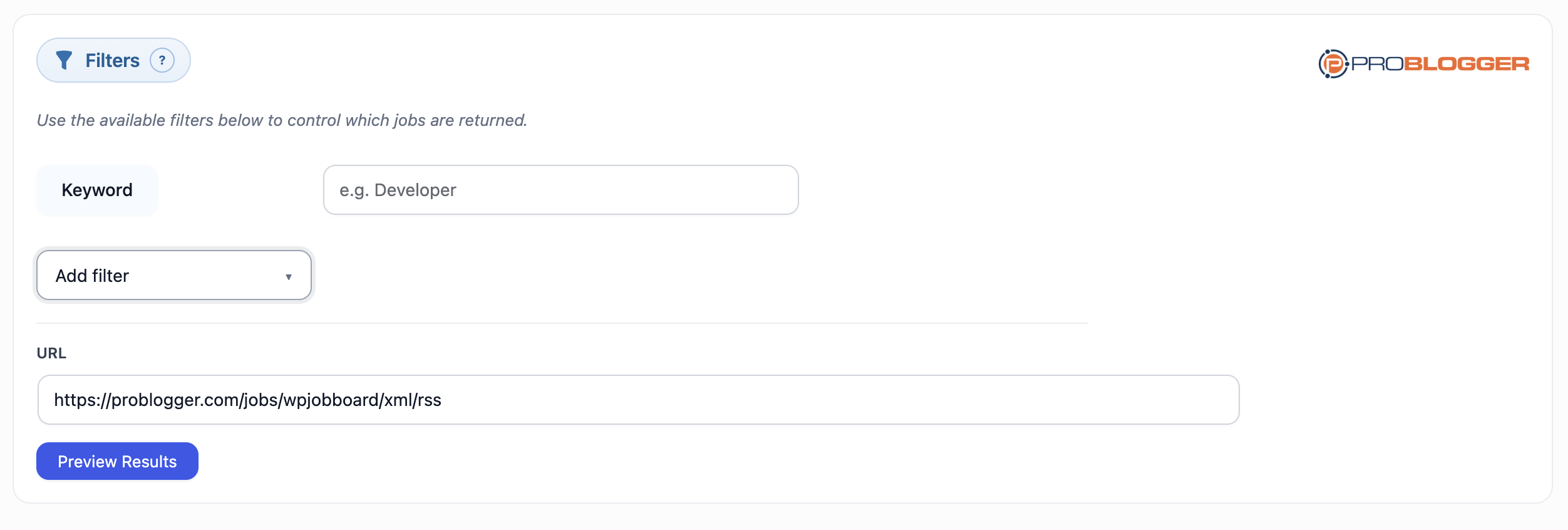
Feed filters
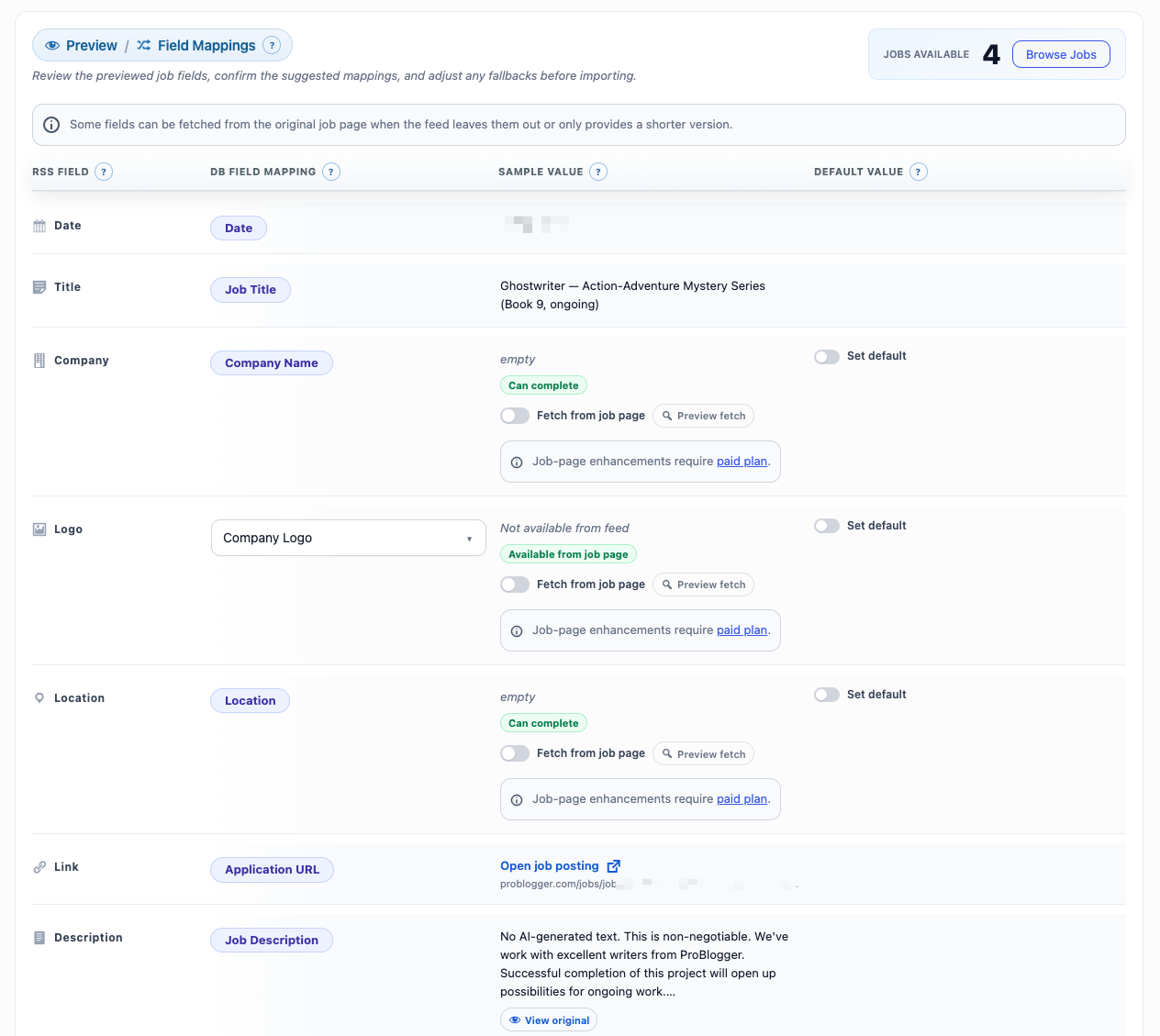
Preview and map fields before importing
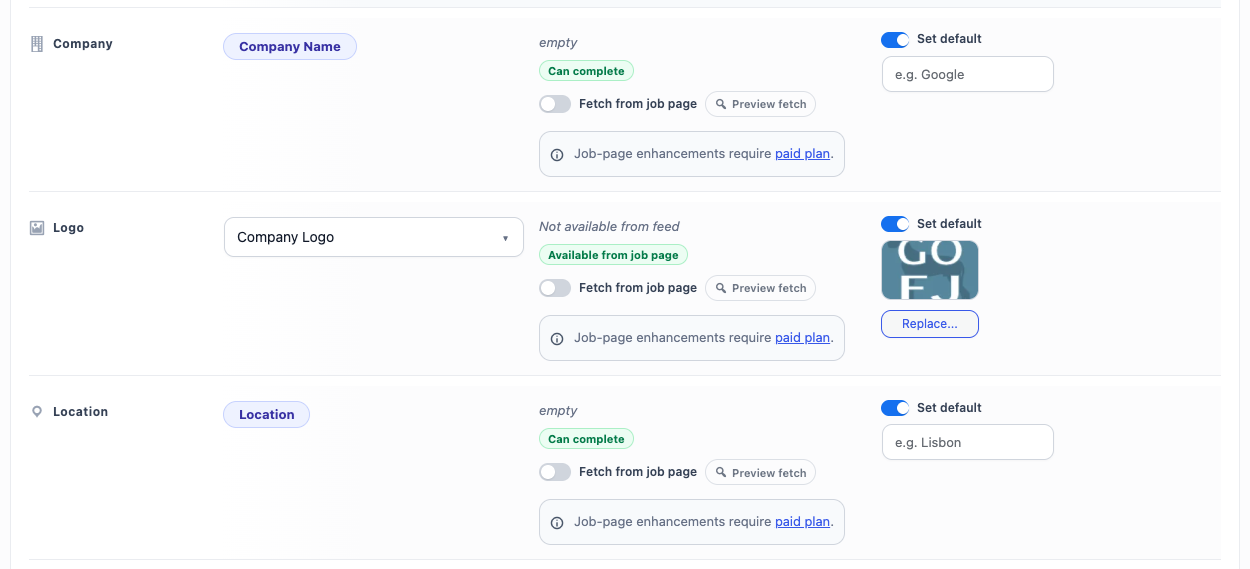
Set defaults
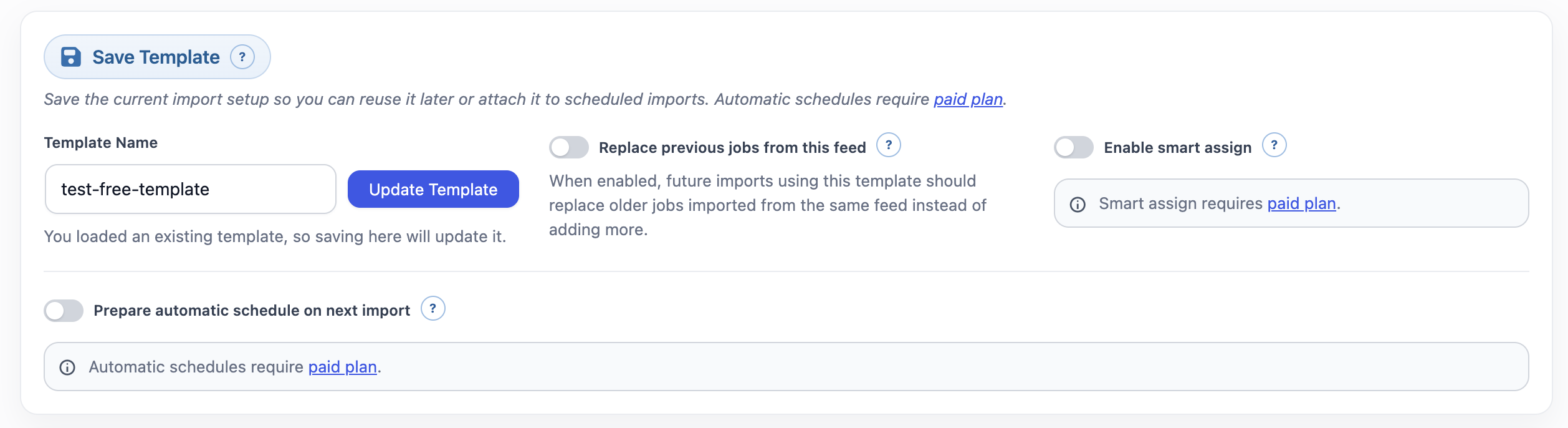
Save import settings as reusable templates
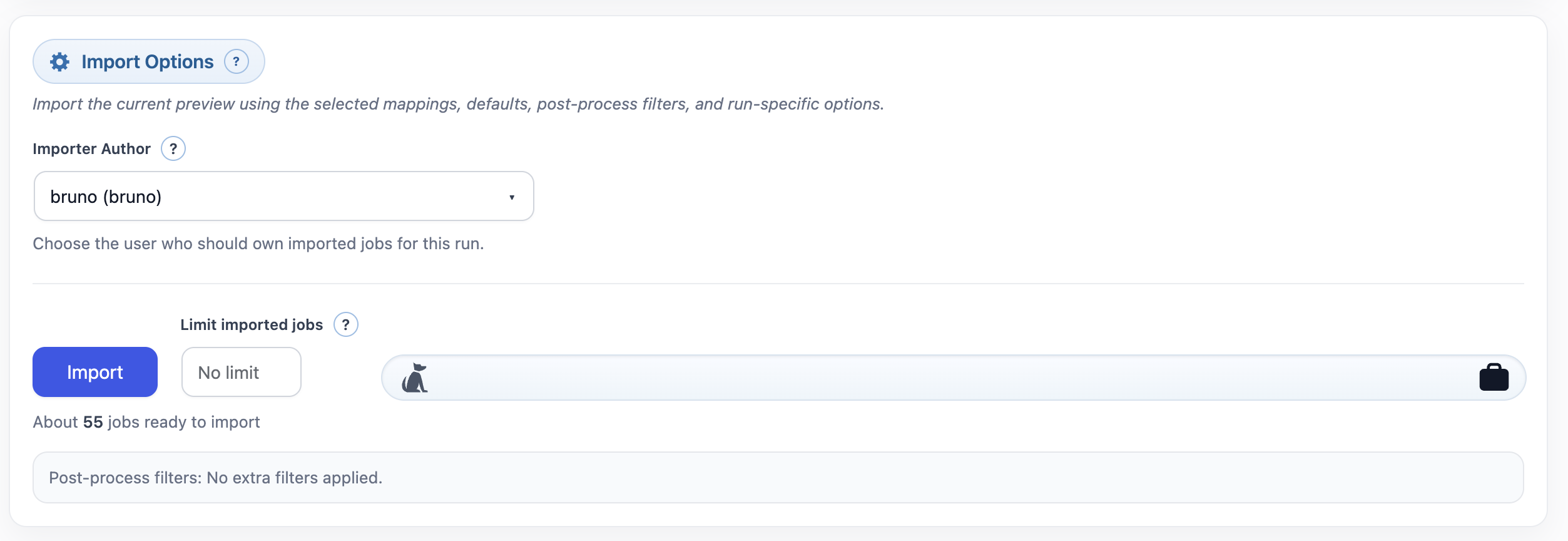
Import options

Quick guide
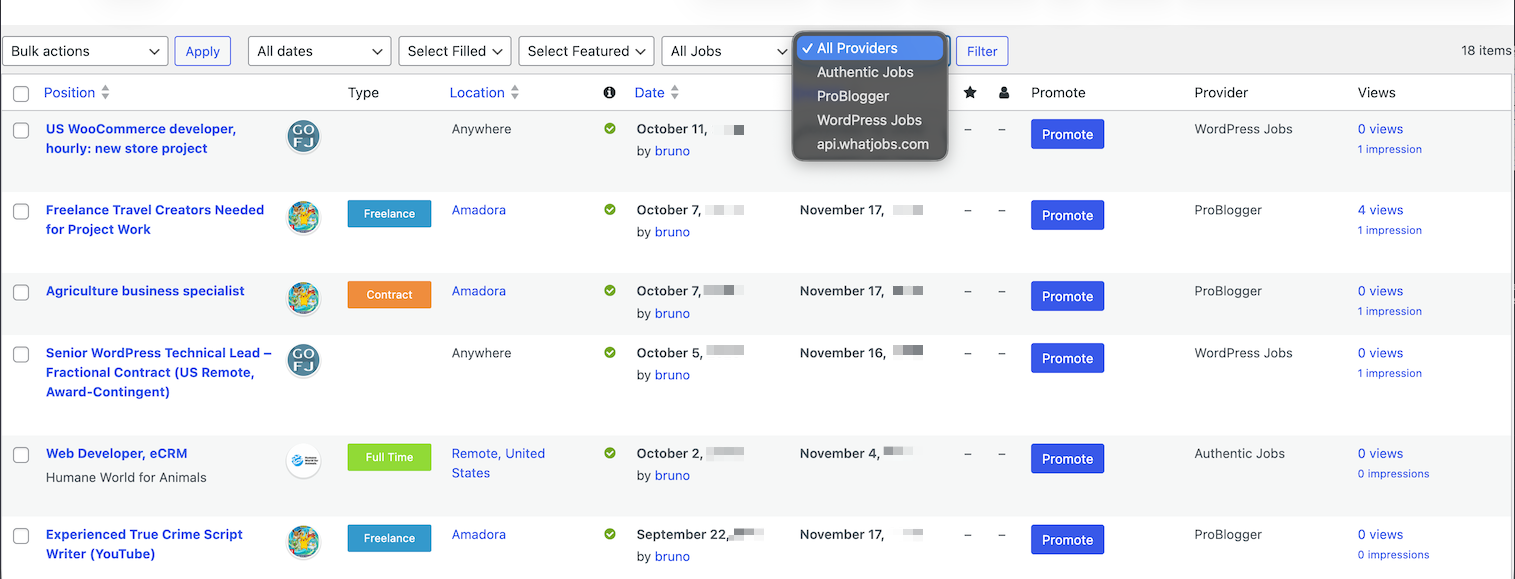
Filterable imported jobs page in the CMS
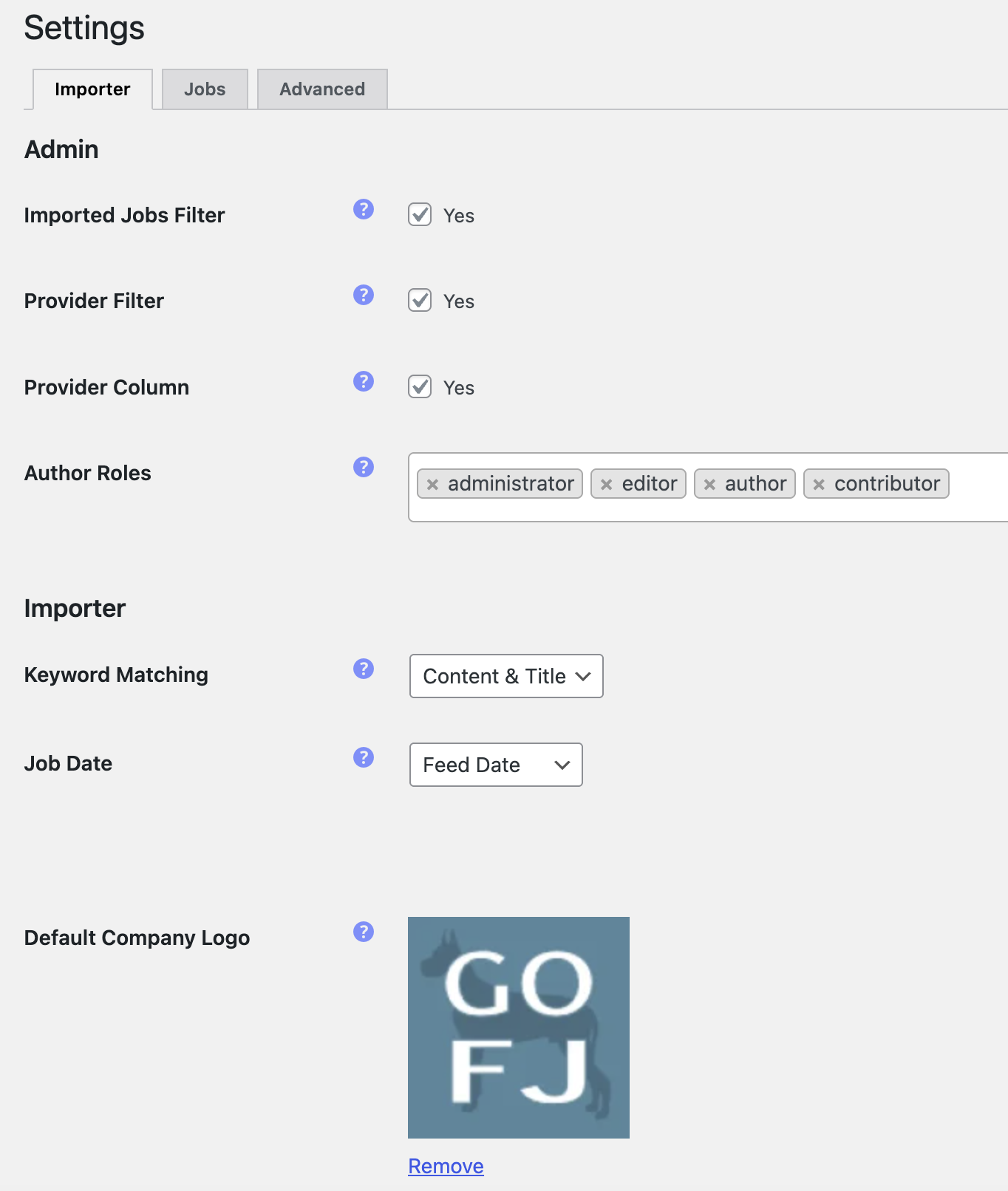
Importer plugin settings
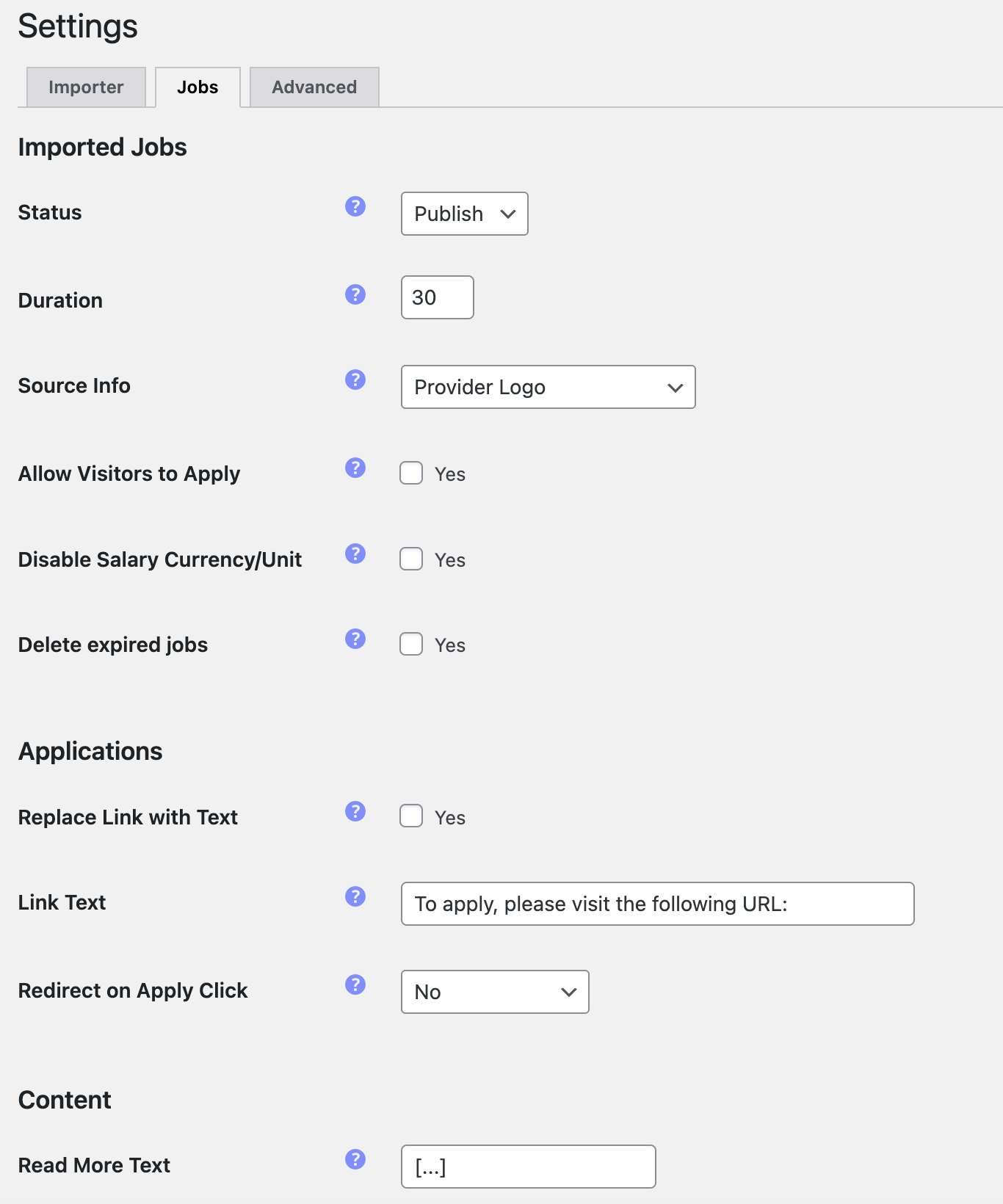
Jobs plugin settings