Gridify Plus is a free WordPress gallery plugin. It builds responsive photo galleries, image galleries, video galleries and albums, and adds a post grid and a WooCommerce product grid for Elementor. You can place a gallery with a block, a shortcode or an Elementor widget.
Galleries are built on their own screen in the dashboard, with a live preview for desktop, tablet and mobile. Elementor is not required for galleries and albums.
What you can build
- A photo gallery or portfolio gallery in a grid, masonry, justified or slider layout.
- A video gallery that plays YouTube, Vimeo, MP4 and WebM in the lightbox.
- A filterable gallery that visitors narrow down by tag.
- A photo album page, where each cover opens a gallery.
- A client proofing gallery with a password and a watermark.
- A blog post grid with categories, excerpts and “Load more”.
- A WooCommerce product grid or product slider with price, rating and add to cart.
Image gallery and photo gallery features
- Four gallery layouts: Grid, Masonry, Justified rows and Slider (carousel). Six one-click styles give you a starting point.
- Responsive lightbox: keyboard and swipe navigation, captions, thumbnails, a slideshow, a counter, a shareable link to each image, and optional share buttons.
- Video gallery: add a YouTube, Vimeo or video-file link to an image and it plays in the lightbox. Nothing is loaded from YouTube or Vimeo until a visitor opens the video.
- Filterable gallery: group images with Gallery tags and show a filter bar above the gallery.
- Albums: show several galleries as covers. Choosing a cover opens that gallery in place.
- Load more: a button, or “load as you scroll”, for large galleries.
- Password-protected galleries for clients and private events.
- Text watermark on gallery images. Your original files are never changed.
- Captions and hover effects, with a separate column count for desktop, tablet and mobile.
- Lazy loading and responsive image sizes, so a large gallery does not slow the page down.
Three ways to add a gallery
- Block: add the Gridify Plus Gallery block in the block editor (Gutenberg).
- Shortcode:
[gridify_gallery id="123"]for a gallery,[gridify_album id="123"]for an album. Shortcodes work in any theme and any page builder. - Elementor: use the Saved Gallery widget, or build a gallery in the panel with the Image Gallery widget.
Elementor widgets
- Image Gallery: every gallery feature above, set up in the Elementor panel.
- Saved Gallery: place a gallery you built on the Gridify Plus screen.
- Post Grid: blog posts by category and order, with optional date, excerpt, author and category.
- Product Grid (needs WooCommerce): featured, on-sale, best-selling, top-rated or recent products, or hand-picked categories and tags. Cards can show price, rating, sale badge, add to cart, and a second image on hover.
Post Grid and Product Grid offer Grid, Masonry and Slider layouts, a category filter bar, hover effects, and three kinds of pagination: page numbers, an AJAX Load more button, or infinite scroll.
Who it is for
- Photographers who need portfolio, wedding and client proofing galleries.
- Designers, artists and agencies who show their work in a portfolio.
- Bloggers and publishers who want a post grid on a home page or archive.
- Shop owners who want a WooCommerce product grid or product slider on any Elementor page.
Fast, accessible and private
- Lightweight: plain CSS and small scripts, with no jQuery on the front end. Files load only on pages that use them.
- Accessible: visible keyboard focus, screen-reader labels and announcements, and reduced-motion support.
- RTL ready: right-to-left layouts throughout.
- Translation ready: every text can be translated.
- Works without JavaScript: galleries, albums and sliders stay usable.
- Private: no tracking and no third-party scripts. YouTube and Vimeo are contacted only when a visitor opens a video.
- WooCommerce HPOS: declares compatibility with High-Performance Order Storage.
Requirements
- Galleries, albums, the shortcodes and the block work on any WordPress site, with any theme.
- The widgets need Elementor. The free version is enough.
- Product Grid also needs WooCommerce.
- Watermarks need the GD image library with FreeType, which most hosts provide.
Screenshots
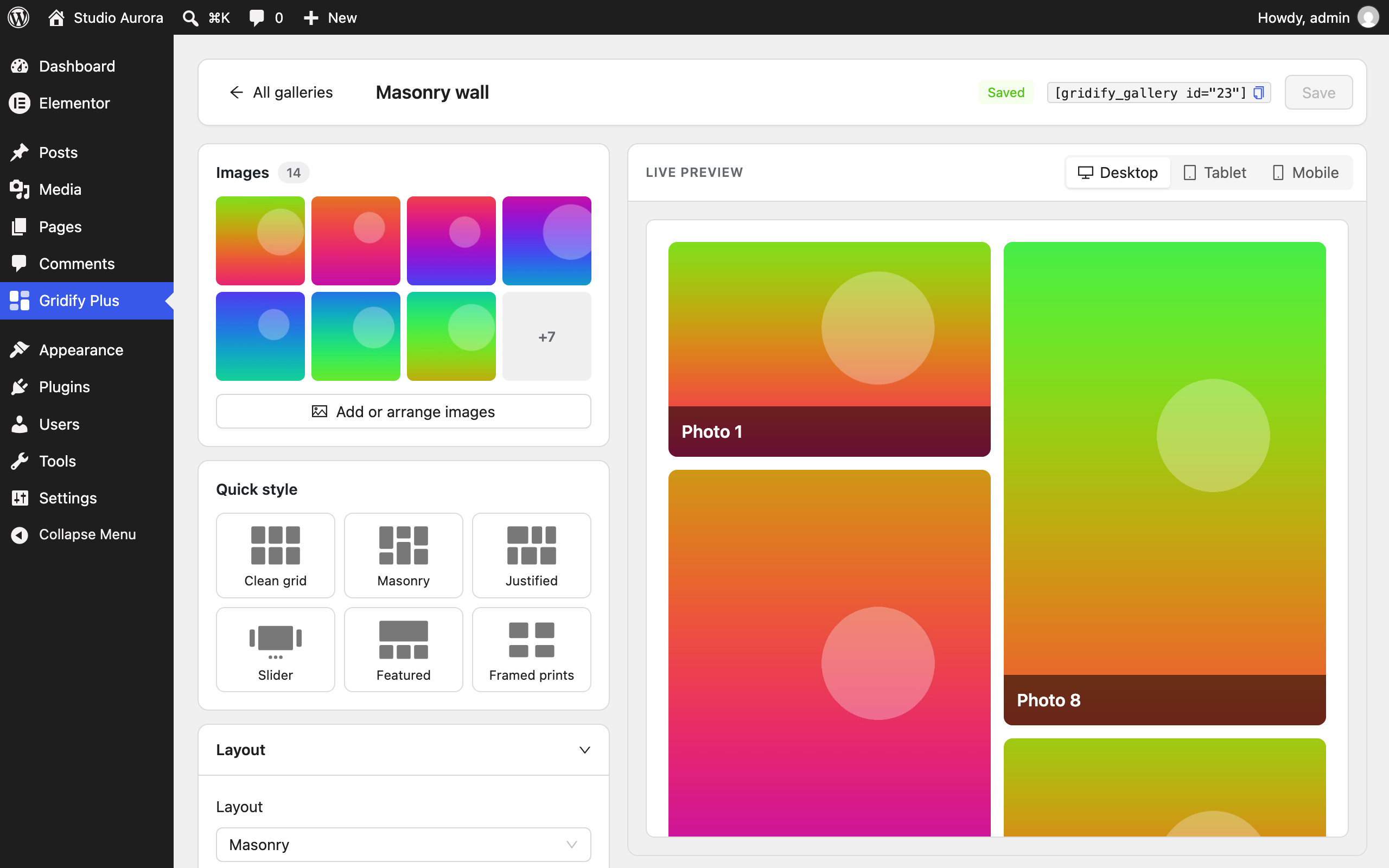
The gallery editor: settings on the left, a live preview for desktop, tablet and mobile on the right.
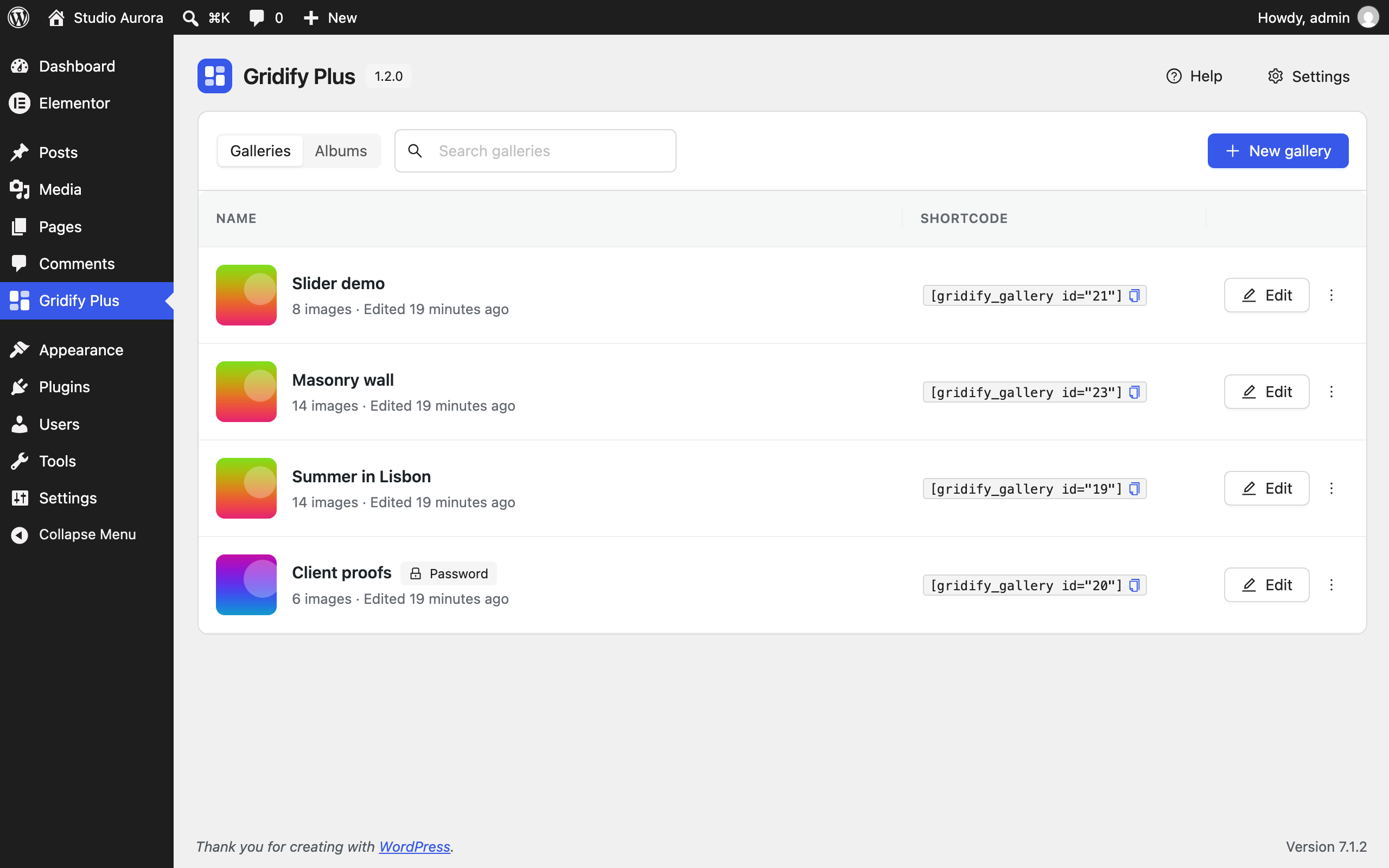
All your galleries and albums in one place, each with its shortcode ready to copy.
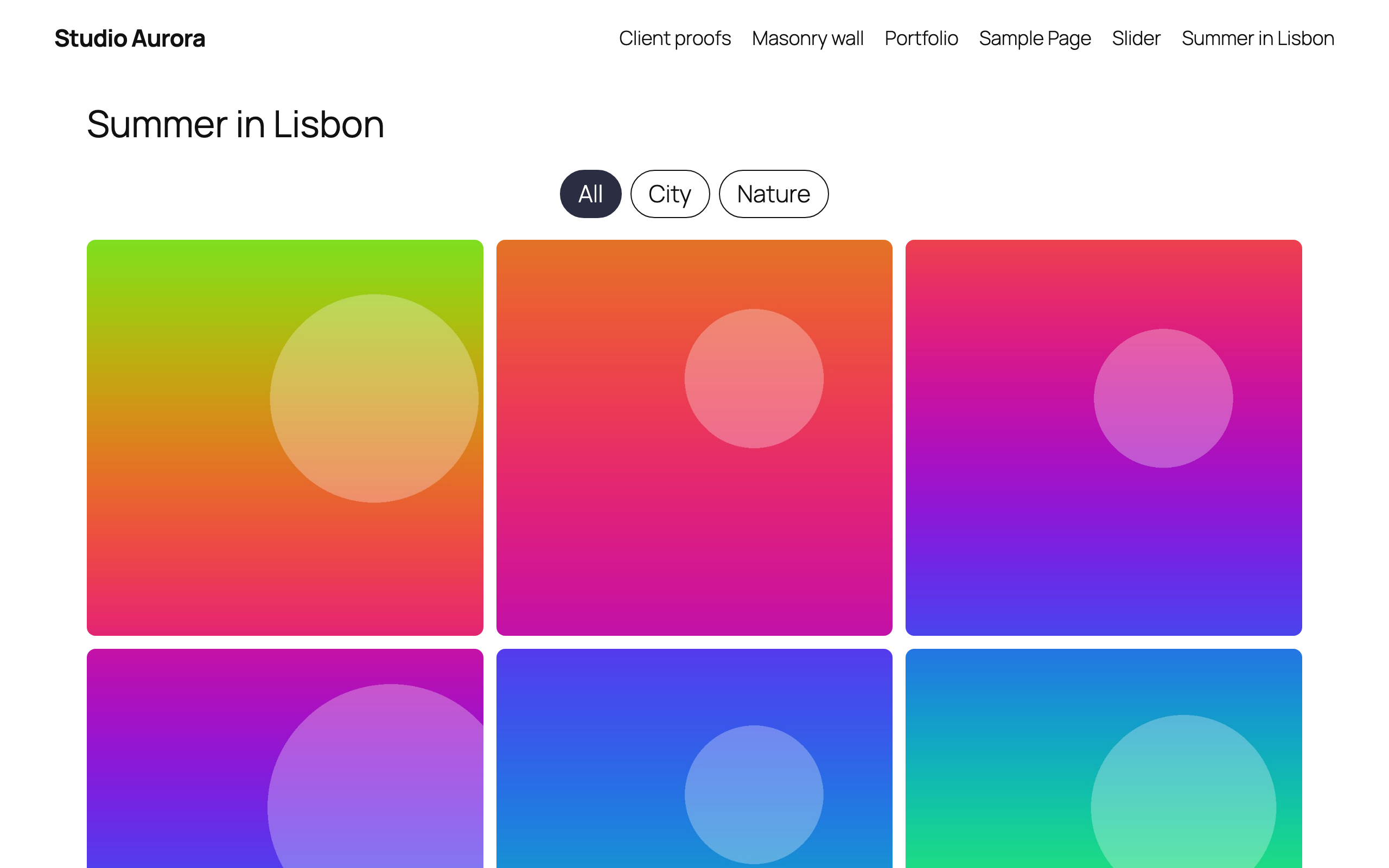
A grid gallery with the filter bar.
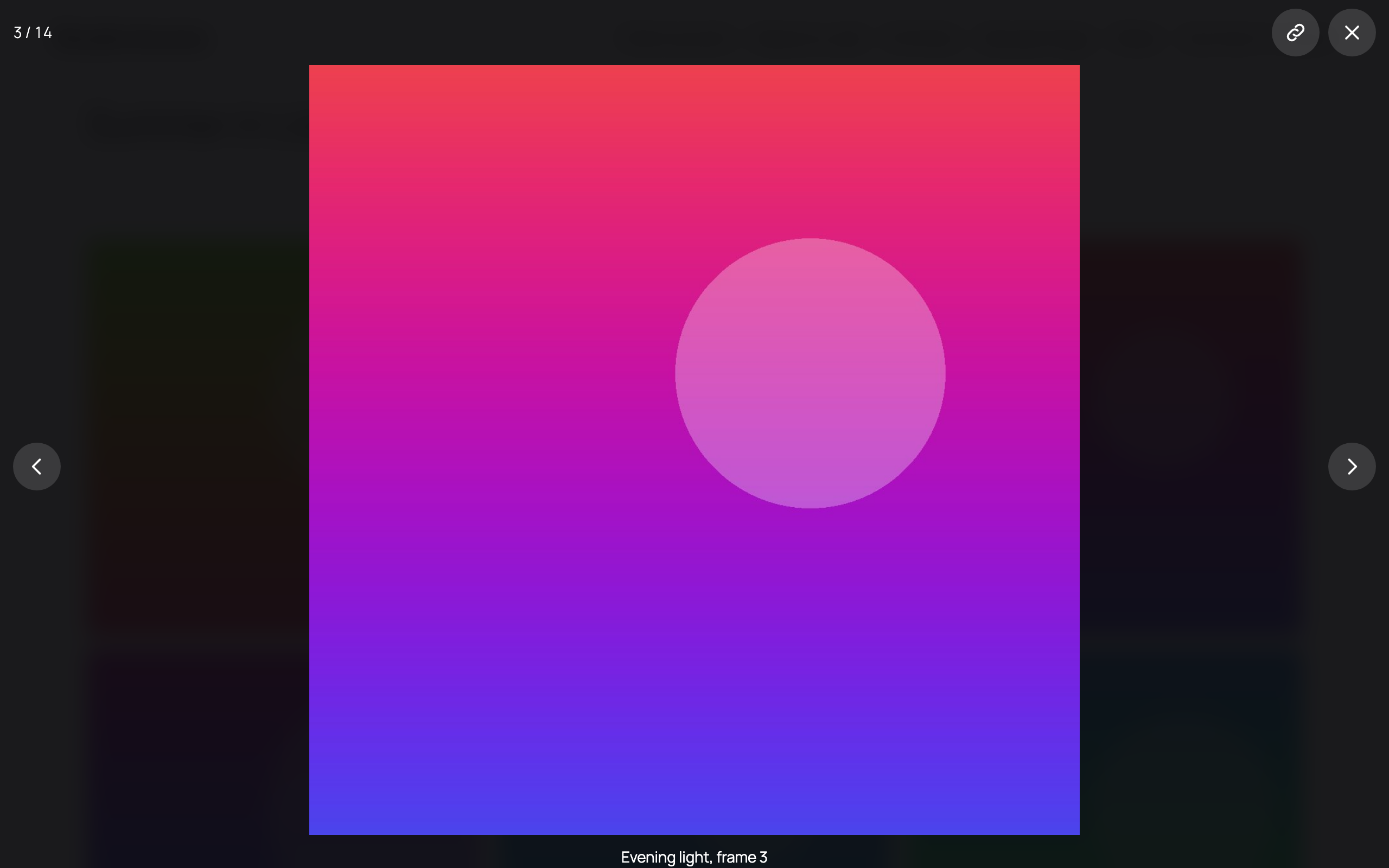
The lightbox, with captions, a counter and a link to each image.
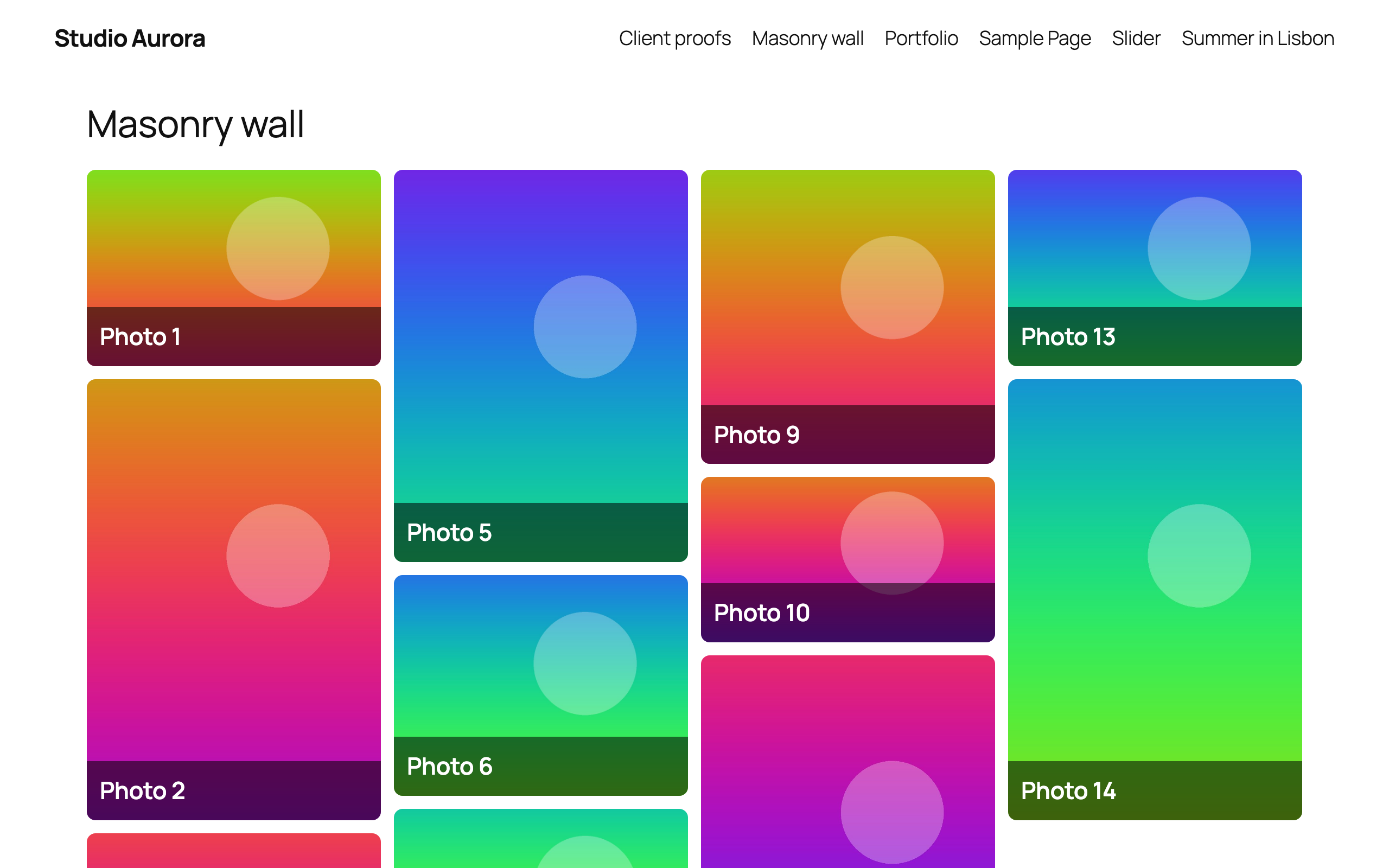
Masonry layout with captions over the images.
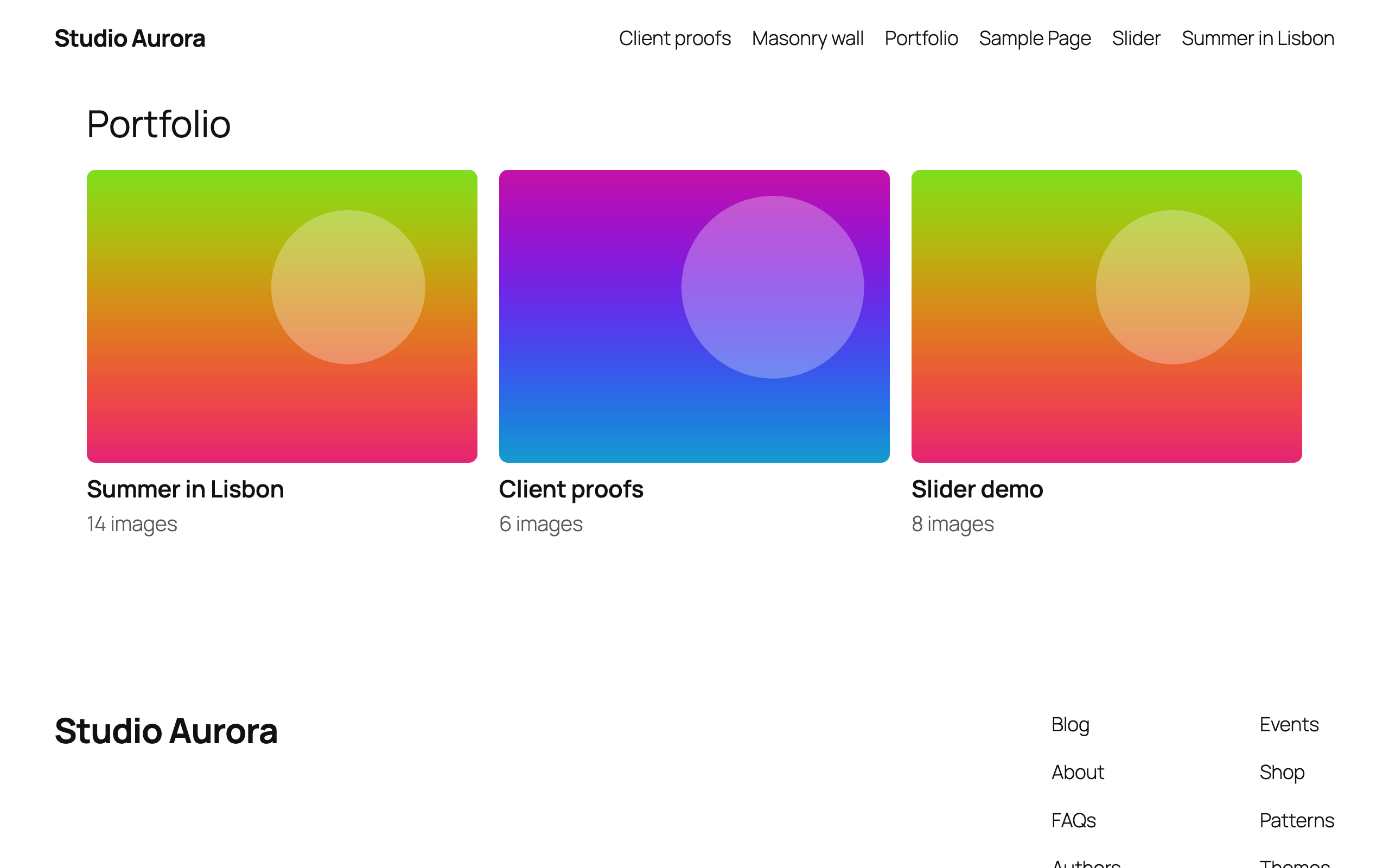
An album: galleries shown as covers that open in place.
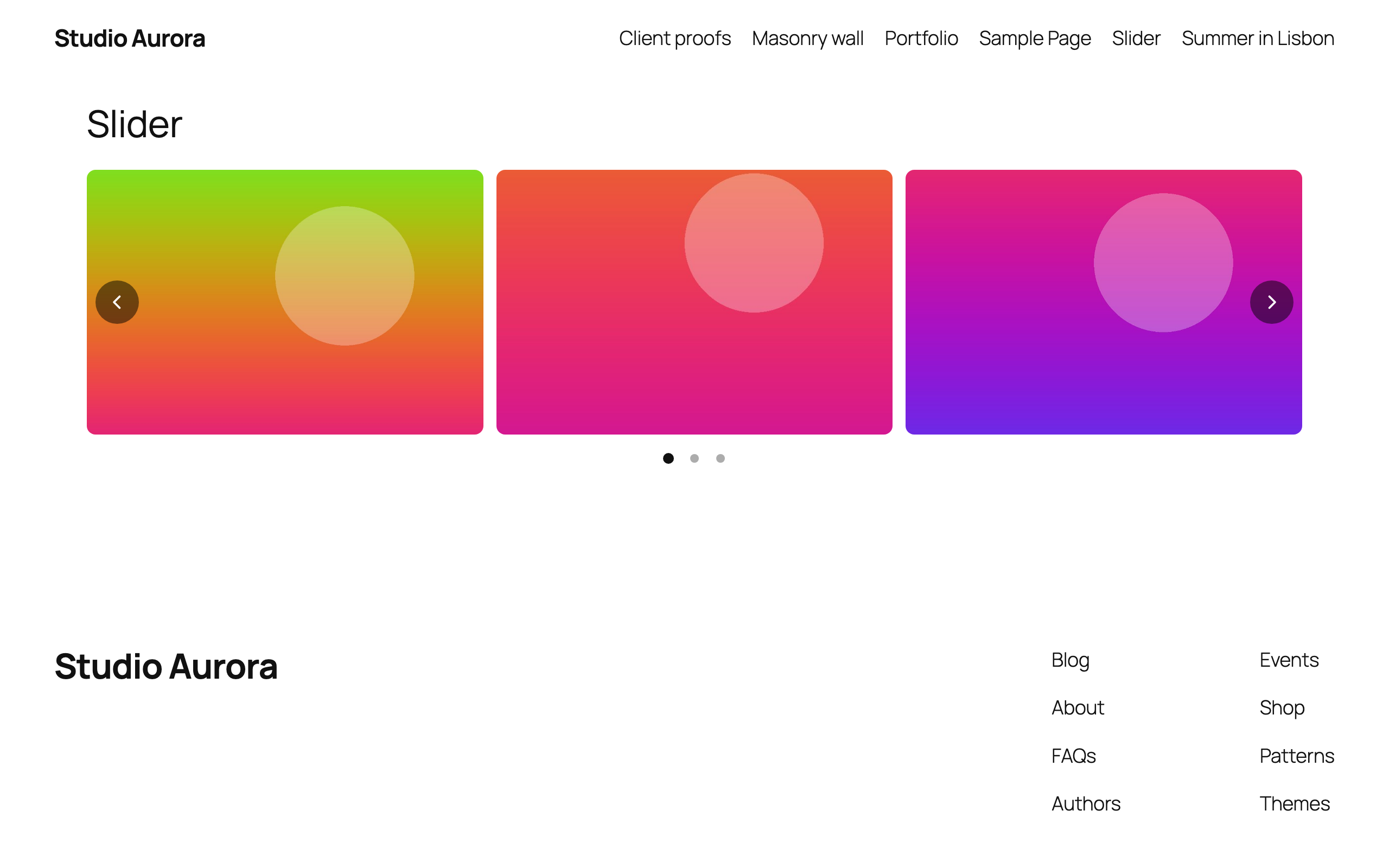
Slider layout with arrows and dots.