BACK TO DIRECTORY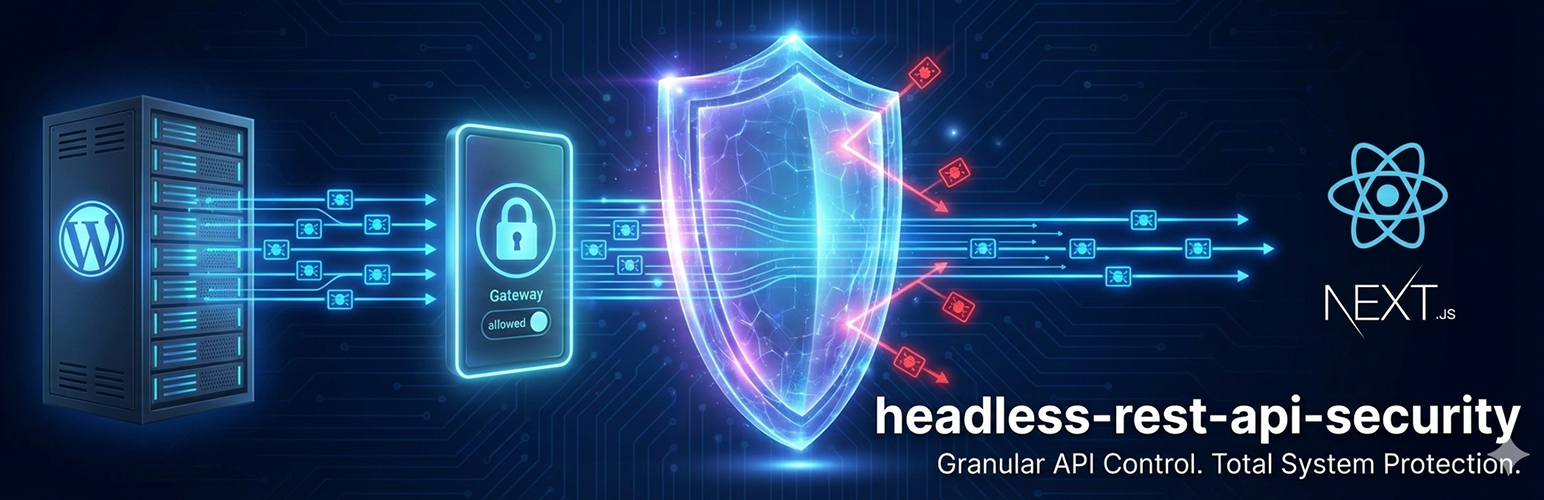


Running a Headless WordPress site often involves exposing the REST API. Headless REST API Security provides tools for administrators to control which endpoints are accessible to the public or external applications.
This plugin restricts public access to REST API endpoints by default and offers a settings interface to allow-list only the specific routes required by a frontend application (such as Next.js, Gatsby, or mobile apps).
Features
- Access Control: Restrict default public access to REST API endpoints.
- Route Allow-Listing: Specific API routes (e.g.,
/wp/v2/posts) can be enabled while others remain restricted. - API Key Authentication: Supports an
X-API-KEYheader for server-to-server or frontend requests. - Headless Redirect: Option to redirect users accessing the backend API URL to a specified frontend domain.
- Admin Access: Logged-in Administrators and Editors retain access to the API to support the Block Editor (Gutenberg) functionality.
- Plugin Support: Detects routes registered by third-party plugins for configuration.
Usage
- Navigate to Settings > Headless Security in the WordPress dashboard.
- Enable the Master Switch to activate the access restrictions.
- Review the list of REST API routes and check the Allow box for endpoints the application requires.
- Copy the generated API Key for use in application headers.
- (Optional) Enter a Headless Frontend URL to configure redirects for visitors.
Screenshots
General Settings: The main configuration screen with the Master Switch and Redirect URL options.
Route Manager: The grid view for allowing or restricting specific API namespaces and endpoints.
Plugin Details
Active Installs
50Total Downloads
1,688Version
2.2Requires WP
5.8Requires PHP
7.4Tested Up To
6.9.10Added
2026-01-20Last Updated
2026-02-22 6:49pm GMTRatings
5
2
4
0
3
0
2
0
1
0