BACK TO DIRECTORY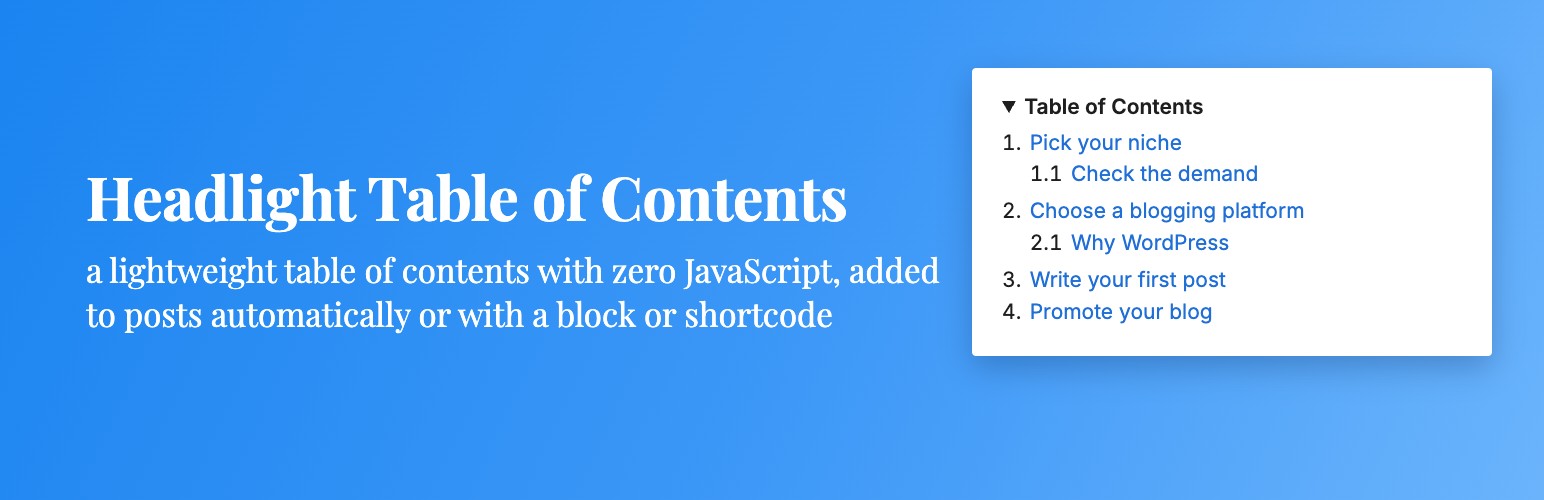

Headlight Table of Contents lists the headings in a post with links to each section. It is built on plain HTML and about 1.5 KB of CSS, with no JavaScript and no jQuery, so it adds nothing to your page load.
- Automatic: add a table of contents to posts, pages or any public post type, before the first heading or at the top, once a post has enough headings.
- Or place it yourself: use the Table of Contents block or the
[headlight-toc]shortcode. - Works on every post you have: headings get their links when the page is shown, so old posts, Classic Editor posts and headings from shortcodes, patterns, page builders and other blocks are all included. Nothing is saved into your posts.
- Keeps existing links: a heading that already has an id (an HTML anchor from the block editor, your theme or another plugin) keeps it. New ids match the anchors the block editor creates. Switching from Easy Table of Contents or Table of Contents Plus? Pick its link style and every old link to a section keeps working.
- Collapsible with no JavaScript: uses the browser’s built-in
<details>element. Choose to start open, start closed, or have no toggle. - Smooth scrolling and sticky headers: smooth scrolling and the sticky header offset are plain CSS, and smooth scrolling is skipped for visitors who turn off animations.
- Numbered (1, 1.1), bullets or plain lists, nested by heading level.
- Accessible: a
<nav>landmark named by its title, real links, and a native toggle that works with a keyboard and screen readers. - Switching is easy:
[toc],[ez-toc],[lwptoc]and[no_toc]left in your posts by other table of contents plugins keep working once that plugin is deactivated. - Plays well with others: works with AMP (passes the AMP validator), recognized by Rank Math’s content analysis, and never added to excerpts, feeds or other posts shown on the page.
Screenshots
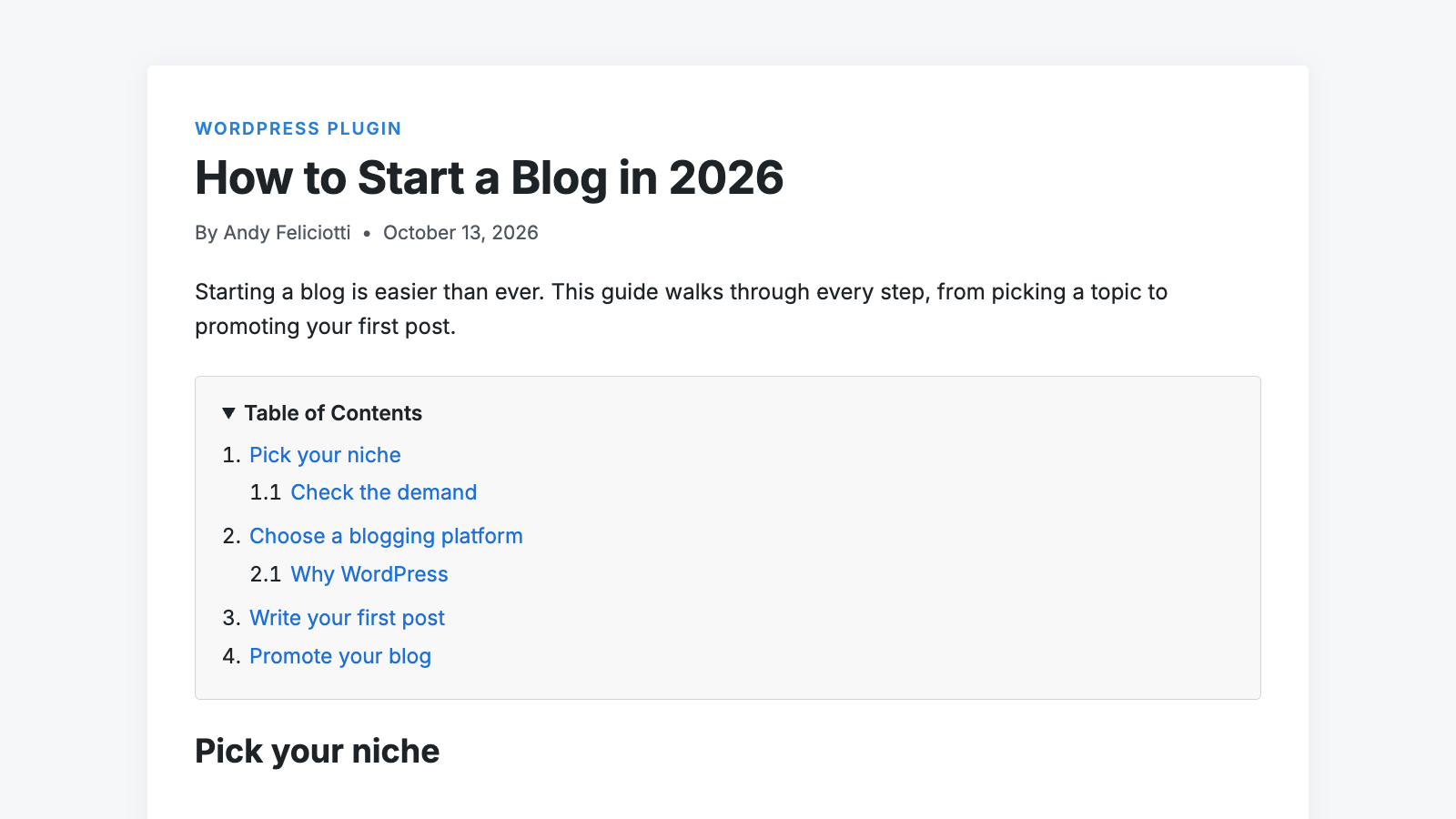
A table of contents added automatically before the first heading.
The Table of Contents block and its settings in the block editor.
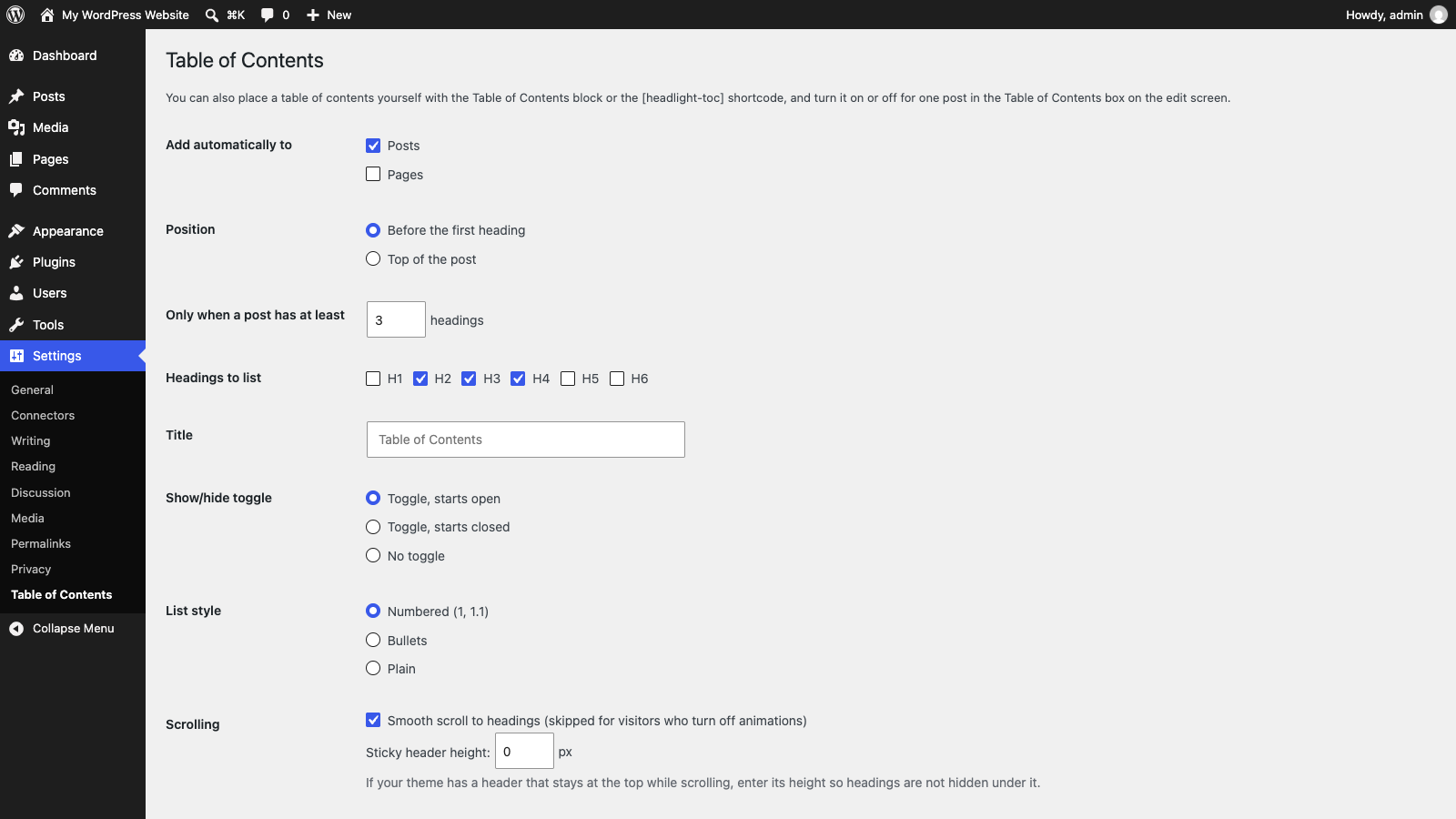
Settings > Table of Contents.
Plugin Details
Active Installs
0Total Downloads
54Version
1.0.0Requires WP
6.5Requires PHP
7.4Tested Up To
7.1.4Added
2026-10-27Last Updated
2026-10-27 11:18am GMTRatings
5
0
4
0
3
0
2
0
1
0