
Hide Admin Bar For User Roles is easy to use WordPress plugin to hide admin bar, allows you to hide admin bar for specific user roles. Using this plugin you can show the admin bar for administrators and remove admin bar for all users except administrators.
By default WordPress displays admin bar in front-end for all logged in users. This admin bar can be very useful if you are a website owner or a developer, but admin bar can be distracting to visitors or customers of your website and you may not want to show admin bar for to certain user roles.
Hide admin bar plugin allows you to remove WordPress admin bar for visitors or to disable WordPress admin bar for all users except administrators.
Features:
- Easily hide admin bar from WordPress front end
- Hide admin bar for all users except administrators
- Role based settings to remove admin toolbar
- Multisite support
- Well tested code
- Translation ready
Translations/Languages:
Hide Admin Bar For User Roles plugin is translation ready and is available in the following languages:
- English
Screenshots
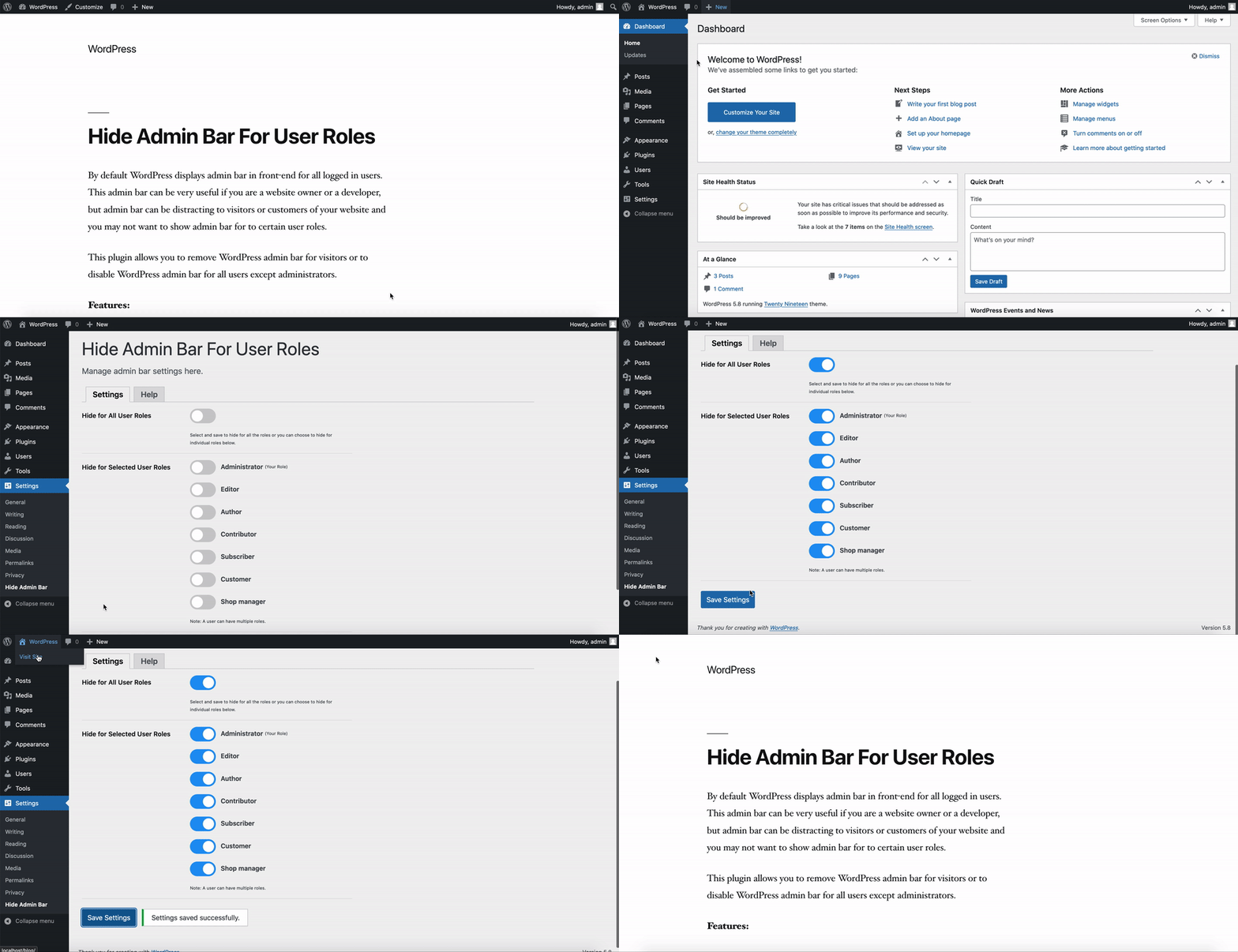
Hide Admin Bar - Select the desired role and hide admin bar.

Settings Page - Here you can manage admin bar settings.

Help Page - List of FAQ and support contact information.