
“Highlighting Code Block” allows you to add a syntax-highlighted code block with just a click.
It supports both “Block Editor” and “Classic Editor”.
(However, we recommend using it in the “Block Editor”.)
Please see the following page for a detailed explanation of this plugin.
URL: https://loos.co.jp/en/documents/highlighting-code-block/
Source code
The source code of this plugin is available on Github.
URL: https://github.com/ddryo/Highlighting-Code-Block
How to use
How to use (For Block Editor)
- Open the “Formatting” category of the Block Inserter.
- There is a custom block named “Highlighing Code Block”.
- Select it, the block will be inserted.
- Select the language of the code and enter any code.
How to use (For Classic Editor)
- You should see a select box labeled “Code Block” on the toolbar (2nd row by default).
- When you select a language from the select box, a code block (pre tag) is inserted.
If it doesn’t work
This plugin works only with PHP version 5.6 or later, WordPress 5.6 or later.
Please check your PHP version or WordPress version.
About settings
The menu “[HCB] Settings” should be added to “Settings” in the left menu of the management screen.
Settings related to this plugin are set in this menu.
Screenshots
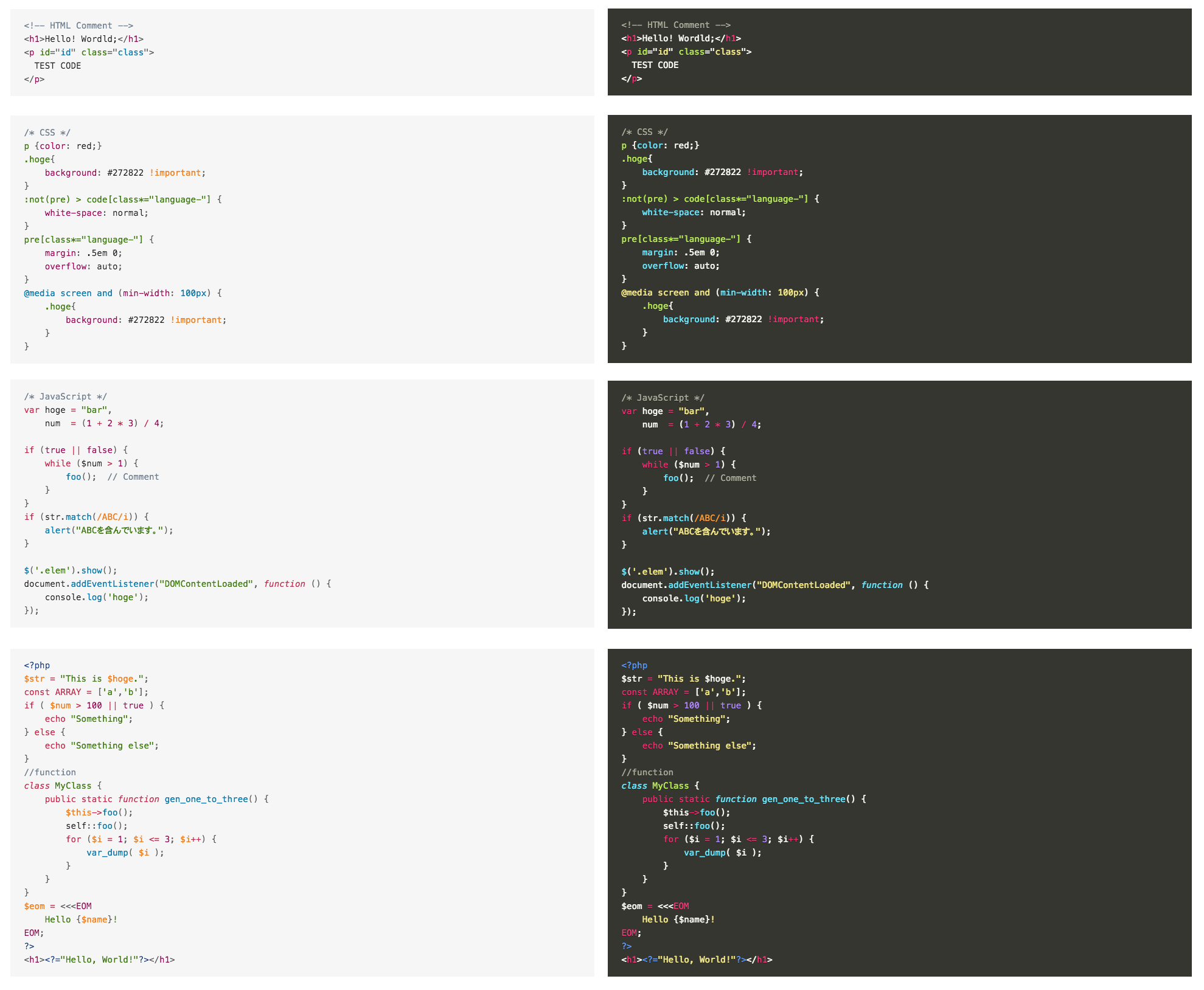
Code Coloring
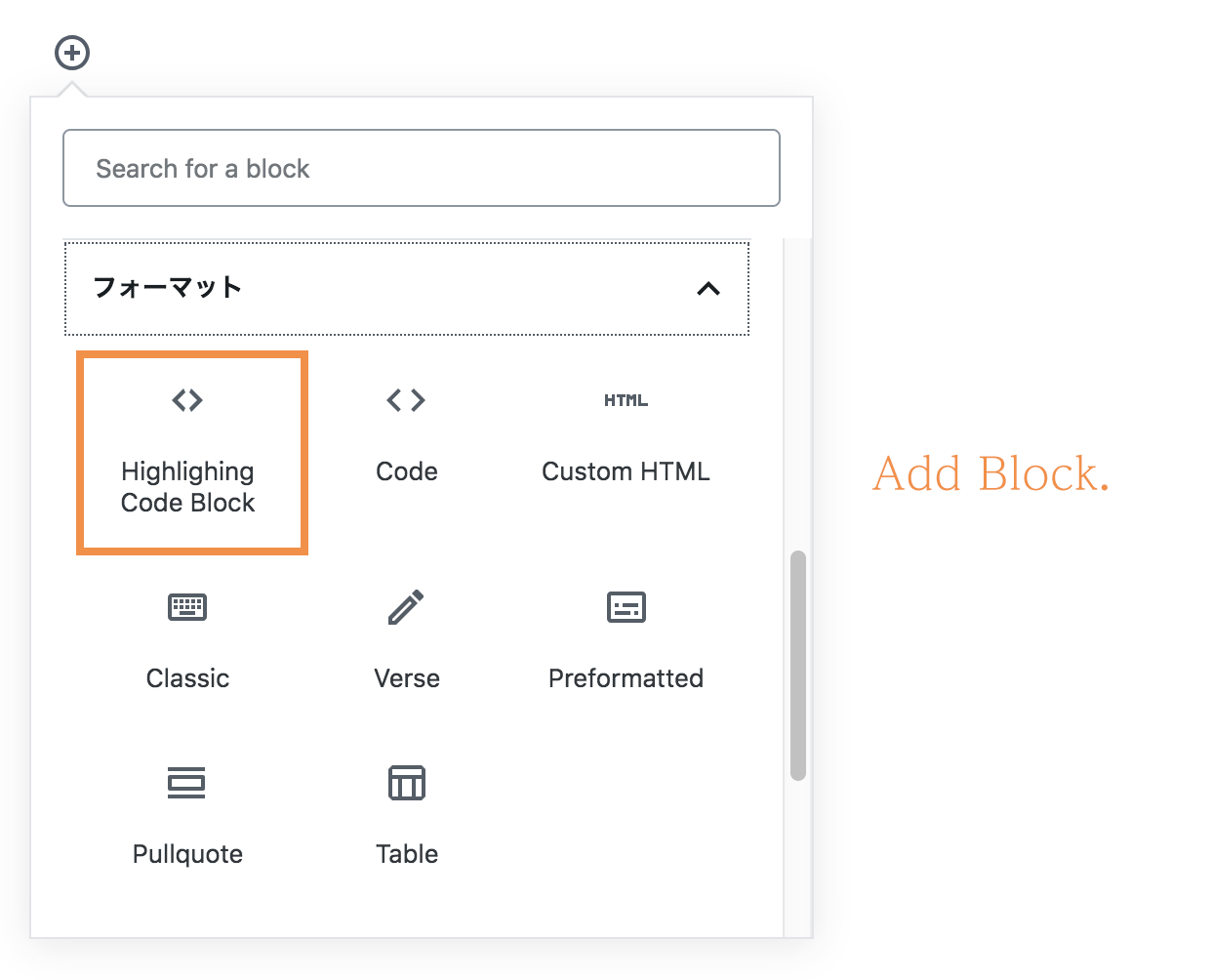
Select 「Highlighing Code Block
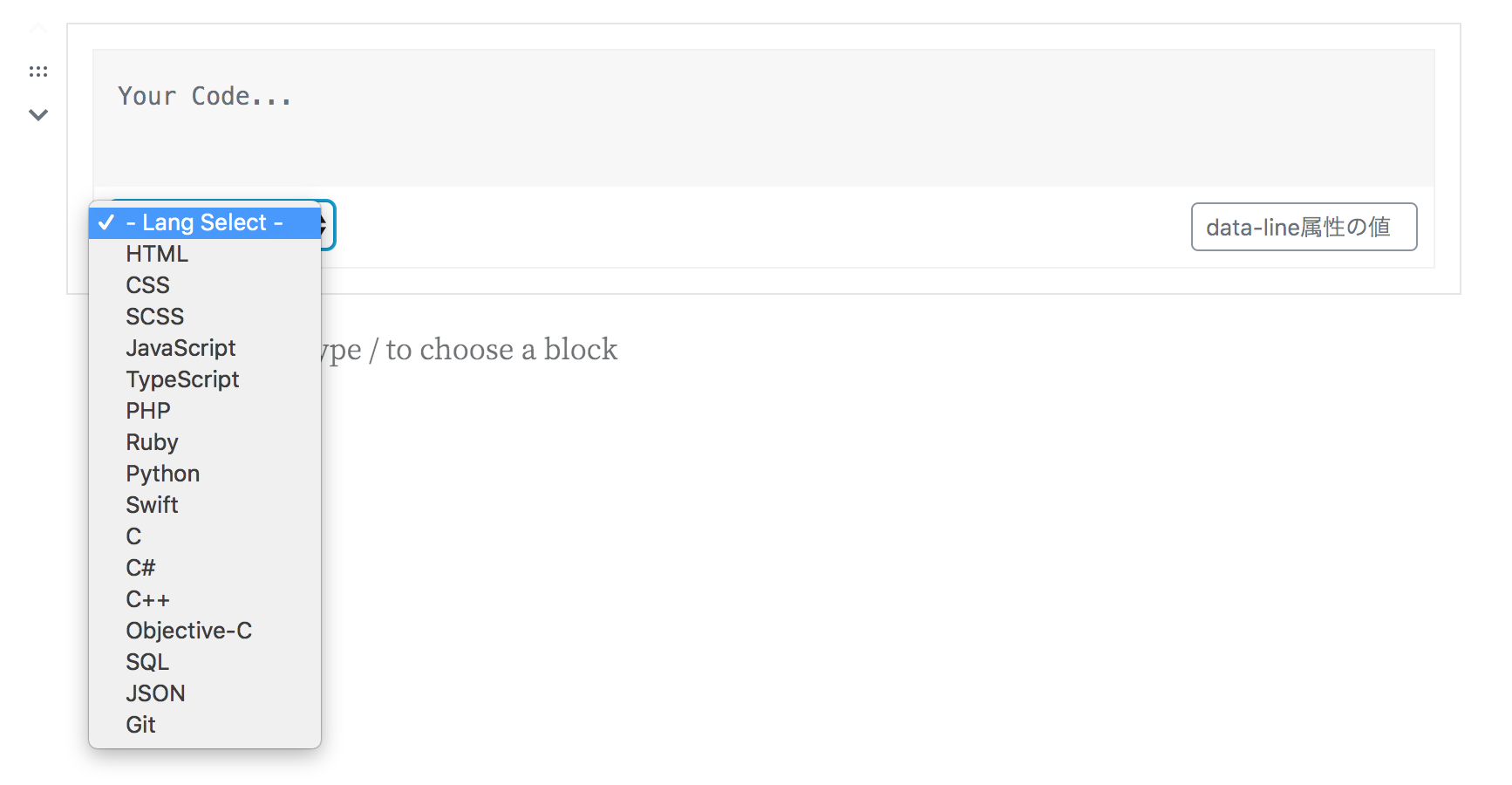
Select lang (Guternberg)
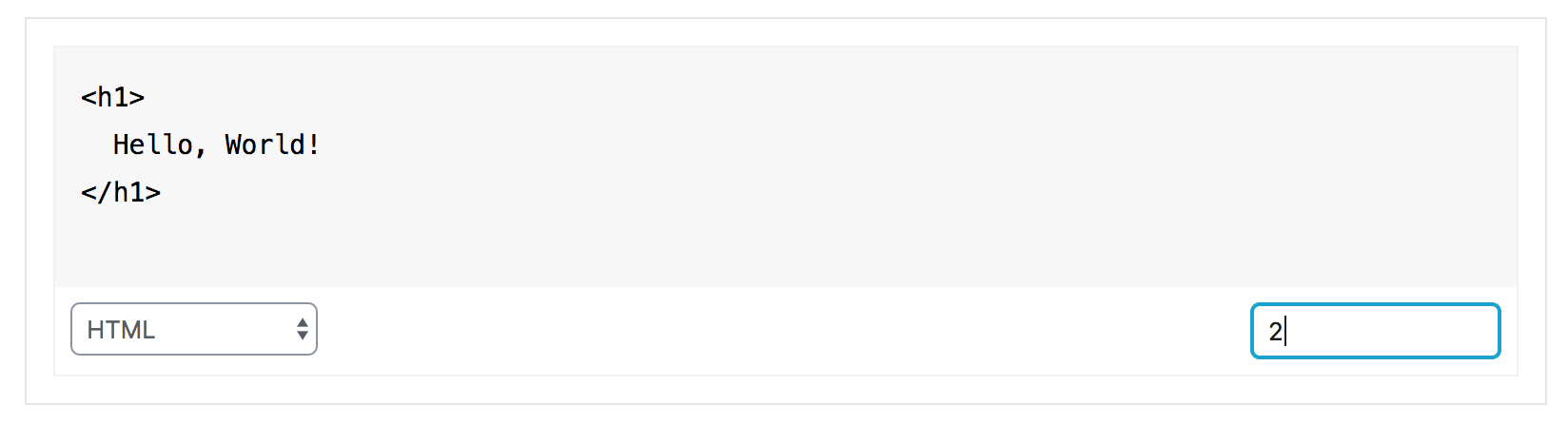
Writing your code (Guternberg)
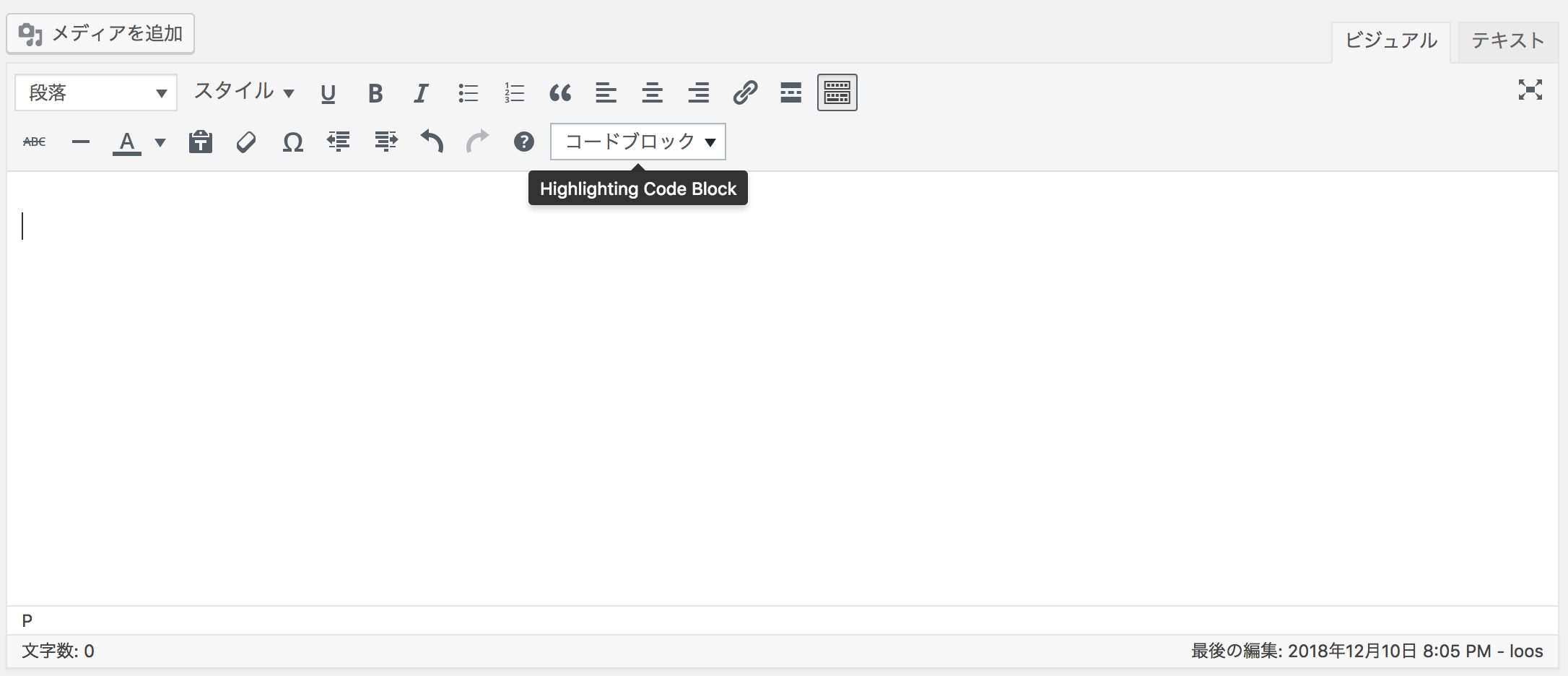
Added select box (Tinymce)
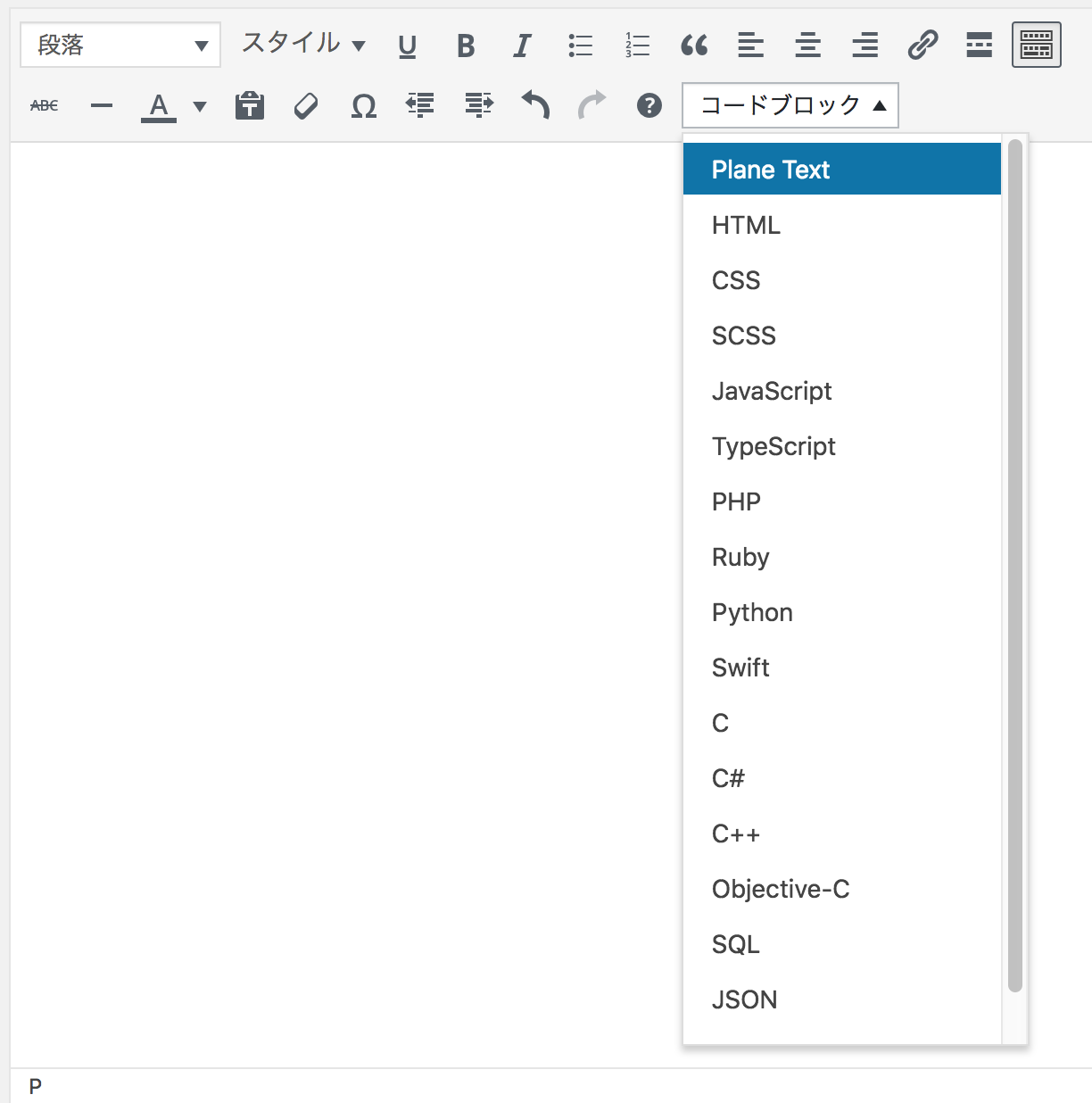
Select lang (Tinymce)
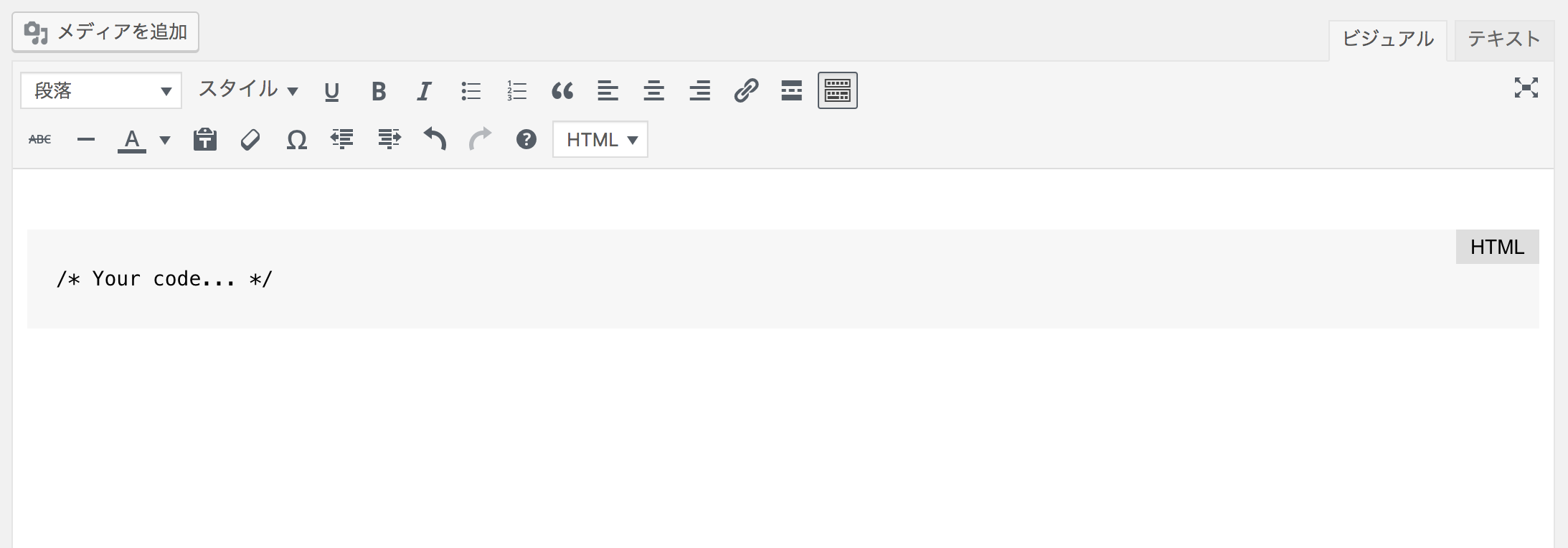
Writing your code (Tinymce)

ex) Light color
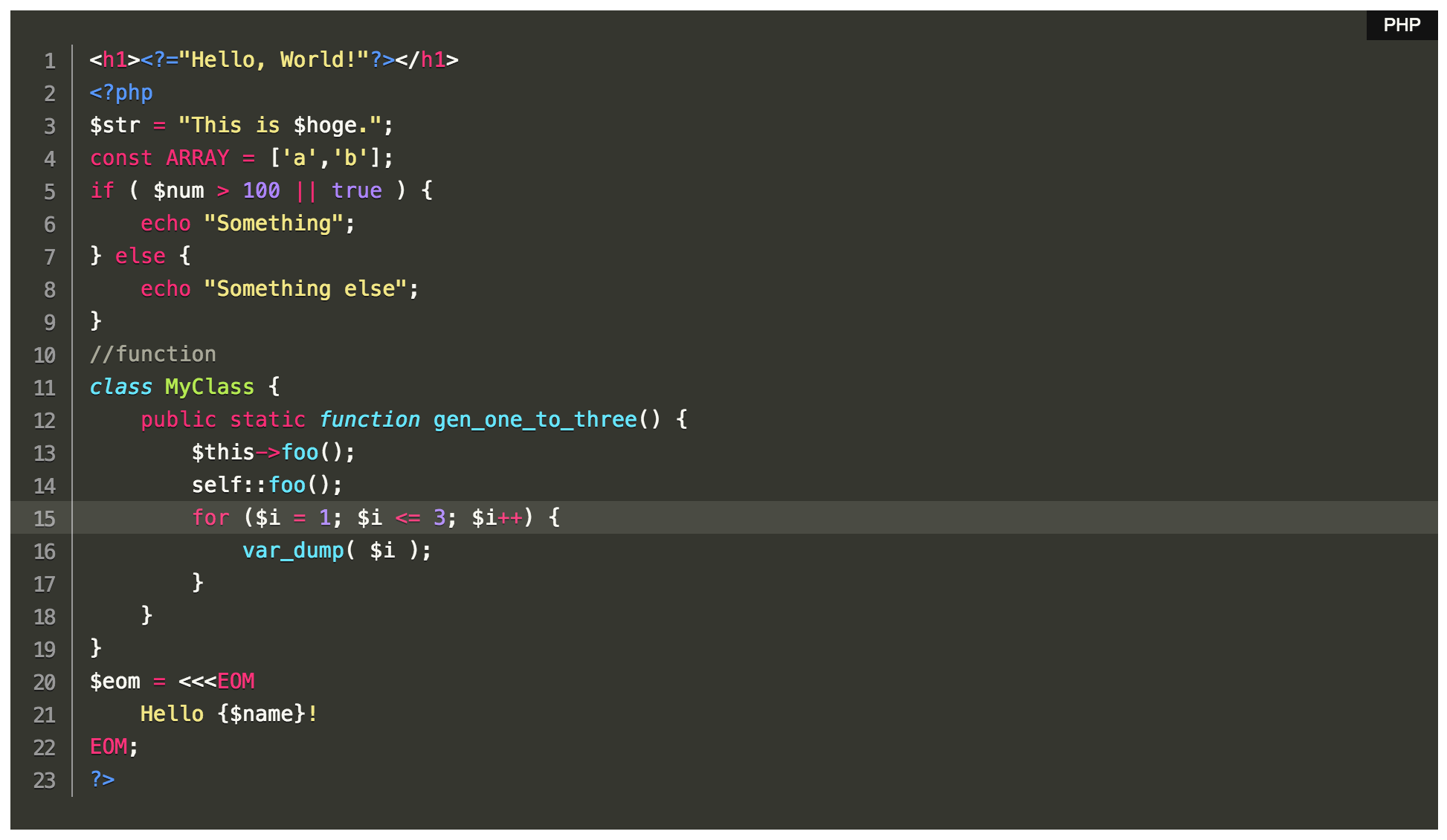
ex) Dark color
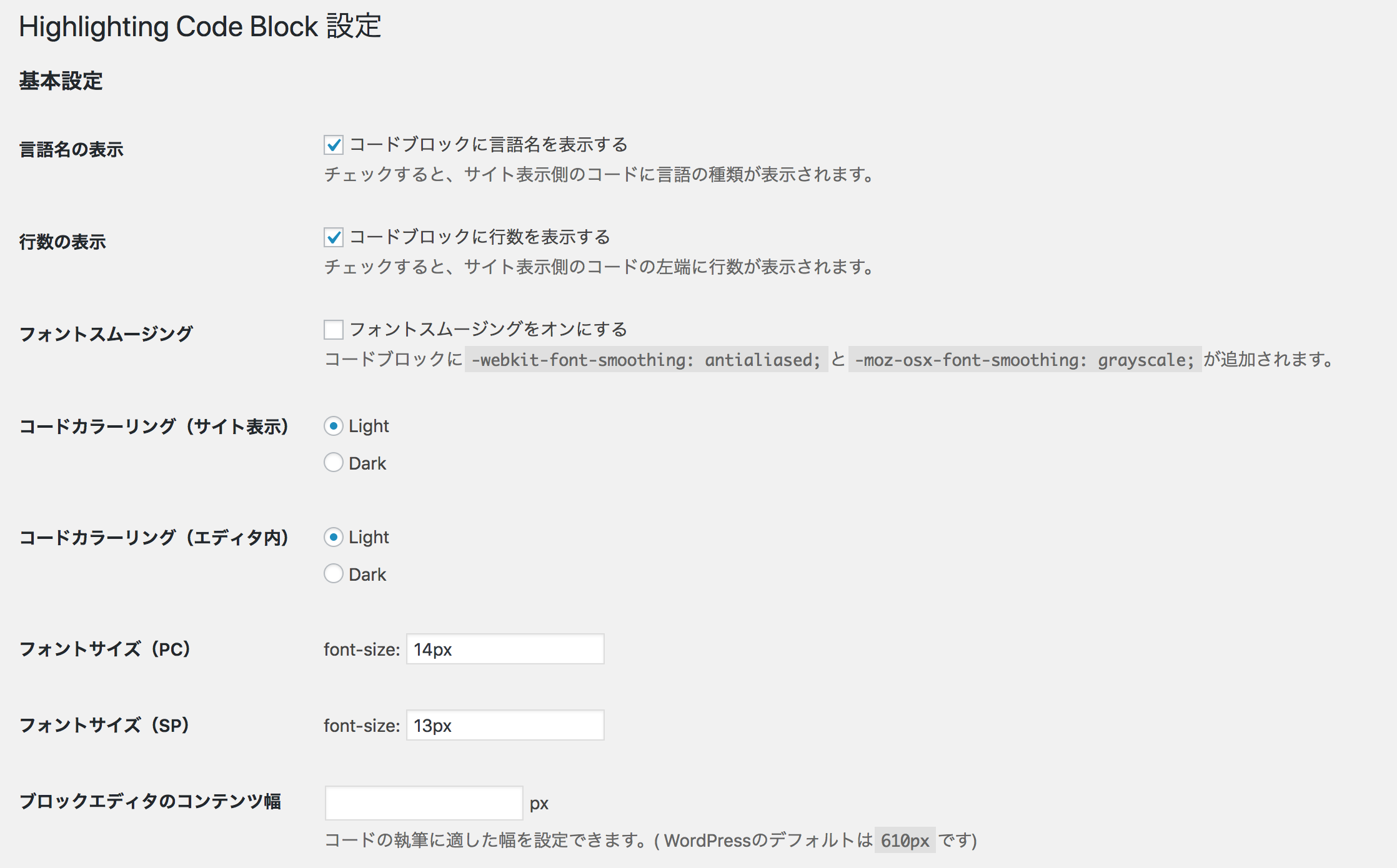
Base Setting
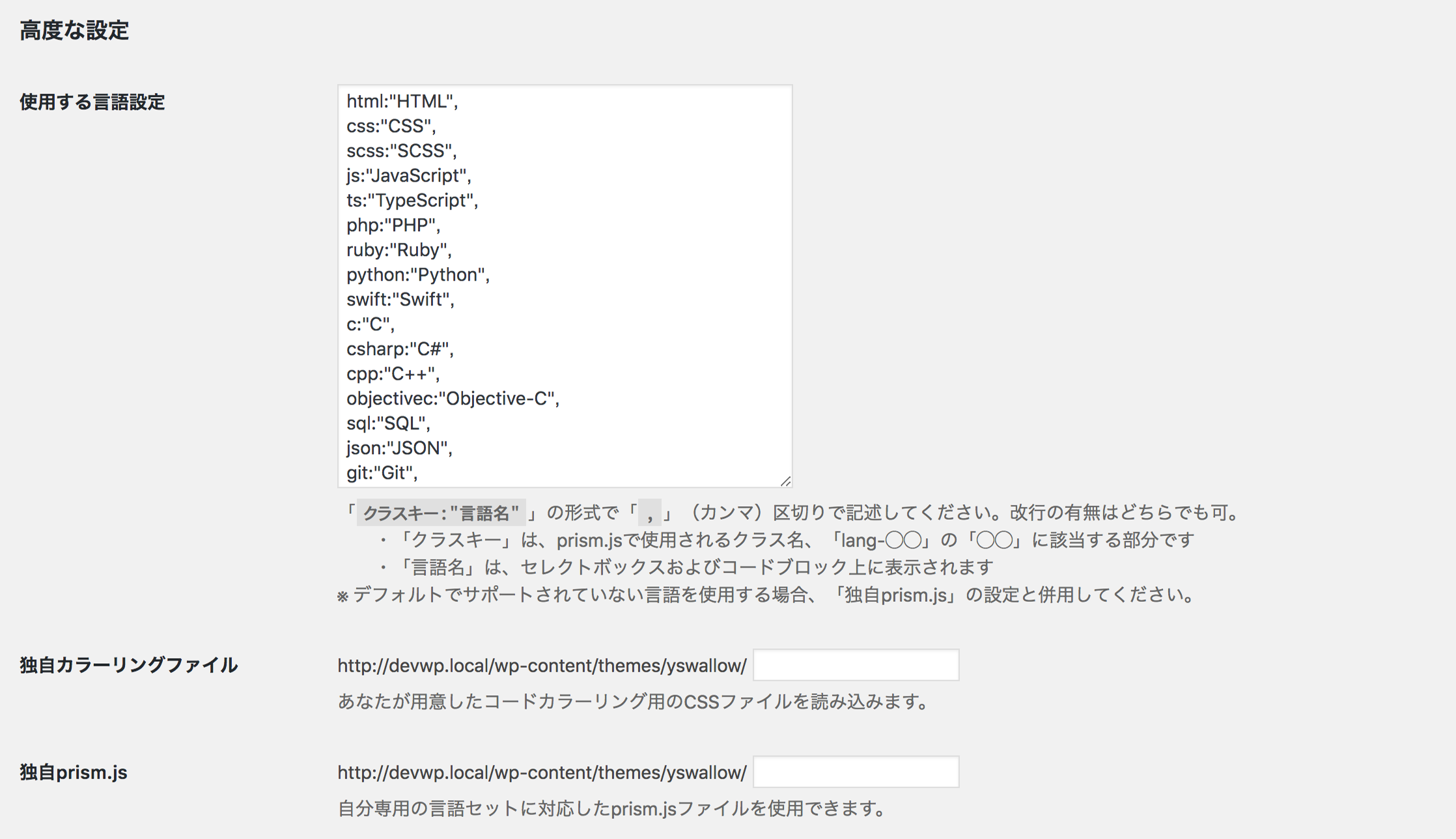
Higher Setting