
WooCommerce® Holiday Mode allows you to temporarily pause your online store during holidays, vacations, maintenance periods, or other planned breaks.
Define a start and end date for your closed period and automatically enable or disable holiday mode. During this time, you can display a prominently visible custom absence message to inform your customers about your temporary closure, return date, or other important information.
Features:
- Disable new orders by removing the add-to-cart button and displaying a custom message
- Disable the shopping cart (existing cart items will be removed when holiday mode is activated)
- Disable checkout during the holiday period
- Display a prominent custom absence message to inform customers about your temporary closure
- Optionally show the absence message on every page, not just the shop, product, cart and checkout pages
- Schedule holiday mode with a specific start and end date
- Optional advance-notice period – show a heads-up message a configurable number of days before the shop closes, so customers can still place orders before purchasing is disabled
- Automatically deactivate holiday mode when the vacation period ends
- Works with headless/decoupled storefronts and the Cart & Checkout blocks, via the WooCommerce Store API
- Admin notice reminding you that Holiday Mode is currently active, shown throughout wp-admin
- Plays nicely with caching plugins – automatically flushes your page cache when you save your settings, and marks pages as non-cacheable while Holiday Mode is active, so visitors never see a stale, out-of-date version of your shop
WooCommerce® is a registered trademark of Automattic Inc.
Privacy Disclosure
This plugin does not collect, process, or store any personal data.
Screenshots
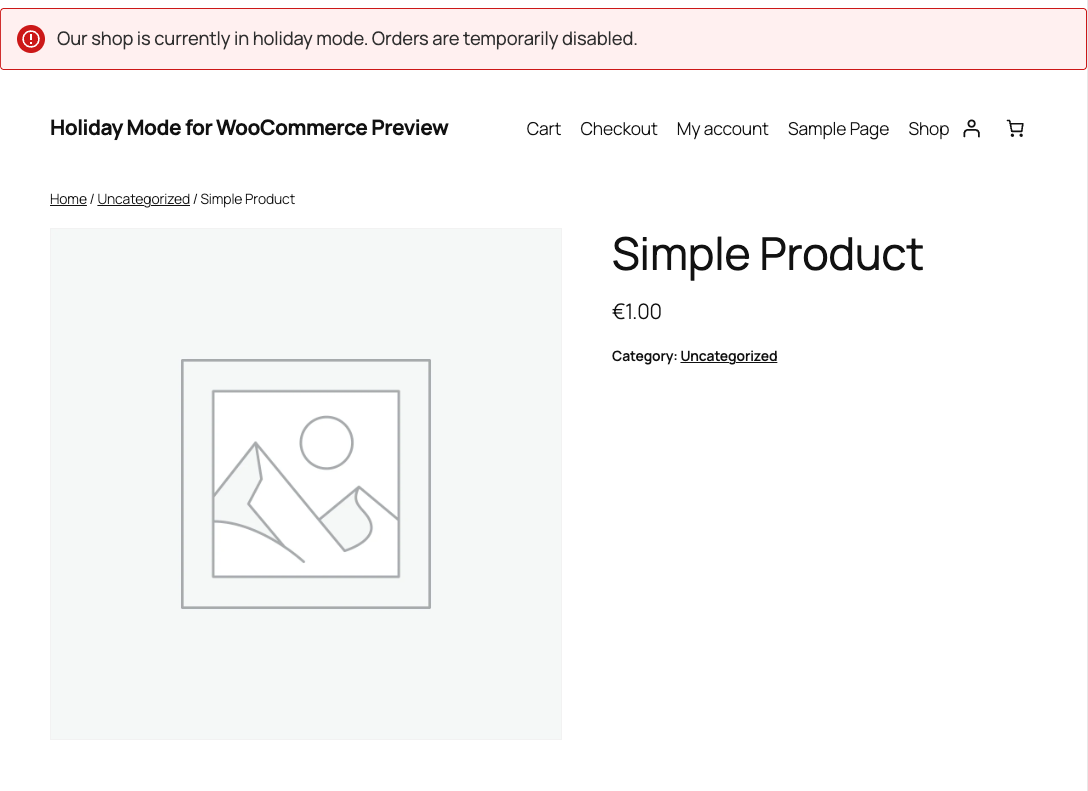
The custom absence message shown on a product page while Holiday Mode is active - the "Add to cart" button is removed.
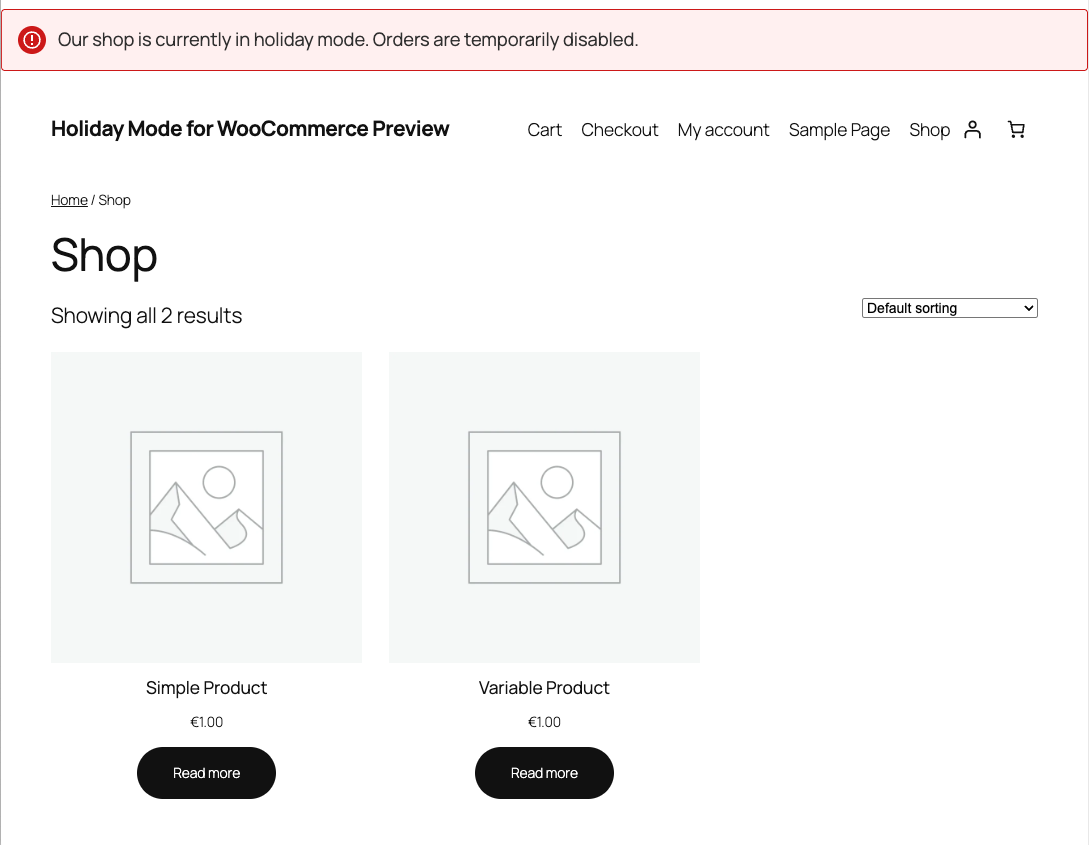
The absence message on the shop page - purchasing is disabled for every product while Holiday Mode is active.
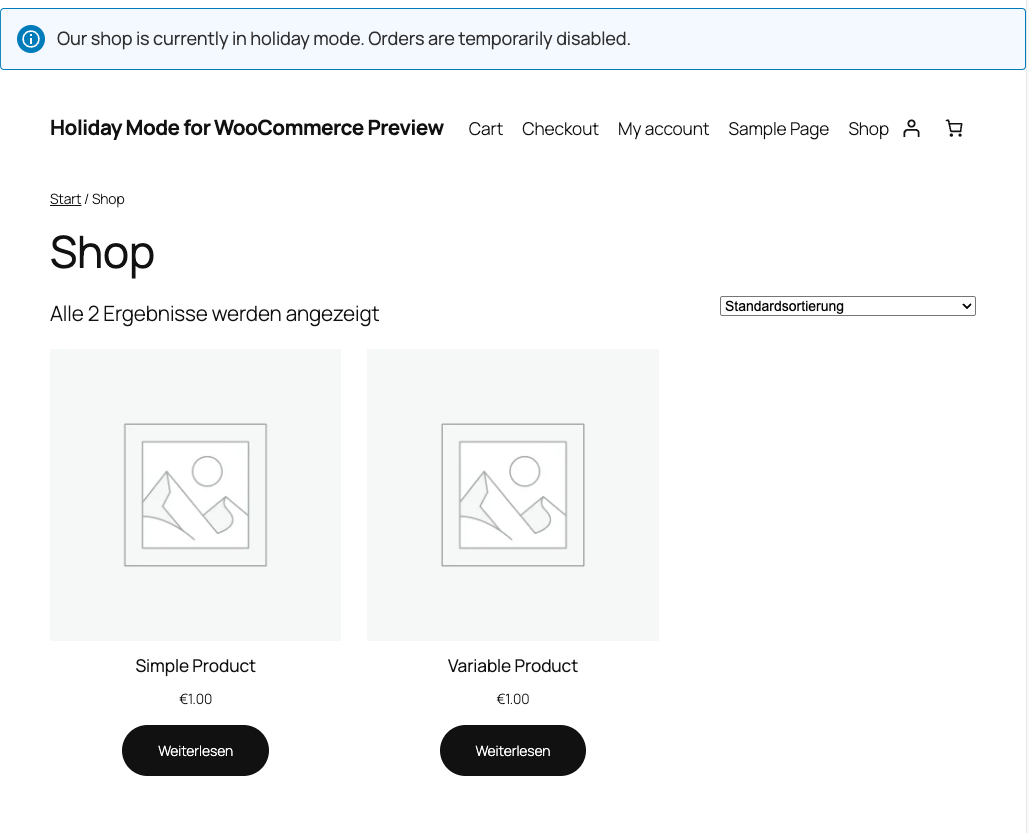
The same absence message shown in the "info" notice style, in German - notice color and translations adapt automatically.
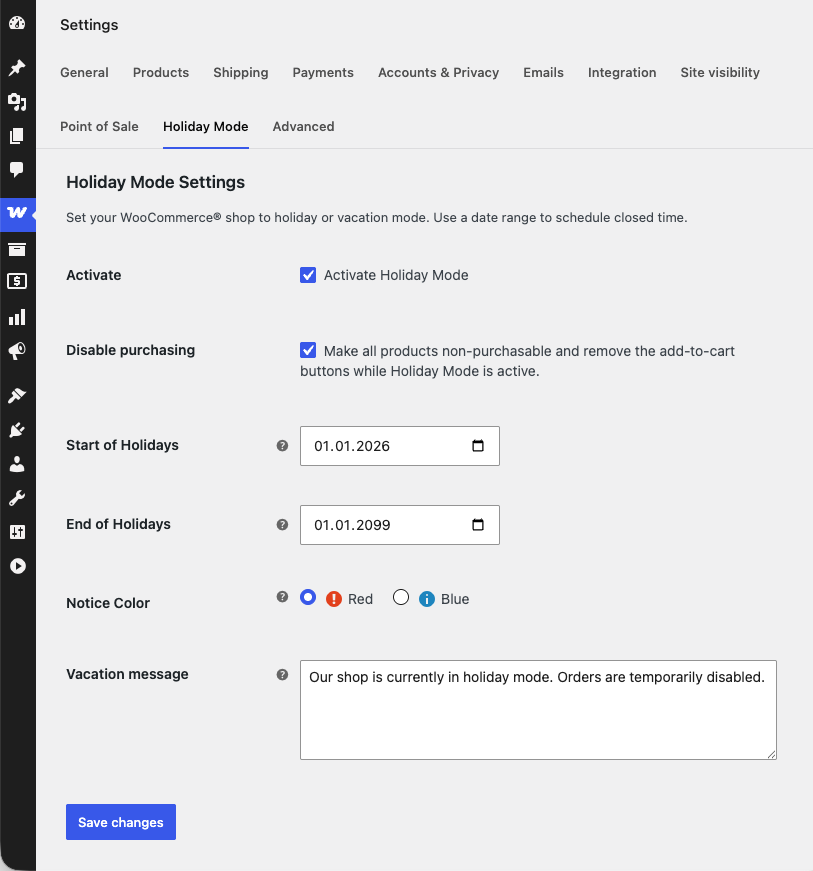
The Holiday Mode settings page under WooCommerce -> Settings, where you configure the date range, notice color/icon, and vacation message.
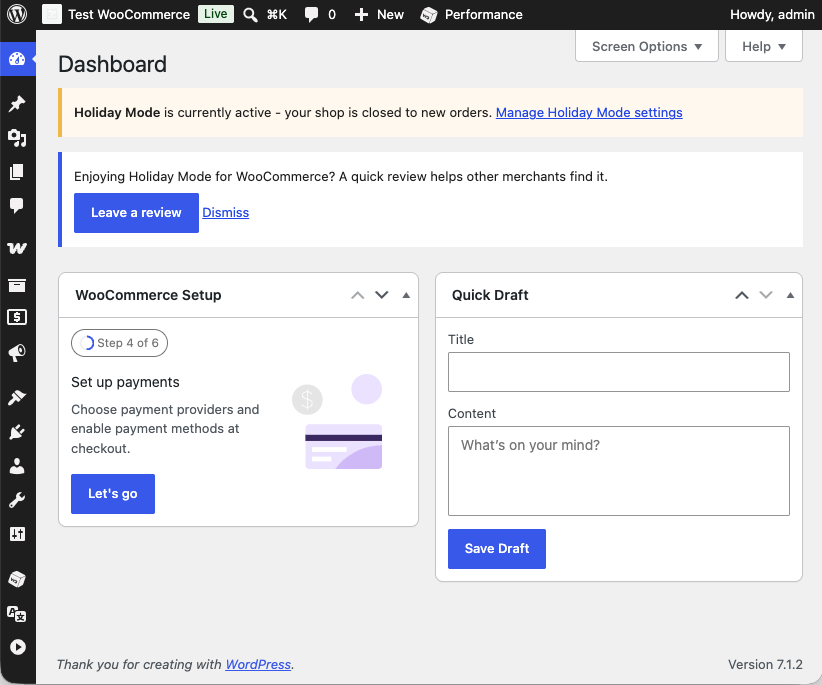
The wp-admin Dashboard, showing the "Holiday Mode is currently active" reminder alongside the review-request notice shown to merchants who have used the plugin for a while.