
hostily Captcha connects your site to a hostily Captcha service (https://captcha.hostily.de or your own installation). Visitors confirm with one click (or invisibly): their browser solves a small proof-of-work task, so there are no image puzzles and no tracking cookies. Your server then checks the result with your project secret, together with content rules, a honeypot field, a minimum fill-in time and detection of identical submissions.
Protected forms
- WordPress: comments, login, registration, lost password, setting a new password, multisite sign-up (wp-signup.php)
- WooCommerce: classic checkout, account registration, login
- Contact Form 7, WPForms, Gravity Forms, Elementor Pro Forms, Formidable Forms, Ninja Forms, Gwolle Guestbook
- Your own forms via an action and a filter (see FAQ)
Requirements
The plugin needs a project at the hostily Captcha service: create a free account at https://captcha.hostily.de (the free plan includes 1,000 checks per month for one website). The plugin itself has no limits and no locked features; plans only differ in the service’s monthly quota and extras such as statistics. If the quota is exceeded, forms stay protected.
Every integration is only active when the matching plugin is active, and every form can be switched off on the settings page (Settings -> hostily Captcha).
Privacy
- The plugin sets no cookies.
- The visitor’s browser talks only to the captcha service you configured (widget script, task, result). No other third party is contacted.
- Your server sends the one-time token, the visitor’s IP address and (for forms with content checks) the submitted form fields to the service. Password fields are never sent. The service stores only hashed IP addresses and deletes events after a retention period. Mention the service in your privacy policy.
External service
This plugin needs a hostily Captcha service (default: https://captcha.hostily.de, privacy information at https://captcha.hostily.de). It loads the script <service>/widget/hostily-captcha.js on pages with protected forms and calls <service>/api/v1/pruefen from your server on every submission of a protected form.
Widget license
The browser widget is not part of this plugin. It is loaded from the service and is licensed under the Apache License 2.0 (it contains parts of Cap, Copyright 2025 Tiago, Apache-2.0).
Limits
- WooCommerce: only the classic checkout (shortcode
[woocommerce_checkout]). The block based checkout is not covered. - Ninja Forms: add the field “hostily Captcha” (section Miscellaneous) to every form that should be protected.
- Forms sent by JavaScript work best in the visible mode.
- Logged-in users are not checked on comments.
Lock-out rescue
Add define( 'HOSTILY_CAPTCHA_DISABLE', true ); to wp-config.php to switch all checks off.
External services
This plugin connects to the hostily Captcha service at https://captcha.hostily.de, operated by connect – Media & Teledienst (Germany). Without it, the forms cannot be protected.
- In the visitor’s browser, the widget script is loaded from captcha.hostily.de and requests a proof-of-work task (challenge) and redeems the solution for a one-time token. This sends the site key, the page origin and the visitor’s IP address (as part of the HTTP request; the service stores it only as a daily-salted hash).
- When a protected form is submitted, your server sends the token, your secret, the visitor’s IP address and the content fields of the form (no passwords, payment data or hidden technical fields) to https://captcha.hostily.de/api/v1/pruefen, so that minimum time, honeypot, duplicate submissions and your content rules can be checked. Submissions are not stored; events are deleted after 14 days.
Terms of service: https://captcha.hostily.de/agb.html – Privacy policy: https://captcha.hostily.de/datenschutz-dienst.html – Data processing agreement: https://captcha.hostily.de/avv.html
Screenshots
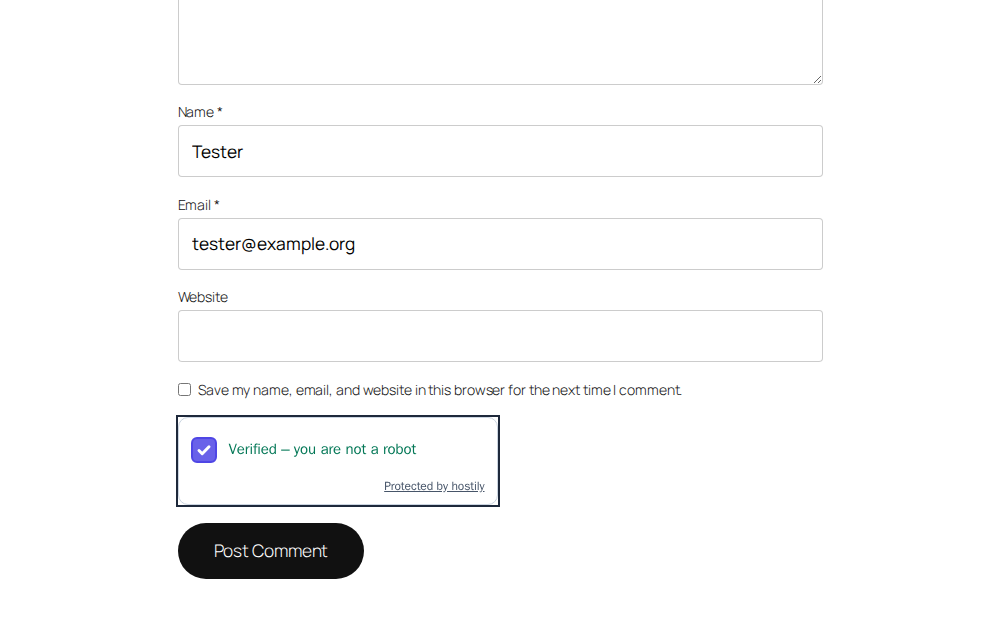
Comment form: the visitor ticks the box, the browser solves a small task in the background.

Login without the check is rejected with a clear message.
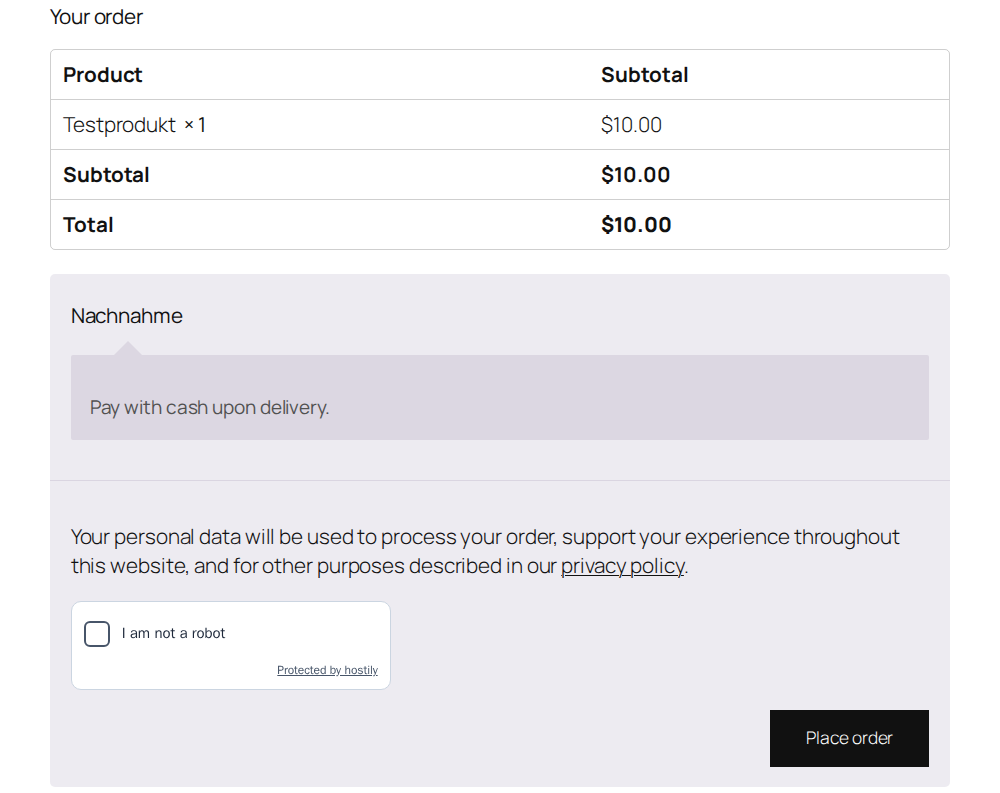
WooCommerce classic checkout: the widget sits directly above "Place order".
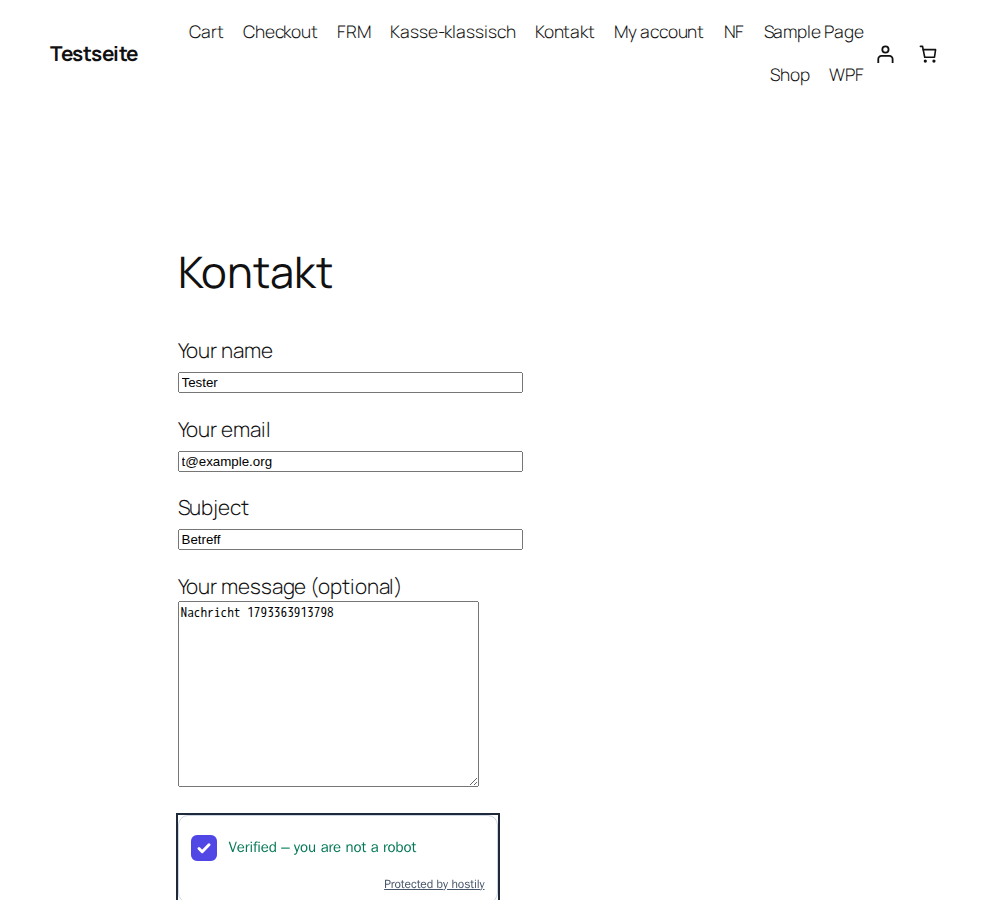
Contact Form 7 form, confirmed.
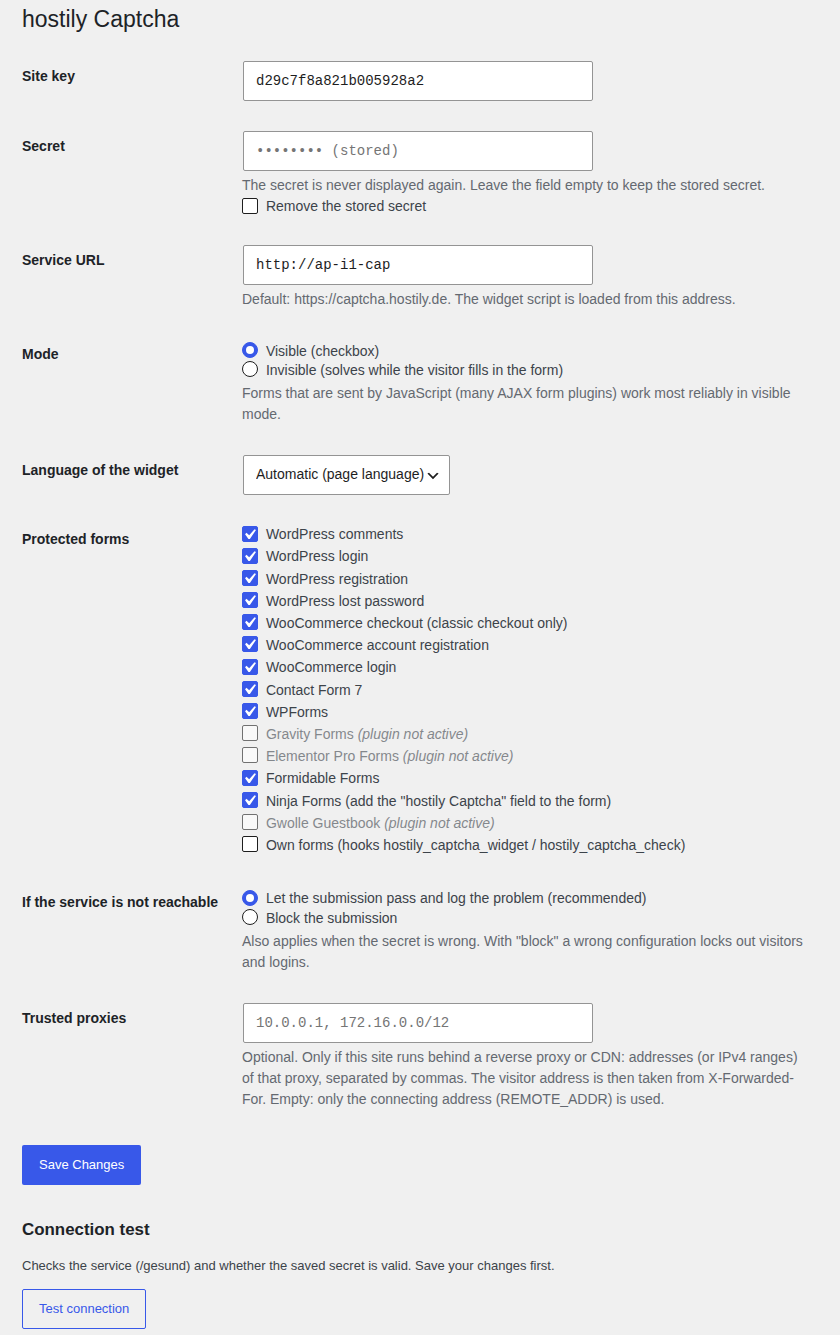
Settings: keys, mode, language, protected forms and behaviour when the service is not reachable.