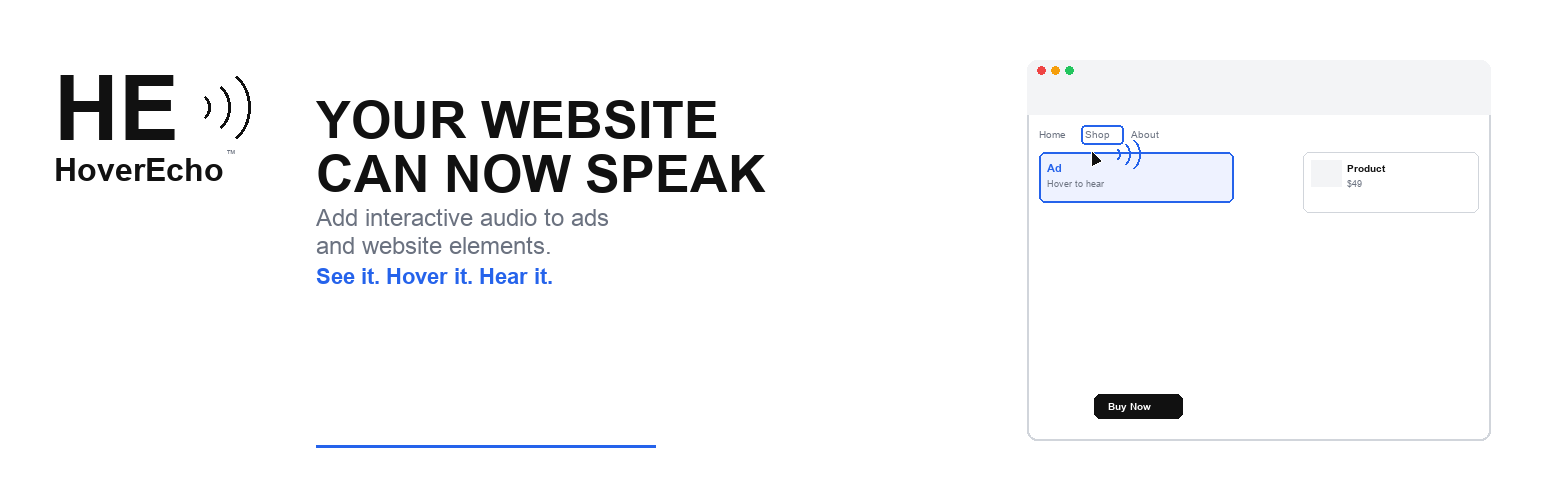
Your Website Can Now Speak
HoverEcho adds an interactive audio layer to WordPress. Visitors can hear a short spoken message when they hover over an advertisement or website element—before they decide whether to click.
On supported devices, HoverEcho can respond to desktop hover, mobile touch-and-hold, and keyboard focus.
What Can HoverEcho Make Speak?
- Digital advertisements
- Buttons and calls to action
- Menus and navigation choices
- Product and featured-content cards
- Forms and input fields
- Pricing options
- Other selected website elements
How It Works
- Install and activate HoverEcho Ads.
- Connect the plugin to your HoverEcho account.
- Create or select a campaign.
- Add a written message for text-to-speech, or upload recorded audio.
- Select where the experience should appear.
- Publish it to your WordPress website.
No copying and pasting embed code is required.
Why Use HoverEcho?
- Let visitors hear an explanation before clicking.
- Add audio to advertisements without changing the original creative.
- Explain buttons, menus, products, prices, and forms at the point of decision.
- Use text-to-speech or your own recorded audio.
- Manage campaigns from one HoverEcho account.
- Create a more understandable and engaging website experience.
HoverEcho Account and Subscription
This plugin connects your WordPress website to the HoverEcho hosted service. A HoverEcho account is required.
New customers receive a 30-day free trial. Unless cancelled, the selected paid subscription begins automatically on day 31. Customers may cancel before the trial ends to avoid being charged.
- Create a HoverEcho account: https://hoverecho.com/signup
- Pricing: https://hoverecho.com/pricing
- Terms of Service: https://hoverecho.com/terms
- Privacy Policy: https://hoverecho.com/privacy
The WordPress plugin is the installation and connection component for the HoverEcho service. HoverEcho is not a free product.
Free Setup Support
We will help new customers connect their websites and publish their first HoverEcho experience during the 30-day trial.
- Email: Support@HoverEcho.com
- Plugin and setup help: https://hoverecho.com/wordpress-plugin
Configuration
- HoverEcho Dashboard: connect, disconnect, campaigns, create campaign, site placement
- HoverEcho Settings: explanation of the HoverEcho connection (no custom host settings)
Disconnect removes the stored token and connected-account fields from this WordPress site.
Deleting the plugin (uninstall) removes:
- hoverecho_settings
- hoverecho_auth
- hoverecho_placements
- hoverecho_campaign_cache
Privacy
This plugin stores data in WordPress only after an administrator connects a HoverEcho account.
Stored in WordPress (hoverecho_auth):
- Encrypted HoverEcho API token
- HoverEcho user id
- First name (if provided by the login response)
- Last name (if provided)
- Subscription plan name (if provided)
- Connected-at timestamp
Also stored:
- hoverecho_settings (plugin settings)
- hoverecho_placements (which campaign is shown and where)
- hoverecho_campaign_cache (transient campaign list for the block/widget, 5 minutes)
What is sent to HoverEcho on Connect:
- Password
- rememberMe (boolean)
What may be sent later from wp-admin (while connected), depending on the action:
- Campaign fields such as name, dates, text message, language, voice, translation flags, receiving site URL (defaults to this WordPress site’s home URL), and related create/update fields
- Requests to list campaigns, templates, TTS voices, and translation languages
What may be sent from the public site after a campaign is placed:
- A request for public campaign data (campaign ID)
- Optional tracking POSTs that include the current page URL (
websiteUrl) for hover/click-style events implemented by the widget
The plugin registers WordPress privacy policy helper text, a personal data exporter, and a personal data eraser for the connected HoverEcho email. Disconnect or uninstall deletes the local token and connected-account option. That does not automatically delete the HoverEcho account on hoverecho.com.
HoverEcho service Privacy Policy: https://hoverecho.com/privacy
HoverEcho service Terms of Service: https://hoverecho.com/terms
External Services
This plugin communicates with the HoverEcho service operated at https://hoverecho.com
Base API: https://hoverecho.com/api
HTTP from WordPress uses the WordPress HTTP API (wp_remote_request).
1. Administrator Connect (required for Dashboard features)
POST https://hoverecho.com/api/auth/login
JSON body sent:
- password
- rememberMe
Response used by the plugin: token and user object. The token is encrypted and stored in WordPress. The password is not stored.
2. Administrator Dashboard (only while connected)
Authenticated with header: Authorization: Bearer {token}
- GET https://hoverecho.com/api/auth/profile
- GET https://hoverecho.com/api/campaigns
- GET https://hoverecho.com/api/campaigns/{id}
- POST https://hoverecho.com/api/campaigns/create-enhanced
- PUT https://hoverecho.com/api/campaigns/{id}
- DELETE https://hoverecho.com/api/campaigns/{id}
- GET https://hoverecho.com/api/templates
- GET https://hoverecho.com/api/campaigns/tts/voices
- GET https://hoverecho.com/api/campaigns/translate/languages
3. Public pages (only if a campaign is rendered)
Script loaded:
https://hoverecho.com/embed/hoverecho-widget.js
The widget then calls:
- GET https://hoverecho.com/api/campaigns/public/{campaignId}
- POST https://hoverecho.com/api/campaigns/{campaignId}/track-{eventType}
JSON body: { “websiteUrl”: “” }
Service links
- Service: https://hoverecho.com
- Privacy Policy: https://hoverecho.com/privacy
- Terms of Service: https://hoverecho.com/terms
- Sign up: https://hoverecho.com/signup
- Sign in: https://hoverecho.com/signin
- Plugin page: https://hoverecho.com/wordpress-plugin
- Pricing page (HoverEcho website, not this plugin): https://hoverecho.com/pricing
- Support email: Support@HoverEcho.com
Screenshots
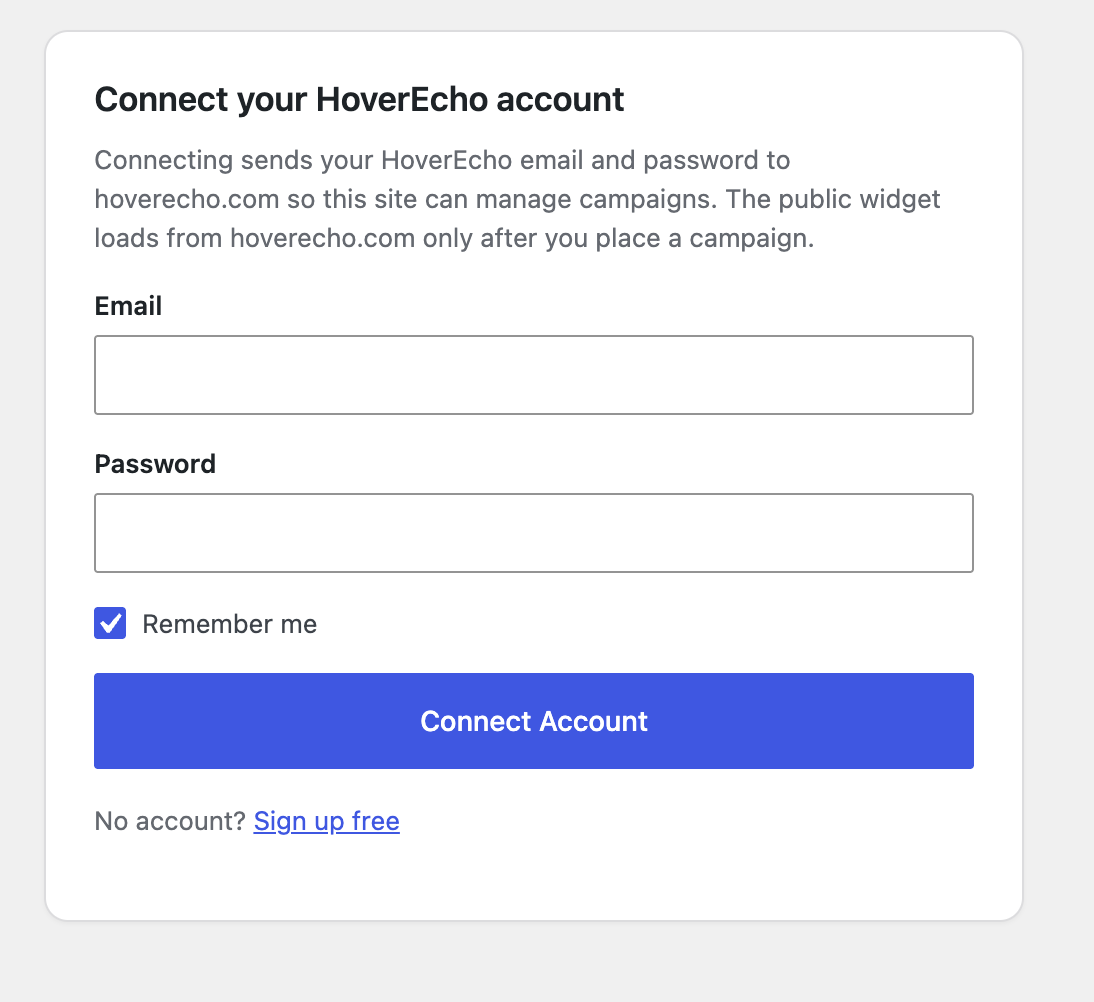
HoverEcho Dashboard — Connect Account (wp-admin login to HoverEcho)
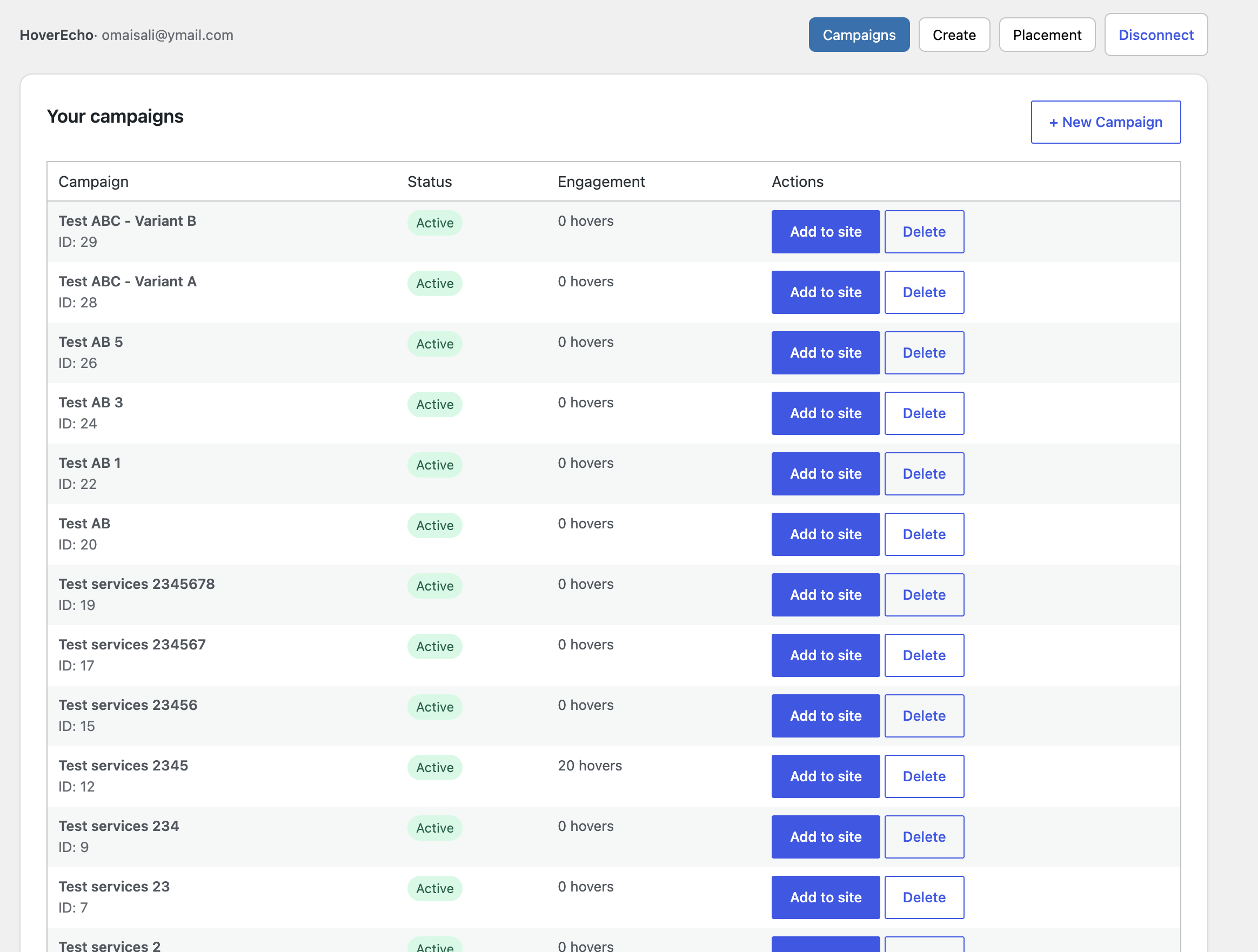
Campaign list after connecting, with Add to site
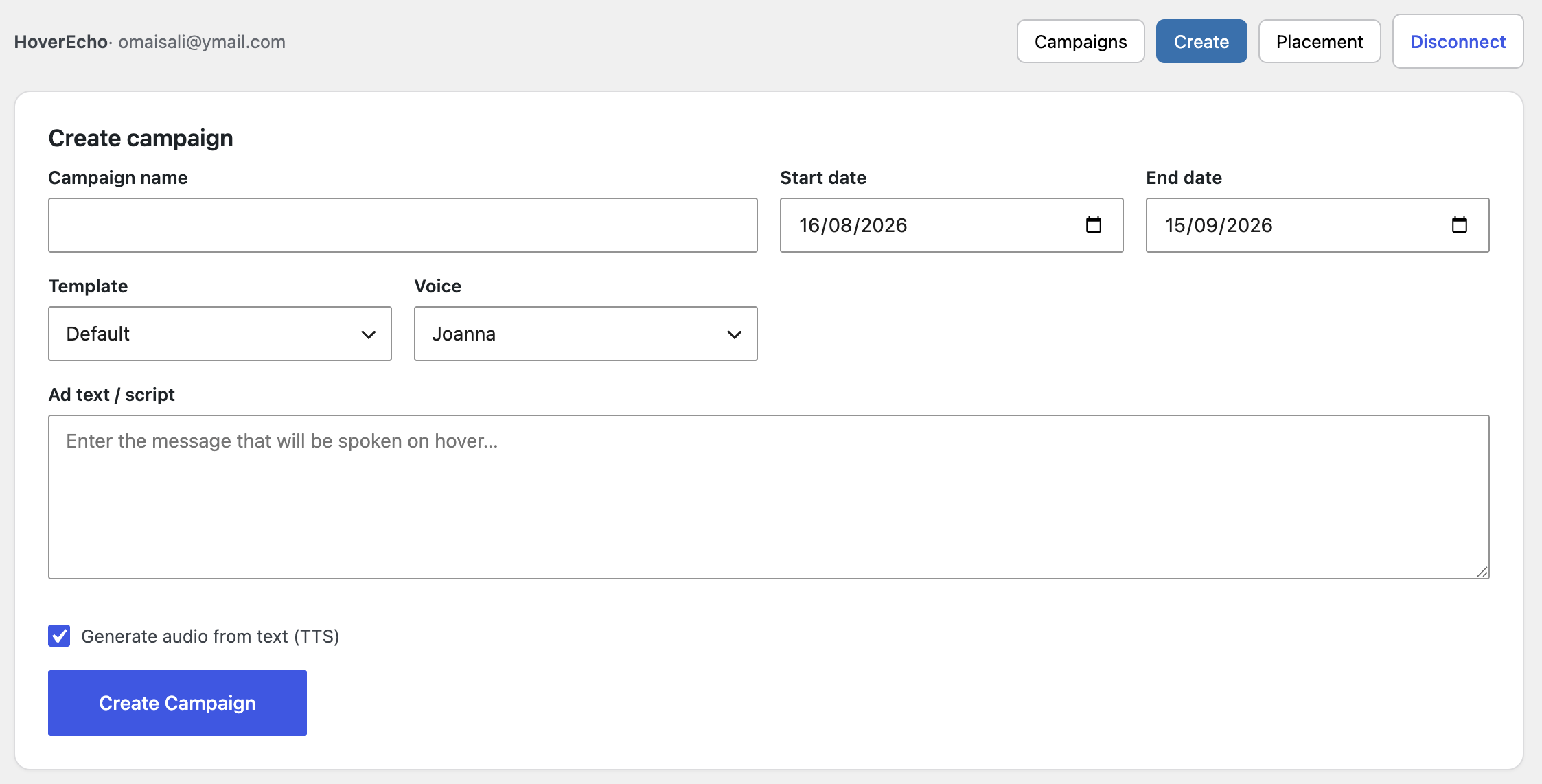
Create campaign form in wp-admin
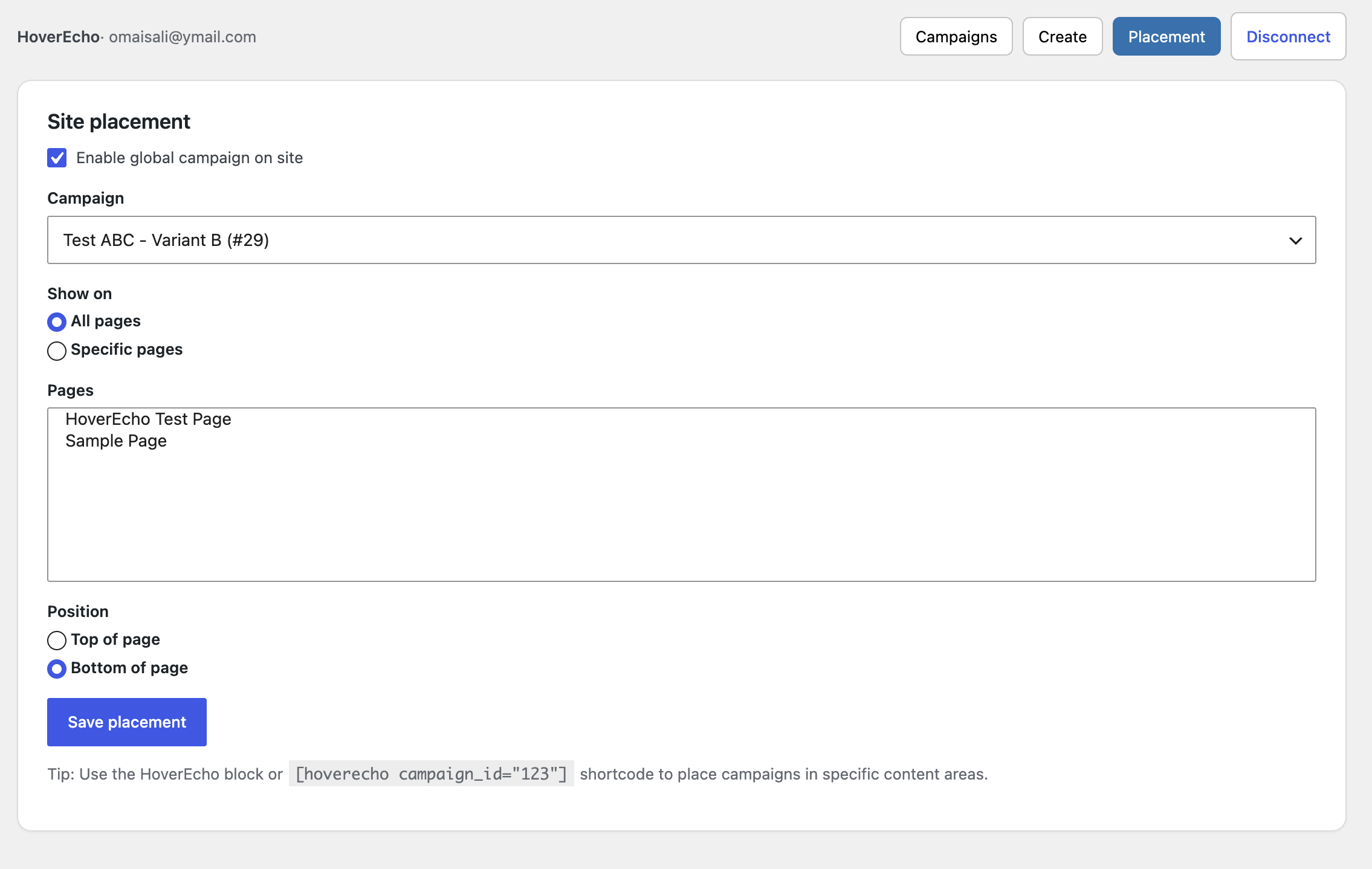
Site placement settings (pages and position)
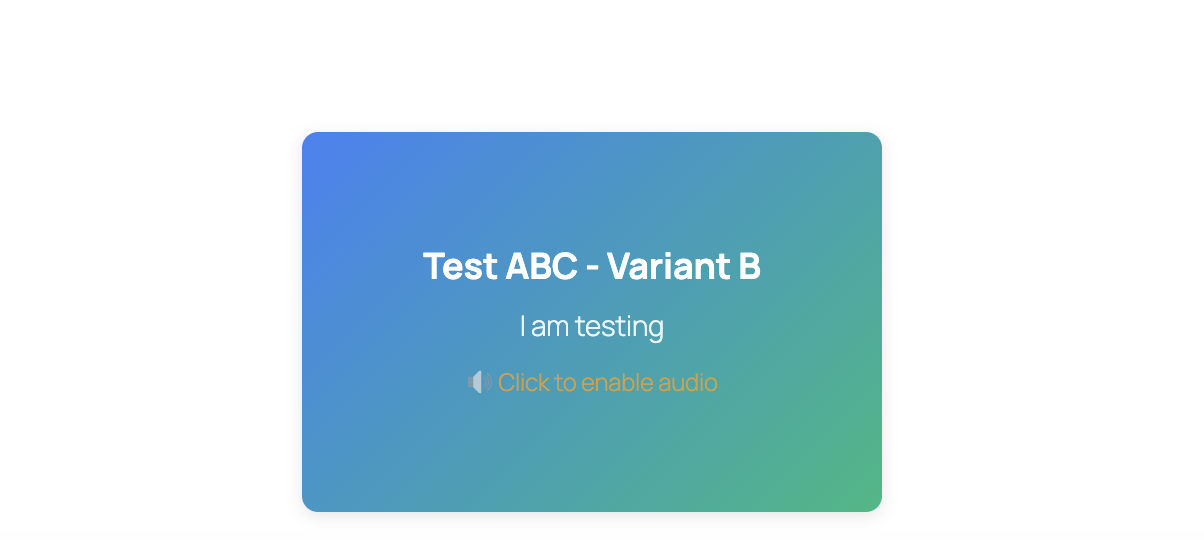
Gutenberg “HoverEcho Ad” block in the editor
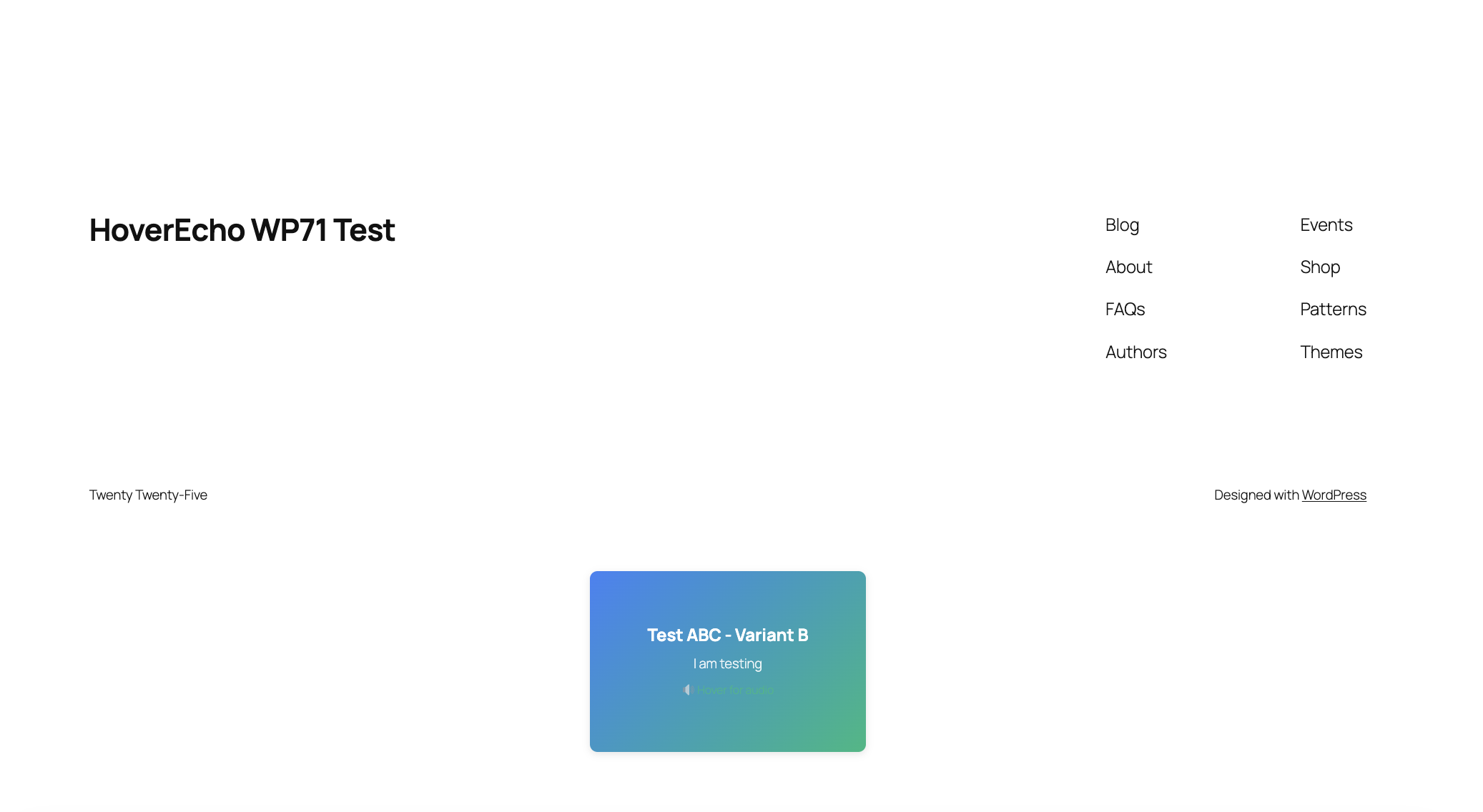
Public page with a placed HoverEcho campaign / widget