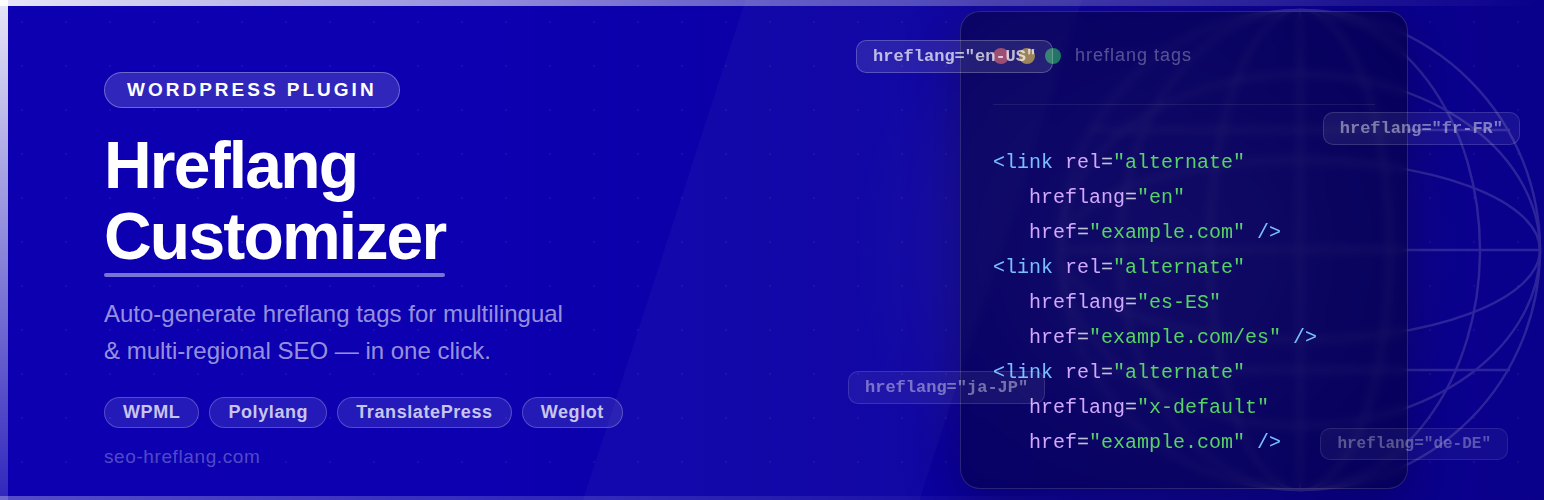
Hreflang Customizer is a free plugin that generates hreflang tags for your WordPress pages automatically. It works on any site — no multilingual plugin is required.
Hreflang tags tell search engines which language and region each page targets. This prevents duplicate-content issues across multilingual or multi-regional sites and helps the right version of your page rank in the right country.
Key Features
- ✅ Works without any translation plugin — standalone mode out of the box
- ✅ Also integrates with Weglot for translated URL mapping
- ✅ Searchable language picker with 180+ languages and regional variants
- ✅ Selected languages shown as removable tag chips with language codes
- ✅ Language list cached via WordPress Transients API (no repeated API calls)
- ✅ NEW: Per-page hreflang control — override languages, map custom URLs, or disable tags on any page or post
- ✅ NEW: Site-wide Hreflang Audit — detect invalid locales, duplicates, missing x-default and self-reference issues
- ✅ NEW: XML sitemap support — dedicated /hreflang-sitemap.xml plus Yoast SEO sitemap integration
- ✅ Clean, modern admin UI — fully responsive
- ✅ No upsells, no premium tier — 100% free
How It Works
Standalone mode: Select your target language codes in the settings page. The plugin outputs one <link rel="alternate" hreflang="..."> tag per selected code in the <head> of every page, pointing to the canonical URL of that page.
Weglot mode: If Weglot is installed and active, the plugin maps Weglot’s translated URLs to your selected hreflang codes automatically.
Per-Page Hreflang Control (v1.2.0)
Every page, post and public custom post type gets a Hreflang Settings meta box in the editor where you can:
- Disable hreflang tags entirely on that page (useful for login, policy or thank-you pages)
- Limit output to a subset of your global languages — perfect when a post only exists in some languages
- Map each language to a custom URL — ideal for ccTLD or subdomain setups (e.g. example.de, fr.example.com)
- Set a custom x-default URL for that specific page
Hreflang Audit Tool (v1.2.0)
Go to Hreflang > Audit and click Run Audit. The plugin checks every public URL for:
- Invalid locale codes (wrong format, underscores instead of hyphens)
- Missing self-referencing tags
- Missing x-default fallback
- Duplicate locale declarations
- Relative (non-absolute) URLs
- Mixed http/https protocols
Results are shown with pass/warning/error badges and can be exported to CSV for client reports.
XML Sitemap Support (v1.2.0)
- A dedicated sitemap at
/hreflang-sitemap.xmllists every URL with itsxhtml:linkhreflang annotations — the method Google recommends for large sites - Automatic Yoast SEO integration: hreflang alternates are appended to every Yoast sitemap entry
- The sitemap is announced in your robots.txt automatically
Example Output
<link rel="alternate" href="https://yoursite.com/about/" hreflang="en-AU" />
<link rel="alternate" href="https://yoursite.com/about/" hreflang="en-GB" />
<link rel="alternate" href="https://yoursite.com/" hreflang="x-default" />
Third-Party Service
This plugin optionally fetches an extended language list from https://app.seo-hreflang.com/api/languages to supplement its built-in language database. The request is made at most once every 12 hours. No personal data, user data, or site content is transmitted — the request contains no body payload. The result is cached locally using the WordPress Transients API.
If the external service is unavailable, the plugin automatically falls back to its built-in list of 180+ languages and continues to work normally.
- Service URL: https://app.seo-hreflang.com/
- Privacy Policy: https://seo-hreflang.com/privacy-policy/
Screenshots
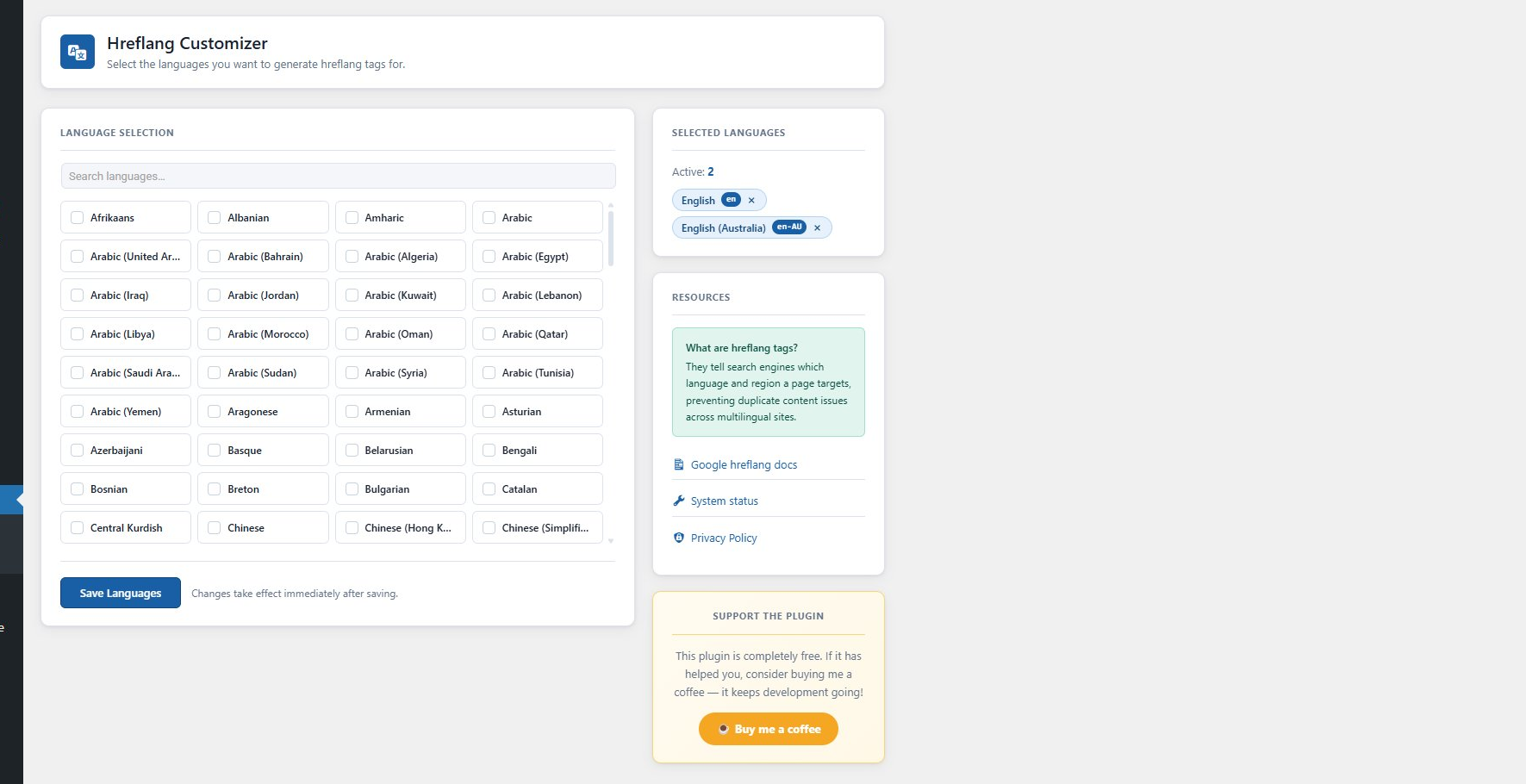
Settings page — searchable language card grid with sidebar tag panel.
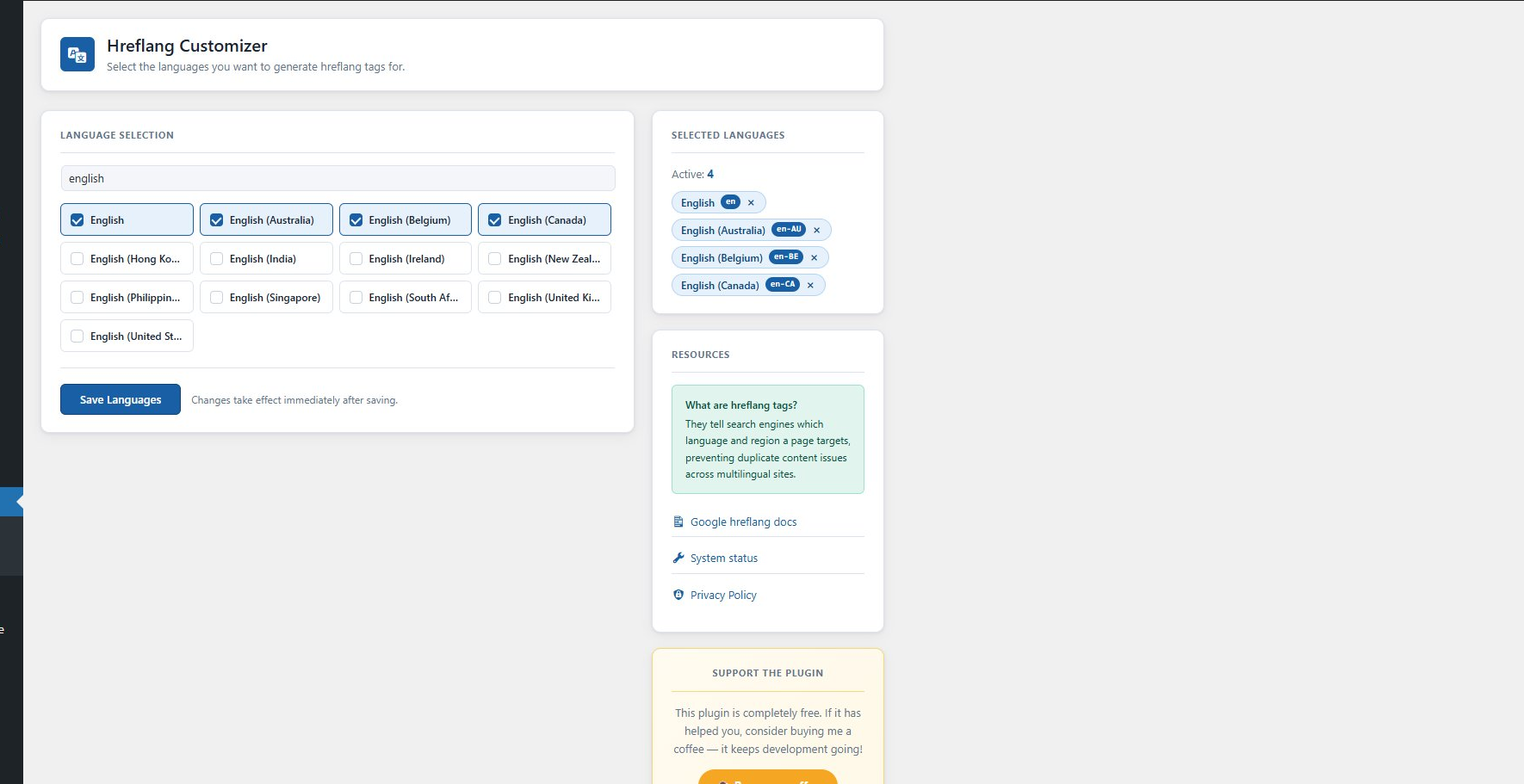
Selected languages shown as tag chips with the hreflang code badge.