BACK TO DIRECTORY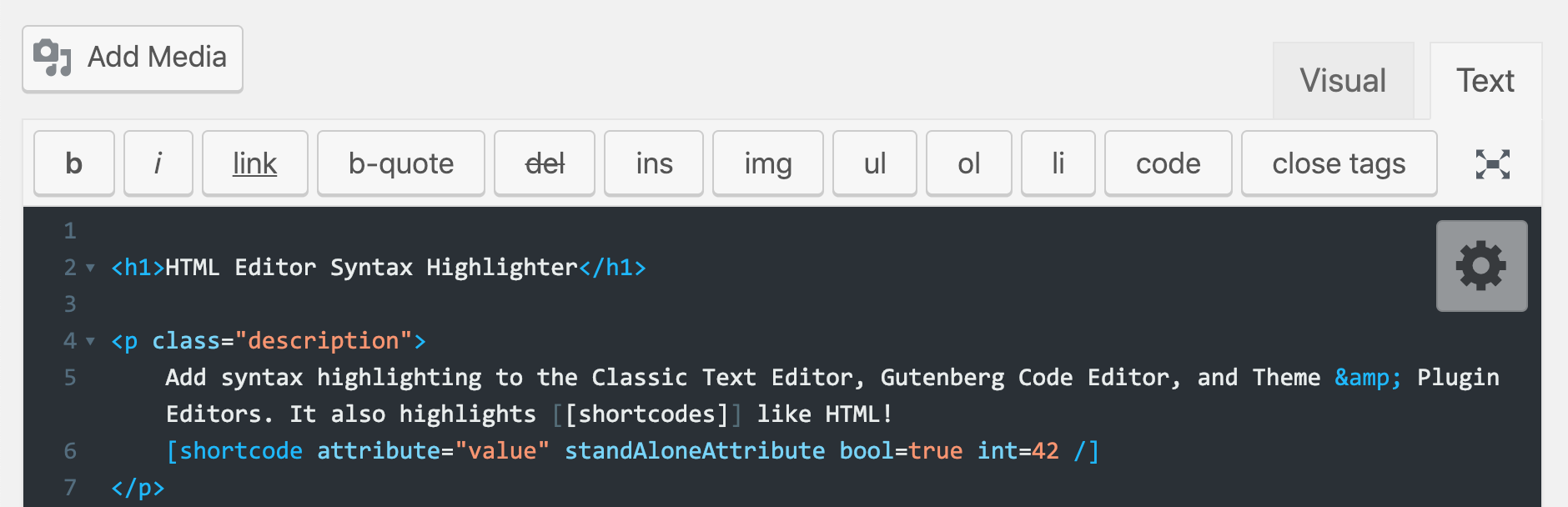




Add syntax highlighting in the Classic Post & Page HTML text editor, Gutenberg Code Editor, and Theme & Plugin editors using CodeMirror.js
Features
- Syntax highlighting in the Post/Page HTML editor
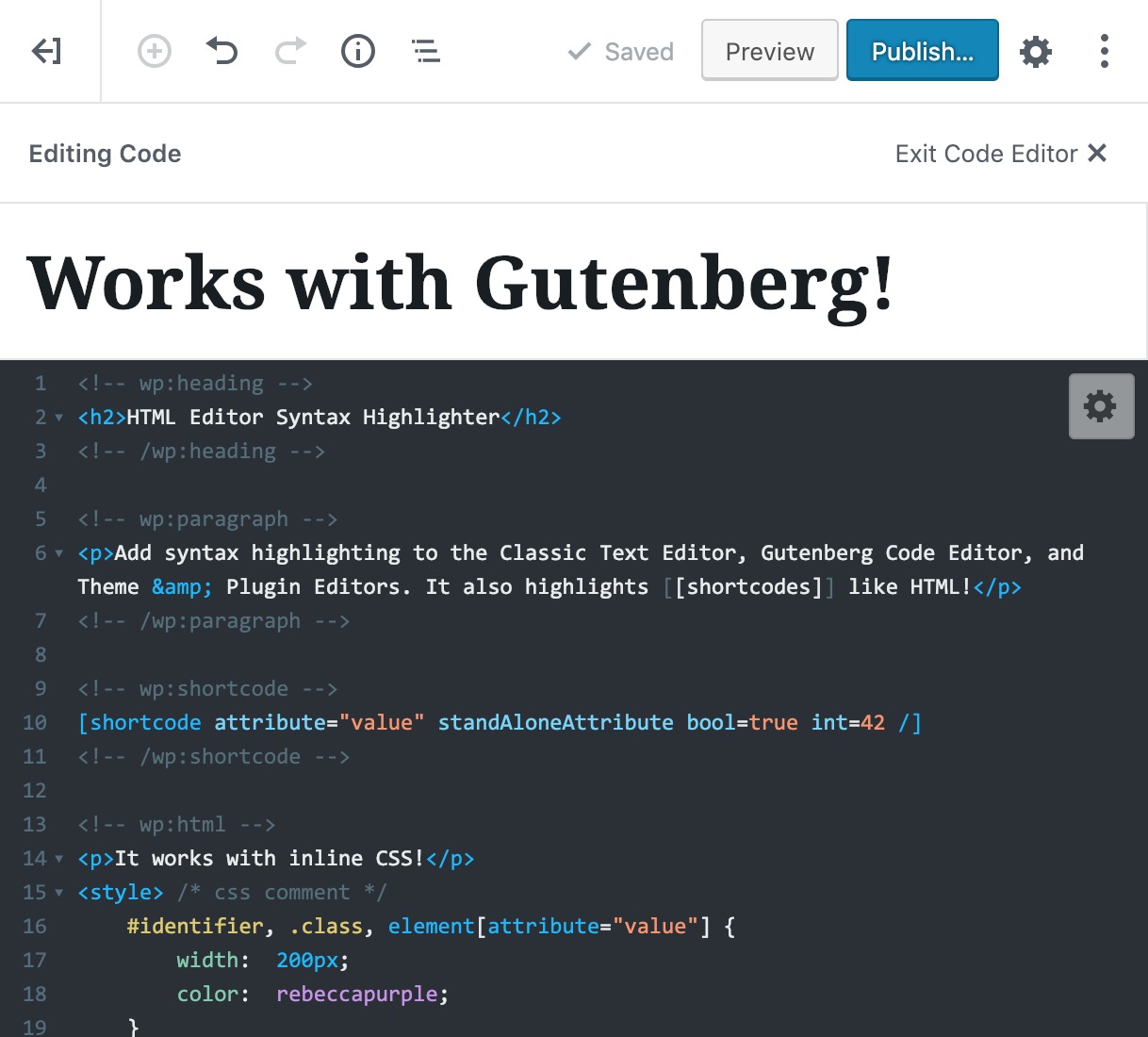
- NEW: Syntax highlighting in the Gutenberg Code Editor (not Visual Editor)
- Syntax highlighting in the Theme & Plugin editors
- Syntax highlighting for WordPress
[shortcodes/] - Save your posts and pages pressing
Ctrl+S(Cmd+Son Mac) - Restore cursor position after page is reloaded
- Huge selection of themes and other customization options
- Fullscreen mode: toggle with
F11/Eschotkeys
If you would like to contribute to this plugin, view the github repo.
Screenshots
Syntax highlighting in the Classic Post/Page HTML editor.
Quick Settings Panel.
Advanced Settings Panel.
Syntax highlighting in the Theme/Plugin editor.
Example code highlighting.
Plugin Details
Active Installs
60K+Total Downloads
609,937Version
2.5.0Requires WP
6.5Requires PHP
7.4Tested Up To
7.1.3Added
2012-04-18Last Updated
2026-10-22 8:08pm GMTRatings
5
79
4
14
3
7
2
5
1
5