The Icon Block plugin registers a single, easy-to-use block that allows you to add custom SVG icons and graphics to the WordPress block editor (Gutenberg).
The plugin also includes the complete WordPress icon library with 290+ SVG icons.
Key features
- 290+ native WordPress icons, including social logos
- Use any custom SVG icon or graphic
- Insert icons from your Media Library if SVG uploads are supported
- Includes handy icon controls (link, rotate, alignment, colors, border, padding, margin, etc.)
- Fully compatible with the Site Editor
- No block library required 🎉
- Built almost entirely with native WordPress components
- Will get additional functionality as it’s added to WordPress core
- Register your own custom icon library. Learn more
Stay connected
Screenshots
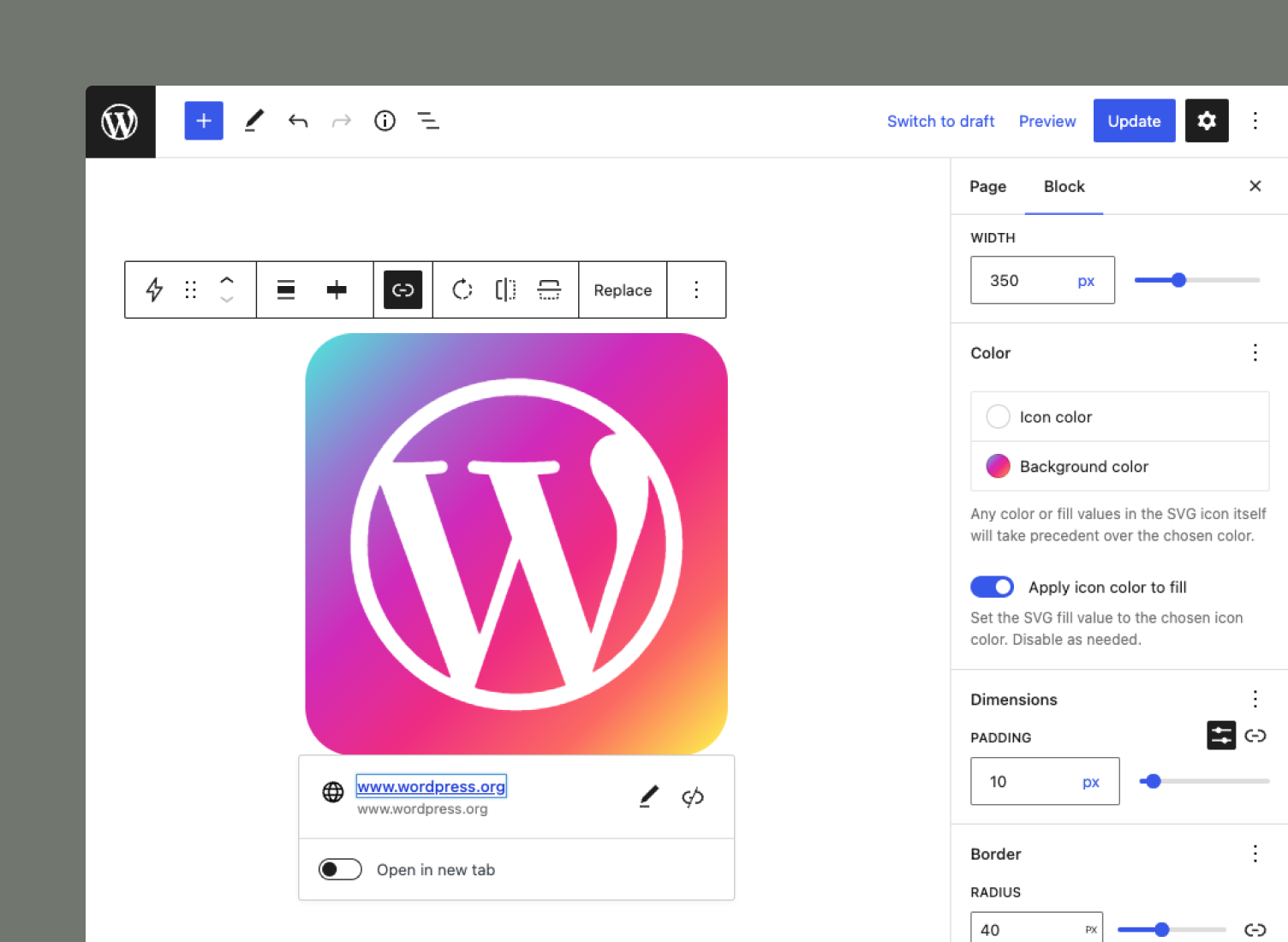
The Icon Block includes icon controls such as color, rotation, alignment, padding, and border-radius.
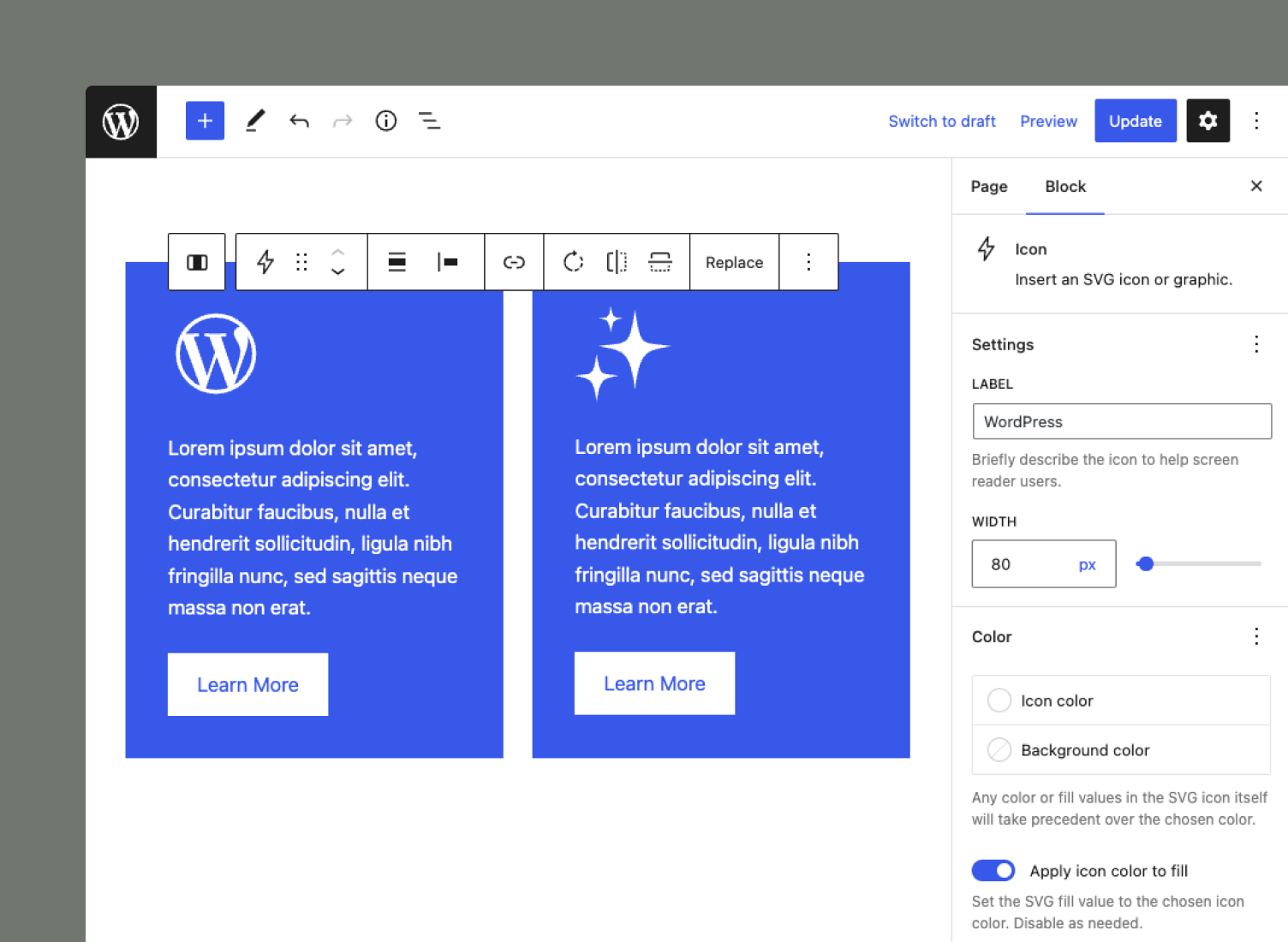
The Icon Block adapts to your layout, whether you need a big or small icon.
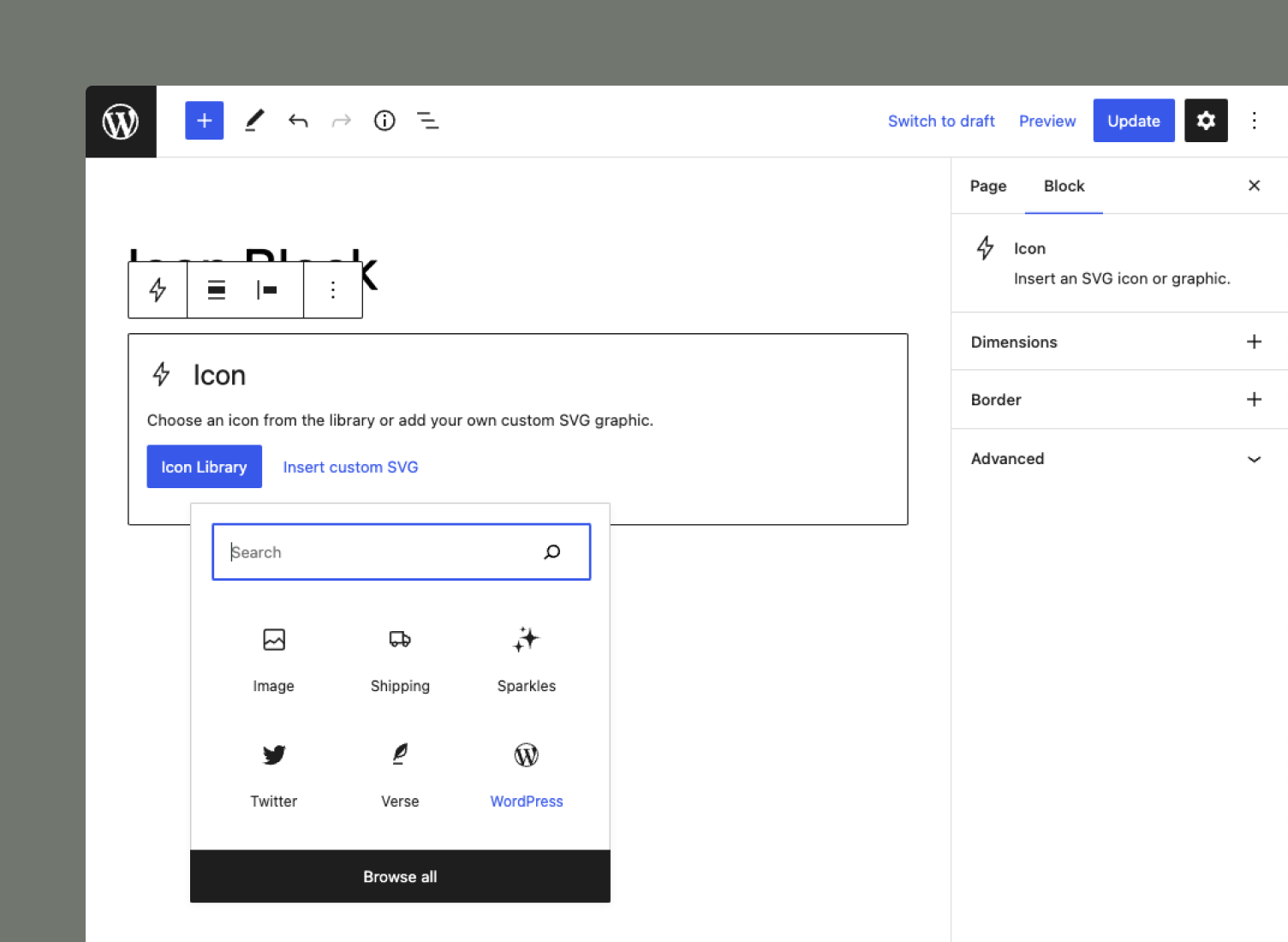
Use the "quick inserter" to pick the WordPress icon you need.
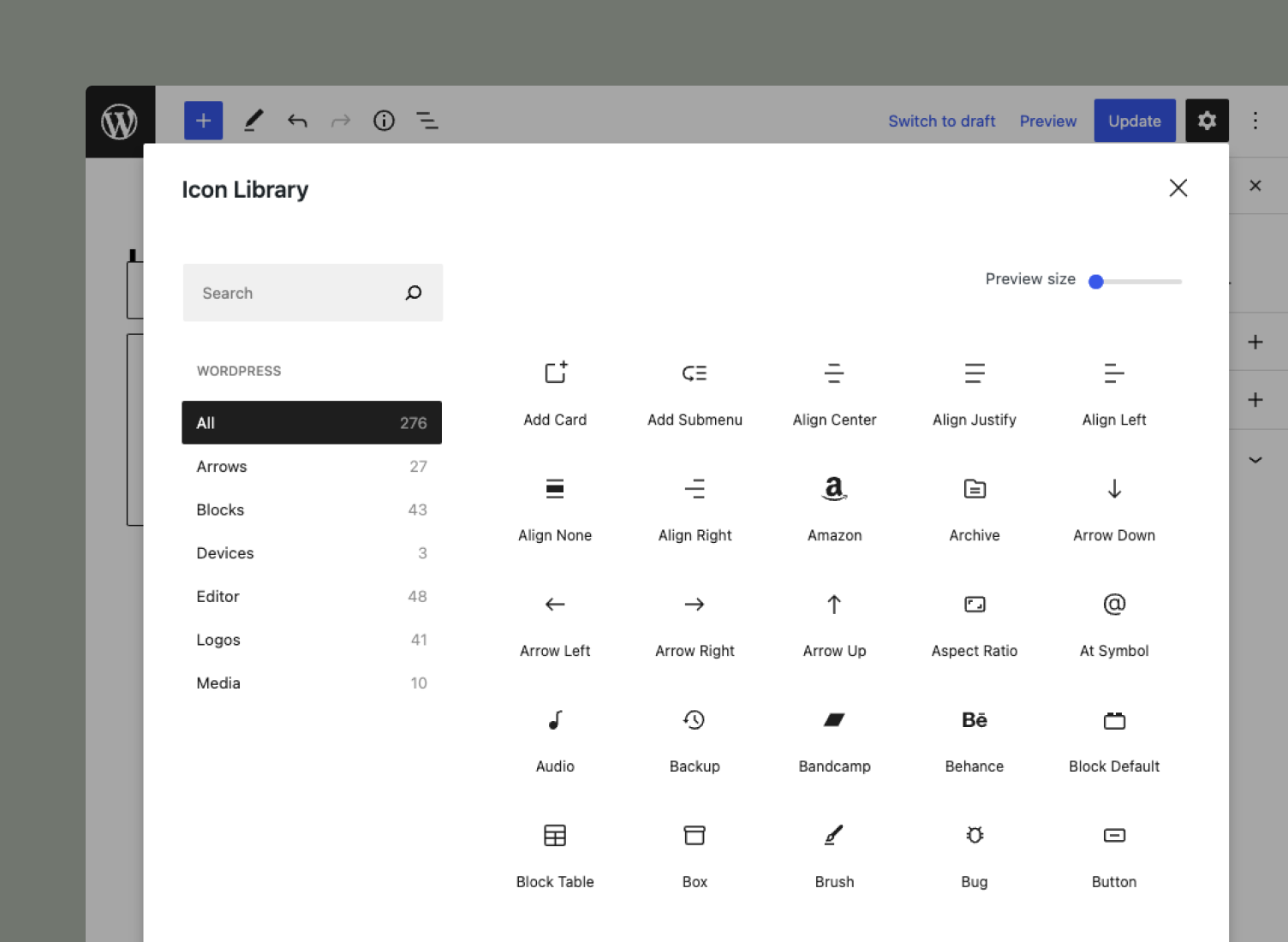
The Icon Block includes the WordPress icon library, allowing you to insert 270+ graphics.
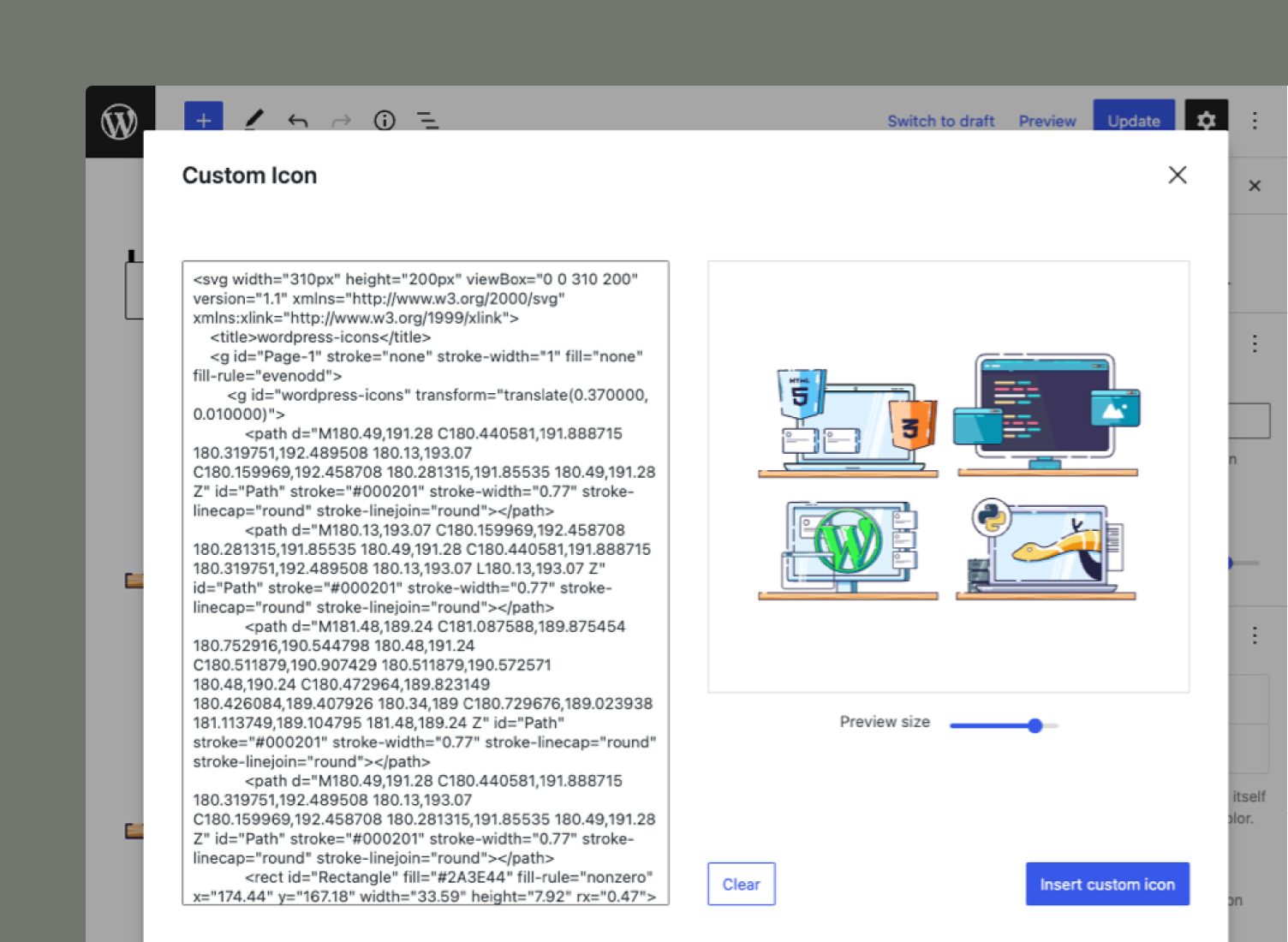
Create your own custom icons by simply copying/pasting the SVG code. Then, modify the icon to suit your needs.
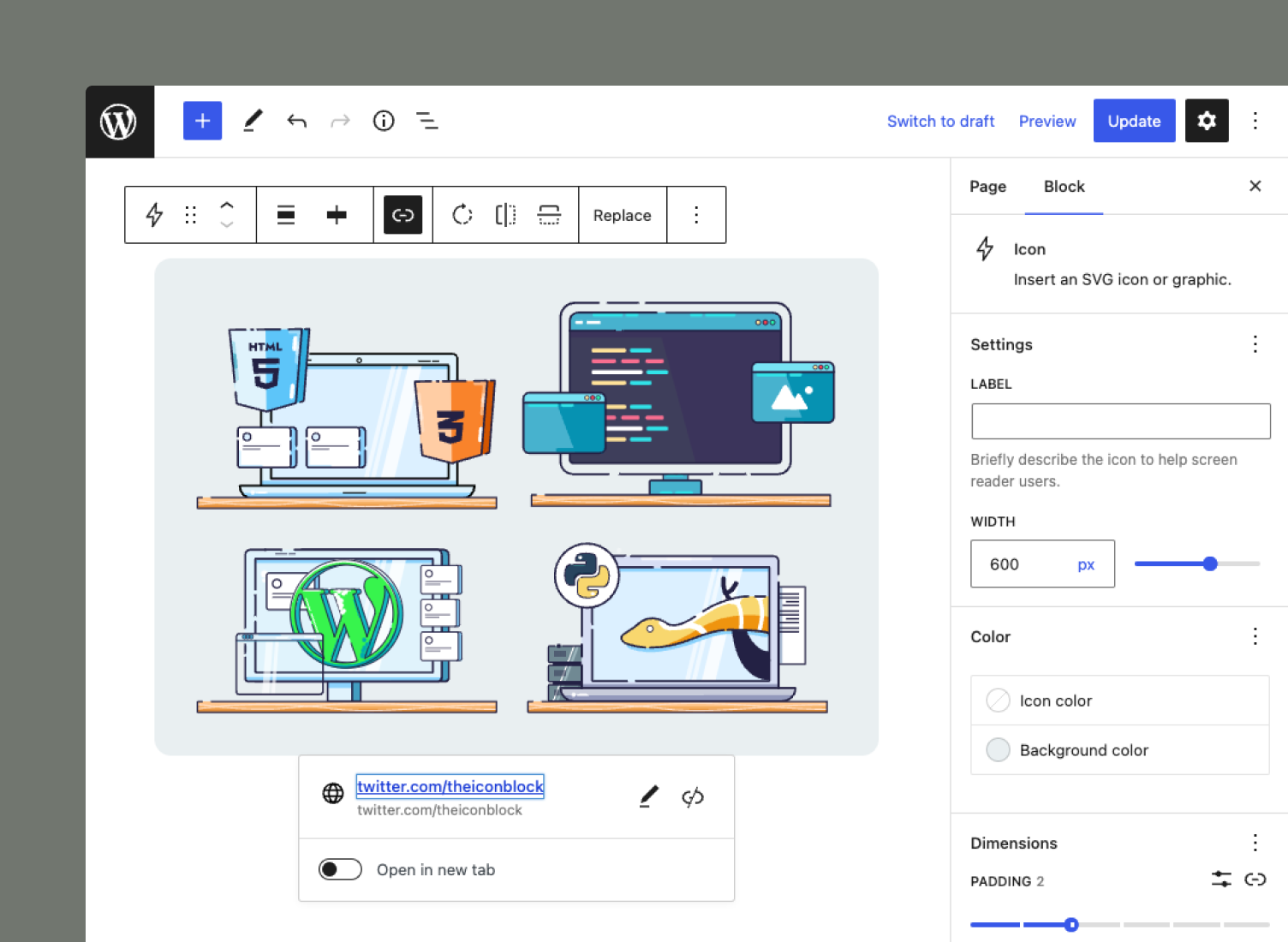
You are not limited to traditional icons. Any SVG-based graphic will work as well. The block will respect any hard-coded color/fill values in the provided SVG.