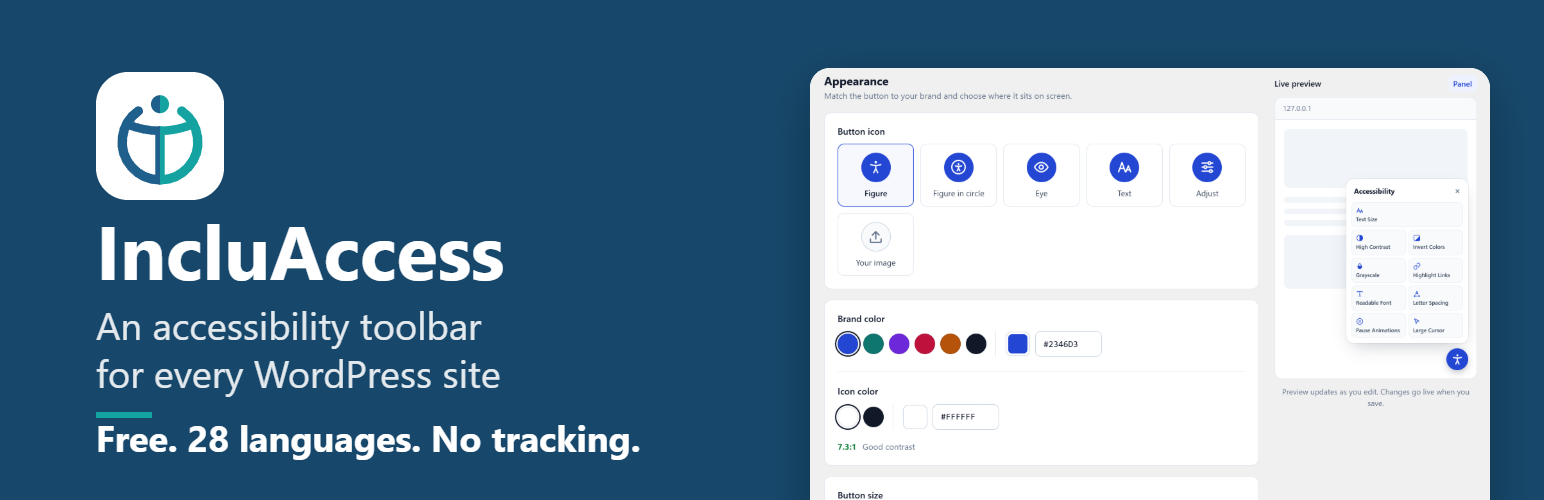
IncluAccess adds a small, friendly accessibility button to your site. Visitors open it to adjust the page to how they read best, and their choices are remembered on their next visit.
It is fast, has no frontend dependencies, makes no external requests, and is built so your theme’s styles can never break the panel.
Visitor tools
- Text size: scales text up or down in steps, including text sized by page builders like Elementor
- High contrast: white text on black with yellow links
- Invert colors: flips the color scheme while keeping photos and video natural
- Grayscale: removes color to reduce visual noise
- Highlight links: outlines and underlines every link
- Readable font: switches to a highly legible typeface
- Letter spacing: three levels of extra spacing
- Pause animations: stops animations and transitions
- Large cursor: a bigger, high-contrast pointer
- One-click reset
Built for every visitor
- Fully keyboard accessible, with screen reader labels and announcements
- Respects “reduce motion” and Windows High Contrast settings
- Speaks 28 languages out of the box, picked automatically from your page’s language
- Add any other language yourself, left-to-right or right-to-left, with your own labels
- Right-to-left (RTL) languages are fully supported: the button and panel mirror automatically
- Works on phones: the panel fits any screen width
Easy to set up
- Live preview in the settings page as you edit
- Brand color presets with an automatic contrast check
- Five built-in button icons, or upload your own (PNG, JPEG or WebP)
- Choose any corner, button size and distance from the edge
- Turn each tool on or off
- Show the button on the entire site or only on selected pages
- Edit any label in any language, and choose a fallback language
For developers
Control the panel from your theme:
window.IncluAccess.open()
window.IncluAccess.close()
window.IncluAccess.toggle()
window.IncluAccess.reset()
window.IncluAccess.refresh()
Call refresh() after a multilingual plugin switches the page language.
A note on compliance
An accessibility toolbar helps visitors customize their experience, but it does not by itself make a website compliant with WCAG, the ADA or similar laws. Accessible content, markup and design are still essential.
About
IncluAccess is made by Greyteck Studios. Learn more on the IncluAccess page.
Screenshots

The accessibility panel your visitors see.
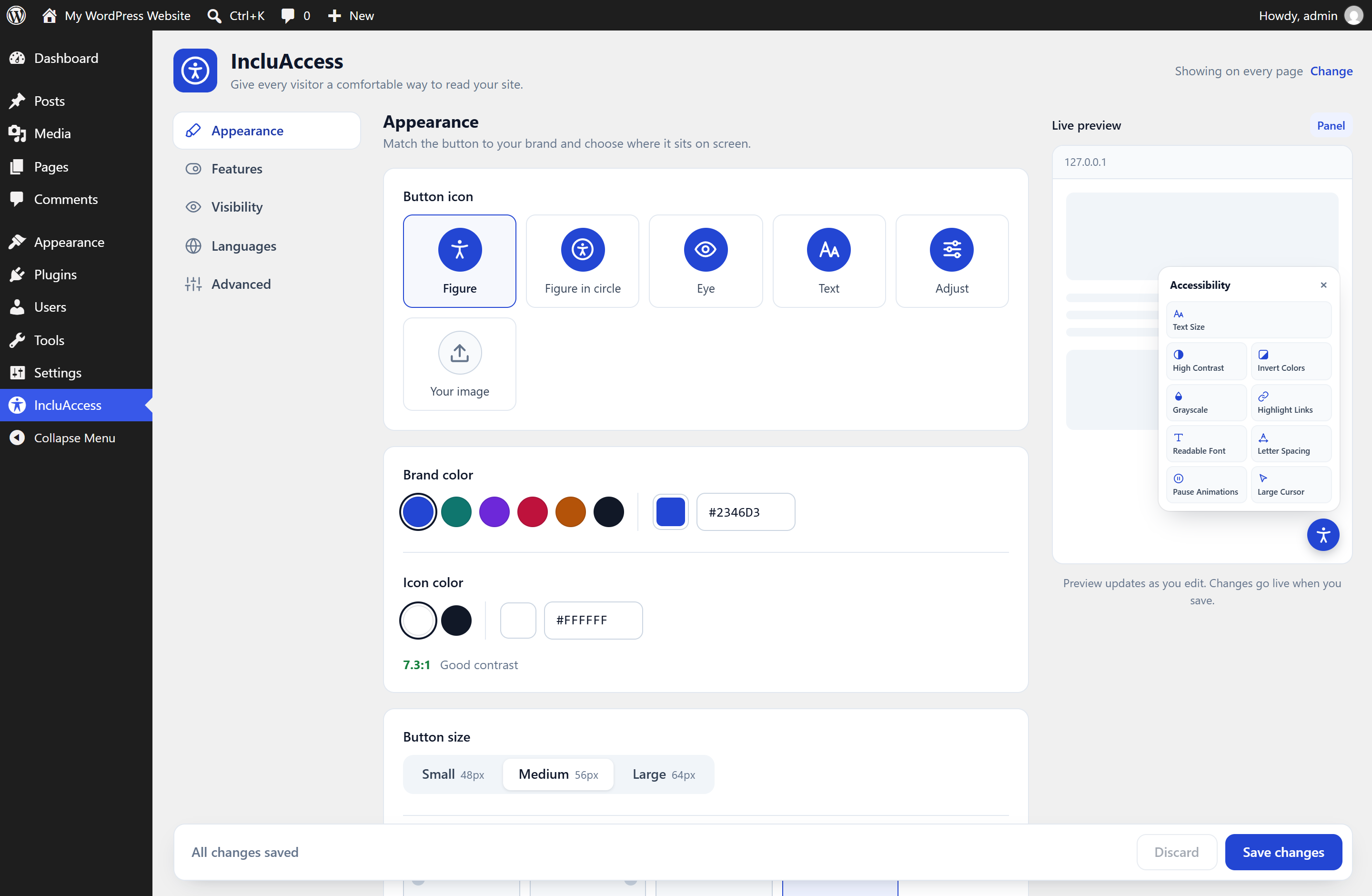
The settings page, with a live preview of the button and panel.