
Innova GEO AI Indexer adds the essential GEO fields and structures to WordPress for optimizing content for Generative Search Engines (ChatGPT, Claude, Gemini, Perplexity, Mistral, Kimi). It features single-field AI population using your own provider API keys (BYOK), multi-stack Schema.org JSON-LD output, and site-level llms.txt file management.
Fully free with no account, no license, no subscription — you bring your own API key and the plugin calls the provider directly. Nothing goes through geocite22.com.
What the free version does
- 5 core Post-level GEO fields: Quick Answer, FAQ, Direct Definition, Reading Time, Author Override.
- Multi-stack Schema.org JSON-LD: Organization + BreadcrumbList + Article/BlogPosting/NewsArticle/HowTo/Product/Review/Recipe/Event + FAQPage (optional) — all within a single
@graphin the<head>. - Dynamic llms.txt: Automatically generated with pillar content + contact email + topical clusters.
- AI generation via BYOK: single-field ✨ Generate button next to each AI-generable field, using your own API key from any of the 5 supported providers (Anthropic Claude, OpenAI ChatGPT, Google Gemini, Mistral, Kimi/Moonshot). Native structured tool use per provider.
- Model auto-discovery: click Test on a saved provider key and the plugin fetches the current list of available models from the provider’s own
/v1/modelsendpoint. The Model field becomes an autocompleted dropdown — no need to remember exact model names as they change. - User-friendly errors: connection errors are translated to human-readable suggestions (“Il provider è momentaneamente sovraccarico, riprova tra qualche secondo”) with the raw technical detail available on a
ⓘtooltip for debugging. - API keys encrypted at-rest using Sodium secretbox (derived from
AUTH_KEY). - AI generation audit log: full tracking of generations in a dedicated DB table.
- Automatic reading time calculation from post content (~200 words/min).
- Extendable: exposes hooks that a Pro add-on (or your own code) can use to add fields, sections, post types, and features.
Not in the free version — Pro add-on
There is an optional Innova GEO AI Indexer Pro add-on plugin distributed separately at geocite22.com that adds — on top of everything the free plugin does:
- 9 additional GEO fields (Key Takeaways, Target Queries, Citation Sources, Key Statistics, Related Entities, Schema Type, Expertise Level, Last Fact Check, ItemList Entries)
- Multi-field generation in a single click (batch panel above the metabox)
- Support for page builders (Elementor / Divi / Beaver Builder) — fetches the rendered HTML instead of
post_content - Frontend display of GEO fields (auto-inject, shortcodes, Gutenberg blocks)
- Custom post types support + per-post-type field selection matrix
- Managed AI mode (no BYOK — credits included in the subscription)
- Roadmap features: LLM citation monitoring, AI-generated cover images, batch generation on the archive, WPML/Polylang translations
The Pro is entirely optional. The free plugin is fully functional and does not degrade in any way if the Pro is not installed.
Privacy & Third-Party Services
The free plugin communicates ONLY with the AI provider you configure — geocite22.com is never contacted:
- Anthropic (Claude) — Terms of Service · Privacy Policy · endpoint
api.anthropic.com - OpenAI (ChatGPT) — Terms of Use · Privacy Policy · endpoint
api.openai.com - Google Gemini — Terms of Service · Privacy Policy · endpoint
generativelanguage.googleapis.com - Mistral AI — Terms of Service · Privacy Policy · endpoint
api.mistral.ai - Kimi / Moonshot AI — Terms of Service · Privacy Policy · endpoint
api.moonshot.cn
The plugin sends the post title + content + your prompt to the provider you selected, and receives back the AI-generated field values. No data is sent anywhere else. Your API keys are stored encrypted (Sodium secretbox) in wp_options and never leave your site except as Authorization headers in the direct provider calls.
IndexNow (optional, disabled by default) — if you switch it on in Settings IndexNow, publishing or updating a post whose Quick Answer is filled sends a notification to the search endpoints you selected:
- Bing / Microsoft (IndexNow) — Terms of Use · Privacy Statement · endpoint
api.indexnow.org - Yandex — Terms · Privacy Policy · endpoint
yandex.com - Naver — Terms · Privacy Policy · endpoint
searchadvisor.naver.com - Seznam — Terms · endpoint
search.seznam.cz
Each notification contains only the URL of the content, your site host and a randomly generated verification key — never the post content. The key is published as a plain text file at https://your-site.com/{key}.txt, as the IndexNow protocol requires. Turning the feature off stops all outbound calls immediately.
Extension points
Filterable hooks for developers and the Pro add-on:
innogai22_field_definitions— add/remove GEO fields.innogai22_displayable_fields— extend the list of publicly-displayable fields.innogai22_enabled_post_types— extend the post types where the metabox appears.innogai22_schema_output— modify JSON-LD payload before output.innogai22_tool_schema— modify AI tool-use schema.innogai22_ai_providers— register custom AI providers.innogai22_license_manager— replace the null license manager (used by the Pro add-on).innogai22_indexnow_should_notify— decide whether a saved post triggers an IndexNow notification (default: only posts with a filled Quick Answer).innogai22_citation_density_config— recalibrate the Citation Density weights, thresholds and bonus meta keys.innogai22_registered_geo_blocks— add or modify the GEO blocks catalogue.innogai22_block_html— replace the public markup of a GEO block. Receives(string $html, string $blockName, array $attrs).
JavaScript filters (via wp.hooks, editor side):
innogai22.citationDensity.suggestions— append or replace the actionable suggestions in the Citability sidebar. Receives(suggestions, analysis).innogai22.citationDensity.panels— append panels to the Citability sidebar. Receives(panels, analysis).innogai22_metabox_before_fields— inject markup at the top of the metabox (used by the Pro for the multi-field panel).innogai22_settings_before_provider_section/innogai22_settings_before_locale_section— inject Settings sections (used by the Pro for the advanced tabs).innogai22_dashboard_after_main_cards— inject Dashboard widgets (used by the Pro for license status, credits, monitoring).innogai22_required_capability— custom capability for plugin management.
Screenshots
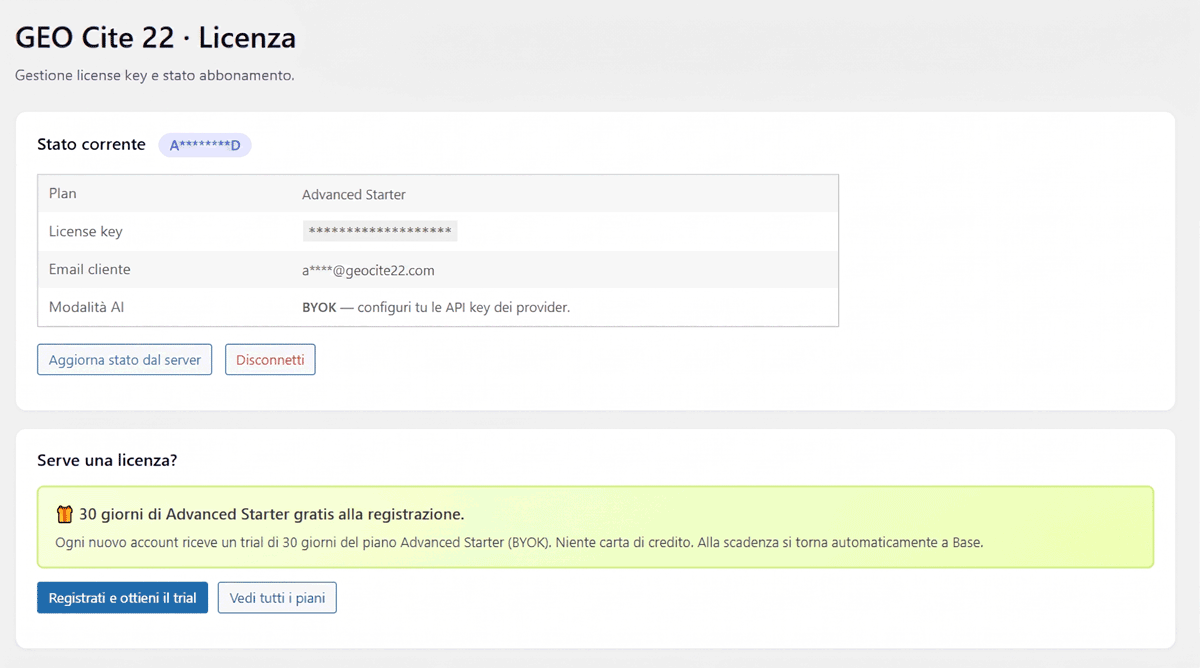
License page.
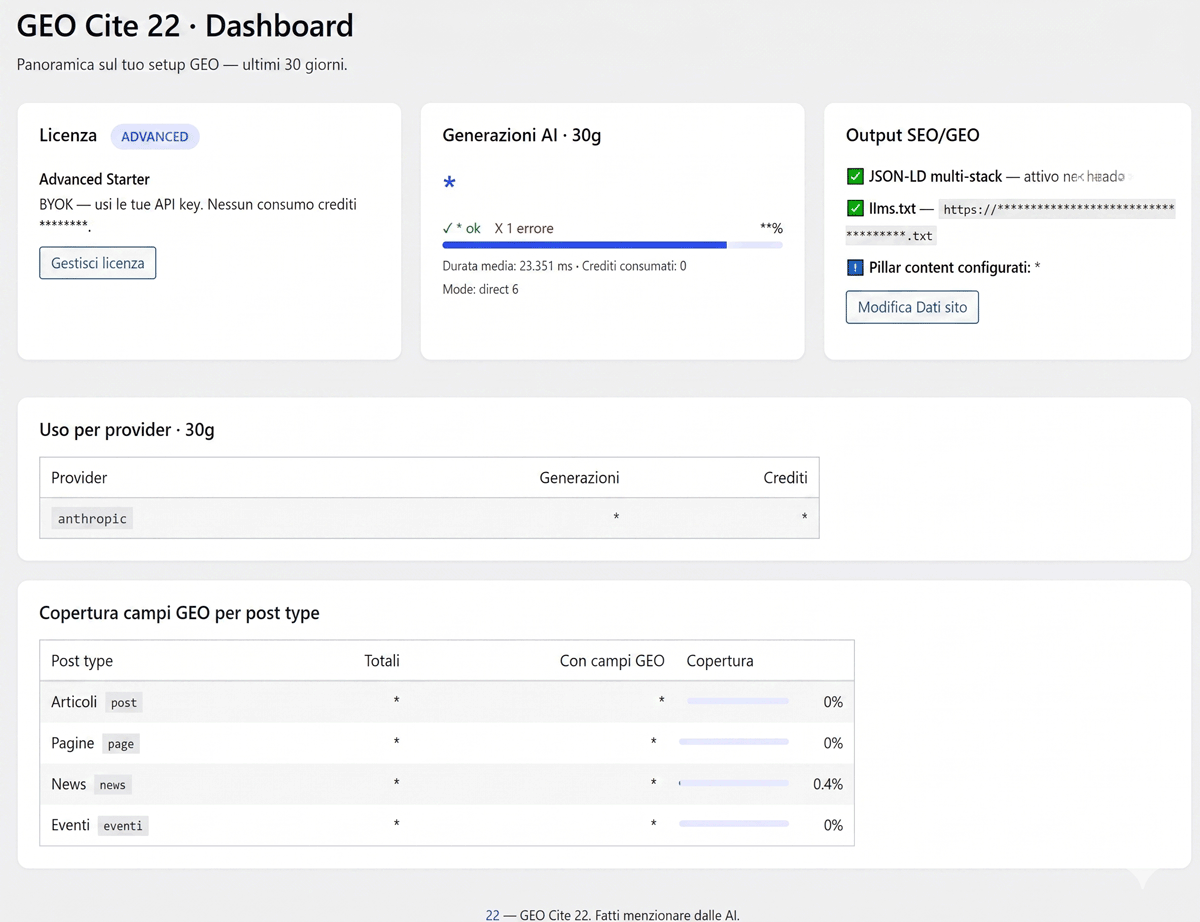
Dashboard with stats for the last 30 days via the chosen AI provider.
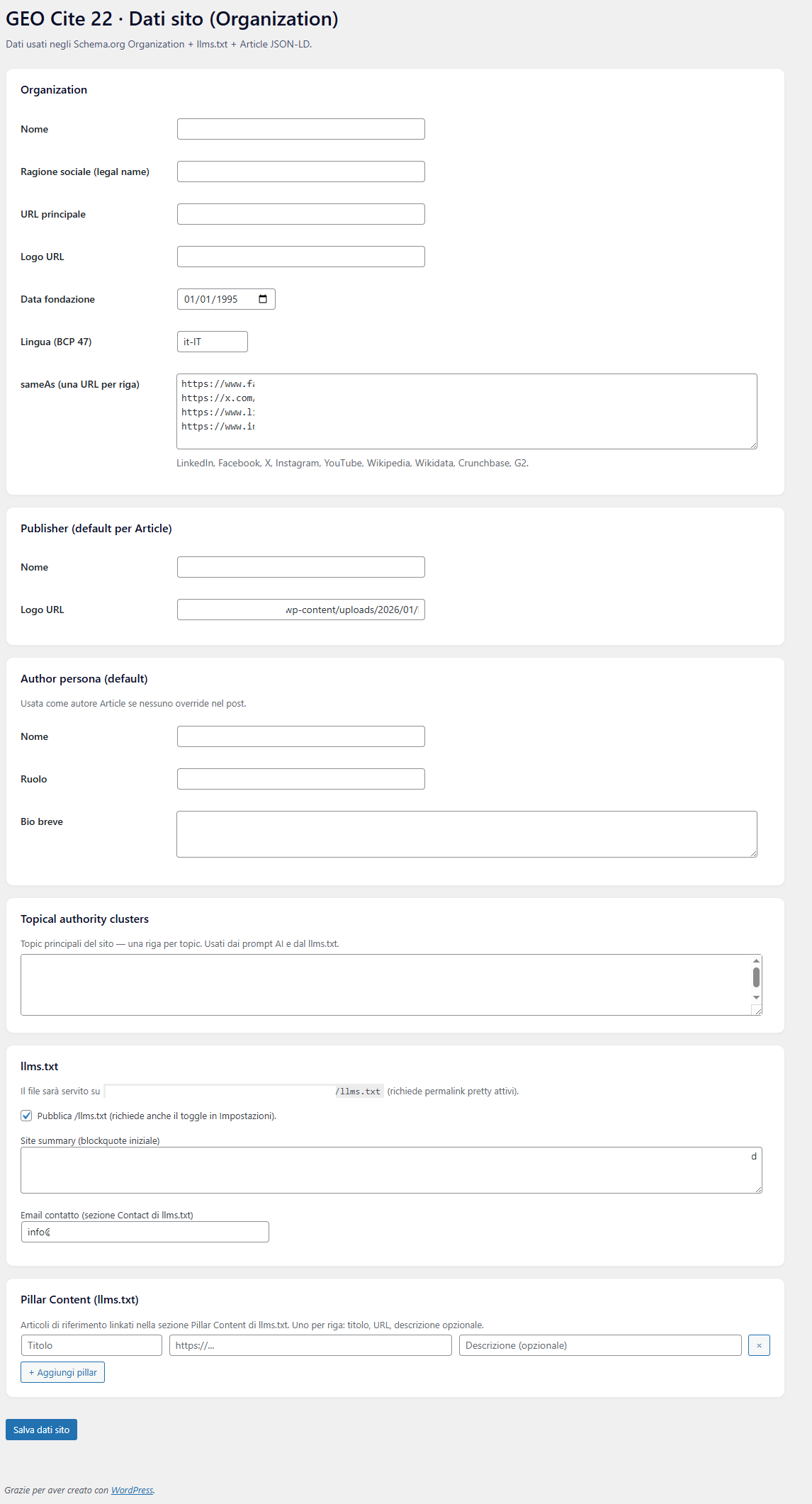
Organization data page.
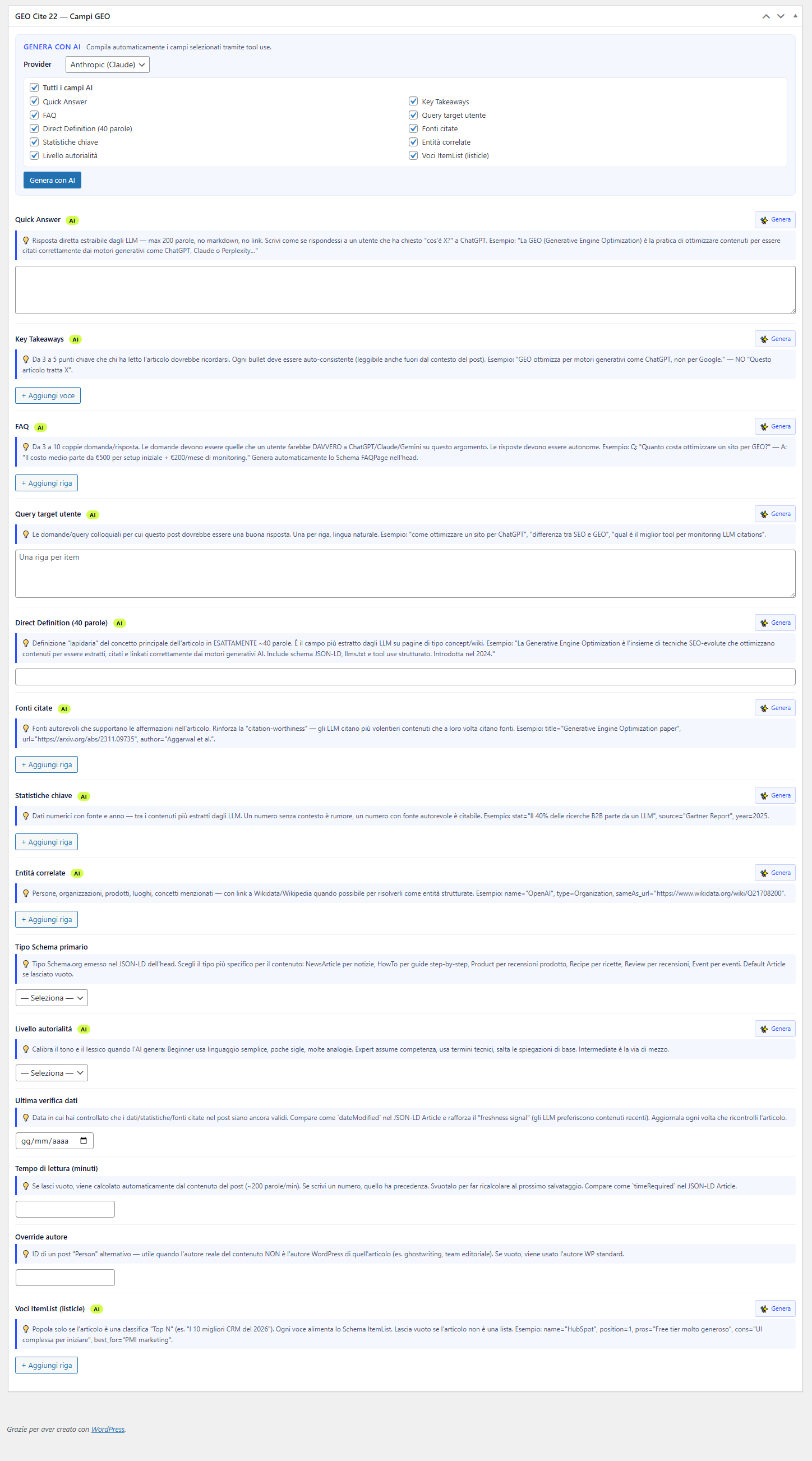
Metaboxes in CPTs.