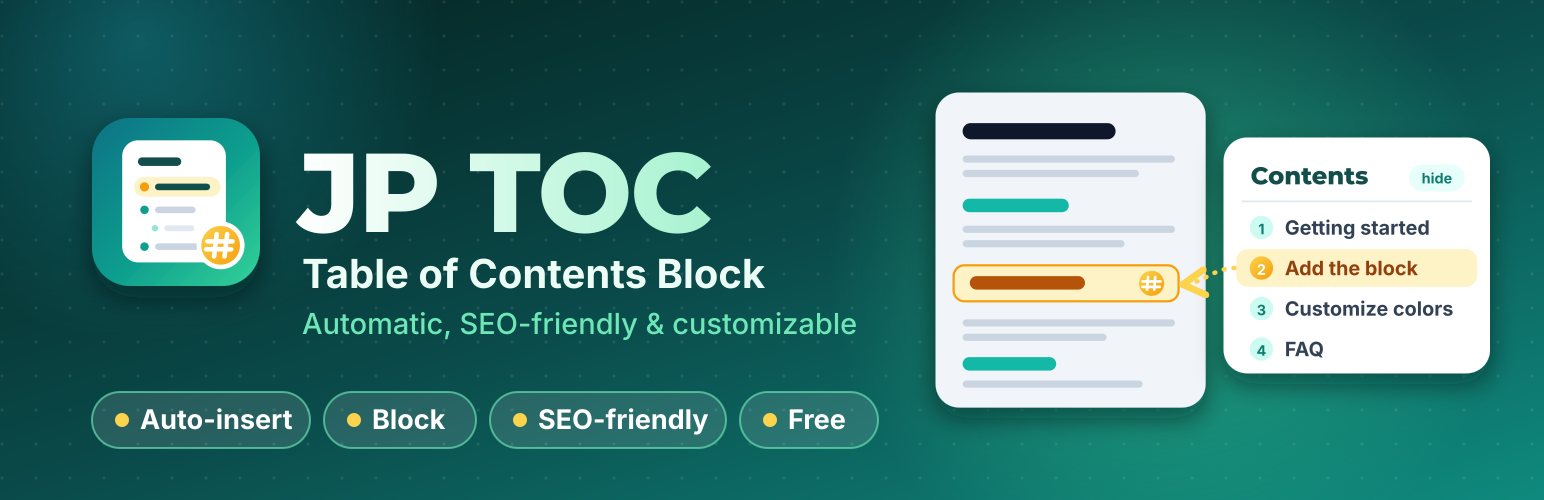
JP TOC generates an SEO-friendly automatic table of contents block from the headings in your post or page. Instead of scrolling through long-form content, readers can jump straight to the exact section they came for. The plugin works automatically upon activation, or lets you place your TOC precisely where you want using a shortcode, a custom Gutenberg block, or a widget.
Every link points to a real, semantic anchor on the heading itself, and the entire TOC is wrapped in a proper <nav> landmark – so it is just as valuable to search engine crawlers and screen readers as it is to human visitors. Long-form guides, tutorials, recipes, FAQs, and review posts all rank and read better with a well-structured table of contents.
Table of Contents Features
- Automatic TOC Insertion: Automatically insert a table of contents into posts, pages, or any custom post type. Choose your preferred position and qualifying content types.
- Semantic & Search-Engine-Friendly: Uses real
<ul>/<li>(or<ol>/<li>) lists inside a<nav>landmark with clean anchor links that search engines may use for jump-to-section links in results. - Flexible Manual Insertion: Place your TOC manually using the
[jptoc]shortcode, the Gutenberg “Table of Contents” block, a widget, or the classic editor toolbar button. - Smart Heading Filtering: Set a minimum heading count so the TOC never displays on short posts. Choose which heading levels to include and skip specific headings by level or text matching.
- Hierarchical & Flat Views: Display nested sub-headings (e.g., H3 under H2) or a clean, flat list view.
- Advanced Numbering: Format lists with decimal or Roman numerals, sequentially or nested by depth.
- Full Appearance Customization: Complete control over width, float/alignment, typography (font size and weight), and colors.
- Built-in Color Schemes: Select from dark, light, white, transparent, or theme-inherited color schemes with individual color overrides.
- Interactive Elements: Optional show/hide toggle with custom labels and smooth scrolling with configurable top offsets for sticky headers.
- Clean URL Anchors: Generates readable anchor links in URLs (e.g.,
example.com/faq/#How_Do_This) instead of random IDs, with options for lowercase conversion and dash separation. - Accessibility Ready: Built with
aria-expandedstates on toggles and descriptivearia-labelattributes on<nav>landmarks. - Per-Post Overrides: Override the global settings on individual posts and pages when you need an exception.
- RTL Language Support: Works with right-to-left languages.
- Developer Friendly: Extensible via hooks and filters, and tested with popular page builders, caching plugins, and SEO plugins.
Auto Insert
To automatically insert a table of contents into your posts, enable “Auto Insert Table of Contents” under the plugin’s “Auto Insert” settings tab, then choose which post types should get one.
Supported automatic positions:
- Before the first heading
- After the first heading
- After the first block (paragraph or heading)
- Top of the post content
- Bottom of the post content
Manual Insert
If you prefer placing your table of contents manually, use any of these methods:
- The “Table of Contents” button in the classic editor toolbar
- The “Table of Contents” block in the Gutenberg editor
- The “Table of Contents” widget in your sidebars
- The
[jptoc]shortcode anywhere in your content
Clean, Readable Anchor Links
By default, each heading’s anchor is generated from its text (e.g., #How_Do_This), keeping your URLs human-readable. Under the “Misc.” settings tab, in the “Hash” section, you can choose the anchor format (as heading, as heading without transliterate, or a counter such as #jptoc1), convert anchors to lowercase, and replace underscores with dashes.
Note: For non-English websites using the “As heading” anchor format, enabling the Intl PHP extension ensures proper transliteration of anchors.
Compatibility
JP TOC has been tested for compatibility with:
- Elementor Page Builder
- Beaver Builder and Beaver Builder Themer Add-On
- WPBakery Page Builder
- Oxygen Builder
- WPML (WordPress Multilingual Plugin)
- Rank Math SEO
- WP Rocket
- Toolset Views and Toolset Access
Developer Hooks & Filters
Filters jptoc_before and jptoc_after
Add custom HTML immediately before or after the table of contents.
add_filter('jptoc_before', function ($before) {
    return '<p>Custom text before TOC.</p>' . $before;
});
Filter jptoc_shortcode_tag
Change the shortcode tag from the default [jptoc].
add_filter('jptoc_shortcode_tag', function ($tag) {
    return 'toc';
});
Filter jptoc_heading_id
Customize the anchor ID generated for individual headings.
add_filter('jptoc_heading_id', function ($id, $label) {
    return $id;
}, 10, 2);
Screenshots

The "Table of Contents" block in the Gutenberg editor.

The "Table of Contents" button in the classic editor toolbar.

The appearance customizer, with a live preview.

General settings: minimum headings, depth, hierarchy, and numbering.

Appearance settings: width, alignment, fonts, and colors.

Auto Insert settings: post types and position.

Processing Headings settings: post types that always get heading anchors.

Misc. settings: skipped headings, anchor (hash) format, and list markup tags.