
Display Google reviews on your WordPress website with Jotform’s customizable Google reviews widget. Search for your business or paste a Google Maps link, choose a layout, and preview your reviews directly in the WordPress admin.
Start designing and previewing your widget before connecting a Jotform account. When you’re ready to publish, connect with Jotform and add your saved widget to a page or post using the Gutenberg block or shortcode. No coding required.
Match the widget to your website with layout, color, font, and theme controls. Enable automatic review syncing on a daily, weekly, or monthly schedule, and optionally generate an AI summary of your reviews.
💬 What does the Jotform Widgets for Google Reviews plugin do?
The plugin retrieves publicly available reviews from your selected Google business listing and displays them in a responsive widget on your WordPress site.
Find your listing by business name or Google Maps link. You do not need to connect your Google account or supply a Google API key. A Jotform account is required to publish and manage saved widgets.
You can place these widgets anywhere on your site: landing pages, product pages, or homepages to instantly boost credibility and engagement.
🚀 Top features of Jotform Widgets for Google Reviews Plugin
- Preview before connecting: Find your business, customize the widget, and preview Google reviews before connecting a Jotform account
- Business search or Google Maps link: Select your public business listing without a Google account connection or your own Google API key
- Gutenberg block and shortcode: Embed a saved widget in a WordPress page or post with the block or
[jfrwg_widget id="..."] - Scheduled review syncing: Enable automatic updates on a daily, weekly, or monthly schedule
- Optional AI review summary: Generate or regenerate a summary from the current reviews
- Multiple layout options: Choose from carousel, grid, slider, badge, or list views
- Fully customizable design: Match colors, fonts, and layout to your brand
- Responsive & mobile-friendly: Looks great on all devices
- Flexible placement: Embed anywhere on your WordPress site
- Improves trust & conversions: Showcase real customer feedback where it matters most
👩💻 Who can benefit from the Jotform Widgets for Google Reviews plugin?
This plugin is ideal for:
- Small businesses looking to build credibility
- E-commerce stores aiming to increase conversions
- Agencies and freelancers showcasing client feedback
- Local businesses with Google Business profiles
- SaaS companies highlighting customer satisfaction
Displaying authentic reviews helps visitors trust your brand more quickly and make more confident decisions.
🔒 Data Protection
Jotform prioritizes security and data privacy.
- Only publicly available Google review data is displayed
- No sensitive customer data is stored or processed
- Secure infrastructure ensures reliable widget performance
- Full control over what is displayed on your website
Your data and your customers’ trust remain protected at all times.
How to add Google reviews to WordPress
- Install and activate the plugin, then open Jotform – Widgets for Google Reviews in the WordPress admin.
- Search for your business or paste its Google Maps link.
- Choose a layout, customize the appearance, and check the live preview.
- Connect your Jotform account when publishing. Your in-progress configuration is preserved through authorization.
- Insert the Jotform – Widgets for Google Reviews Gutenberg block and select your saved widget, or paste its shortcode into a page or post.
External services
This plugin connects to Jotform services to authenticate your Jotform account, create and manage review widgets, retrieve your saved widgets, and load the published widget on your site.
When an administrator publishes a configured widget, the plugin opens Jotform OAuth at https://www.jotform.com/api/oauth.php. The request includes the plugin client name and your WordPress site URL as the OAuth referrer so Jotform can authorize the connection and return an API key. The in-progress widget configuration and preview review data are retained locally through authorization and used to create the widget after the administrator returns.
In the plugin admin, the widget builder connects to Jotform API endpoints such as https://api.jotform.com/website-widgets, https://api.jotform.com/website-widgets/mywidgets, and https://api.jotform.com/user/combinedinfo. If your account uses EU, HIPAA, or Enterprise settings, equivalent Jotform regional or enterprise endpoints may be used. These requests send the connected Jotform API key, widget IDs, widget configuration values, and selected review source details when you create, edit, list, preview, or delete widgets.
On the public site, the shortcode and block load the published widget script from the connected Jotform site, for example https://www.jotform.com/website-widgets/embed/{widget_id} or the configured regional or enterprise Jotform domain. The browser sends the widget ID and normal web request data such as IP address, user agent, and referrer to Jotform so the widget can be rendered.
This service is provided by Jotform: Terms of Use and Privacy Policy.
Screenshots
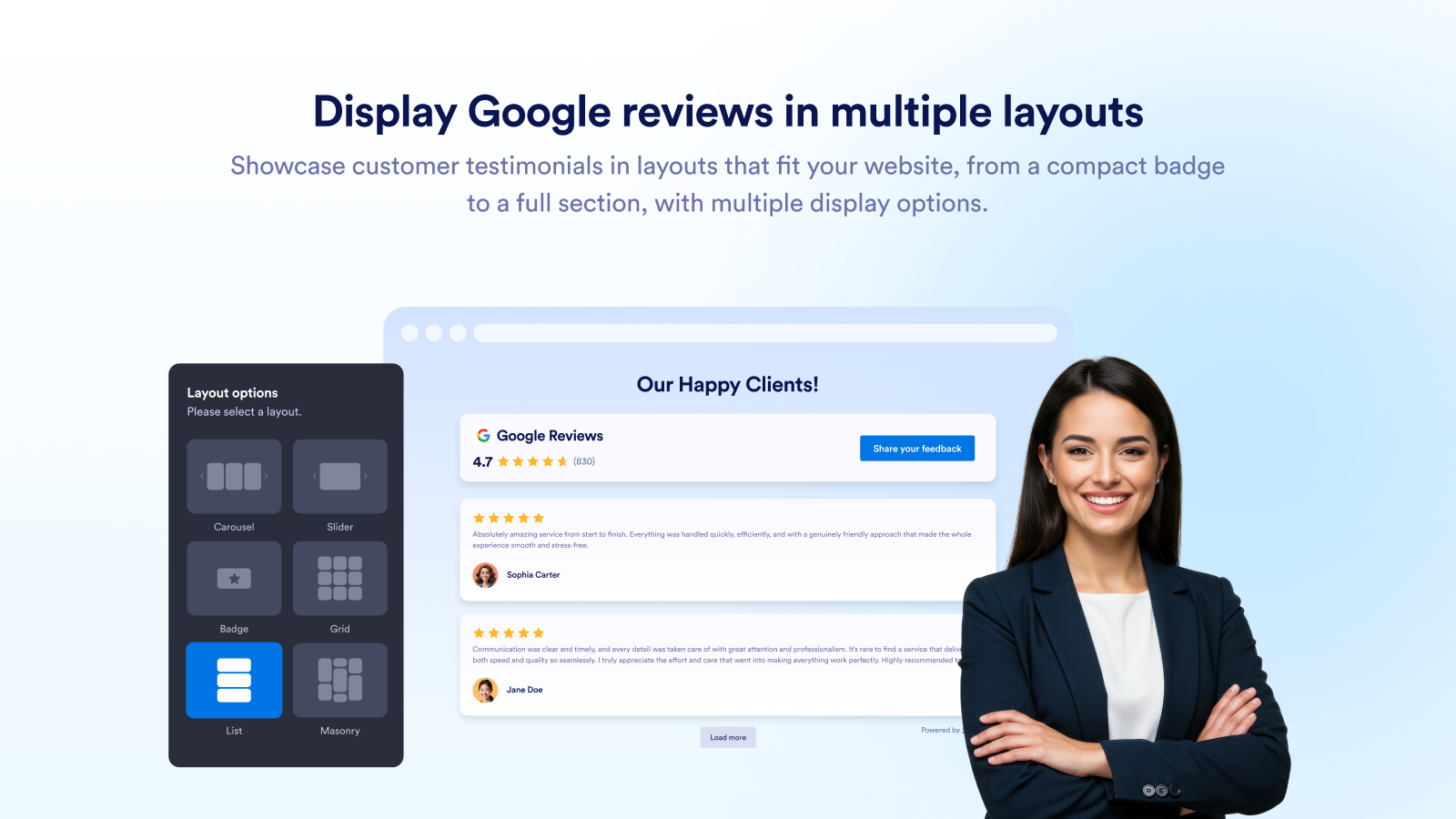
Display Google reviews in multiple layouts
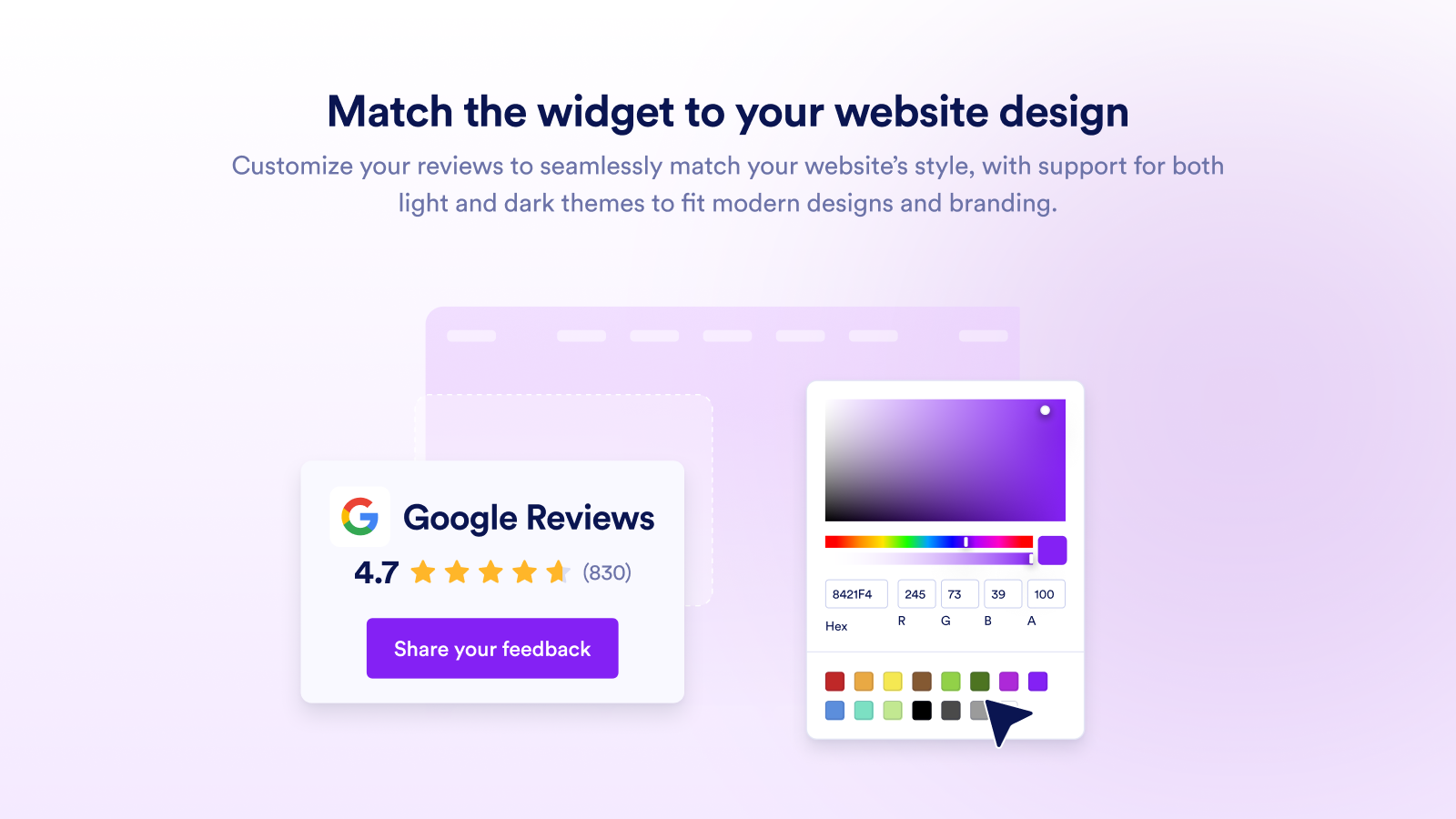
Match the widget to your website design

Let visitors browse reviews easily
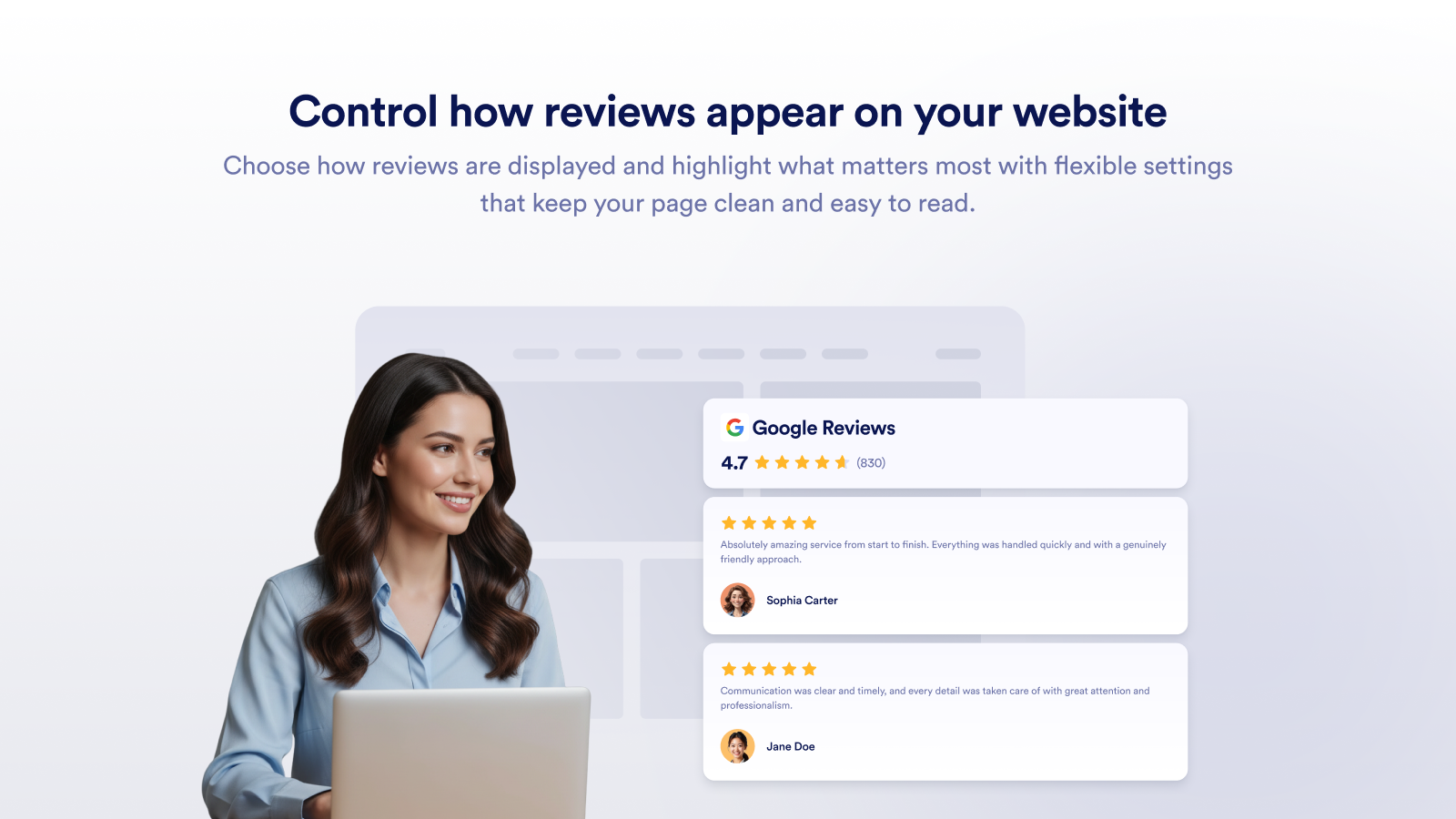
Control how reviews appear on your website
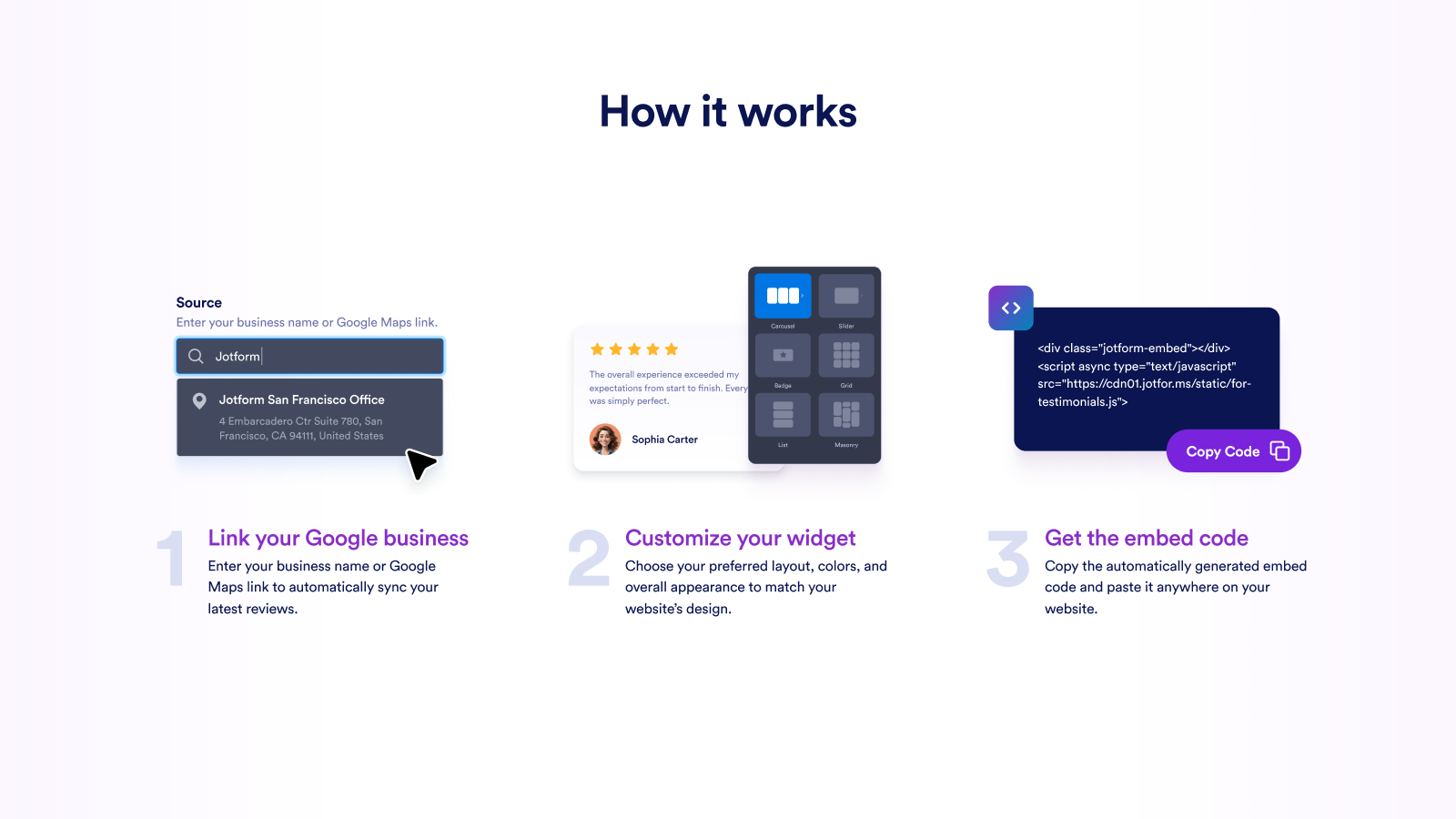
How it works