
Take card donations in person on the Give (formerly GiveWP) forms you already use.
Tap To Donate turns your phone into a card reader with Tap to Pay, connects Stripe Terminal card readers, and runs an unattended donation kiosk — and every gift lands in your Stripe account and your Give reports right next to your online donations. No second system, no spreadsheet reconciliation, no re-keying donor details after the event.
Built by Jovvie, an official Stripe partner. Free plugin, no monthly fee, no contract — you only pay a small platform fee when you actually take an in-person donation.
Where nonprofits use it
- Fundraising events — galas, auctions, walks, runs, and dinners where donors want to give right now, not “when I get home.”
- Donation kiosk — an unattended tablet or countertop reader in your lobby, church foyer, museum entrance, or thrift store.
- Community outreach — farmers markets, canvassing, festivals, and pop-ups using nothing but a phone.
- Weekly giving — offering plates and collection tables where donors increasingly carry a card, not cash.
- Ticketed events and merch tables — take the payment at the door on the same form your website uses.
Three ways to take a donation
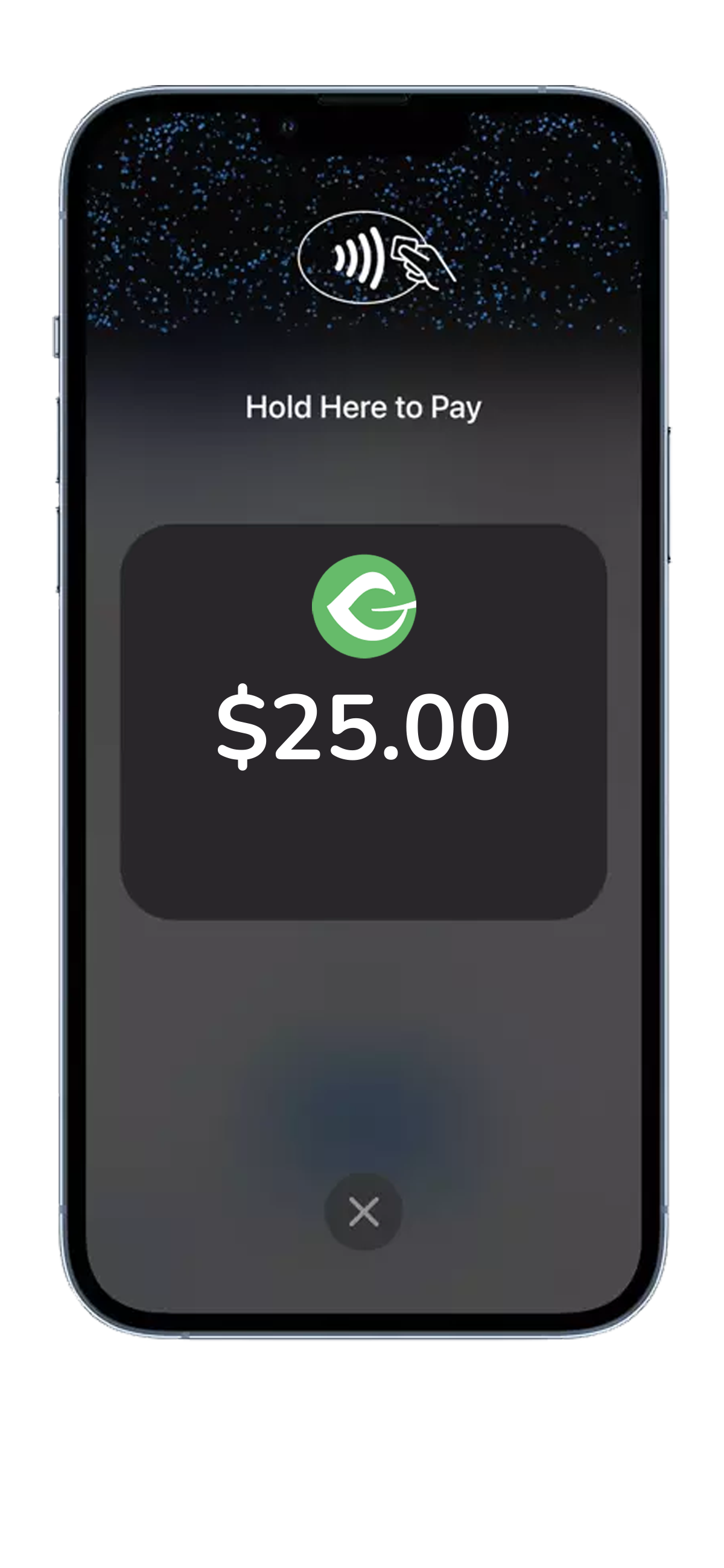
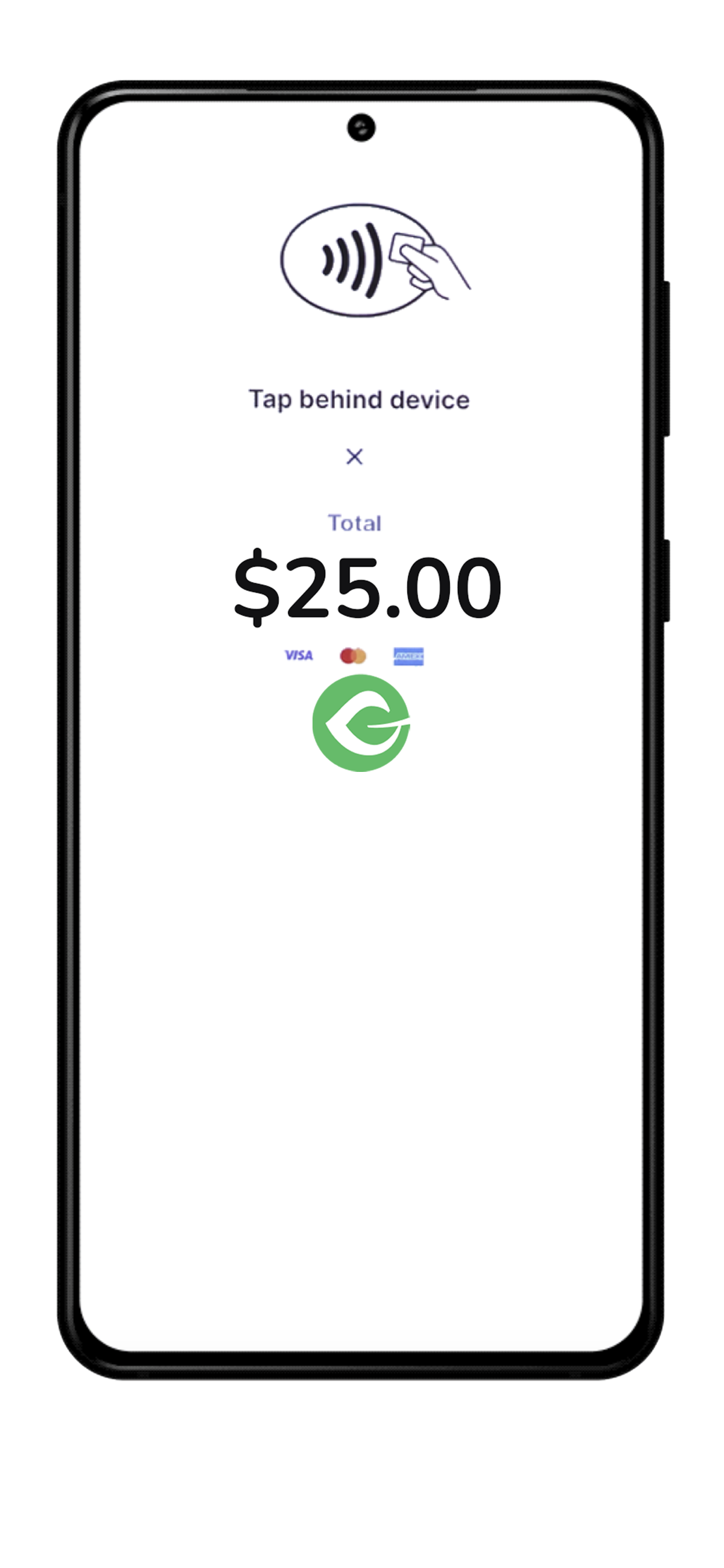
- Tap to Pay on iPhone and Android — no hardware to buy. Donors tap their contactless card, Apple Pay, or Google Pay on your phone using the free Jovvie app.
- Stripe Terminal card readers — chip, swipe, and contactless with the Stripe Reader M2 and BBPOS WisePad 3 (Bluetooth, paired through the Jovvie app) or the Stripe Reader S700 and BBPOS WisePOS E (Wi-Fi/Ethernet, connected from your browser).
- Kiosk mode — leave a device unattended. After each donation the form resets automatically so the next donor can step up. Works with page caching and managed hosts that disable PHP sessions.
What you get
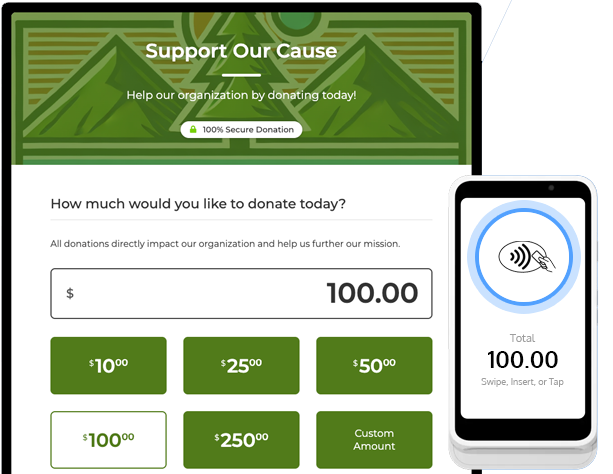
- Works with your existing Give forms — enable the “Swipe, Insert or Tap Donations” option on any form; no rebuilding, no separate event forms.
- Recurring donations in person — donors can start a monthly, quarterly, or annual gift at your table, not just a one-time donation.
- Unified reporting — in-person and online donations appear together in Give and in Stripe, with donor records intact.
- Direct to your Stripe account — funds settle to the Stripe account you control. Jovvie never holds your money.
- Test mode — separate live and test locations so you can rehearse the whole flow before the event.
- Secure by design — card data goes straight to Stripe. PCI-compliant, EMV, and NFC.
- Available in 25 countries — Australia, Austria, Belgium, Canada, Czech Republic, Denmark, Finland, France, Germany, Ireland, Italy, Luxembourg, Malaysia, Mexico, Netherlands, New Zealand, Norway, Poland, Portugal, Singapore, Spain, Sweden, Switzerland, United Kingdom, and United States (per Stripe Terminal availability).
What it costs
- Plugin: free
- Jovvie account: free
- Stripe account: free (you can create one during setup)
- Monthly fee, contract, or per-reader charge: none
- Platform fee: a small percentage on in-person donations only — 0.5% to 2% depending on your donation volume — in addition to Stripe’s processing rate.
Get started in minutes
- Install and activate the plugin.
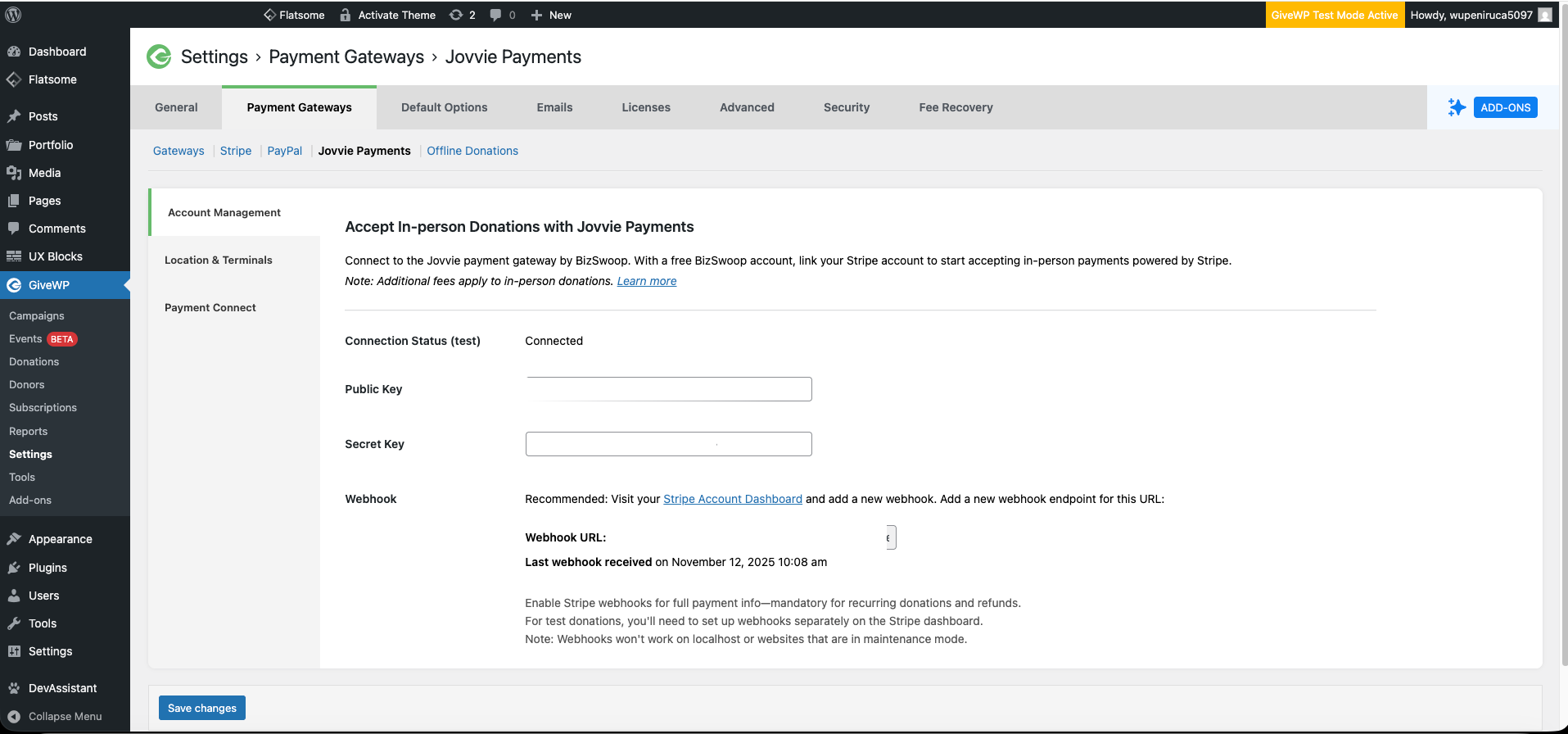
- Go to Donations Settings Payment Gateways Jovvie Payments and connect your Stripe account.
- Add a Payment Location and register your reader (or install the free Jovvie app for Tap to Pay).
- Enable Jovvie on the donation forms you want to use in person.
- Take a test donation, then go live.
Full walkthrough with screenshots: How to accept in-person donations with Jovvie and Give.
Documentation & support
Requirements
- WordPress 4.4 or newer, PHP 8.0 or newer
- Give – Donation Plugin (formerly GiveWP)
- A Stripe account in a supported country
- An internet connection on the device taking the donation
Screenshots
Settings page: Connect Jovvie to Stripe
Location Management interface: Add and register card reader
Donation form: Option for "Tap, Swipe or Insert"
Mobile view: Tap to Donate via NFC