
Jugl Chat Widget connects your WordPress site to the Jugl chat service. After activating the plugin, go to Settings Jugl Chat Widget, paste the token provided by Jugl, and the chat widget will appear on every public page of your site.
Features:
- Simple one-field setup — just paste your Jugl token.
- Optional configurable base URL (defaults to
https://chat-bot.jugl.com) for staging or custom environments. - Loads asynchronously after the page has finished loading, so it never blocks rendering.
- No widget is shown until you provide a token, and clearing the token instantly disables it.
Third-party service disclosure
This plugin loads a chat widget served by Jugl, a third-party service. When enabled, it injects a small inline script that loads the loader file bot.min.js from the configured base URL (by default https://chat-bot.jugl.com/bot.min.js) and passes your Jugl token and the chatbot URL to it. The widget then communicates with the Jugl chat service to render the chat experience and exchange chat messages between visitors and your Jugl workspace.
By using this plugin you agree to Jugl’s terms and privacy policy:
- Service: https://jugl.com/
- Terms of Service: https://jugl.com/terms
- Privacy Policy: https://jugl.com/privacy
Please ensure your site’s privacy policy discloses the use of this third-party chat service.
Screenshots
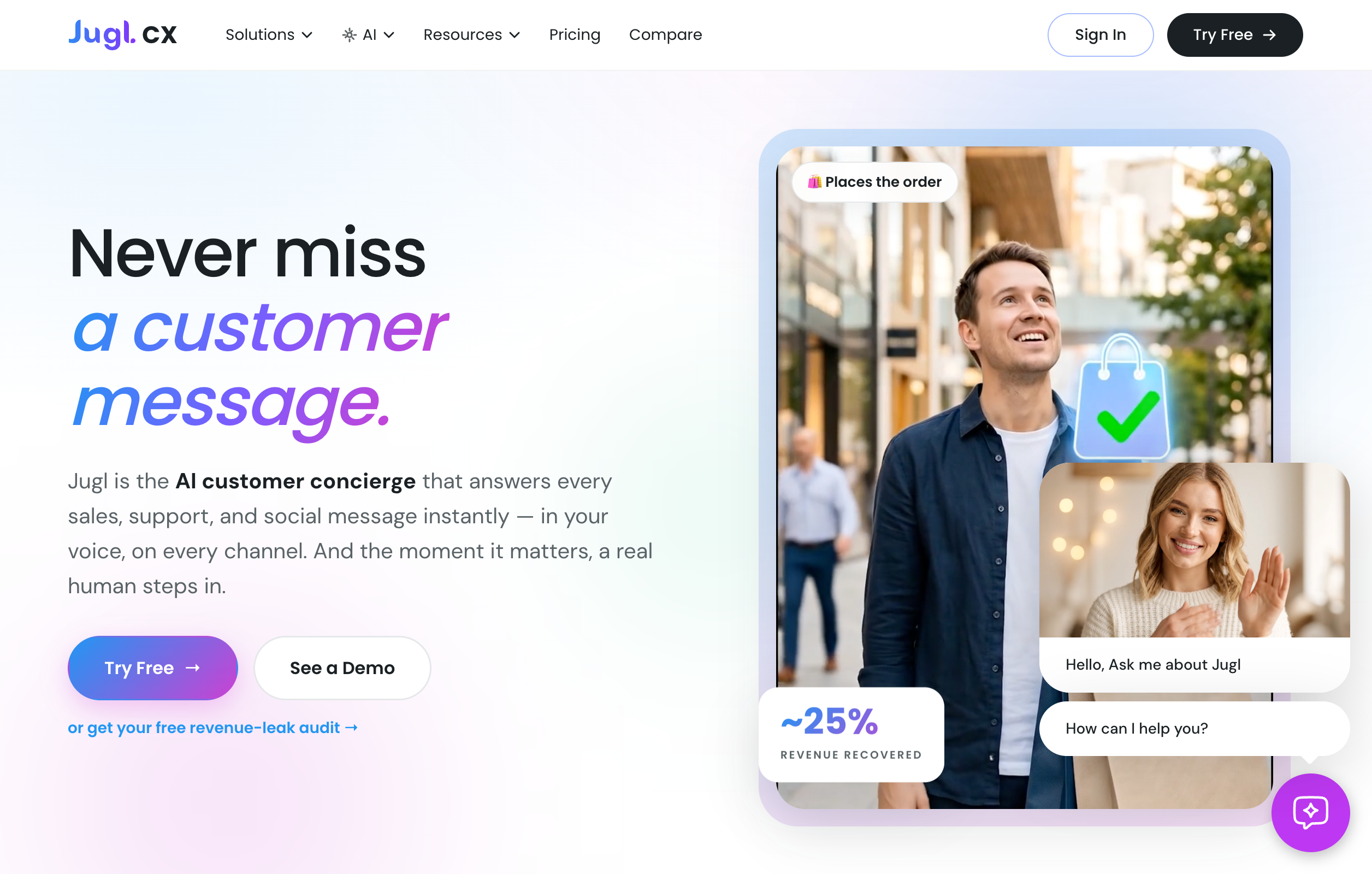
The Jugl Chat Widget settings page under Settings → Jugl Chat Widget.
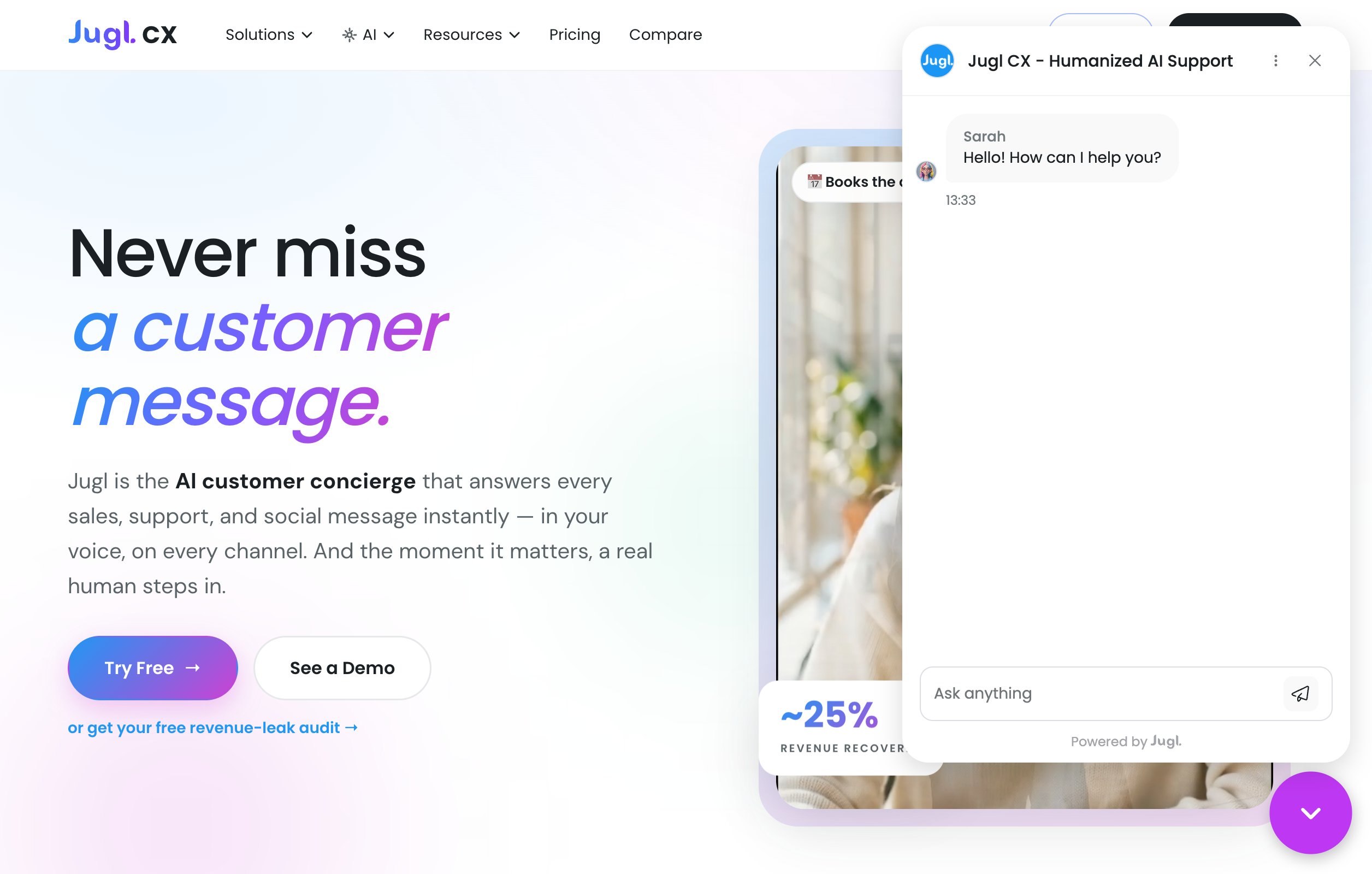
The chat widget displayed on the front end of a site.