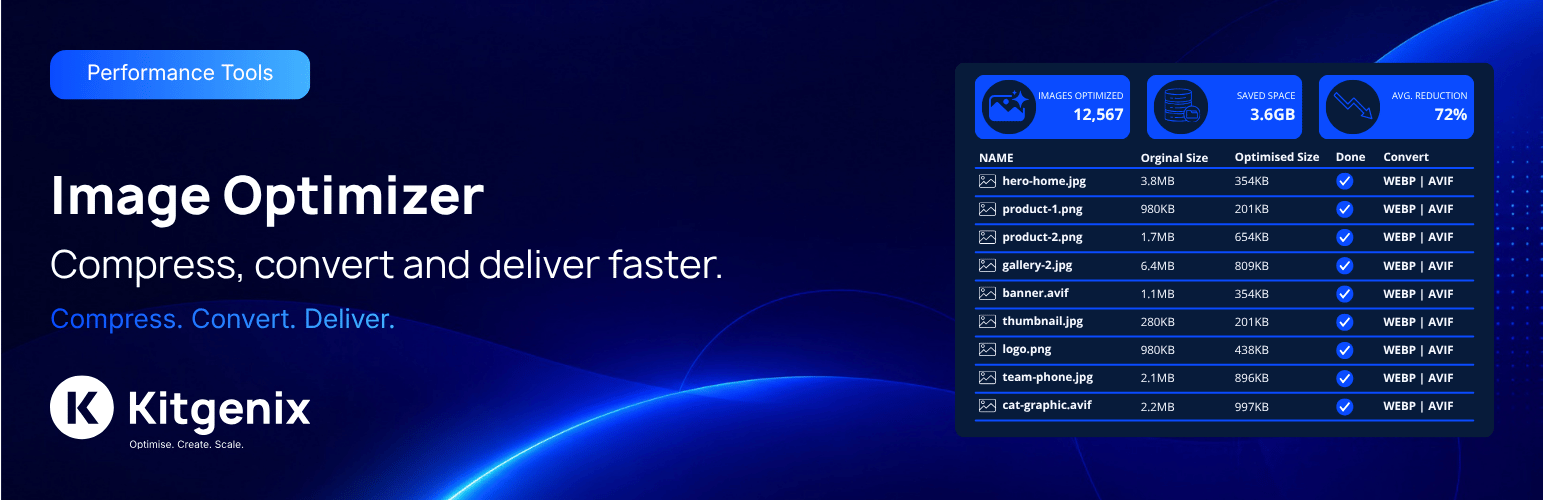
Kitgenix Image Optimizer is a local WordPress image optimization plugin for compressing Media Library images, resizing oversized uploads and creating modern WebP or AVIF sidecar files without sending image files to a remote compression API.
Image processing runs through WordPress’s WP_Image_Editor layer using the image library available on the server, normally GD or Imagick. New uploads can be optimized automatically, while existing media can be processed through a persistent background queue or WP-CLI.
The plugin is designed for WordPress sites and WooCommerce stores that want image compression, size reduction and modern-format delivery without per-image credits or an external image-processing account.
Learn more about Kitgenix at Kitgenix.
WordPress Image Optimization Features
- Local JPEG, PNG, WebP, GIF and AVIF optimization when supported by the active WordPress image editor.
- Automatic optimization after WordPress generates attachment metadata and registered image sizes.
- Persistent bulk queue for existing Media Library images.
- Bulk optimize or force re-optimize modes.
- Pause, resume, stop and retry-failed queue controls.
- WP-Cron background continuation so the browser does not need to remain open.
- Compression presets plus custom JPEG, PNG, WebP and AVIF quality controls.
- Maximum width/height integration with WordPress’s
big_image_size_thresholdbehaviour. - Optional WebP and AVIF sidecar generation for JPEG/PNG source images.
- Frontend
<picture>delivery when corresponding sidecars exist. - Optional metadata stripping.
- Optional optimization of generated thumbnails/sub-sizes.
- Optional original-image backups and restore workflow.
- Optional native
loadingattribute management for frontend images. - Animated GIF protection.
- Exclusions by MIME type, file size, dimensions, filename pattern, attachment ID and uploads-relative directory.
- File/pixel/memory safety checks before expensive image decoding.
- Atomic file replacement to reduce corruption risk if processing is interrupted.
- “Do not replace with a larger file” protection.
- Media Library status/savings information and per-image actions.
- Aggregate optimization statistics with manual recalculation.
- Diagnostics and WordPress Site Health integration.
- Capped local activity/error log.
- REST capability/status endpoints.
- WP-CLI commands for optimization, queue control, status, statistics and restore.
Local Processing: No Image Optimization API Required
The source image and generated image files remain on the WordPress server. The optimizer asks WordPress for an appropriate image editor, processes the file locally and writes the result back to the uploads directory.
There is no Kitgenix compression service and no requirement to upload images to a third-party optimization API. That avoids per-image quotas and keeps the actual image-processing data flow within the site/hosting environment.
Automatic Upload Optimization
When automatic optimization is enabled, the plugin hooks into WordPress attachment-metadata generation after WordPress has created registered image sizes. This lets the plugin work with the final master/sub-size set rather than racing the core thumbnail-generation process.
Per-file fingerprints are used so regenerating attachment metadata does not automatically mean every unchanged file must be recompressed again.
Compression Presets and Custom Quality
Administrators can choose a preset compression profile or use custom format settings. The code supports configurable JPEG quality, PNG compression level, WebP quality and AVIF quality, subject to what the server’s active image editor can actually encode.
Modern-format options are capability-gated. If WordPress reports that the active server/editor cannot encode WebP or AVIF, the relevant functionality is not treated as available simply because a checkbox exists.
WebP and AVIF Sidecars
For JPEG/PNG source images, optional .webp and .avif sidecars can be generated alongside the original file. The original source remains the fallback.
When sidecar delivery is enabled and the corresponding sidecar files exist, frontend image markup can be wrapped in a <picture> element containing AVIF and/or WebP <source> elements. AVIF is placed before WebP where both are available so a capable browser can choose the first supported modern format.
The delivery logic only rewrites images that resolve within the site’s WordPress uploads directory. Remote images are not rewritten as if local sidecar files existed.
Resizing Oversized Images
Configured maximum dimensions integrate with WordPress’s big-image threshold so the site does not unnecessarily perform one resize in WordPress core and a second independent resize in the plugin.
The optimizer preserves aspect ratio and relies on the active WordPress image editor for the actual image operation.
Metadata Stripping
Optional metadata stripping can remove image metadata during processing where supported by the active editor. This can reduce file size and may remove embedded EXIF/GPS information from images that are rewritten.
Because metadata requirements differ between sites, administrators should keep this disabled if they need embedded camera/copyright/location metadata to remain in optimized derivatives.
Backups and Restore
If Backup Originals is enabled before optimization, the plugin can retain an original backup file. A per-image restore action and WP-CLI restore command can put that backup back in place.
Restoring a master image regenerates WordPress attachment metadata and sub-sizes so the database dimensions and generated files stay aligned with the restored source.
Backup deletion on uninstall is separately configurable. Media Library originals are never treated as disposable plugin settings data.
Bulk Optimization Queue
Large libraries are handled through persisted queue state rather than one giant admin request. The queue can be started in normal bulk mode or re-optimization mode, paused, resumed, stopped and asked to retry failed items.
A scheduled background runner continues processing queue batches after the administrator leaves the page. The admin interface can poll queue status and display processed/failed counts without requiring one PHP request to remain open for the entire library.
Exclusion Rules
The code includes exclusions for:
- Files below a minimum size.
- Files above a maximum size.
- Filename patterns.
- MIME types.
- Minimum width/height thresholds.
- Maximum width/height thresholds.
- Specific attachment IDs.
- Upload-directory path fragments.
Animated GIFs can also be skipped to avoid destroying animation during normal still-image processing.
Image Safety and Atomic Writes
Before decoding an image, the guard can consider file size, pixel dimensions and estimated memory requirements. This is intended to reject obviously unsafe or resource-exhausting image inputs before GD/Imagick attempts a costly decode.
Optimized output is written to a temporary file and verified before it replaces the existing file. If the newly generated file is not actually smaller than the original, the optimized candidate can be discarded so “optimization” does not make the asset larger.
Lazy Loading
An optional frontend lazy-loading layer can add native loading attributes to <img> elements that do not already declare one. The first image is left eager to avoid automatically delaying the likely Largest Contentful Paint candidate, while later images can receive loading="lazy".
The lazy-loading processor skips admin and other unsuitable contexts and does not overwrite an existing loading attribute.
Media Library and Attachment Tools
The Media Library receives optimization status/savings information and per-image controls. An attachment panel provides additional context for a selected image, and administrators can trigger single-image optimization or restore where permitted.
AJAX actions require both the plugin-level media capability and permission to edit the individual attachment.
Diagnostics and Site Health
Diagnostics report GD/Imagick availability and versions, preferred WordPress image editor, PHP memory information and encode/decode support for relevant formats. Site Health exposes the same capability picture and can warn when a feature such as WebP/AVIF conversion is enabled but the server cannot perform that conversion.
Optimization failure counts and queue status are also available for troubleshooting.
REST API
The plugin registers authenticated/read-only diagnostic routes under:
kitgenix-image-optimizer/v1
Routes provide status and capability information. They are intended for administration/diagnostics rather than remote image upload or third-party compression.
WP-CLI
The command base is:
wp kitgenix-optimizer
The code includes commands for server/queue status, optimizing all eligible images or a single attachment, forced re-optimization, statistics, backup restore and queue actions (start, pause, resume, stop, retry, status).
Privacy and Storage
Images are processed locally. Plugin settings, queue state, statistics, logs and per-image optimization metadata are stored in WordPress. Optional backup and sidecar files are stored in the site’s uploads area.
The shared Kitgenix admin Hub can request public plugin-directory data from WordPress.org, and the admin stylesheet imports disclosed Google Fonts. Neither service receives image files for optimization.
Typical Uses
- Reduce image file sizes on a content-heavy WordPress site.
- Optimize WooCommerce product imagery without a per-image SaaS plan.
- Convert supported JPEG/PNG uploads to WebP/AVIF sidecars.
- Process an existing Media Library in resumable batches.
- Preserve recoverability by creating local original backups before optimization.
- Diagnose whether a host can actually encode WebP or AVIF.
- Automate image maintenance with WP-CLI.
External Services
WordPress.org Plugins API: When an authorized administrator opens the shared Kitgenix Hub, WordPress core plugins_api() retrieves public Kitgenix plugin metadata. Requests use plugin slugs, are cached for up to 24 hours, and do not send images. Service: https://wordpress.org/plugins/ – Privacy: https://wordpress.org/about/privacy/
Google Fonts: Kitgenix admin CSS imports Inter and Manrope on screens where it is loaded, so the administrator’s browser may send connection data such as an IP address to Google. Service: https://fonts.google.com/ – Privacy: https://policies.google.com/privacy – Terms: https://policies.google.com/terms
No image is sent to either service for optimization.
Screenshots

Settings screen for compression presets, custom JPEG/PNG/WebP/AVIF quality, resizing, and metadata stripping.

Images tab showing stats.

Diagnostics tab reporting GD/Imagick availability, encode/decode support, and PHP memory limits.

Media Library optimization status, savings information, and per-image restore actions.

Log tab with searchable, paginated activity and error history.