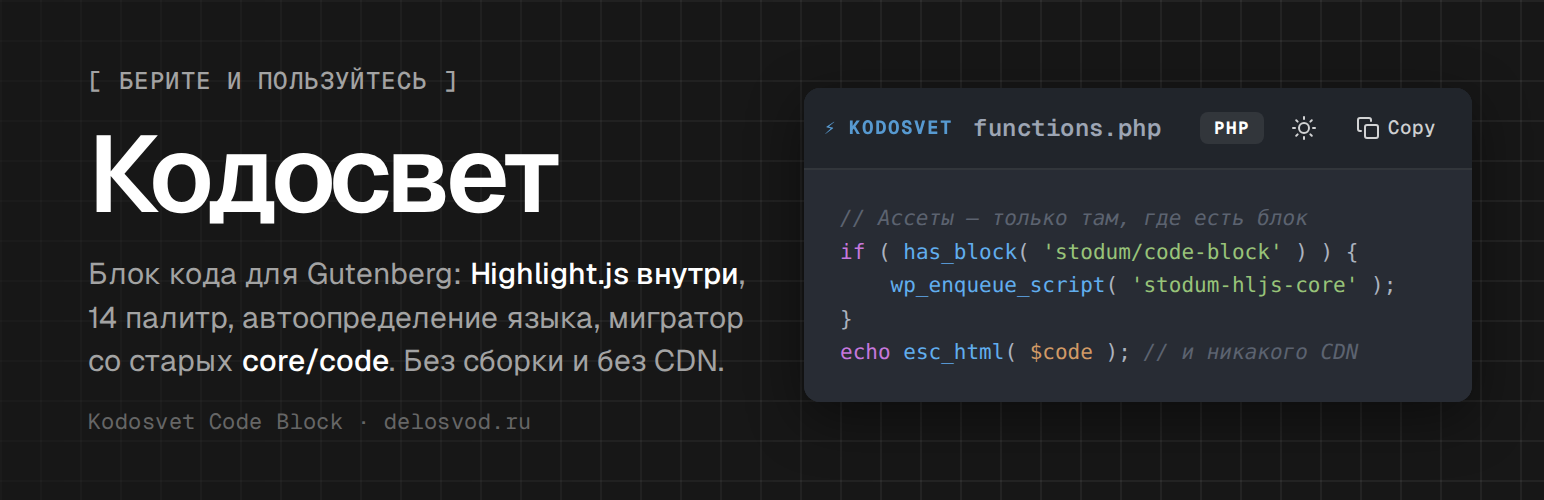
Kodosvet Code Block is a zero-bloat Gutenberg block for displaying code with syntax highlighting powered by Highlight.js.
Key Features:
- Native Gutenberg Block — Full support for the visual editor with Server-Side Rendering.
- 14 Color Themes — Atom One, GitHub, Monokai, Dracula, Nord, VS Code, Stack Overflow, Night Owl, Gruvbox, Solarized, Panda, Tomorrow Night, Shades of Purple, Tokyo Night.
- Smart Language Detection — Automatic language identification using multi-layered heuristics for PHP, Bash, JavaScript, SQL, JSON, XML, and more.
- Swift Guard — Prevents Highlight.js from misidentifying code as Swift.
- Dark/Light Toggle — Switch all code blocks on the page between dark and light themes with one click.
- Copy to Clipboard — One-click code copying with visual feedback.
- Line Numbers — Toggleable line number gutter.
- Legacy Migrator — Built-in tool to scan and convert old
core/codeandcore/preformattedblocks. - Zero Bloat — Assets are loaded only when a code block is present on the page.
- No jQuery — Pure Vanilla JS on the frontend.
Migrator Tool:
Navigate to Tools Kodosvet Code Block to scan your site for legacy code blocks and migrate them to the modern Kodosvet format with a before/after preview.
Third-Party Libraries
Syntax highlighting is powered by Highlight.js 11.11.1, bundled locally in vendor/hljs/ (core build + 22 theme stylesheets). Highlight.js is licensed under the BSD-3-Clause License; the unminified source is available at github.com/highlightjs/highlight.js. No external requests are made at runtime.
Screenshots

Code blocks on the frontend: Atom One Dark palette, language badge, line-numbers / theme / copy buttons in the toolbar.

Block editor: the block selected, Language and Title settings in the sidebar.

Tools → Kodosvet Code Block: scan results of the legacy block migrator.

Light mode with line numbers turned on — one click switches every block on the page.

Migrator preview modal: original core/code markup vs. the converted stodum/code-block.