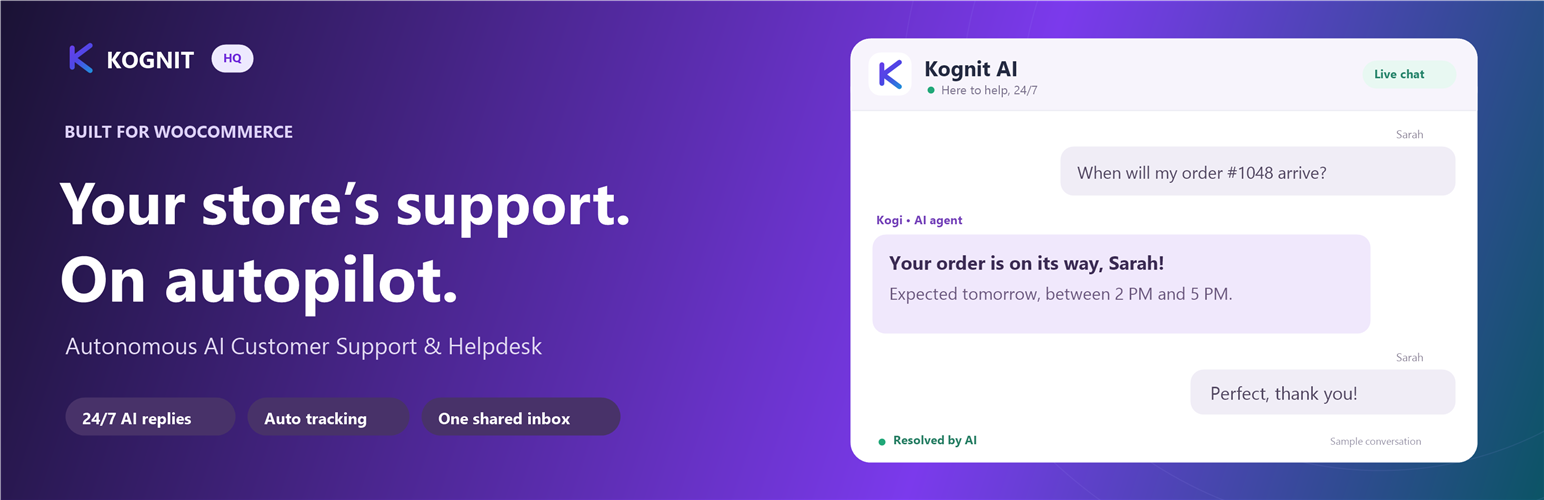
Kognit HQ puts an AI live chat on your WordPress site and sends every conversation to one shared inbox for your team.
It works on any WordPress site: services, agencies, clinics, schools, SaaS, blogs and stores. WooCommerce is optional; when it’s active, the chat also helps shoppers with orders and products.
What it does on any site
- Answers from your own pages. Kognit HQ reads your published pages (About, FAQ, Services, Shipping, Contact…) and the AI answers visitors from them. When you edit a page, the AI’s copy updates within a few minutes.
- Hands off instead of guessing. When the answer isn’t on your site or in your saved answers, the AI says a person will follow up and passes the conversation to your team.
- One shared inbox. Website chats arrive in the same Kognit HQ inbox as your Gmail, Outlook, WhatsApp, Instagram and Messenger conversations.
- Your look. Pick the color, position, assistant name and greeting, with a live preview.
- Speaks your visitor’s language. English, Spanish, French, German, Portuguese, Italian, Dutch, Hindi and Arabic (right-to-left).
Extra with WooCommerce
- Order tracking in the chat. Customers ask where their order is and get its status and tracking.
- Shopping help. The chat knows what’s in the shopper’s cart and recommends products from your catalog.
- Refunds and cancellations from the inbox. Once you approve order access, your team handles them from Kognit HQ.
Setup in one click
Activate the plugin, click Connect, sign in to Kognit HQ (or create an account). No keys or code to copy.
Third-Party Services
This plugin uses the Kognit HQ service to run the chat and answer visitors.
- Kognit HQ (Kognit Inc.)
* Service Provider: Kognit Inc. (https://kognithq.com)
* What data is sent and when:
* When a visitor uses the chat: what they write, the page’s site address, and, on WooCommerce stores, order numbers they share and their cart’s item count and total. If the visitor is logged in to your site, their name and email are filled in for the chat.
* When you connect the site, edit a published page, open the plugin’s settings, or once a day: the plugin sends your site’s public chat key to Kognit HQ, which then reads your site’s published pages through the WordPress REST API so the AI can answer from them. Only the site that was connected from this plugin is read.
* Terms of Service: https://kognithq.com/terms-of-service
* Privacy Policy: https://kognithq.com/privacy-policy
- Google Cloud Platform / Firebase
* Service Provider: Google LLC (https://firebase.google.com)
* What data is sent: Chat messages and their delivery status, so conversations sync live between your visitors and your team.
* Terms of Service: https://cloud.google.com/terms
* Privacy Policy: https://policies.google.com/privacy
Screenshots
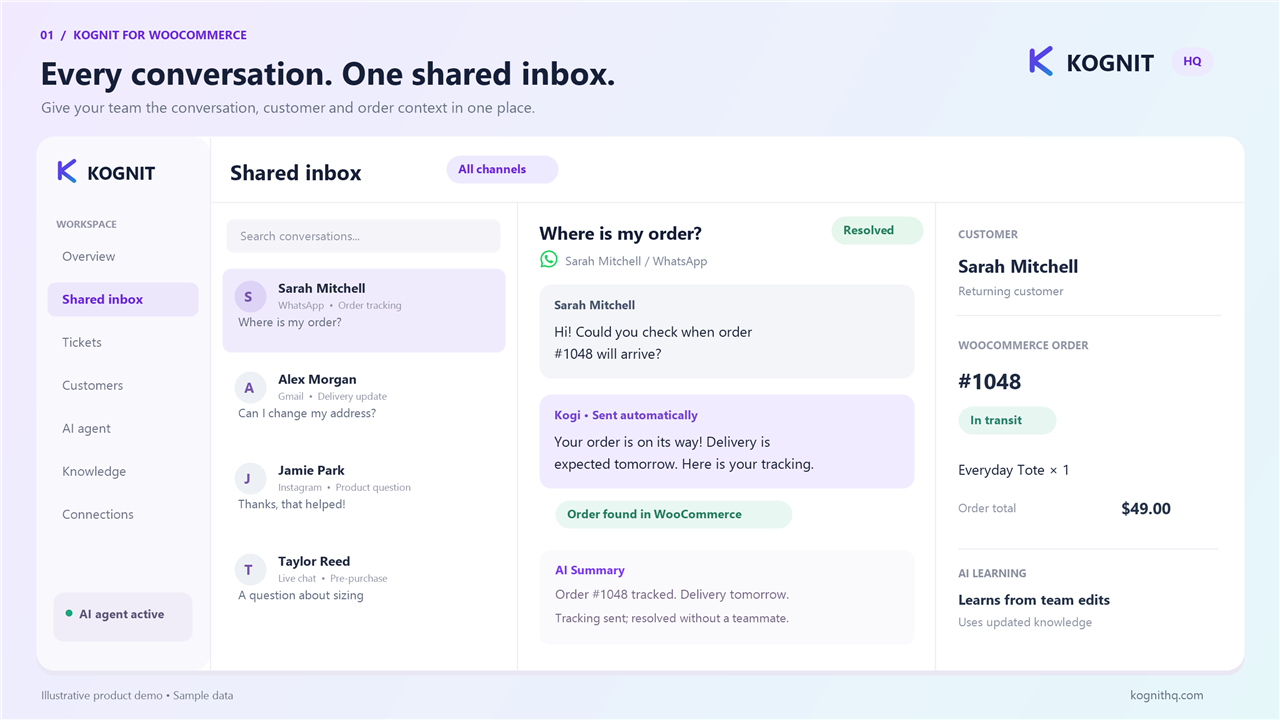
The shared inbox: website chats alongside email and social messages.
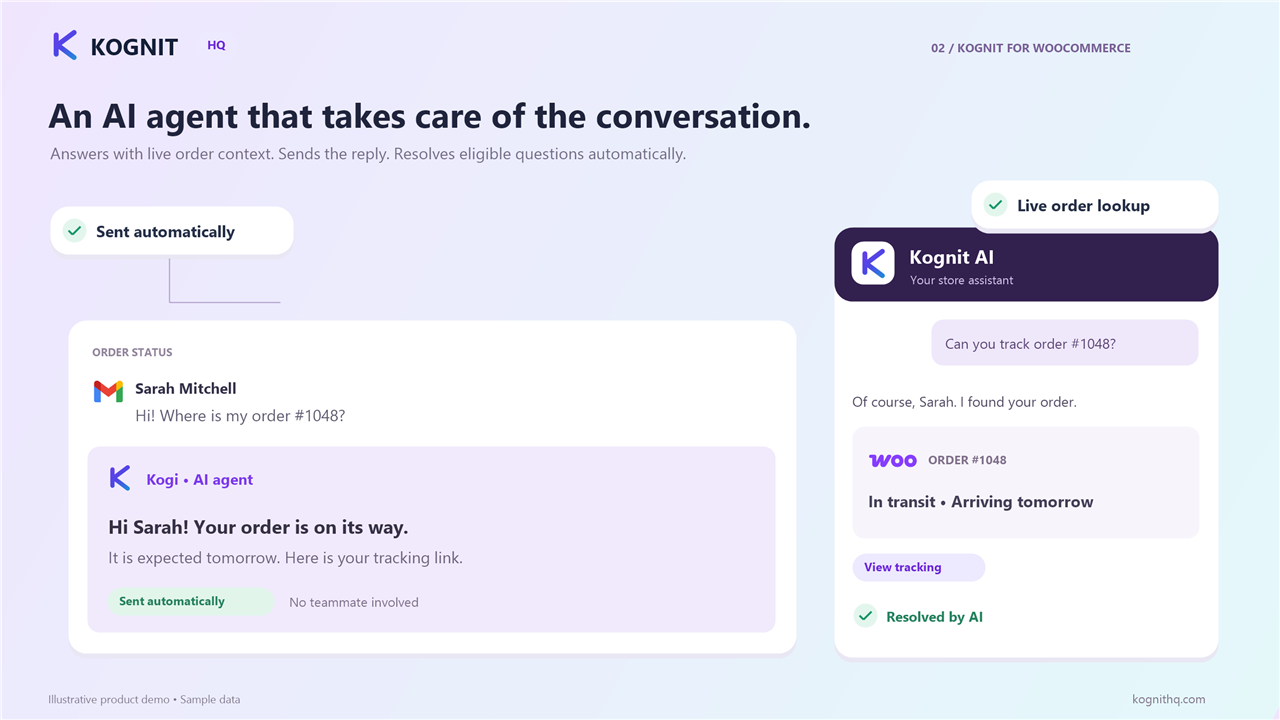
The AI answering a visitor from the site's own pages.
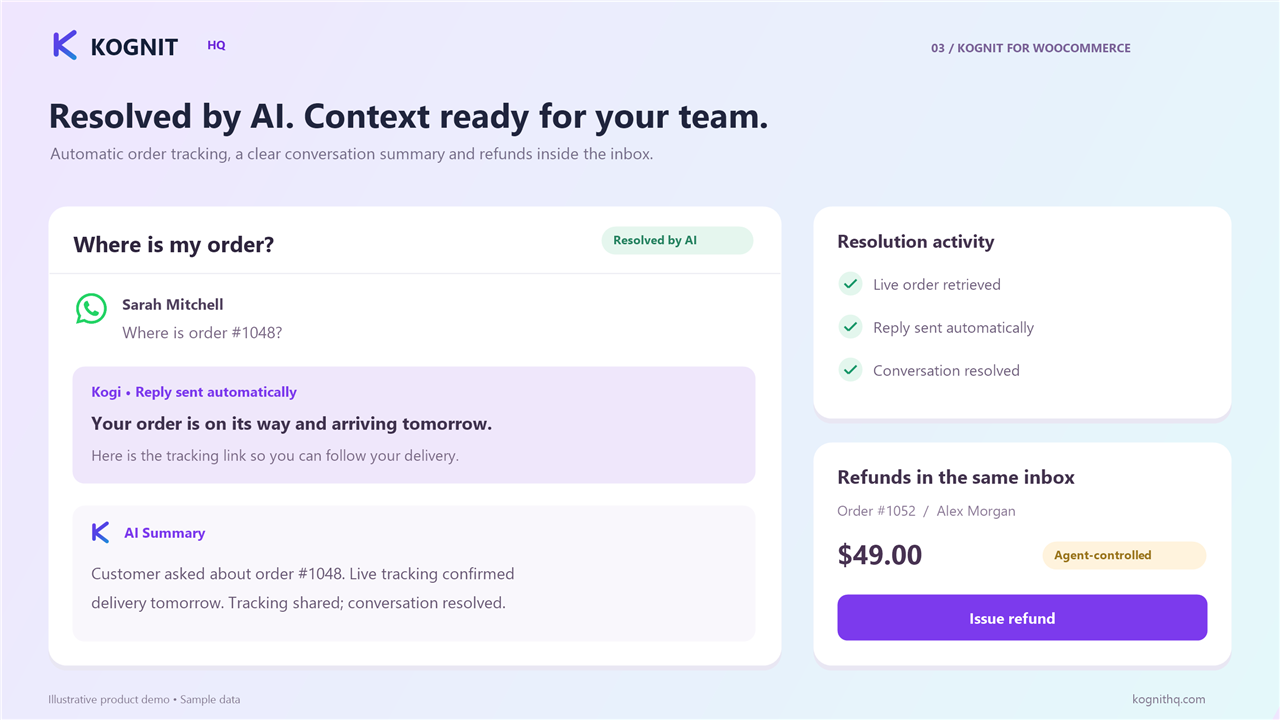
On WooCommerce stores: order tracking and order actions from the inbox.
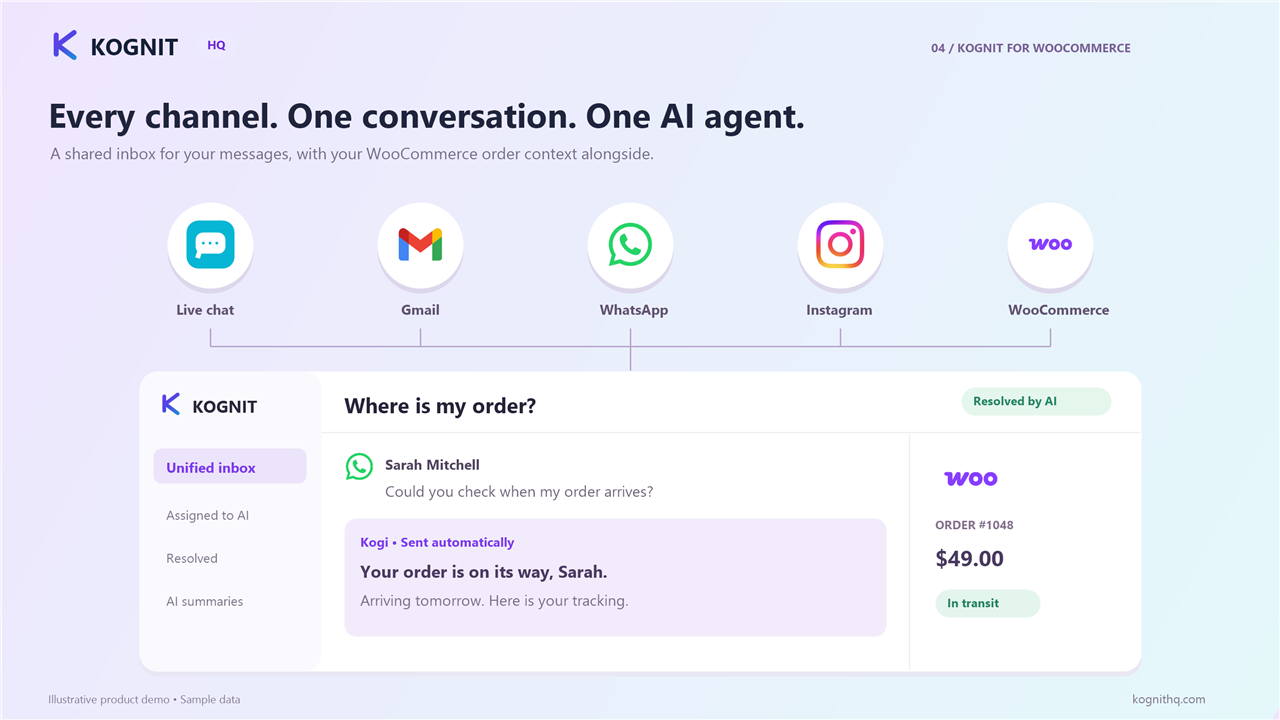
One inbox for your site, Gmail, Outlook, WhatsApp and Instagram.