BACK TO DIRECTORY
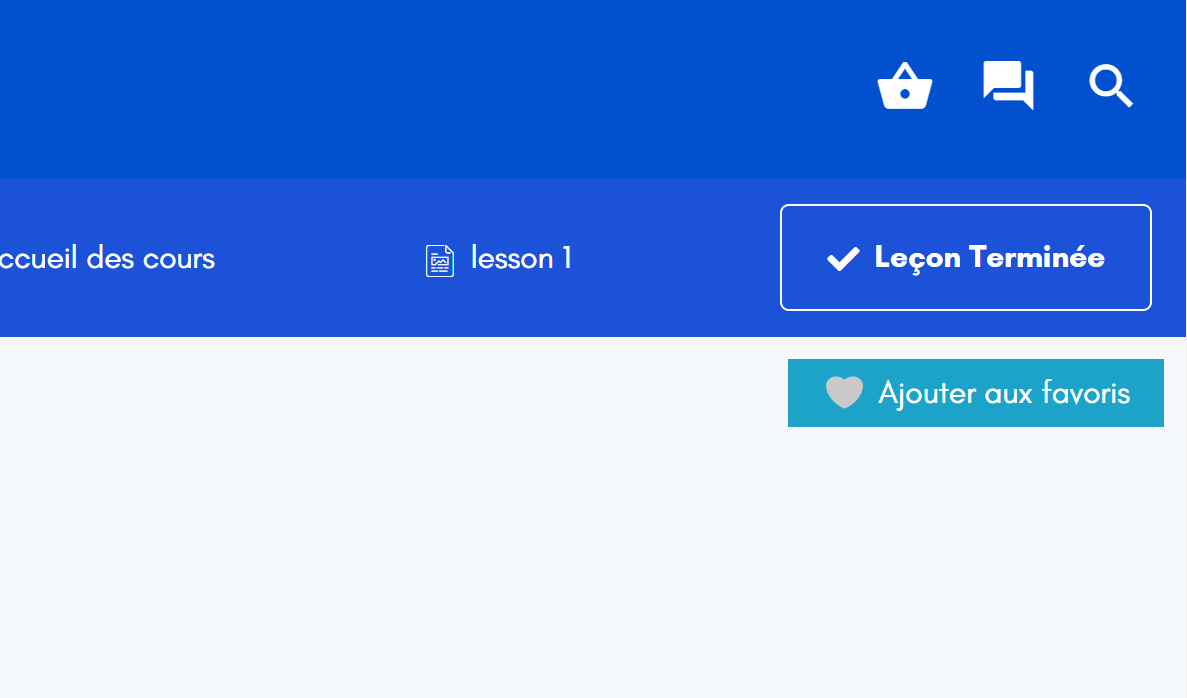



Lesson Bookmark for Tutor LMS is an addon for Tutor LMS plugin that allows you to add a lesson to favorites. Concretely, an add / remove to favorites button is displayed on each lesson page. You will then have a shortcode you can add to the location of your choice.
Shortcode: [tllb_display_favorites]
Place the shortcode anywhere to display the list of lessons that you have put in your favorites.
What’s new in V2
- You can now style your markdowns by editting the layout, the text size and color, the button size and color
- Overview the changes you make before saving them
A brief Use Case Example
- Go to a lesson and click on “Bookmark”
- Copy and paste the shortcode
[tllb_display_favorites]wherever you want - You can remove the favorites by going to a lesson and clicking on “Remove bookmark”
Screenshots
Button Bookmark on lessons
Added successfully after clicking on the button
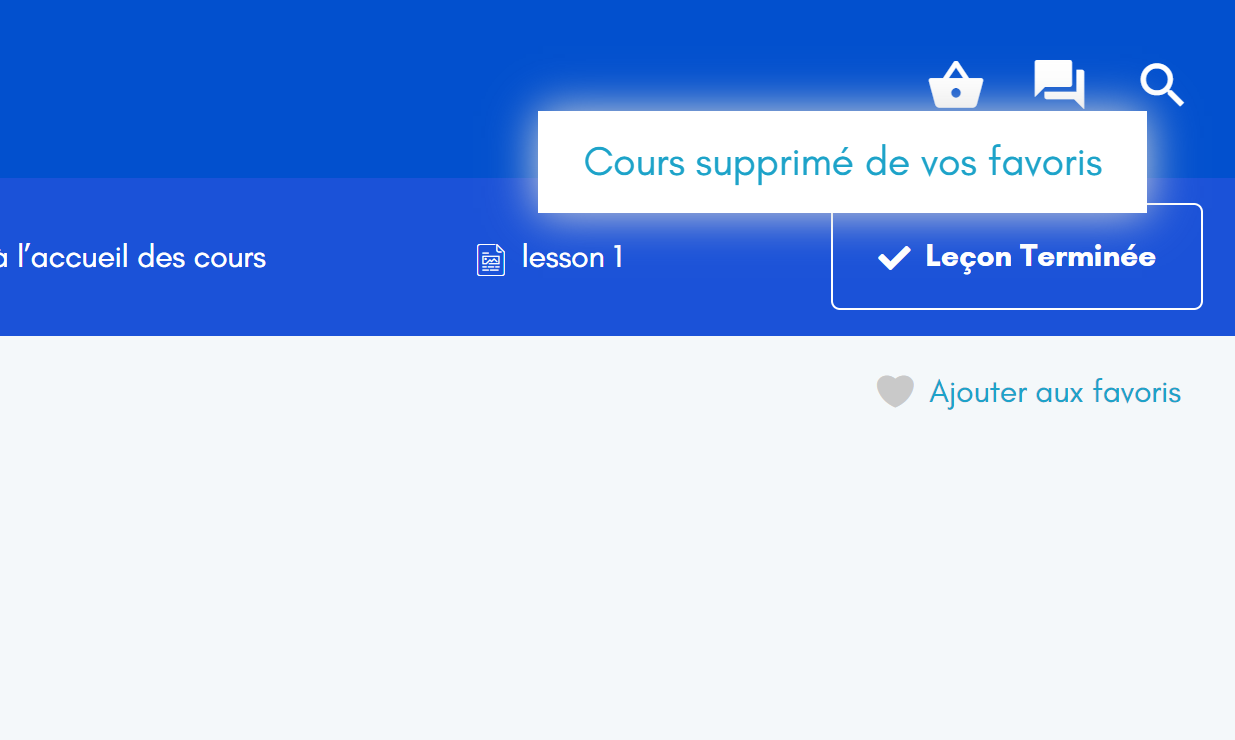
Deleting bookmarks
Addition of the shortcode (via Elementor, WordPress builder, Gutenberg, Divi etc.)
Overview of lessons added to favorites
Plugin settings
Plugin Details
Active Installs
200Total Downloads
12,120Version
2.0.3Requires WP
6.0Requires PHP
8.0Tested Up To
6.6.9Added
2021-04-26Last Updated
2024-09-02 4:16pm GMTRatings
5
14
4
0
3
0
2
0
1
0